Case Media
Case Notes
This page keeps the media, full prompt, and original source together so you can inspect the result first and decide whether the prompt is worth copying, saving, or comparing.
Case Insights
To make this page easier to search, cite, and reuse later, the case is also broken down into practical guidance about usage, visual cues, and prompt structure.
Best Fit Scenarios
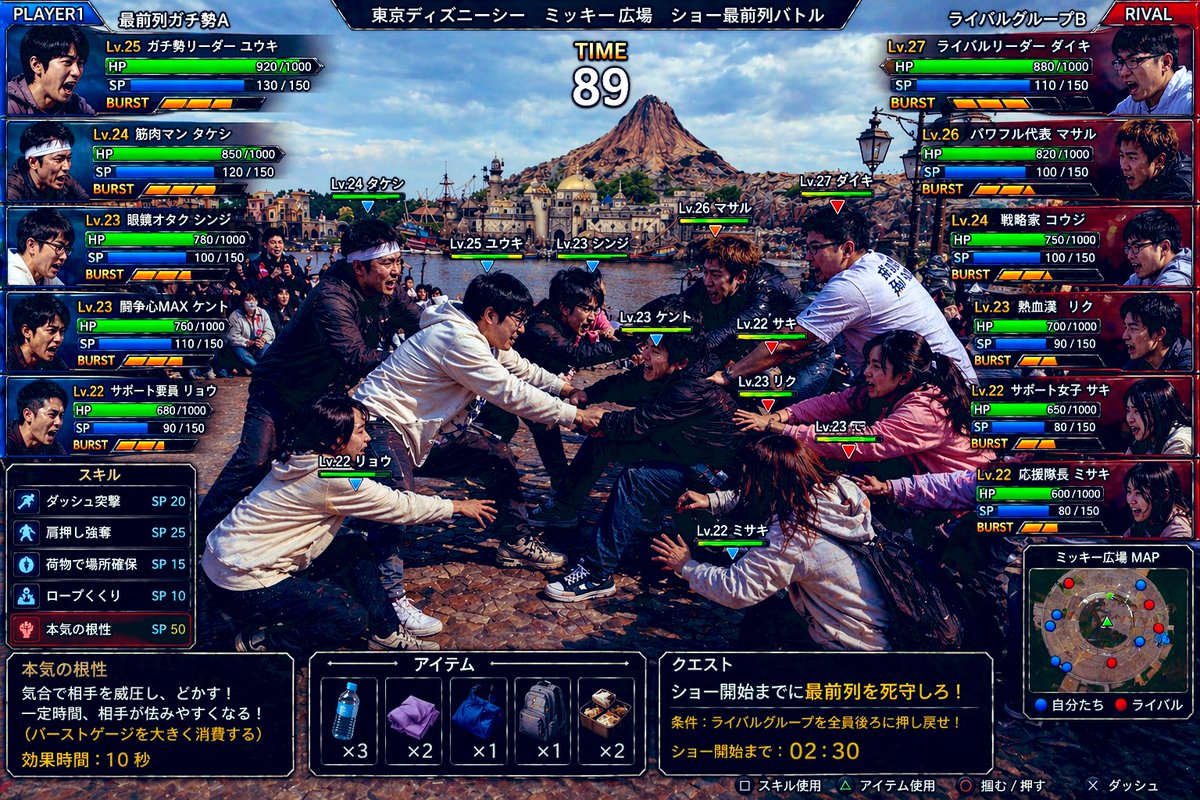
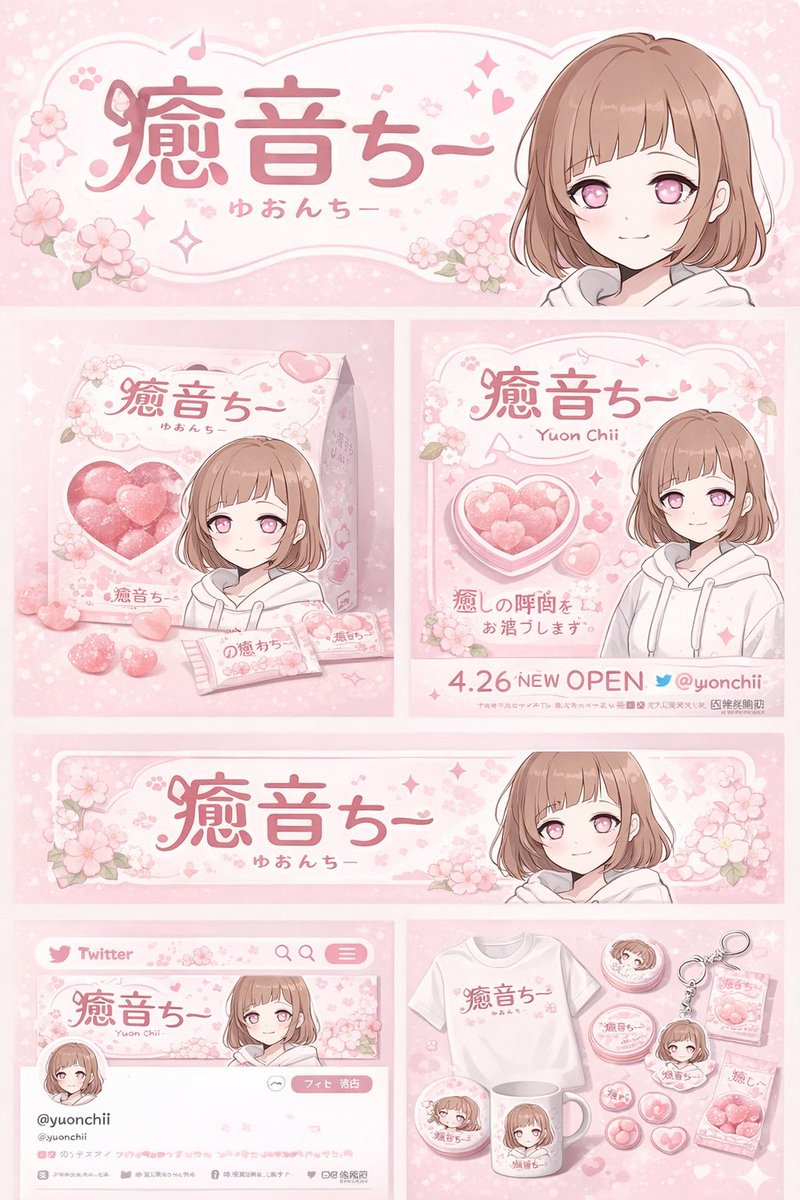
- Use this as a ui & social screens benchmark when you need a fast style baseline before rewriting your own prompt.
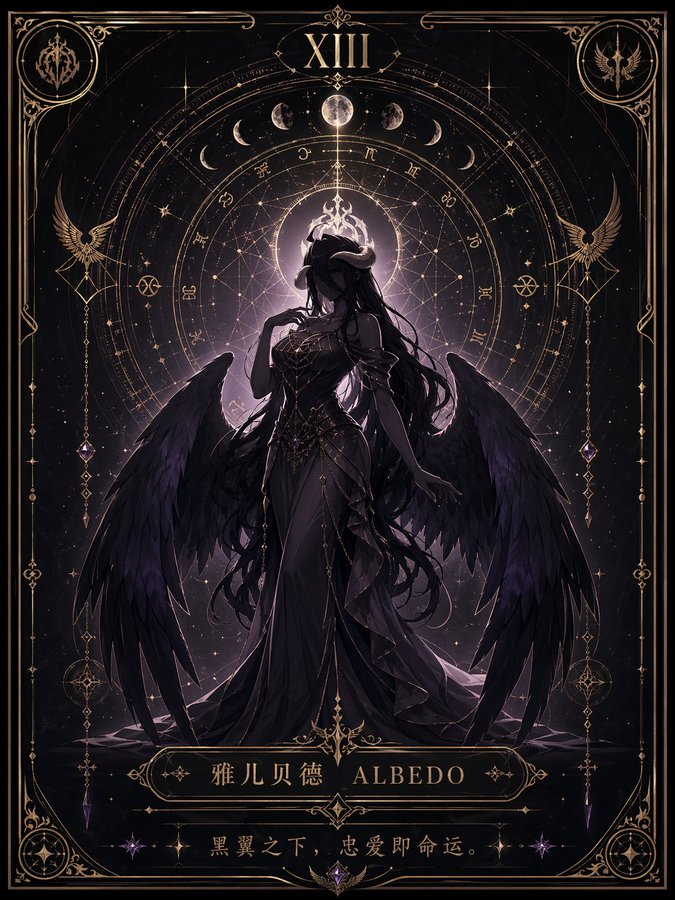
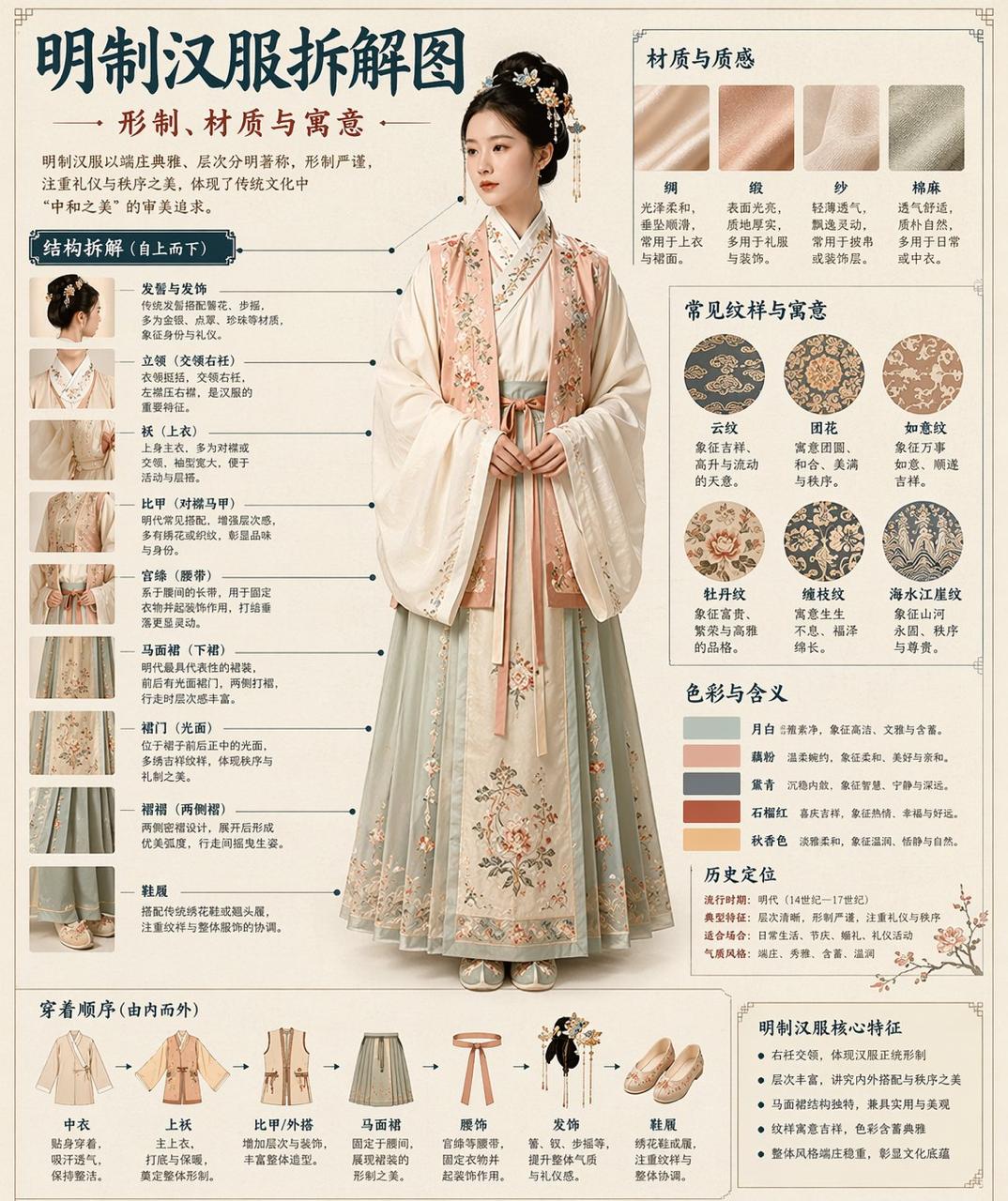
- It is especially helpful if your target overlaps with Poster, Illustration, UI and you want to judge the image result before tuning wording.
- Keep it as a control sample when you compare nearby prompt variants one variable at a time.
Visual Signals To Notice
- The clearest style signals here are Poster, Illustration, UI, so those should usually stay in your first rewrite.
- The important layer is usually interface density, card hierarchy, and how the screen tells the story before you read small text.
- This case keeps 8 media outputs, which makes it easier to check whether the style remains stable across multiple results.
How The Prompt Is Structured
- The prompt reads as a medium-detail prompt with clear visual constraints, which is useful when you want to judge how much specificity this direction needs.
- Its keyword cluster is centered on Poster, Illustration, UI, so you can usually keep that cluster while swapping subject, camera, layout, or copy details.
- A practical rewrite path is: keep the outcome, keep the strongest style cues, then replace only the subject and environment blocks.
Good Follow-up Questions
- What changes first if you keep Poster, Illustration, UI but switch the subject matter?
- Which part of the result comes from section-level structure (UI & Social Screens) versus tag-level style cues?
- Which related cases in the same section give you a cleaner or more extreme variation of the same direction?
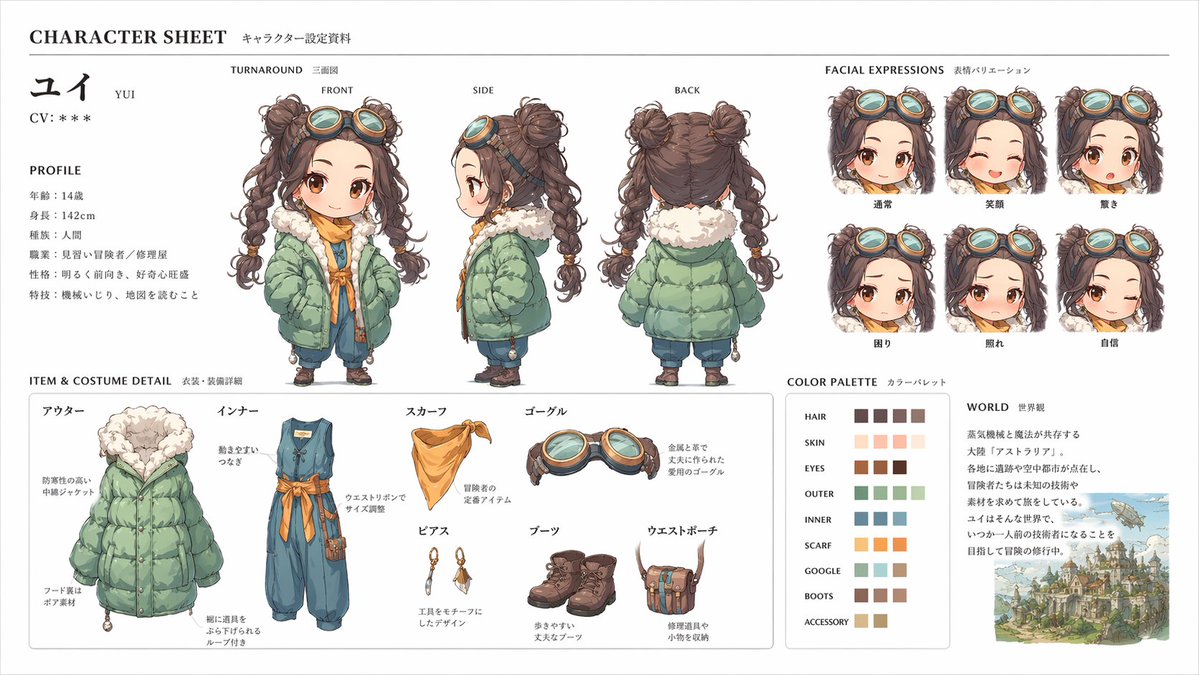
Full Prompt
[中文] このキャラクターと背景を元に、 公式設定資料のようなキャラクターシートを作成してください。 ・正面、側面、背面の3面図を含める ・キャラクターの表情バリエーションを追加 ・衣装や装備の詳細パーツを分解して表示 ・カラーパレットを追加 ・世界観の簡単な説明を入れる ・全体は整理されたレイアウト (白背景、図解風) ・アスペクト比16:9 ← 高解像度、プロのコンセプトアートスタイル [English] Based on this character and background, please create a character sheet like an official setting material. ・Include front, side, and back 3-view drawings ・Add character expression variations ・Disassemble and display detailed parts of costumes and equipment ・Add a color palette ・Include a brief explanation of the world view ・Overall organized layout (White background, diagrammatic style) ・Aspect ratio 16:9 ← High resolution, professional concept art style