Case Media
Case Notes
This page keeps the media, full prompt, and original source together so you can inspect the result first and decide whether the prompt is worth copying, saving, or comparing.
Case Insights
To make this page easier to search, cite, and reuse later, the case is also broken down into practical guidance about usage, visual cues, and prompt structure.
Best Fit Scenarios
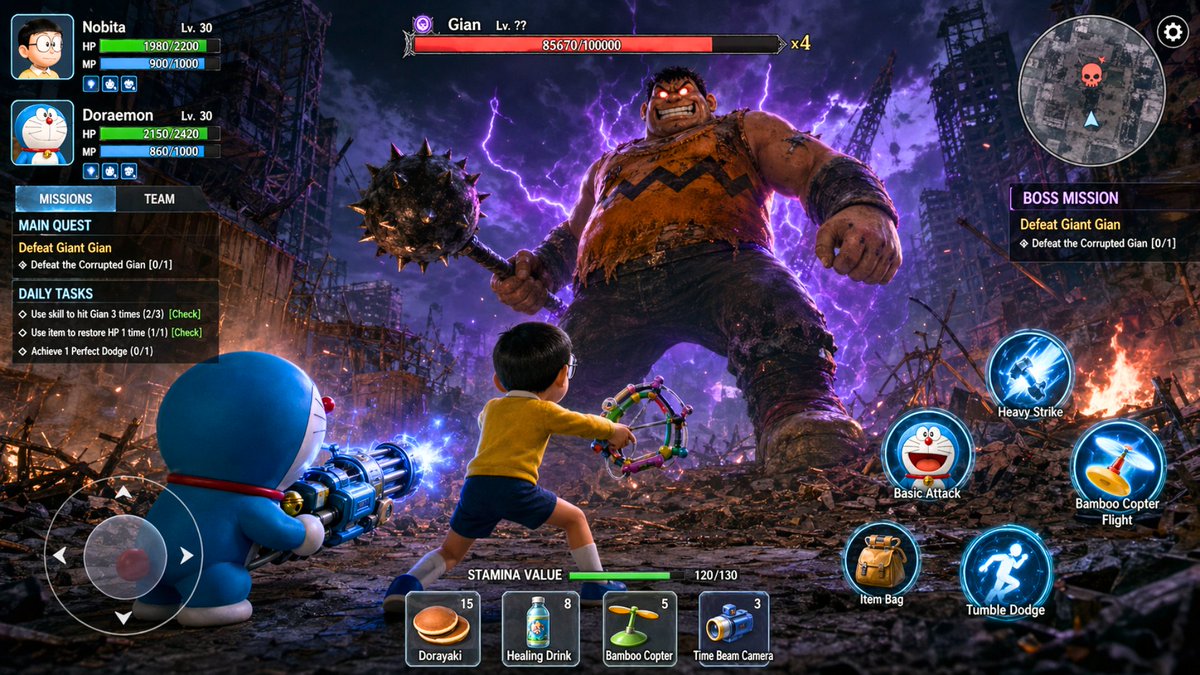
- Use this as a ui & social screens benchmark when you need a fast style baseline before rewriting your own prompt.
- It is especially helpful if your target overlaps with Neon, UI, Screenshot and you want to judge the image result before tuning wording.
- Keep it as a control sample when you compare nearby prompt variants one variable at a time.
Visual Signals To Notice
- The clearest style signals here are Neon, UI, Screenshot, so those should usually stay in your first rewrite.
- The important layer is usually interface density, card hierarchy, and how the screen tells the story before you read small text.
- This case keeps one primary output, so the first image should be treated as the main visual reference.
How The Prompt Is Structured
- The prompt reads as a long, highly specified prompt, which is useful when you want to judge how much specificity this direction needs.
- Its keyword cluster is centered on Neon, UI, Screenshot, so you can usually keep that cluster while swapping subject, camera, layout, or copy details.
- A practical rewrite path is: keep the outcome, keep the strongest style cues, then replace only the subject and environment blocks.
Good Follow-up Questions
- What changes first if you keep Neon, UI, Screenshot but switch the subject matter?
- Which part of the result comes from section-level structure (UI & Social Screens) versus tag-level style cues?
- Which related cases in the same section give you a cleaner or more extreme variation of the same direction?
Full Prompt
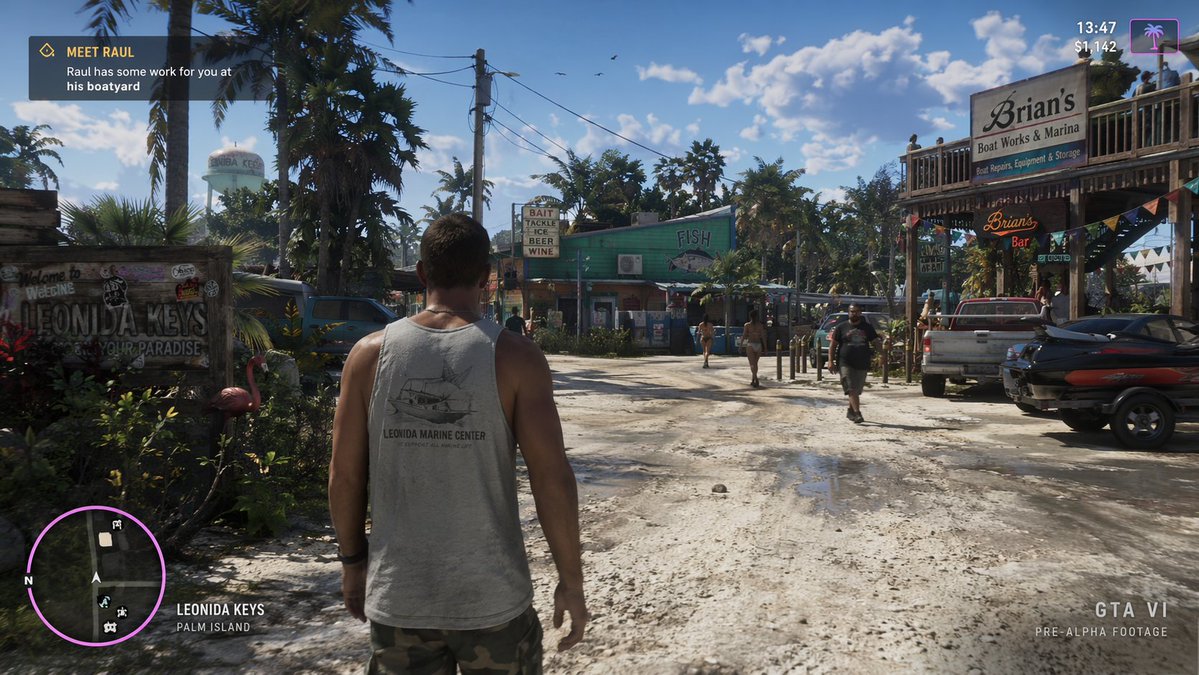
{ "type": "video game screenshot mockup", "perspective": "third-person over-the-shoulder", "character": { "description": "male protagonist seen from behind", "clothing": "grey tank top with graphic '{argument name=\"shirt graphic\" default=\"LEONIDA MARINE CENTER\"}', camouflage cargo shorts" }, "environment": { "setting": "tropical coastal town, dirt road, sunny daytime with scattered clouds", "left_side": "wooden welcome sign reading 'Welcome to {argument name=\"location name\" default=\"LEONIDA KEYS\"} YOUR PARADISE', pink plastic flamingo, tropical foliage, distant water tower", "center": "green building with 'FISH' sign and marlin graphic, sign reading 'BAIT TACKLE ICE BEER WINE', pedestrians walking", "right_side": "two-story wooden building 'Brian's Boat Works & Marina', 'Brian's Bar' neon sign, parked pickup truck, jet skis on a trailer" }, "ui_elements": { "count": 5, "components": [ { "position": "top-left", "type": "mission objective", "text": "{argument name=\"mission title\" default=\"MEET RAUL\"}\n{argument name=\"mission description\" default=\"Raul has some work for you at his boatyard\"}" }, { "position": "top-right", "type": "status HUD", "text": "13:47\n$1,142", "icon": "pink palm tree" }, { "position": "bottom-left", "type": "minimap", "description": "circular map with purple border, white map icons including 'N' for north" }, { "position": "bottom-left, right of minimap", "type": "location text", "text": "{argument name=\"location name\" default=\"LEONIDA KEYS\"}\nPALM ISLAND" }, { "position": "bottom-right", "type": "watermark", "text": "{argument name=\"game title\" default=\"GTA VI\"}\nPRE-ALPHA FOOTAGE" } ] } }