Case Media
Case Notes
This page keeps the media, full prompt, and original source together so you can inspect the result first and decide whether the prompt is worth copying, saving, or comparing.
Case Insights
To make this page easier to search, cite, and reuse later, the case is also broken down into practical guidance about usage, visual cues, and prompt structure.
Best Fit Scenarios
- Use this as a ui & social screens benchmark when you need a fast style baseline before rewriting your own prompt.
- It is especially helpful if your target overlaps with Fashion, Poster, UI and you want to judge the image result before tuning wording.
- Keep it as a control sample when you compare nearby prompt variants one variable at a time.
Visual Signals To Notice
- The clearest style signals here are Fashion, Poster, UI, so those should usually stay in your first rewrite.
- The important layer is usually interface density, card hierarchy, and how the screen tells the story before you read small text.
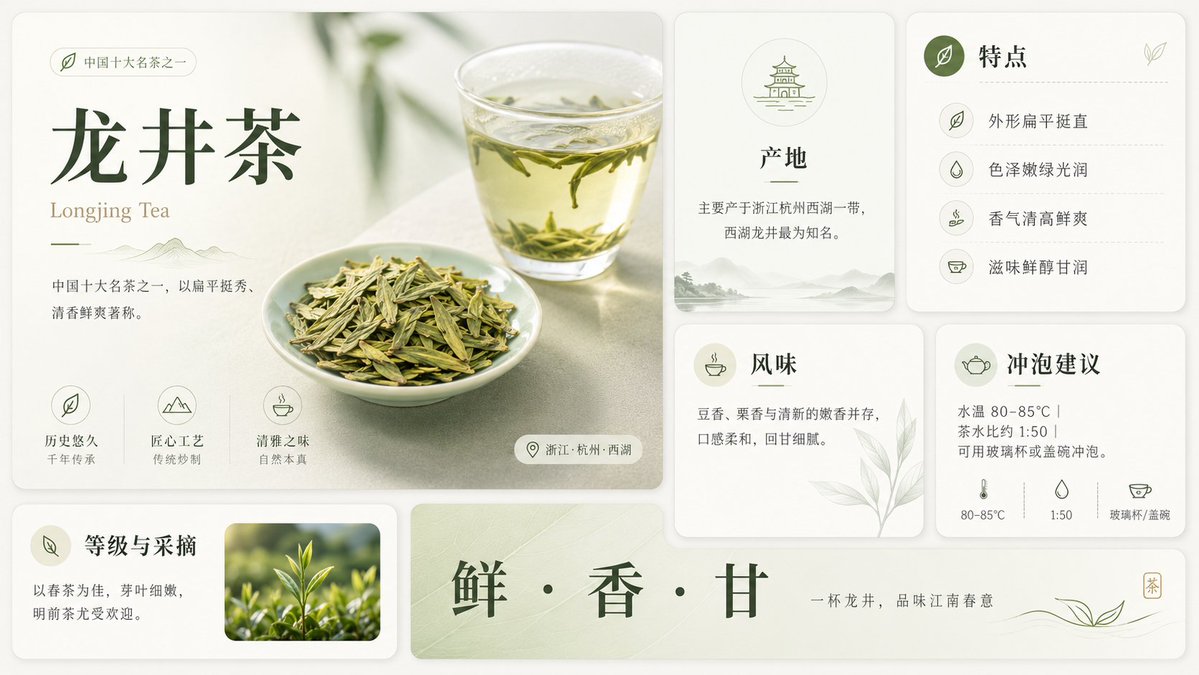
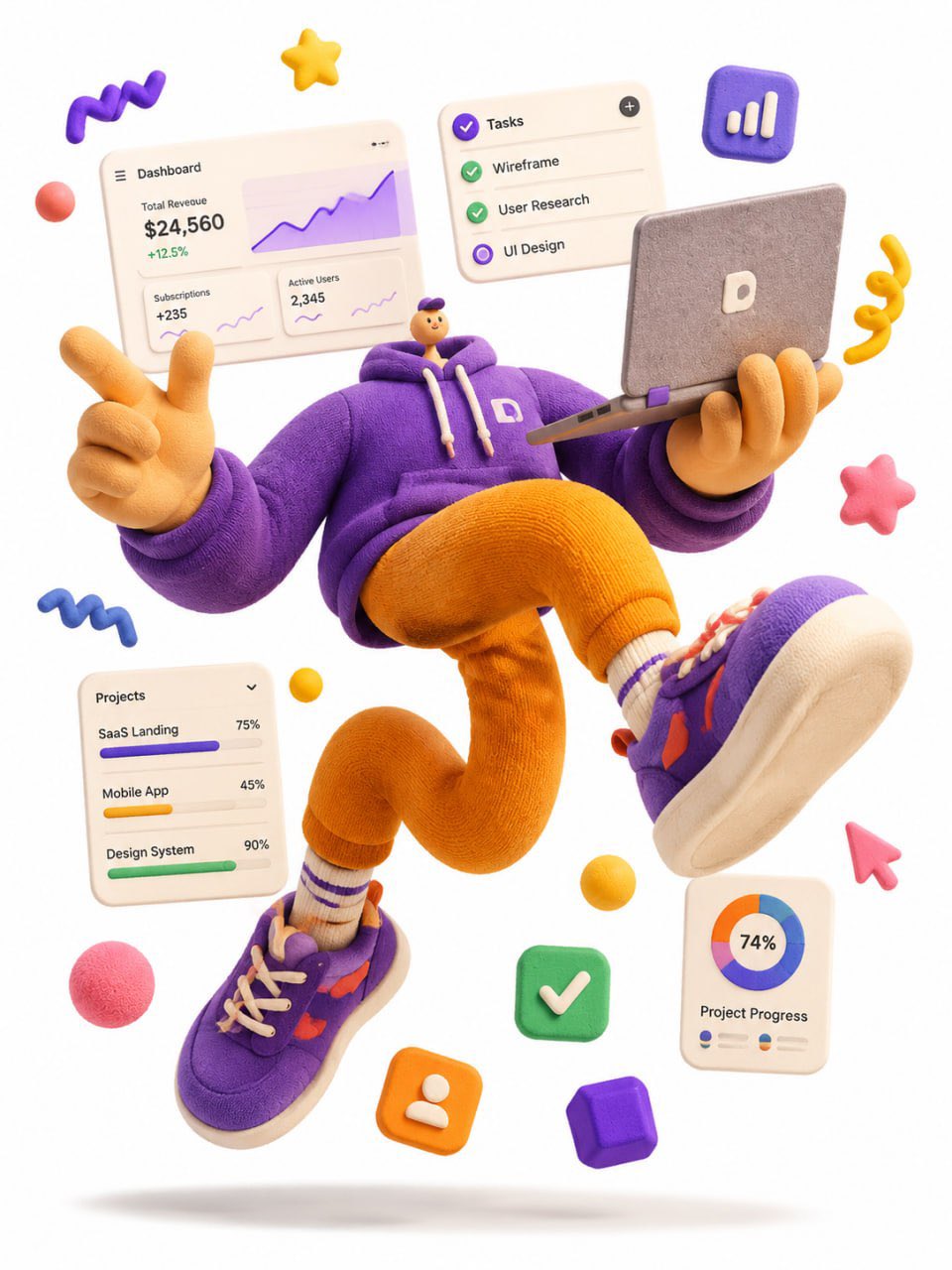
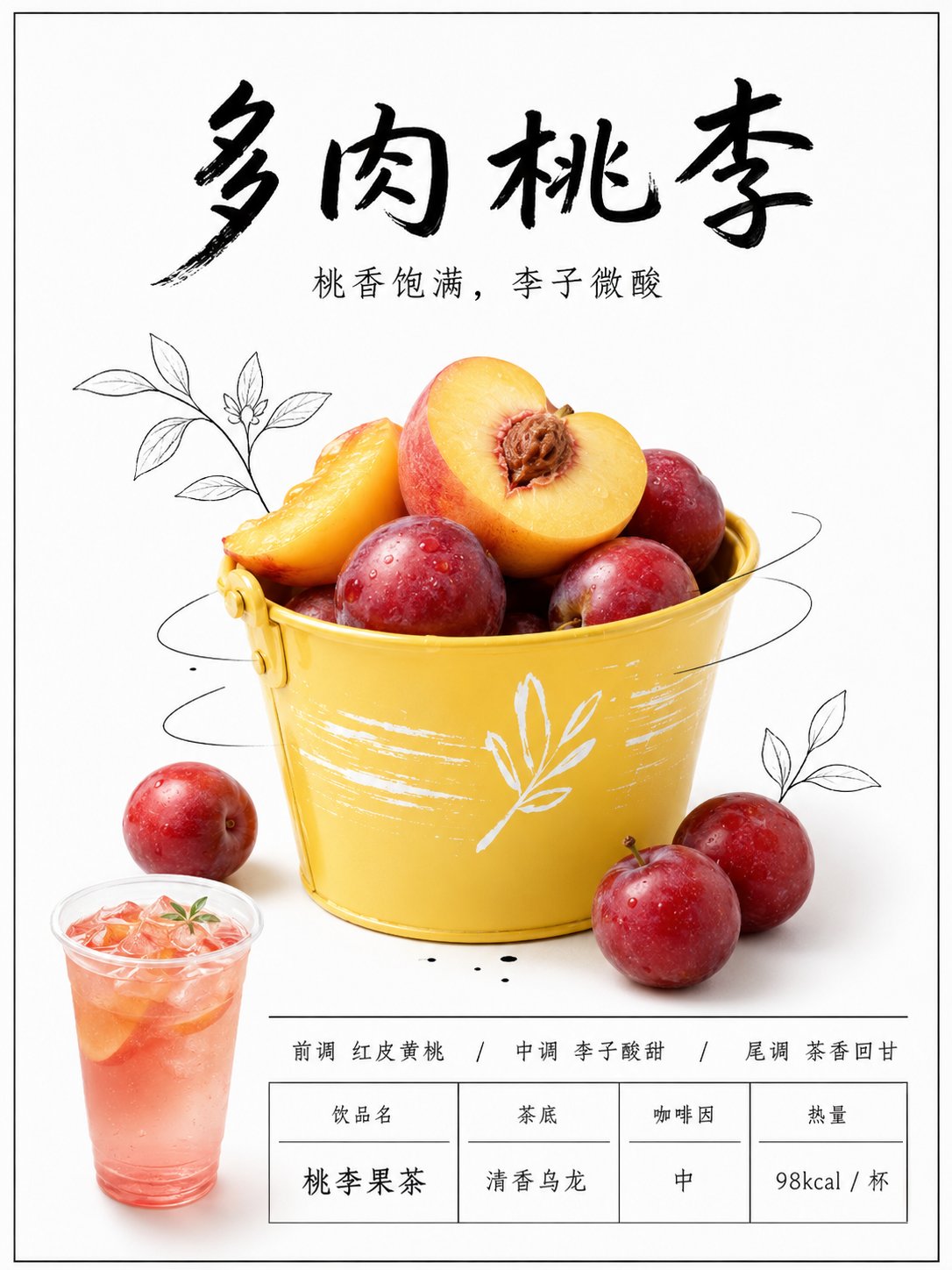
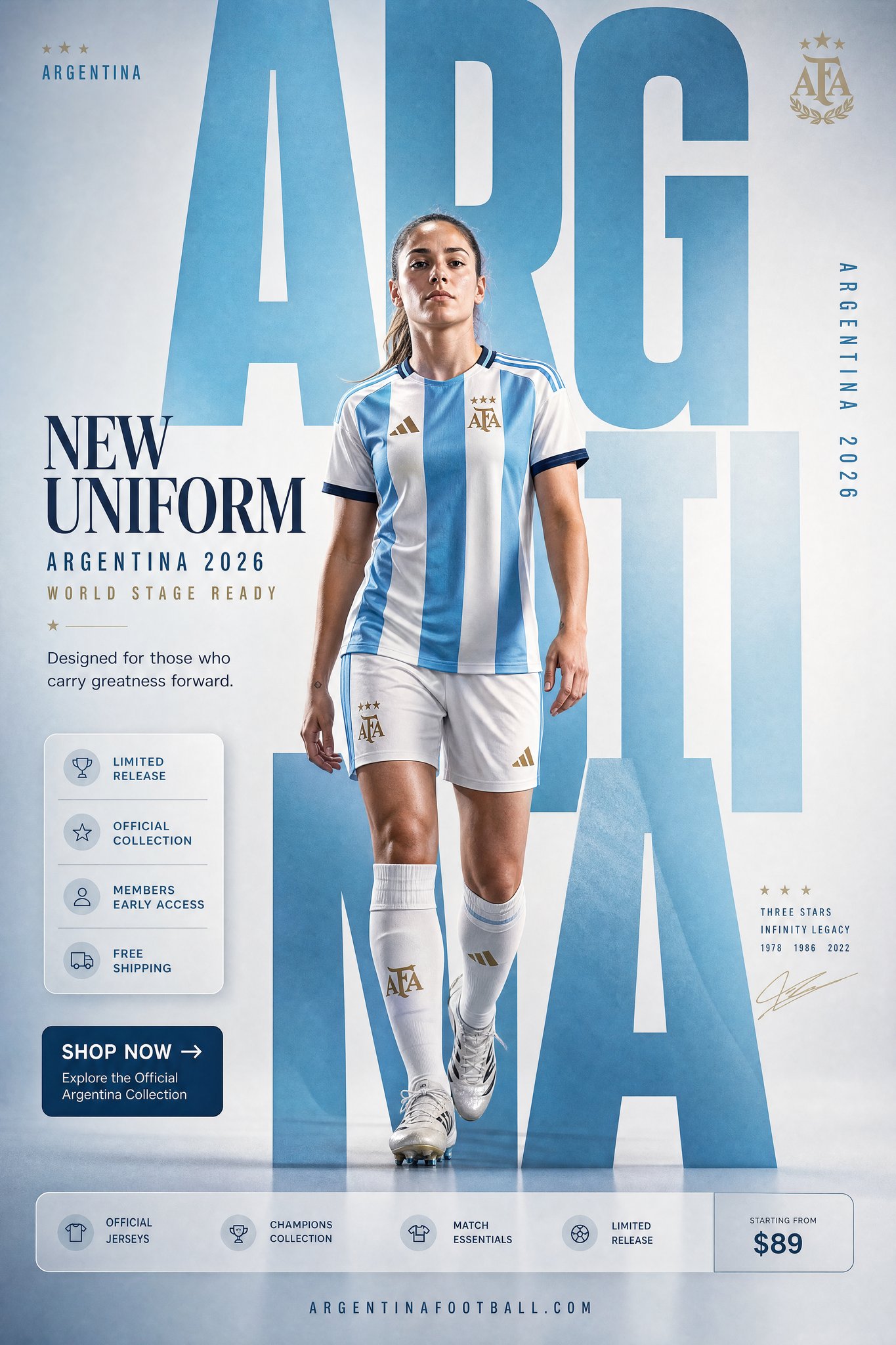
- This case keeps 2 media outputs, which makes it easier to check whether the style remains stable across multiple results.
How The Prompt Is Structured
- The prompt reads as a long, highly specified prompt, which is useful when you want to judge how much specificity this direction needs.
- Its keyword cluster is centered on Fashion, Poster, UI, so you can usually keep that cluster while swapping subject, camera, layout, or copy details.
- A practical rewrite path is: keep the outcome, keep the strongest style cues, then replace only the subject and environment blocks.
Good Follow-up Questions
- What changes first if you keep Fashion, Poster, UI but switch the subject matter?
- Which part of the result comes from section-level structure (UI & Social Screens) versus tag-level style cues?
- Which related cases in the same section give you a cleaner or more extreme variation of the same direction?
Full Prompt
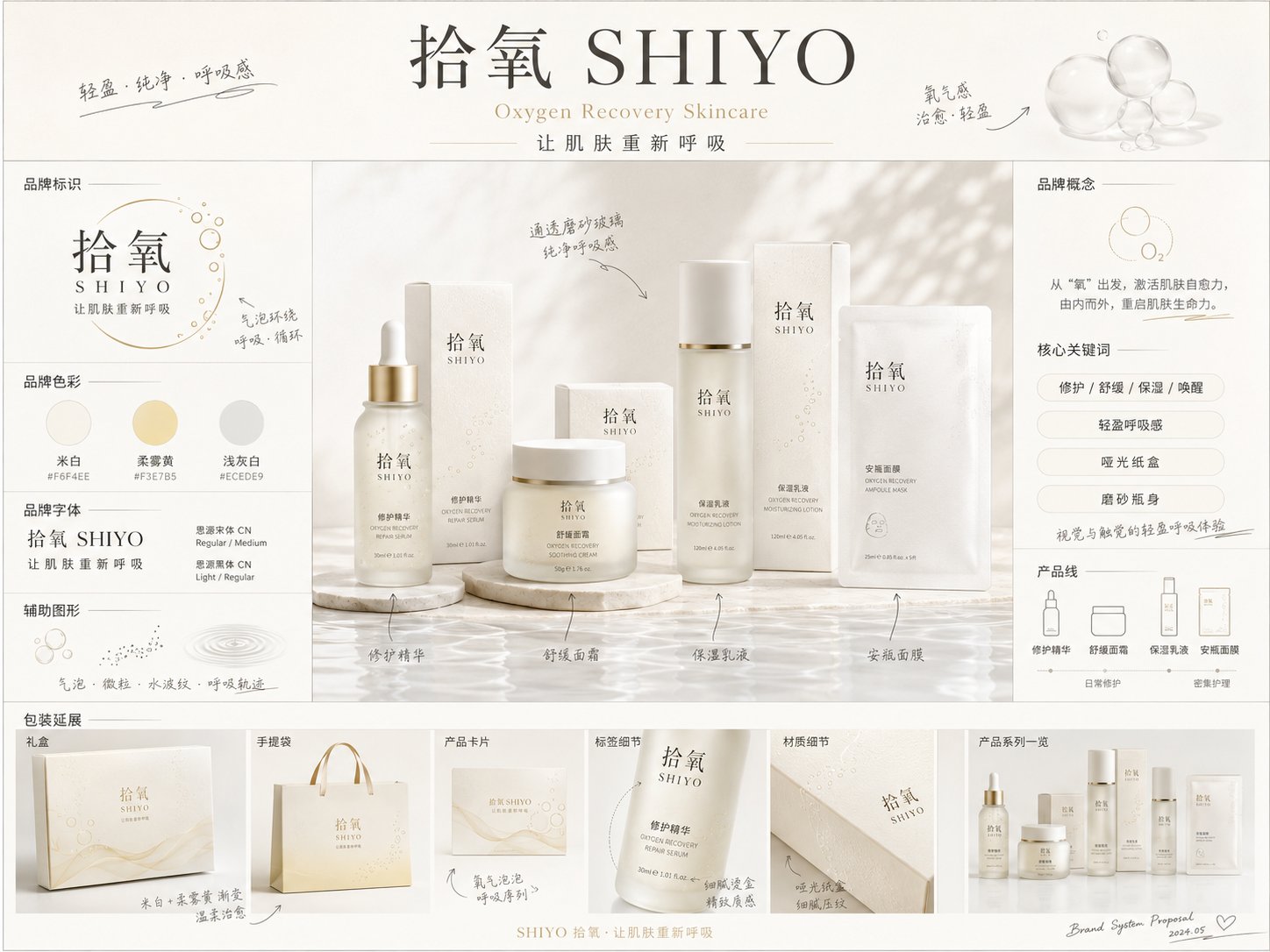
Please generate a highly finished "Brand Concept Proposal Board" in [Aspect Ratio]. [Basic Information] Brand Chinese Name: [Brand Chinese Name] Brand English Name: [Brand English Name] Brand Category: [Brand Category] (e.g., Skincare / Fragrance / Hair & Body Care / Cosmetics / Tea & Drinks / Dining / Pets / Home, etc.) Brand Core Concept: [Brand Core Concept] Brand Slogan: [Brand Slogan] Target Audience: [Target Audience] Price Range / Positioning: [Brand Positioning] Usage Scenarios: [Usage Scenarios] Product Line / Core Product: [Product Line / Core Product] [Visual Direction] Overall Vibe: [Overall Vibe] (e.g., premium, minimalist, gentle, vintage, futuristic, natural healing, urban, trendy, etc.) Primary Color: [Primary Color] Secondary Color: [Secondary Color] Accent Color: [Accent Color] Material Keywords: [Material Keywords] (e.g., frosted glass, matte paper box, embossed paper, gold foil stamping, transparent acrylic, metal hardware, etc.) Supporting Graphics Direction: [Supporting Graphics Direction] (e.g., geometric shapes, botanical line art, water ripples, bubbles, mist, linear flowing graphics, icon systems, etc.) [Visual Goal] This is not a standard product poster, an e-commerce detail page, or a single packaging render. It is a highly finished "Brand Concept Proposal Board". The visual should reflect the first-round holistic proposal feeling of the brand's transition from concept to visual realization, ideal for early-stage visual direction exploration. [Visual Elements to Include] 1. Brand Main Header Area: - Brand Chinese Name - Brand English Name - Slogan - A concise brand concept statement 2. Brand Identity Area: - Logo direction display - Typography styling - Brand colors / color palette swatches - Supporting graphics display 3. Central Key Visual Area: - Centered around the [Core Product / Product Line], showcasing a high-texture product packaging mockup set - Includes the main product, outer packaging box, and series combination - Product appearance, labels, typography, and materials should be unified, presenting a complete brand system feel - This serves as the visual centerpiece of the entire board 4. Information & Description Area: - Showcase product selling points / core keywords / usage scenarios / sensory experience - Keep info concise, clear, and presentation-like, avoiding clutter - Primarily in Chinese, with English as secondary support 5. Brand Collateral Extension Area: - Display brand collateral mockups, such as shopping bags, cards, stickers, gift boxes, promotional cards, menus, merchandise, labels, bottle stickers, social media tiles, etc. - Choose reasonably based on the brand category; do not force all items mechanically 6. Hand-drawn Annotations Area: - Incorporate a moderate amount of hand-drawn style annotations, arrows, sketch-like explanations, and small notes - Give it the feel of a designer's pitch board - Handwritten annotations should be clear, natural, refined, and not messy [Layout Requirements] - The overall layout is a horizontal or vertical brand proposal board, recommended aspect ratio: [Aspect Ratio] - The layout should feel designed, branded, presentation-ready, and editorial/magazine-like - Clear reading hierarchy: brand info at the top -> main product in the center -> information modules on left/right -> collateral extensions at the bottom - Balanced use of negative space, neither too empty nor too crowded - Information modules should be clearly distributed, resembling a concept board submitted by a professional design agency [Style Requirements] - Premium, clear, clean, and high-quality aesthetic - Text should be as legible, accurate, and natural as possible - No obvious gibberish characters, no low-quality textures, no cheap e-commerce styles - Avoid being overly flashy; do not make it look like a generic PowerPoint slide - It should present the feel of a real brand pitch rather than a simple collage [Additional Requirements] - Automatically match appropriate packaging forms, visual elements, and usage scenarios based on the [Brand Category] and [Brand Core Concept] - If the information provided by the user is incomplete, reasonably fill in the blanks without deviating from the direction - The overall output should resemble a "concept proposal board / visual mood board" rather than a complete brand guidelines manual