Case Media
Case Notes
This page keeps the media, full prompt, and original source together so you can inspect the result first and decide whether the prompt is worth copying, saving, or comparing.
Case Insights
To make this page easier to search, cite, and reuse later, the case is also broken down into practical guidance about usage, visual cues, and prompt structure.
Best Fit Scenarios
- Use this as a ui & social screens benchmark when you need a fast style baseline before rewriting your own prompt.
- It is especially helpful if your target overlaps with Neon, Poster, Illustration and you want to judge the image result before tuning wording.
- Keep it as a control sample when you compare nearby prompt variants one variable at a time.
Visual Signals To Notice
- The clearest style signals here are Neon, Poster, Illustration, so those should usually stay in your first rewrite.
- The important layer is usually interface density, card hierarchy, and how the screen tells the story before you read small text.
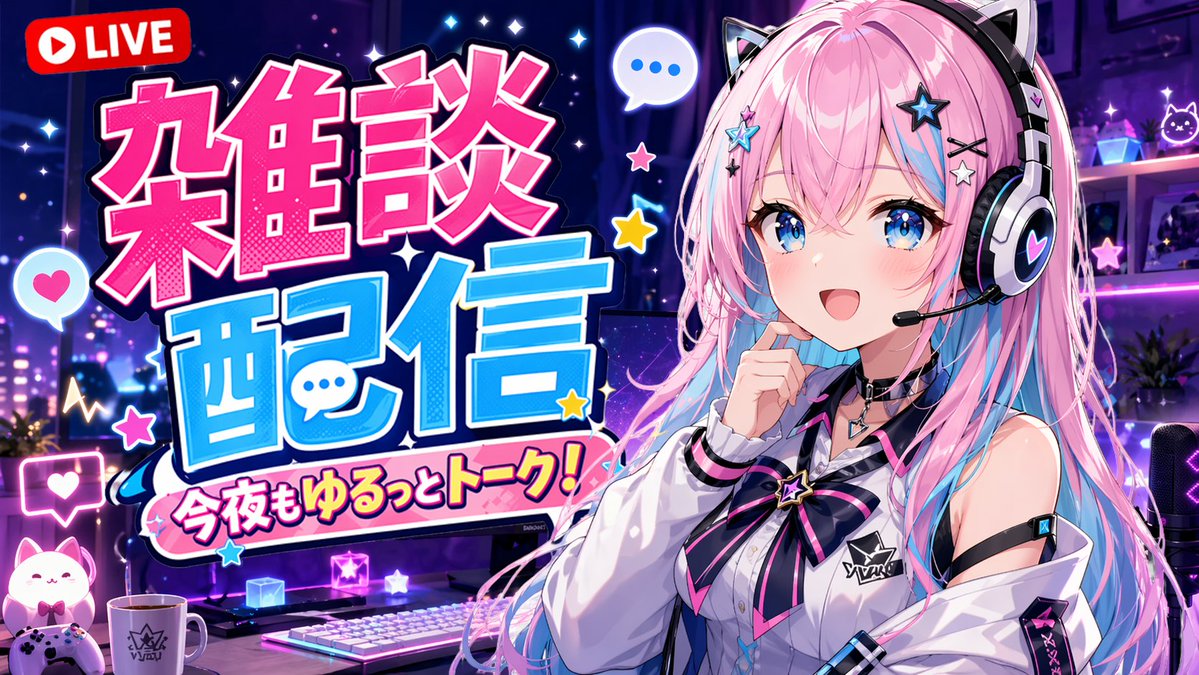
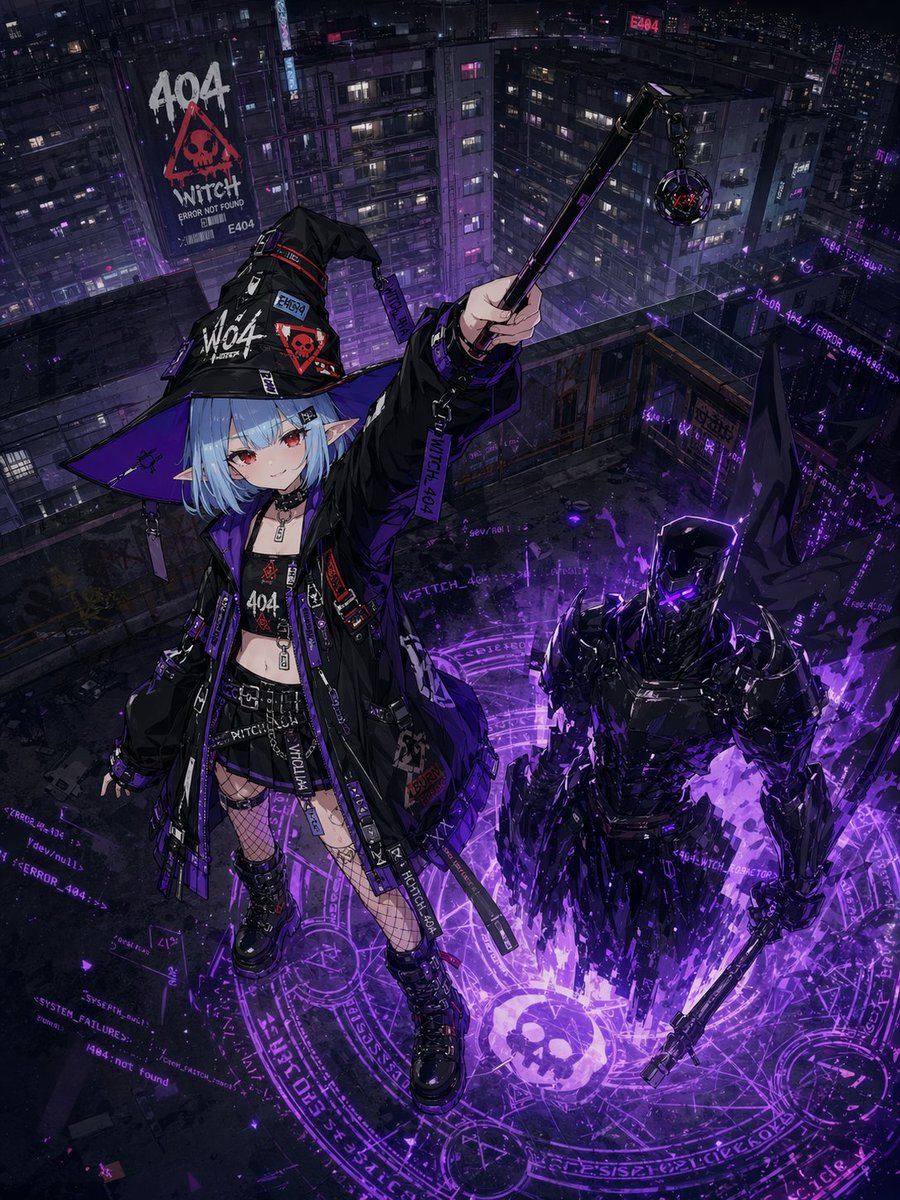
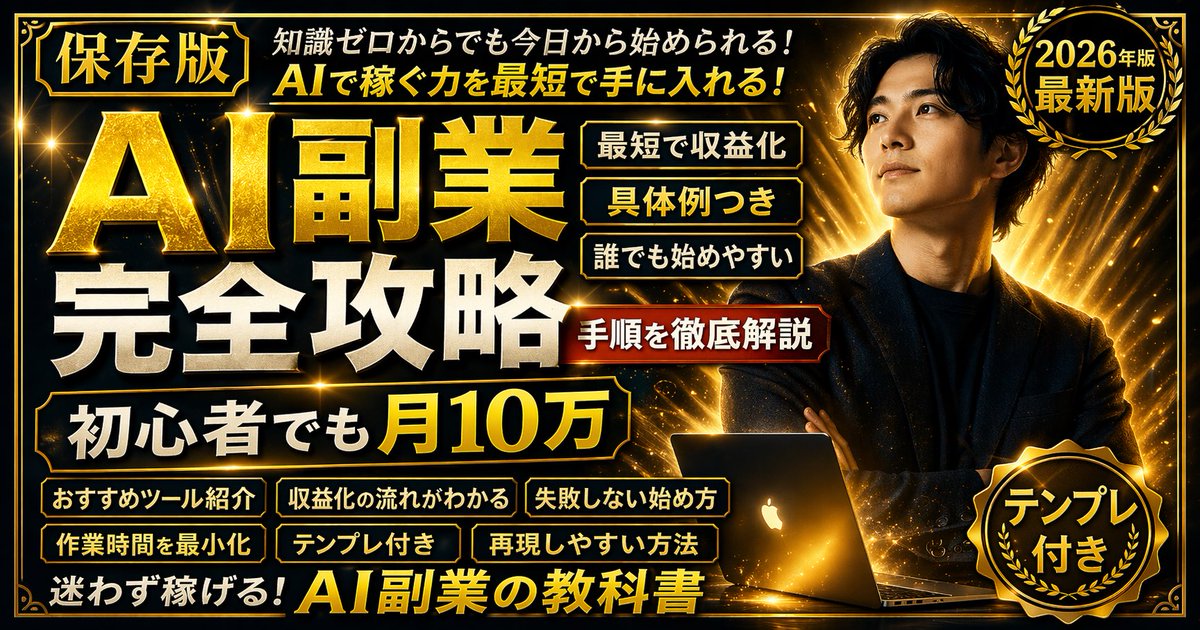
- This case keeps 3 media outputs, which makes it easier to check whether the style remains stable across multiple results.
How The Prompt Is Structured
- The prompt reads as a long, highly specified prompt, which is useful when you want to judge how much specificity this direction needs.
- Its keyword cluster is centered on Neon, Poster, Illustration, so you can usually keep that cluster while swapping subject, camera, layout, or copy details.
- A practical rewrite path is: keep the outcome, keep the strongest style cues, then replace only the subject and environment blocks.
Good Follow-up Questions
- What changes first if you keep Neon, Poster, Illustration but switch the subject matter?
- Which part of the result comes from section-level structure (UI & Social Screens) versus tag-level style cues?
- Which related cases in the same section give you a cleaner or more extreme variation of the same direction?
Full Prompt
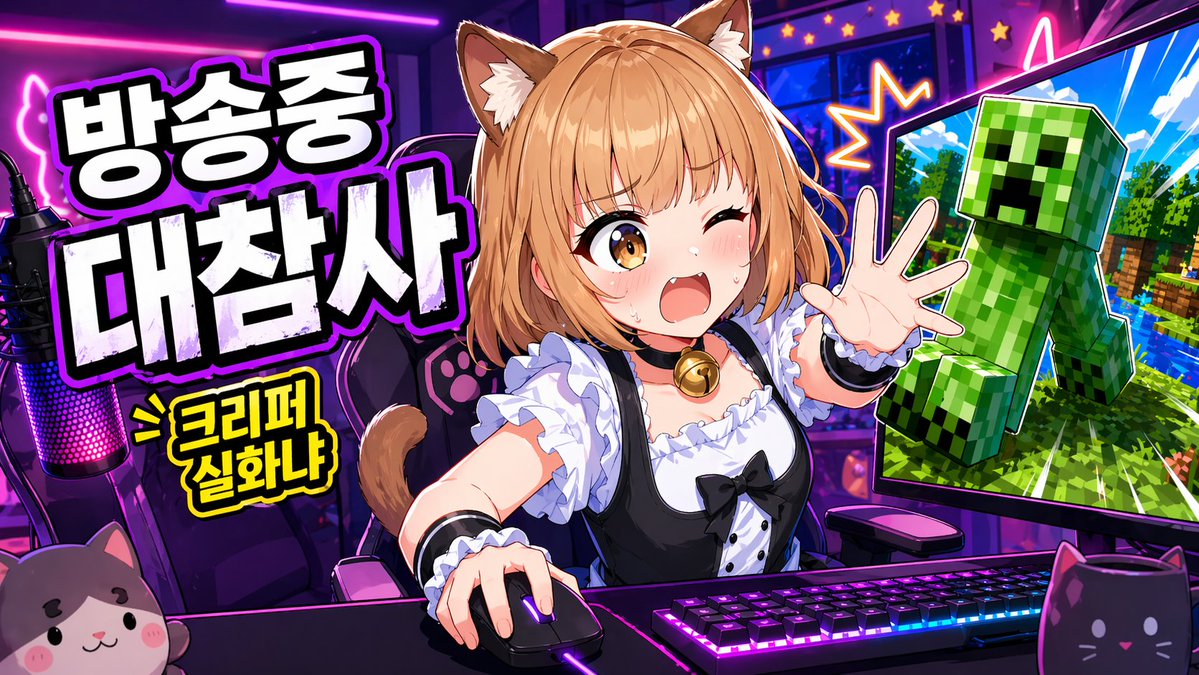
A vibrant anime-style YouTube thumbnail for a livestream gaming broadcast, in a wide 16:9 composition, with a neon purple and pink streamer room. Center the scene on a cute catgirl VTuber sitting at a desk, shown from the waist up, leaning forward energetically with one hand on a computer mouse and the other hand reaching toward the viewer. She has {argument name="hair color" default="light orange-blonde"} bob-cut hair with soft bangs, fluffy brown-and-cream cat ears, and a visible cat tail. Her face is intentionally obscured by a solid rectangular censor block in the center. She wears a black-and-white maid-inspired outfit with a frilly white blouse, black dress bodice, puff sleeves, white ruffles, black ribbon bow, and a gold bell choker. Place a mechanical keyboard with bright RGB lighting on the desk, a glowing gaming mouse, and a streamer microphone on the far left with pink-purple LED lighting. Put 2 cat-themed desk items in the foreground: a plush cat face on the bottom left and a black cat-shaped mug on the bottom right. Behind her is a gaming chair with paw-print details. On the left side, add large bold Korean headline text in thick white block letters with black fill shadows and a glowing purple outline, stacked in 2 lines: {argument name="headline text" default="방송중 대참사"}. Below it, add a smaller yellow comic-style burst caption with black outline reading {argument name="sub text" default="> 크리퍼 실화냐"}. On the right side, show 1 large computer monitor angled inward, displaying a Minecraft-like scene with bright blue sky, green trees, water, and a large green Creeper popping out toward the viewer, outlined dramatically like a sticker cutout. Add starburst effects and neon accents around the monitor to heighten the chaos. Use exaggerated thumbnail aesthetics: ultra-saturated colors, sharp cel shading, thick outlines, glossy highlights, high contrast, dynamic perspective, and a clickworthy streamer-disaster mood.