Case Media
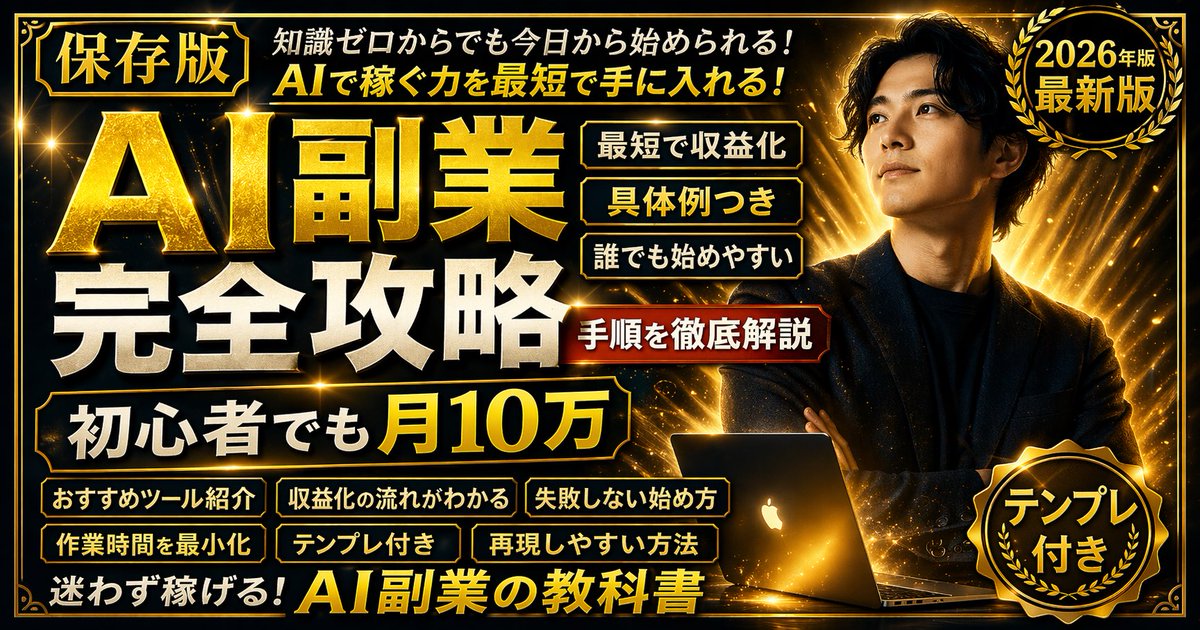
Case Notes
This page keeps the media, full prompt, and original source together so you can inspect the result first and decide whether the prompt is worth copying, saving, or comparing.
Case Insights
To make this page easier to search, cite, and reuse later, the case is also broken down into practical guidance about usage, visual cues, and prompt structure.
Best Fit Scenarios
- Use this as a ui & social screens benchmark when you need a fast style baseline before rewriting your own prompt.
- It is especially helpful if your target overlaps with Neon, Poster, Illustration and you want to judge the image result before tuning wording.
- Keep it as a control sample when you compare nearby prompt variants one variable at a time.
Visual Signals To Notice
- The clearest style signals here are Neon, Poster, Illustration, so those should usually stay in your first rewrite.
- The important layer is usually interface density, card hierarchy, and how the screen tells the story before you read small text.
- This case keeps 3 media outputs, which makes it easier to check whether the style remains stable across multiple results.
How The Prompt Is Structured
- The prompt reads as a long, highly specified prompt, which is useful when you want to judge how much specificity this direction needs.
- Its keyword cluster is centered on Neon, Poster, Illustration, so you can usually keep that cluster while swapping subject, camera, layout, or copy details.
- A practical rewrite path is: keep the outcome, keep the strongest style cues, then replace only the subject and environment blocks.
Good Follow-up Questions
- What changes first if you keep Neon, Poster, Illustration but switch the subject matter?
- Which part of the result comes from section-level structure (UI & Social Screens) versus tag-level style cues?
- Which related cases in the same section give you a cleaner or more extreme variation of the same direction?
Full Prompt
{ "type": "promotional banner thumbnail", "style": "vibrant neon, cosmic galaxy background, anime illustration style, high-density Japanese typography, glowing text effects", "character": { "description": "smiling young woman pointing upwards with right index finger", "appearance": "long {argument name=\"character hair color\" default=\"brown\"} hair, purple drop earrings, textured purple sweater", "position": "right side" }, "layout": { "background": "purple, pink, and blue starry space nebula", "center_typography": { "top_small_text": "何から始めるか迷う人へ", "main_title": "{argument name=\"main title\" default=\"初心者でもわかる AI副業\"}", "subtitle": "最初の1本におすすめ", "floating_text_near_character": "やさしく解説♡" }, "top_left": { "yellow_ribbon": "{argument name=\"top left ribbon text\" default=\"ゼロから始める\"}" }, "top_right": { "pink_circle_badge": "初心者 OK" }, "left_column": { "count": 7, "description": "stack of pill-shaped badges", "labels": [ "スマホでもOK (with phone icon)", "副業デビューに (with beginner mark icon)", "具体例つき", "テンプレ付き", "おすすめツール紹介", "収益化の流れ", "失敗しない始め方" ] }, "bottom_left_graphics": { "count": 3, "items": [ "laptop displaying an AI circuit brain graphic", "glowing lightbulb", "rocket ship taking off" ] }, "bottom_center": { "large_purple_button": "{argument name=\"bottom center button text\" default=\"完全解説\"}", "checklist_text_below": "✓始め方 ✓稼ぎ方 ✓注意点 ✓続け方まで全部わかる!" }, "bottom_right": { "pink_cloud_shape": { "count": 3, "bullet_points": [ "✓難しい知識不要", "✓今日から始められる", "✓やさしく丁寧に解説" ] }, "gold_medal_seal": "保存版", "purple_badge": "{argument name=\"year badge text\" default=\"2026年 最新版\"}" } } }