Case Media
Case Notes
This page keeps the media, full prompt, and original source together so you can inspect the result first and decide whether the prompt is worth copying, saving, or comparing.
Case Insights
To make this page easier to search, cite, and reuse later, the case is also broken down into practical guidance about usage, visual cues, and prompt structure.
Best Fit Scenarios
- Use this as a ui & social screens benchmark when you need a fast style baseline before rewriting your own prompt.
- It is especially helpful if your target overlaps with Portrait, UI, Screenshot and you want to judge the image result before tuning wording.
- Keep it as a control sample when you compare nearby prompt variants one variable at a time.
Visual Signals To Notice
- The clearest style signals here are Portrait, UI, Screenshot, so those should usually stay in your first rewrite.
- The important layer is usually interface density, card hierarchy, and how the screen tells the story before you read small text.
- This case keeps one primary output, so the first image should be treated as the main visual reference.
How The Prompt Is Structured
- The prompt reads as a long, highly specified prompt, which is useful when you want to judge how much specificity this direction needs.
- Its keyword cluster is centered on Portrait, UI, Screenshot, so you can usually keep that cluster while swapping subject, camera, layout, or copy details.
- A practical rewrite path is: keep the outcome, keep the strongest style cues, then replace only the subject and environment blocks.
Good Follow-up Questions
- What changes first if you keep Portrait, UI, Screenshot but switch the subject matter?
- Which part of the result comes from section-level structure (UI & Social Screens) versus tag-level style cues?
- Which related cases in the same section give you a cleaner or more extreme variation of the same direction?
Full Prompt
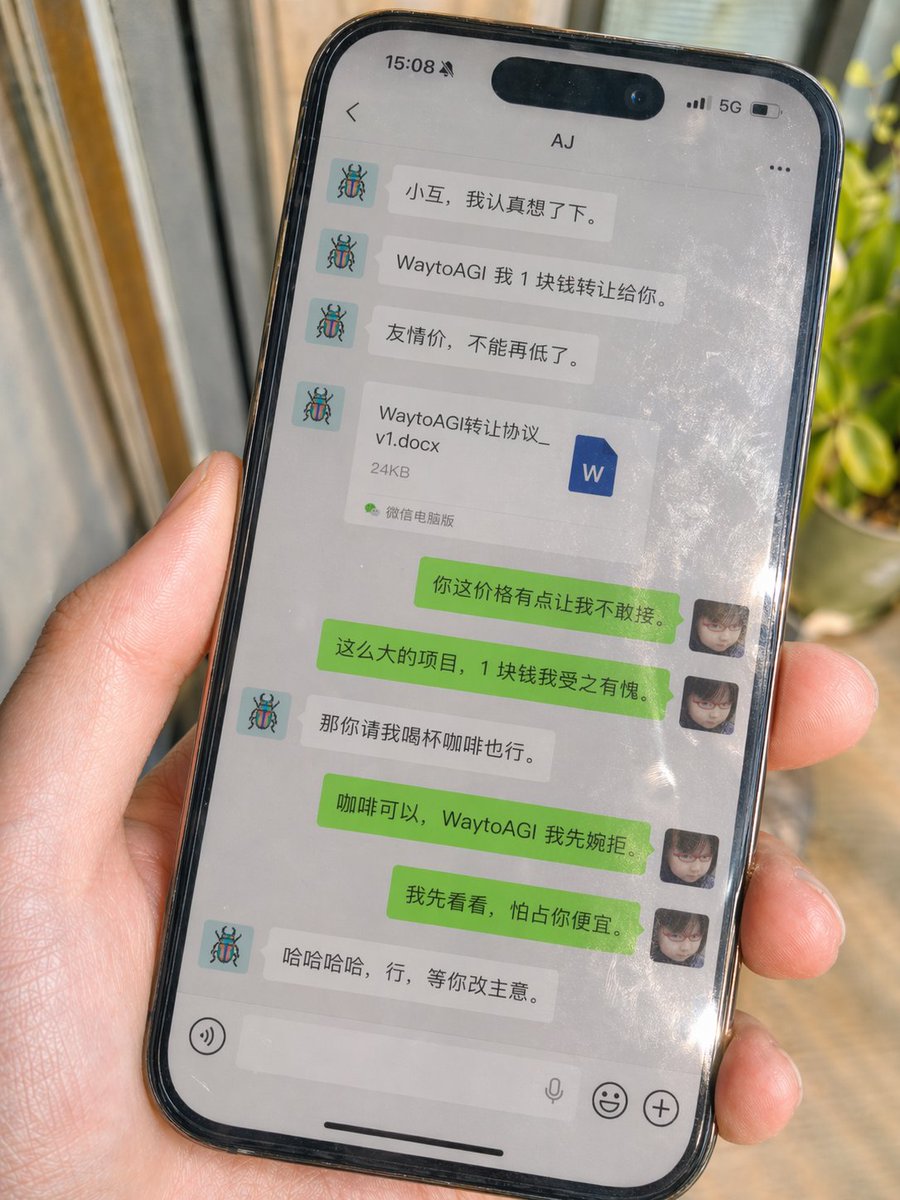
Generate image, aspect ratio 3:4 A real shot iPhone casual photo, handheld shot, screen displays a real WeChat chat interface, environmental natural light, with slight sunlight reflection, slightly tilted frame, slice-of-life, imperfect composition, strong sense of reality, high detail, 4K, obvious fingerprints, oil stains, tiny scratches on the screen glass surface, with natural reflections, partial glare, and screen contamination feel of real photography Reference image 1 as my avatar Reference image 2 as the other party's avatar Contact: [Contact Name] Chat content is supplemented by GPT itself Requirement is natural Chinese WeChat dialogue, conforming to real chat habits, revolving around this theme: [Scene Theme] The dialogue must include a Word file attachment File name: [File Name].docx File size: [File Size] The interface must look like real WeChat Left side is the other party, right side is me Top bar, bubbles, avatars, time separation, whitespace all conform to real WeChat style The bottom input bar must strictly be: Left side voice button, middle white long input box, microphone icon on the right side inside the input box, rightmost emoji button and plus button No periods No extra spaces No design draft feel No UI schematic feel Must look like a WeChat chat photo taken by a real phone