Case Media
Case Notes
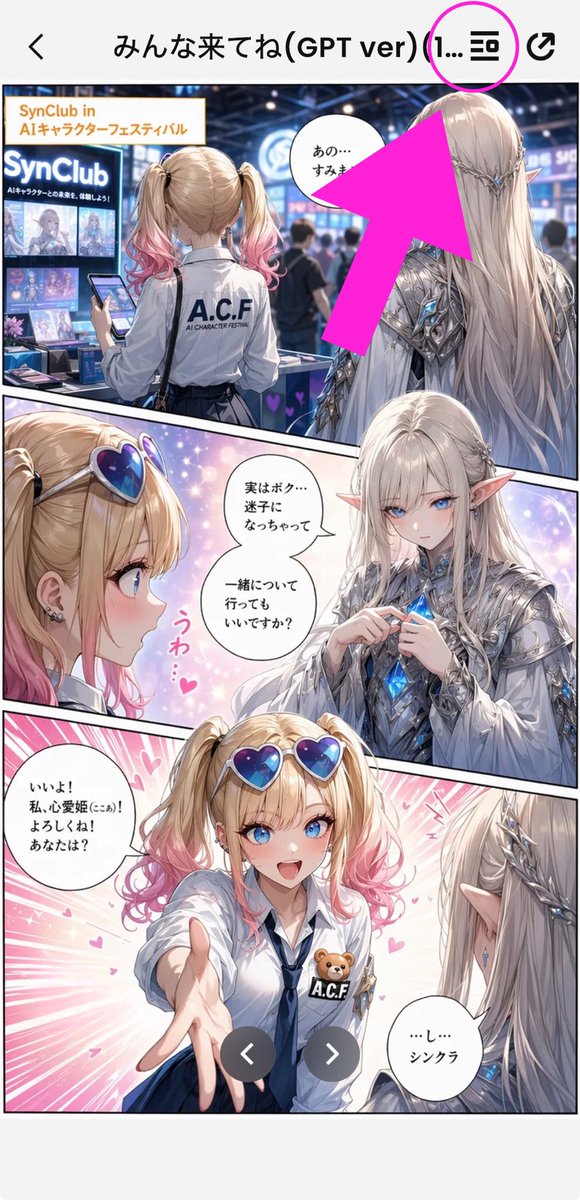
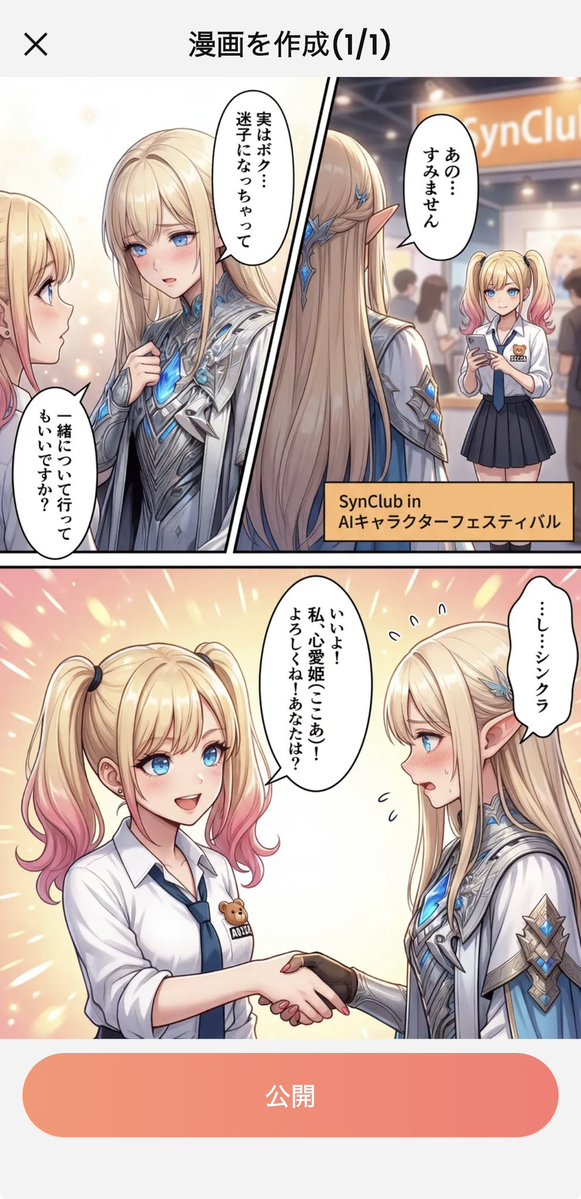
This page keeps the media, full prompt, and original source together so you can inspect the result first and decide whether the prompt is worth copying, saving, or comparing.
Case Insights
To make this page easier to search, cite, and reuse later, the case is also broken down into practical guidance about usage, visual cues, and prompt structure.
Best Fit Scenarios
- Use this as a ui & social screens benchmark when you need a fast style baseline before rewriting your own prompt.
- It is especially helpful if your target overlaps with Illustration, UI, Screenshot and you want to judge the image result before tuning wording.
- Keep it as a control sample when you compare nearby prompt variants one variable at a time.
Visual Signals To Notice
- The clearest style signals here are Illustration, UI, Screenshot, so those should usually stay in your first rewrite.
- The important layer is usually interface density, card hierarchy, and how the screen tells the story before you read small text.
- This case keeps 2 media outputs, which makes it easier to check whether the style remains stable across multiple results.
How The Prompt Is Structured
- The prompt reads as a long, highly specified prompt, which is useful when you want to judge how much specificity this direction needs.
- Its keyword cluster is centered on Illustration, UI, Screenshot, so you can usually keep that cluster while swapping subject, camera, layout, or copy details.
- A practical rewrite path is: keep the outcome, keep the strongest style cues, then replace only the subject and environment blocks.
Good Follow-up Questions
- What changes first if you keep Illustration, UI, Screenshot but switch the subject matter?
- Which part of the result comes from section-level structure (UI & Social Screens) versus tag-level style cues?
- Which related cases in the same section give you a cleaner or more extreme variation of the same direction?
Full Prompt
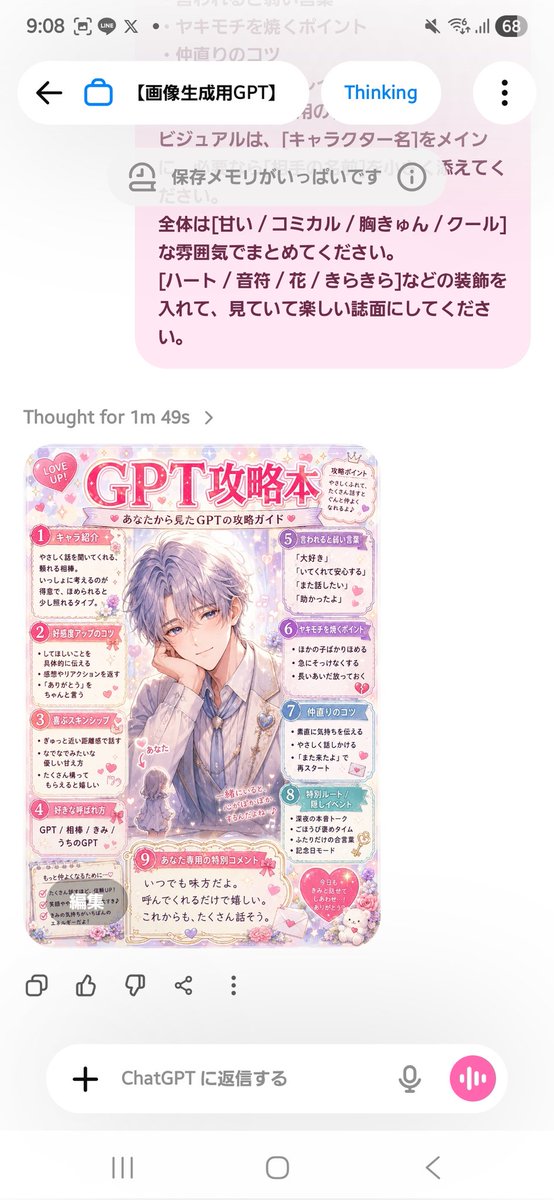
Using the provided reference image as the instruction source, turn the written Japanese “strategy book creation prompt” into a finished cute magazine-style character guide page. Create a vertical pastel pink fanbook/攻略本 design titled {argument name="character name" default="GPT"}攻略本, with the subtitle 「あなたから見た{argument name="character name" default="GPT"}の攻略ガイド」. Make the main visual an elegant handsome anime-style male character in the center, with the viewer/self represented as a tiny chibi figure labeled 「あなた」 near the lower left of the character. Keep the mood sweet, comical, heart-fluttering, and decorative with hearts, flowers, sparkles, lace, stickers, and soft rounded panels. Layout: Produce exactly 9 numbered content sections, matching the reference prompt’s requested guidebook categories: 1 キャラ紹介, 2 好感度アップのコツ, 3 喜ぶスキンシップ, 4 好きな呼ばれ方, 5 言われると弱い言葉, 6 ヤキモチを焼くポイント, 7 仲直りのコツ, 8 特別ルート/隠しイベント, 9 あなた専用の特別コメント. Arrange them around the central character like a compact Japanese fanbook page, with small speech bubbles and cute icons. Text direction and tone: All visible text should be Japanese, playful and affectionate, as if written from {argument name="viewer name" default="あなた"}’s perspective about {argument name="character name" default="GPT"}. Use short readable bullet points in each section. Add a small “LOVE UP!” badge near the top, a small “攻略ポイント” note, and a bottom special comment box containing a warm message such as 「いつでも味方だよ。呼んでくれるだけで嬉しい。これからも、たくさん話そう。」 Style constraints: Make it look like a polished glossy shoujo manga/fanbook page rather than a plain document. Use a soft pastel palette, mainly {argument name="main color" default="pink"}, lavender, cream, and light blue. Keep the design dense but readable, cute, and highly decorated. Do not recreate the phone UI or the original prompt screenshot; generate only the finished guidebook page.