Case Media
Case Notes
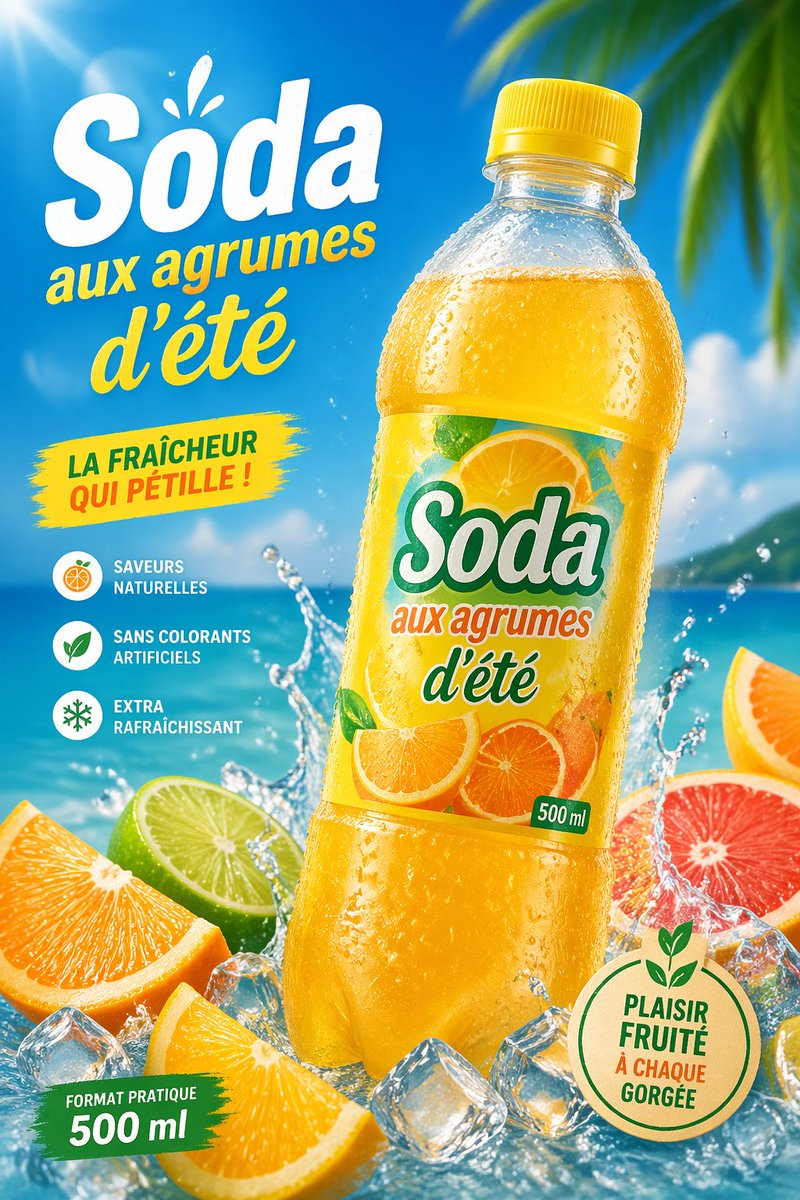
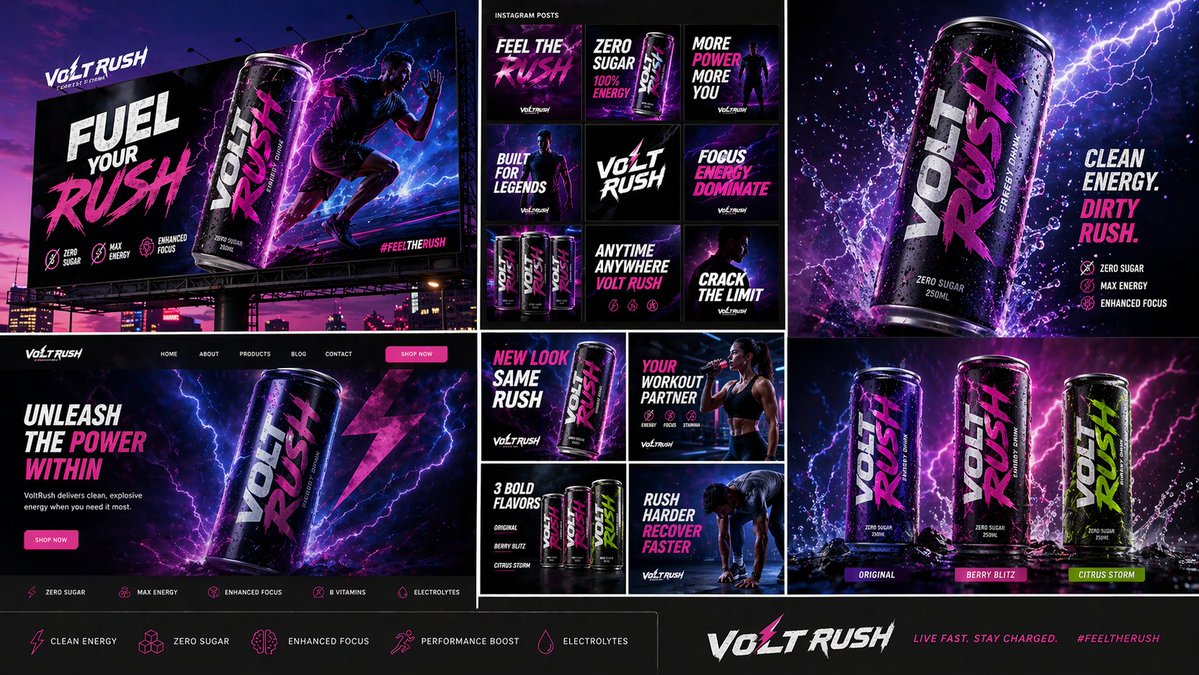
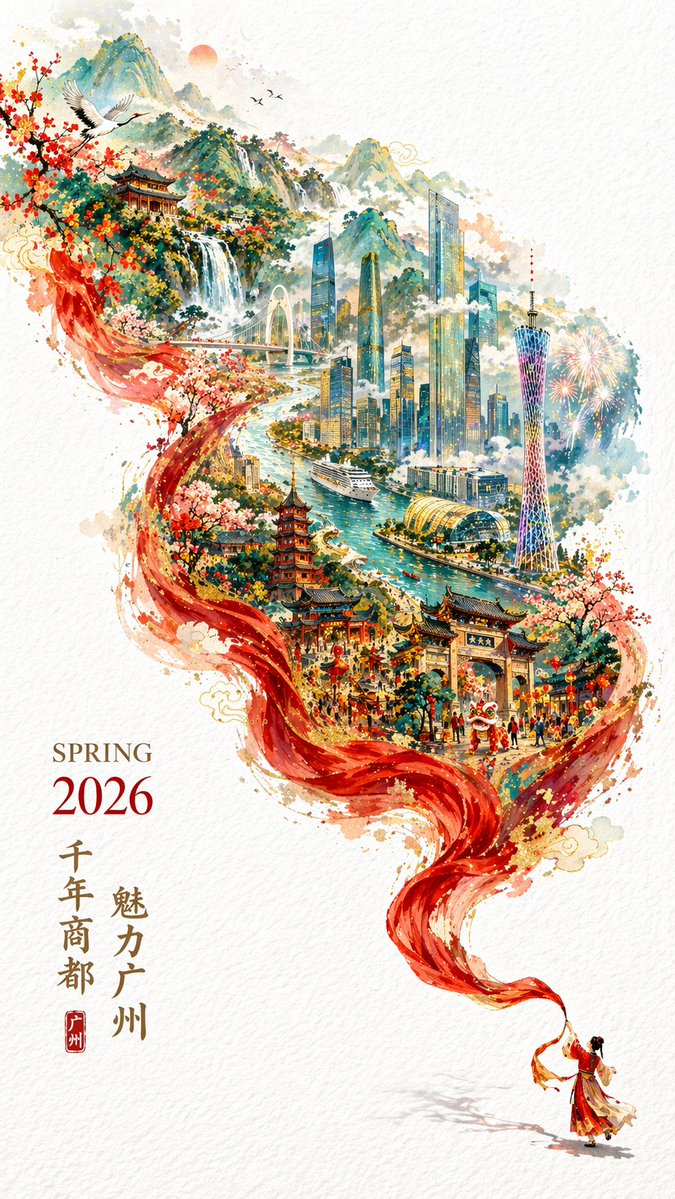
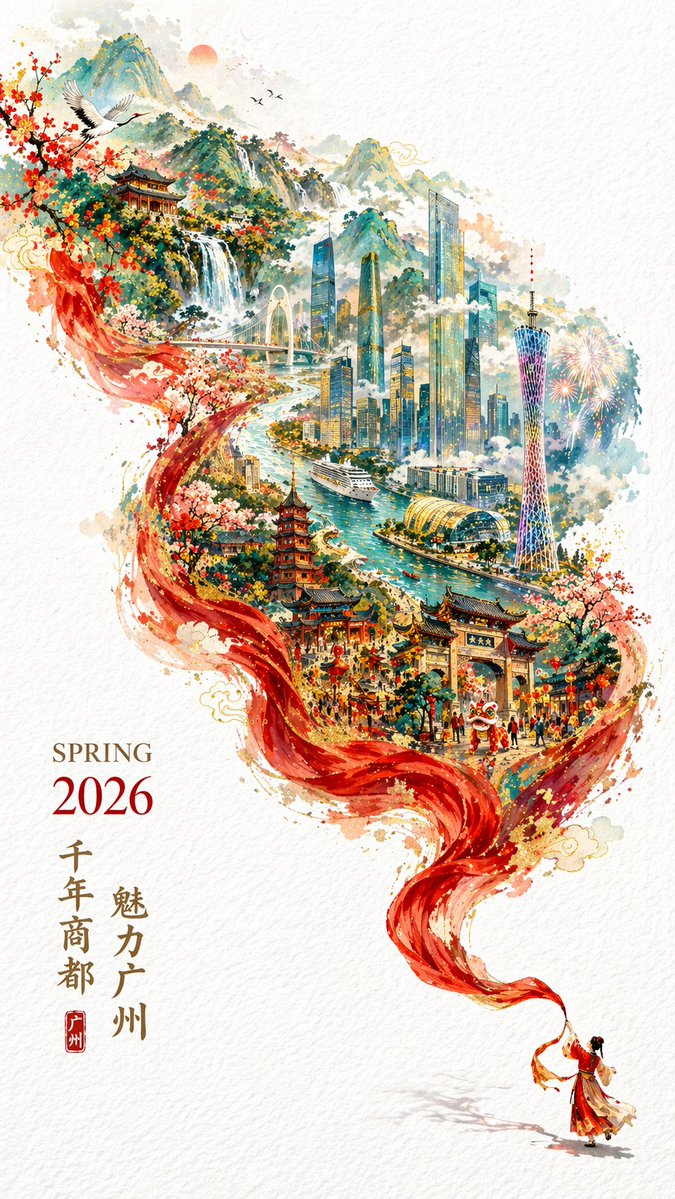
This page keeps the media, full prompt, and original source together so you can inspect the result first and decide whether the prompt is worth copying, saving, or comparing.
Case Insights
To make this page easier to search, cite, and reuse later, the case is also broken down into practical guidance about usage, visual cues, and prompt structure.
Best Fit Scenarios
- Use this as a poster & illustration benchmark when you need a fast style baseline before rewriting your own prompt.
- It is especially helpful if your target overlaps with Poster, Illustration, Screenshot and you want to judge the image result before tuning wording.
- Keep it as a control sample when you compare nearby prompt variants one variable at a time.
Visual Signals To Notice
- The clearest style signals here are Poster, Illustration, Screenshot, so those should usually stay in your first rewrite.
- Pay close attention to layout rhythm, headline hierarchy, illustration texture, and how information is staged in the frame.
- This case keeps one primary output, so the first image should be treated as the main visual reference.
How The Prompt Is Structured
- The prompt reads as a long, highly specified prompt, which is useful when you want to judge how much specificity this direction needs.
- Its keyword cluster is centered on Poster, Illustration, Screenshot, so you can usually keep that cluster while swapping subject, camera, layout, or copy details.
- A practical rewrite path is: keep the outcome, keep the strongest style cues, then replace only the subject and environment blocks.
Good Follow-up Questions
- What changes first if you keep Poster, Illustration, Screenshot but switch the subject matter?
- Which part of the result comes from section-level structure (Poster & Illustration) versus tag-level style cues?
- Which related cases in the same section give you a cleaner or more extreme variation of the same direction?
Full Prompt
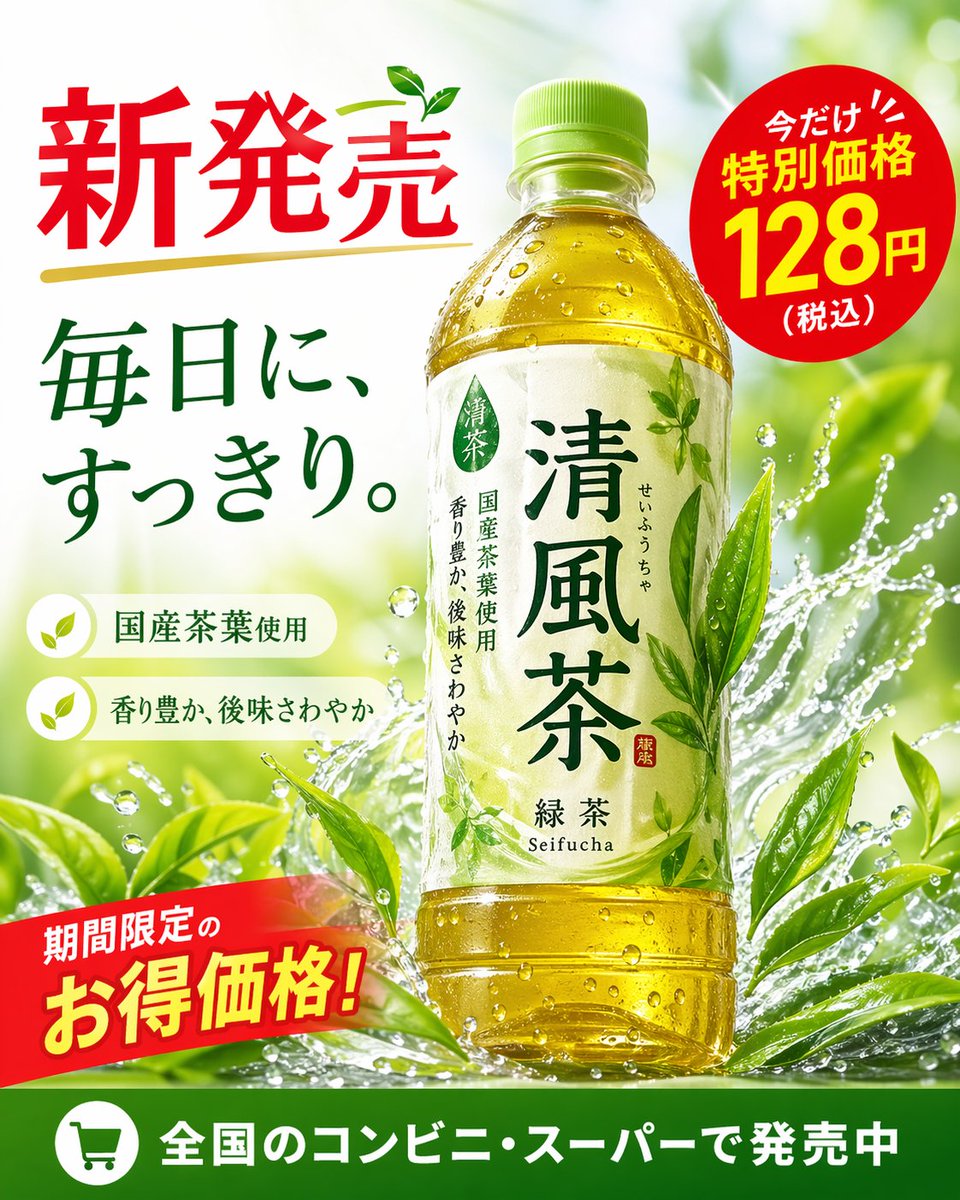
{"type": "promotional advertisement poster for a bottled green tea beverage", "product": {"type": "clear plastic PET bottle filled with yellow-green tea", "label": "white label with green typography, featuring the product name '{argument name=\"product name\" default=\"清風茶\"}', subtitle '緑茶 Seifucha', and vertical text '国産茶葉使用' and '香り豊か、後味さわやか'"}, "background": "bright, fresh, sunlit outdoor atmosphere with dynamic water splashes wrapping around the bottle and vibrant green tea leaves", "layout": {"sections": [{"title": "headline", "position": "top-left", "text": "{argument name=\"main headline\" default=\"新発売\"}", "style": "large red text with a gold underline and a small green leaf accent"}, {"title": "catchphrase", "position": "mid-left", "text": "{argument name=\"catchphrase\" default=\"毎日に、すっきり。\"}", "style": "dark green text"}, {"title": "features", "position": "lower-left", "count": 2, "labels": ["国産茶葉使用", "香り豊か、後味さわやか"], "style": "white pill-shaped banners with green leaf icons"}, {"title": "price_badge", "position": "top-right", "text": "今だけ!! 特別価格 {argument name=\"price\" default=\"128円\"} (税込)", "style": "red circular sticker with white and yellow text"}, {"title": "promo_banner", "position": "bottom-left", "text": "期間限定のお得価格!", "style": "angled red ribbon with yellow and white text"}, {"title": "footer", "position": "bottom-edge", "text": "{argument name=\"footer text\" default=\"全国のコンビニ・スーパーで発売中\"}", "style": "solid green horizontal bar with a white shopping cart icon"}]}}