Case Media
Case Notes
This page keeps the media, full prompt, and original source together so you can inspect the result first and decide whether the prompt is worth copying, saving, or comparing.
Case Insights
To make this page easier to search, cite, and reuse later, the case is also broken down into practical guidance about usage, visual cues, and prompt structure.
Best Fit Scenarios
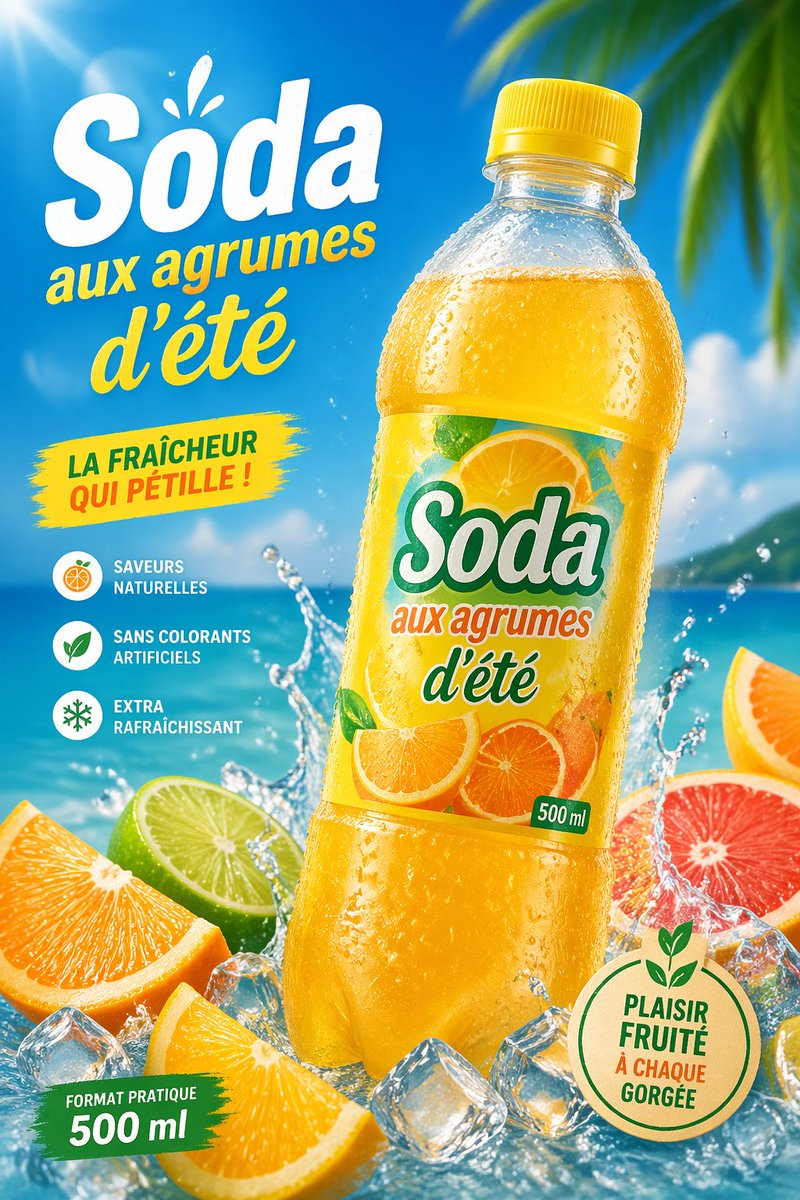
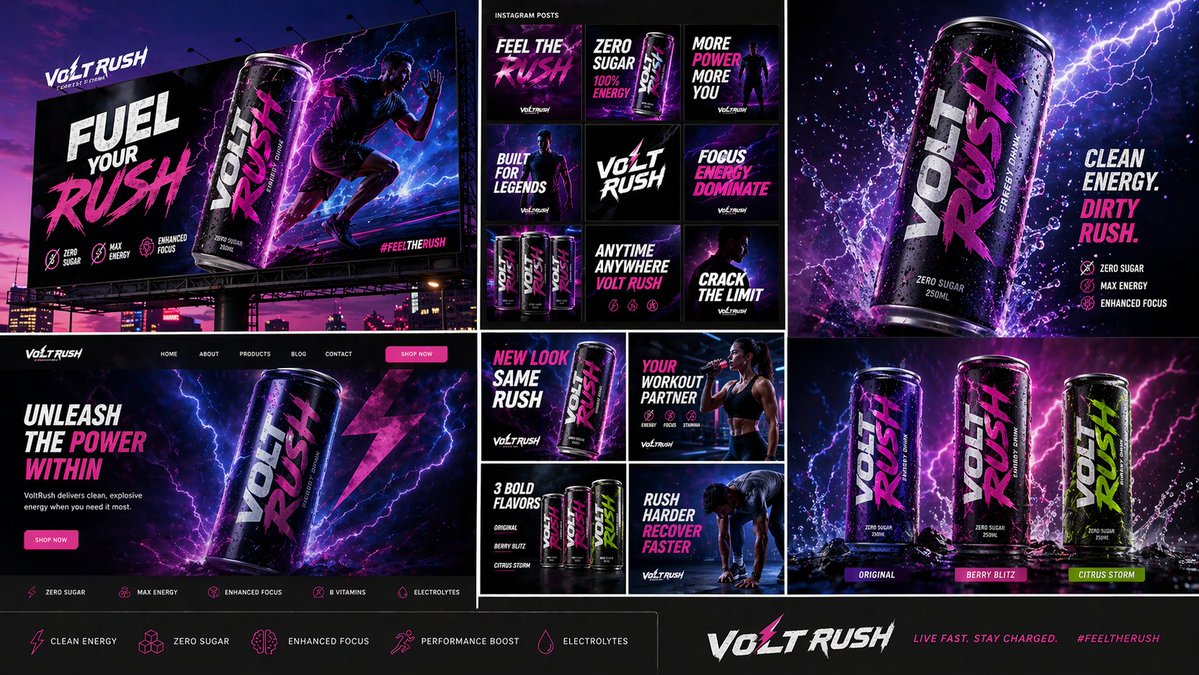
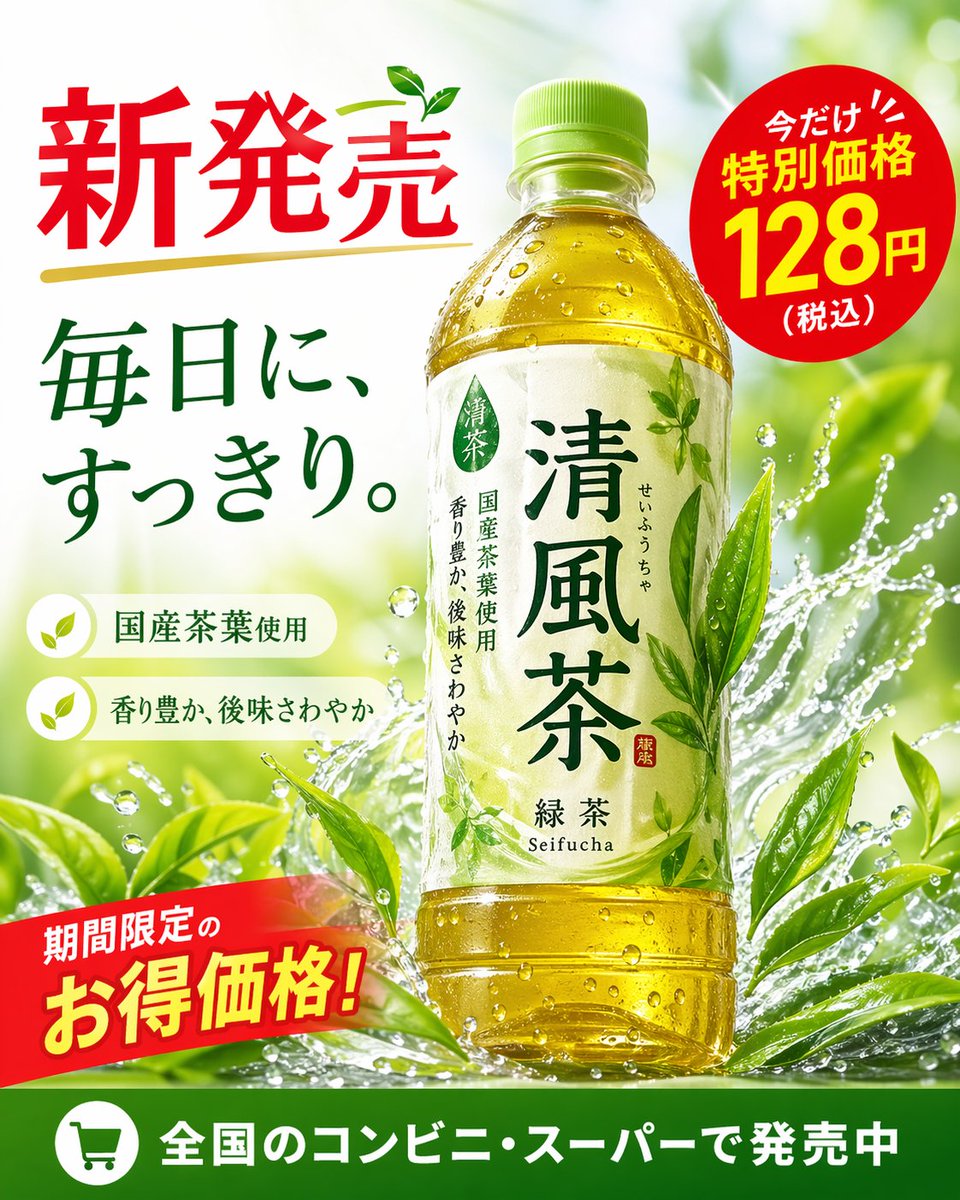
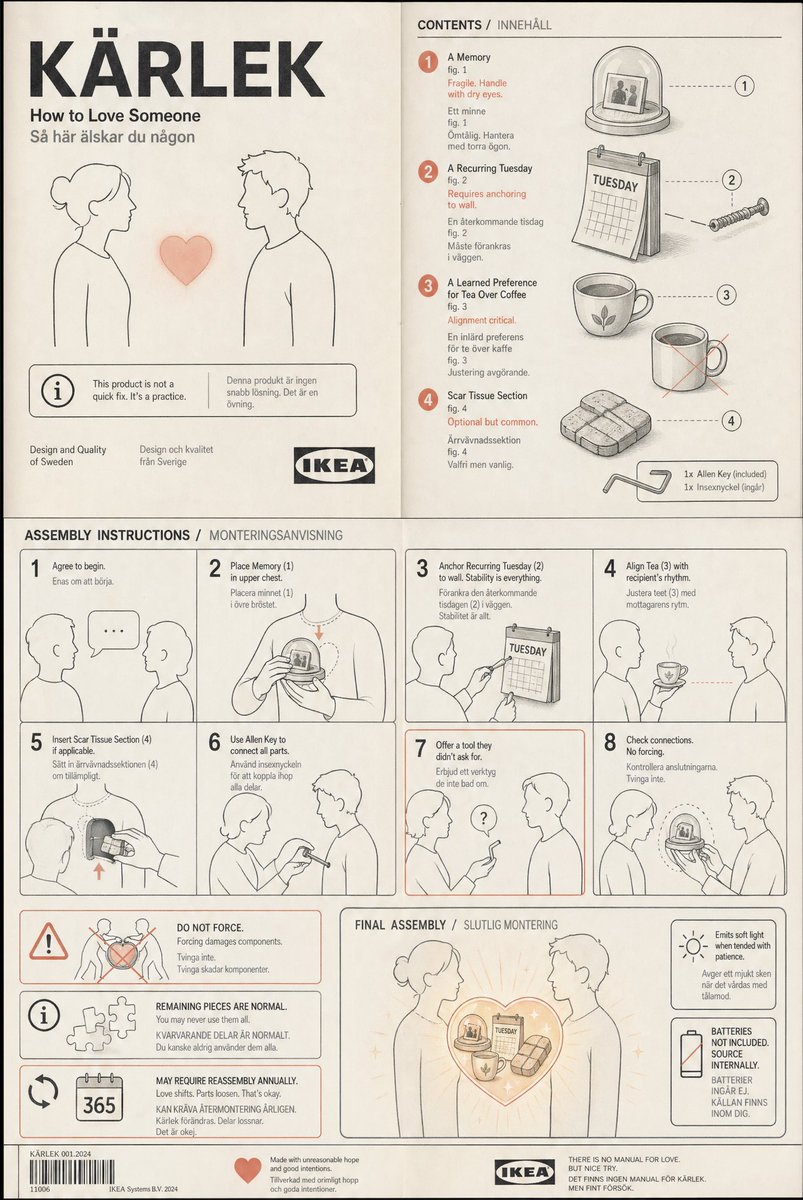
- Use this as a poster & illustration benchmark when you need a fast style baseline before rewriting your own prompt.
- It is especially helpful if your target overlaps with Poster, Illustration, Screenshot and you want to judge the image result before tuning wording.
- Keep it as a control sample when you compare nearby prompt variants one variable at a time.
Visual Signals To Notice
- The clearest style signals here are Poster, Illustration, Screenshot, so those should usually stay in your first rewrite.
- Pay close attention to layout rhythm, headline hierarchy, illustration texture, and how information is staged in the frame.
- This case keeps one primary output, so the first image should be treated as the main visual reference.
How The Prompt Is Structured
- The prompt reads as a long, highly specified prompt, which is useful when you want to judge how much specificity this direction needs.
- Its keyword cluster is centered on Poster, Illustration, Screenshot, so you can usually keep that cluster while swapping subject, camera, layout, or copy details.
- A practical rewrite path is: keep the outcome, keep the strongest style cues, then replace only the subject and environment blocks.
Good Follow-up Questions
- What changes first if you keep Poster, Illustration, Screenshot but switch the subject matter?
- Which part of the result comes from section-level structure (Poster & Illustration) versus tag-level style cues?
- Which related cases in the same section give you a cleaner or more extreme variation of the same direction?
Full Prompt
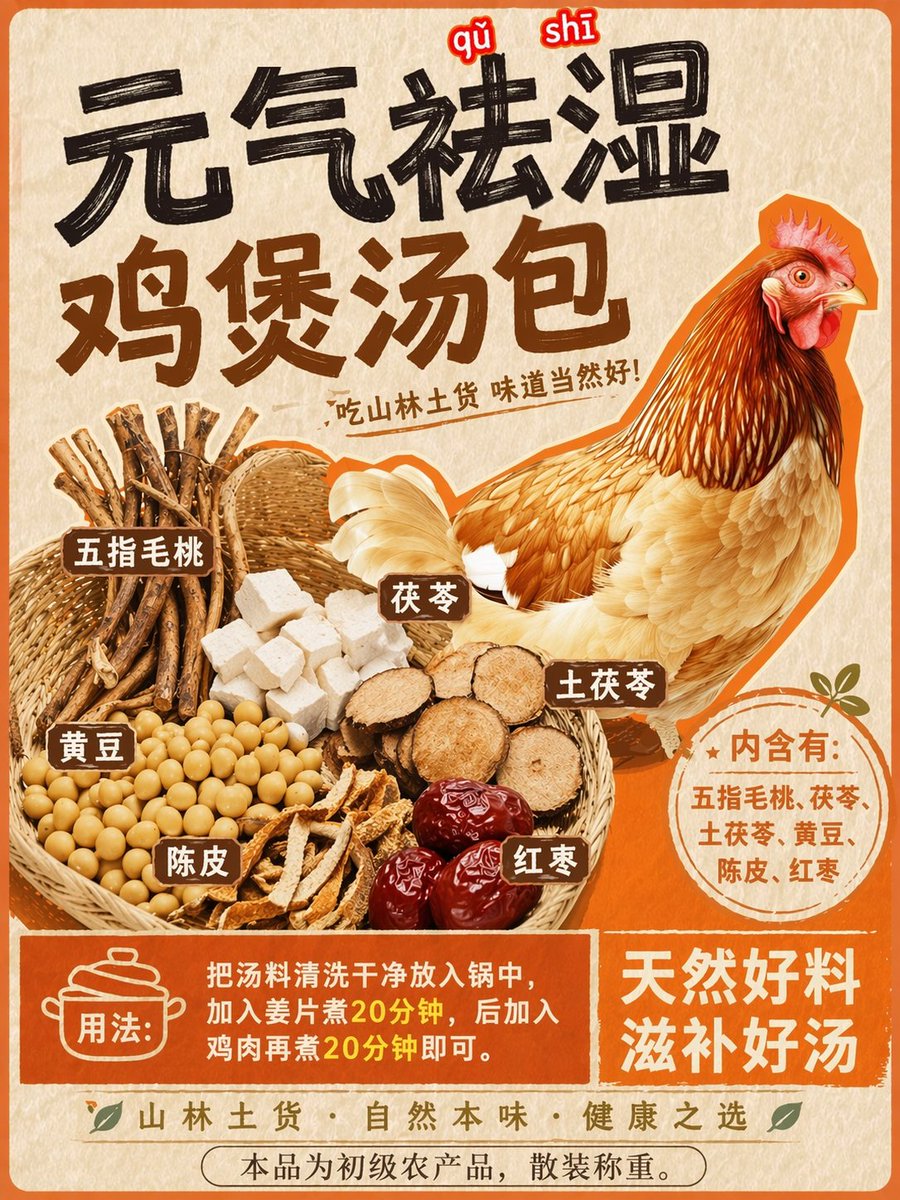
Using REFERENCE_0 as the base style and preserving the central chicken illustration, transform the image into a product packaging label for a herbal soup mix. Shift the chicken to the right side. Replace the top text with a large, bold black brush-stroke headline {argument name="main headline" default="元气祛湿 鸡煲汤包"} and a smaller subtitle {argument name="subtitle" default="吃山林土货 味道当然好!"}. On the left side, add a new woven basket containing exactly 6 distinct piles of ingredients: woody root sticks, white square cubes, round sliced brown roots, yellow soybeans, dried orange peel strips, and dark red dates. Attach 6 small brown rectangular labels with white text to these ingredients. Below the chicken, add a circular orange badge containing the text {argument name="ingredients list" default="内含有:五指毛桃、茯苓、土茯苓、黄豆、陈皮、红枣"}. At the bottom, create a solid orange rectangular banner featuring a cooking pot icon, the text {argument name="usage instructions" default="用法:把汤料清洗干净放入锅中,加入姜片煮20分钟,后加入鸡肉再煮20分钟即可。"}, and a secondary slogan {argument name="bottom slogan" default="天然好料 滋补好汤"}.