Case Media
Case Notes
This page keeps the media, full prompt, and original source together so you can inspect the result first and decide whether the prompt is worth copying, saving, or comparing.
Case Insights
To make this page easier to search, cite, and reuse later, the case is also broken down into practical guidance about usage, visual cues, and prompt structure.
Best Fit Scenarios
- Use this as a portrait & photography benchmark when you need a fast style baseline before rewriting your own prompt.
- It is especially helpful if your target overlaps with Portrait, Cinematic, Poster and you want to judge the image result before tuning wording.
- Keep it as a control sample when you compare nearby prompt variants one variable at a time.
Visual Signals To Notice
- The clearest style signals here are Portrait, Cinematic, Poster, so those should usually stay in your first rewrite.
- Focus on framing, light direction, pose, and the distance between subject and camera.
- This case keeps one primary output, so the first image should be treated as the main visual reference.
How The Prompt Is Structured
- The prompt reads as a long, highly specified prompt, which is useful when you want to judge how much specificity this direction needs.
- Its keyword cluster is centered on Portrait, Cinematic, Poster, so you can usually keep that cluster while swapping subject, camera, layout, or copy details.
- A practical rewrite path is: keep the outcome, keep the strongest style cues, then replace only the subject and environment blocks.
Good Follow-up Questions
- What changes first if you keep Portrait, Cinematic, Poster but switch the subject matter?
- Which part of the result comes from section-level structure (Portrait & Photography) versus tag-level style cues?
- Which related cases in the same section give you a cleaner or more extreme variation of the same direction?
Full Prompt
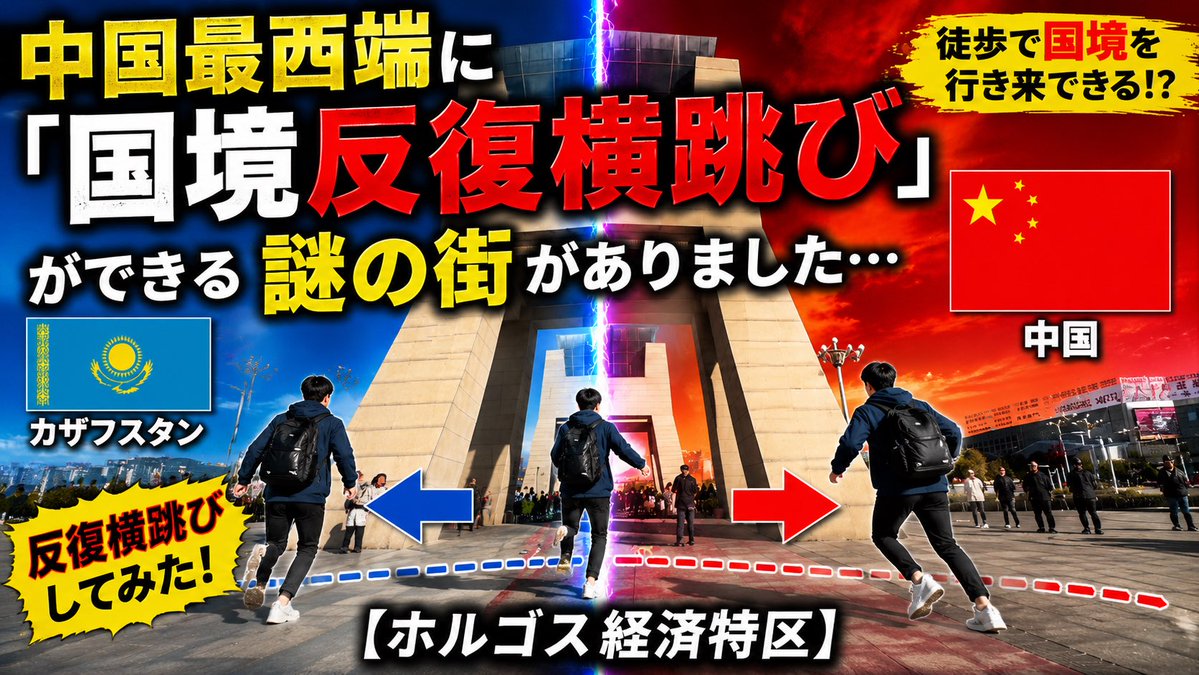
Using REFERENCE_0 as the base location, transform the simple travel/news thumbnail into a high-impact Japanese YouTube thumbnail. Keep the same border-gate landmark and plaza setting, but make the composition more dramatic with a vertical glowing lightning split down the center: left side blue for Kazakhstan, right side red/orange for China. Add a male traveler seen from behind with a backpack in 3 repeated action positions across the foreground to show a back-and-forth border jump, with blue and red dashed route lines and large left/right arrows. Replace the original text layout with bold, oversized Japanese thumbnail typography in yellow, white, and red with heavy black outline and drop shadow. Include exactly 3 flag panels: Kazakhstan flag on the left labeled “カザフスタン”, China flag on the right labeled “中国”, and no other flags. Add exactly 2 yellow brush/explosion callouts: top-right “徒歩で国境を行き来できる!?” and bottom-left “反復横跳びしてみた!”. Main headline text should read “中国最西端に「国境反復横跳び」ができる 謎の街がありました…” and bottom caption should read “【ホルゴス経済特区】”. Remove the original large lower-third title and make the final image feel like an energetic viral travel video thumbnail, cinematic contrast, saturated colors, sharp details, 16:9.