Case Media

Case Notes
This page keeps the media, full prompt, and original source together so you can inspect the result first and decide whether the prompt is worth copying, saving, or comparing.
Case Insights
To make this page easier to search, cite, and reuse later, the case is also broken down into practical guidance about usage, visual cues, and prompt structure.
Best Fit Scenarios
- Use this as a model & community benchmark when you need a fast style baseline before rewriting your own prompt.
- It is especially helpful if your target overlaps with Poster, Illustration, UI and you want to judge the image result before tuning wording.
- Keep it as a control sample when you compare nearby prompt variants one variable at a time.
Visual Signals To Notice
- The clearest style signals here are Poster, Illustration, UI, so those should usually stay in your first rewrite.
- This kind of case is strongest when you watch deltas: what changed, what broke, and which prompt choice caused that shift.
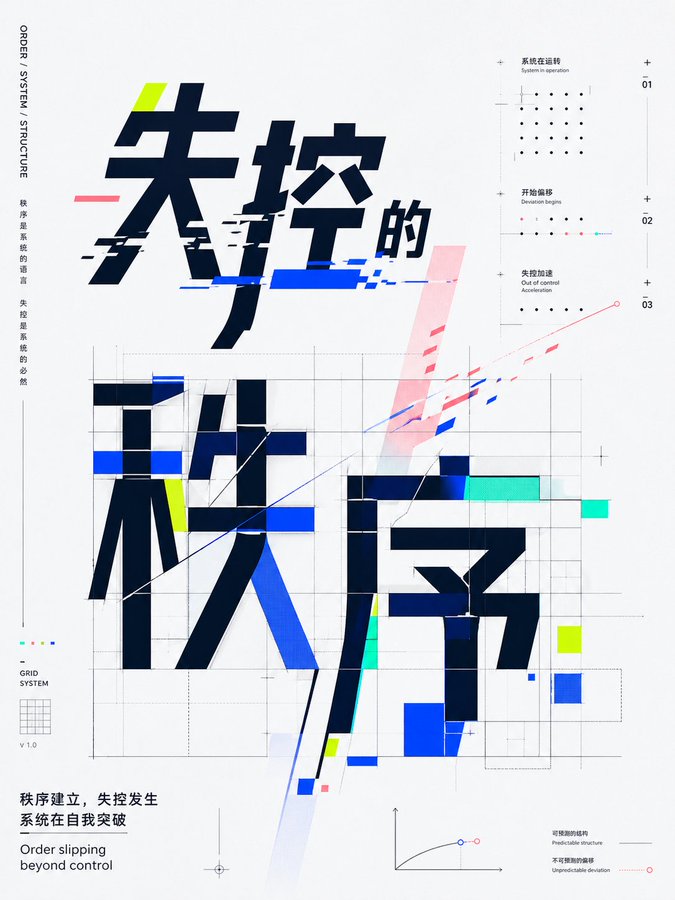
- This case keeps one primary output, so the first image should be treated as the main visual reference.
How The Prompt Is Structured
- The prompt reads as a long, highly specified prompt, which is useful when you want to judge how much specificity this direction needs.
- Its keyword cluster is centered on Poster, Illustration, UI, so you can usually keep that cluster while swapping subject, camera, layout, or copy details.
- A practical rewrite path is: keep the outcome, keep the strongest style cues, then replace only the subject and environment blocks.
Good Follow-up Questions
- What changes first if you keep Poster, Illustration, UI but switch the subject matter?
- Which part of the result comes from section-level structure (Model & Community) versus tag-level style cues?
- Which related cases in the same section give you a cleaner or more extreme variation of the same direction?
Full Prompt
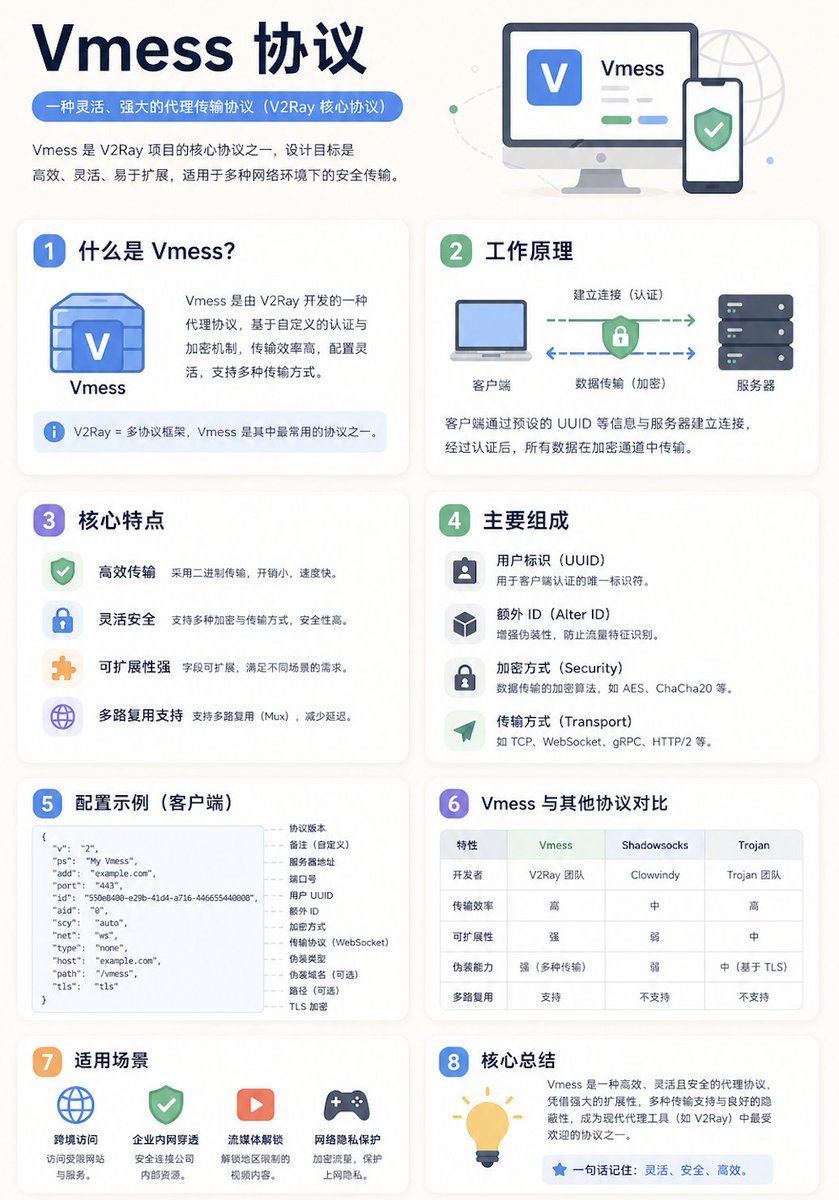
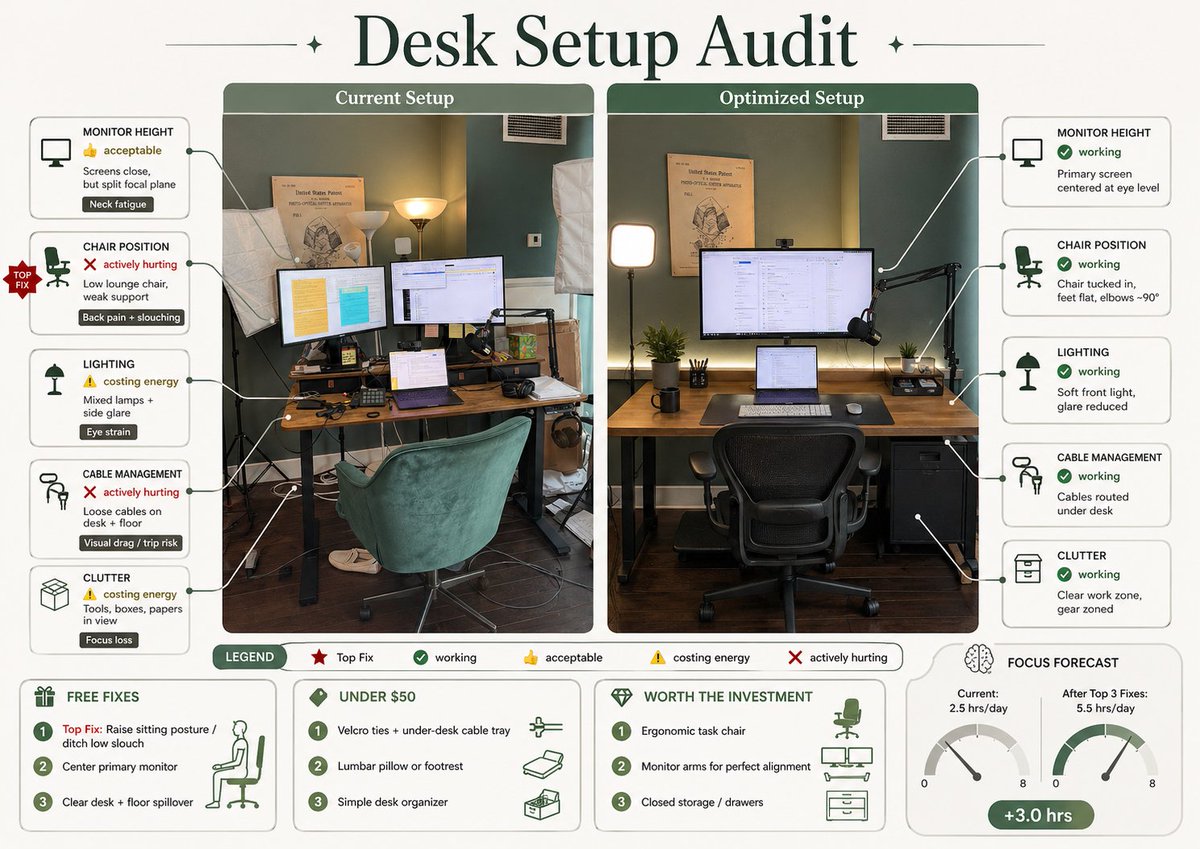
A clean educational infographic poster explaining "{Knowledge Topic}", [Overall Style] Modern minimalist UI style, Background uses soft light colors (such as cream #FAF7F2 / light grayish blue), Restrained and comfortable color scheme, suitable for long-time reading, [Core Requirements (Key)] Naturally organize content modules according to the information structure of the "Knowledge Topic", Do not force a fixed number or order of modules, Prioritize clear information logic rather than formal symmetry, [Layout (Adaptive)] - Use grid layout (automatically choose 2 columns / 3 columns / irregular distribution) - Number of cards automatically adjusts according to content (usually 5–9) - Modules with high information density can be appropriately enlarged (higher visual weight) - Simple content modules can be shrunk or merged [Card Design] - White cards (#FFFFFF) - Rounded corners + slight shadow (soft hierarchy) - Maintain consistent spacing and alignment [Each Information Module Contains] - Concise illustrations (unified style) - Clear titles (strong hierarchy) - 1–3 sentences of core explanation (avoid verbosity) - Provide examples / comparisons / summaries when necessary [Content Organization Principles (Key Point)] Automatically select the appropriate structure based on the topic, for example: - Concept type → Definition + Principle + Characteristics + Example - Comparison type → A vs B (contrast structure) - Process type → Steps / Flowchart - System type → Components + Relationships - Skill type → Methods + Tips + Common misconceptions [Visual Hierarchy] - Title > Module title > Body text > Auxiliary information - Important information can be emphasized with color or icons [Color Suggestions] - Primary color: Choose based on topic (Technology=Blue, Learning=Green, Warning=Orange) - Secondary colors: 1–2 types are enough - Avoid high saturation, avoid flashy [Style Requirements] - Plenty of white space, strong sense of breathing - Unified icons (linear or flat) - High readability priority - Clear teaching orientation [Extra Optimization (Optional)] - Can add: Comparison blocks / Flow arrows / Structure diagrams - Can have a "Core Summary" module as a visual ending