Case Media
Case Notes
This page keeps the media, full prompt, and original source together so you can inspect the result first and decide whether the prompt is worth copying, saving, or comparing.
Case Insights
To make this page easier to search, cite, and reuse later, the case is also broken down into practical guidance about usage, visual cues, and prompt structure.
Best Fit Scenarios
- Use this as a character design benchmark when you need a fast style baseline before rewriting your own prompt.
- It is especially helpful if your target overlaps with Illustration, Character, Minimal and you want to judge the image result before tuning wording.
- Keep it as a control sample when you compare nearby prompt variants one variable at a time.
Visual Signals To Notice
- The clearest style signals here are Illustration, Character, Minimal, so those should usually stay in your first rewrite.
- Look at silhouette, costume language, mood styling, and whether the character reads clearly at a glance.
- This case keeps one primary output, so the first image should be treated as the main visual reference.
How The Prompt Is Structured
- The prompt reads as a long, highly specified prompt, which is useful when you want to judge how much specificity this direction needs.
- Its keyword cluster is centered on Illustration, Character, Minimal, so you can usually keep that cluster while swapping subject, camera, layout, or copy details.
- A practical rewrite path is: keep the outcome, keep the strongest style cues, then replace only the subject and environment blocks.
Good Follow-up Questions
- What changes first if you keep Illustration, Character, Minimal but switch the subject matter?
- Which part of the result comes from section-level structure (Character Design) versus tag-level style cues?
- Which related cases in the same section give you a cleaner or more extreme variation of the same direction?
Full Prompt
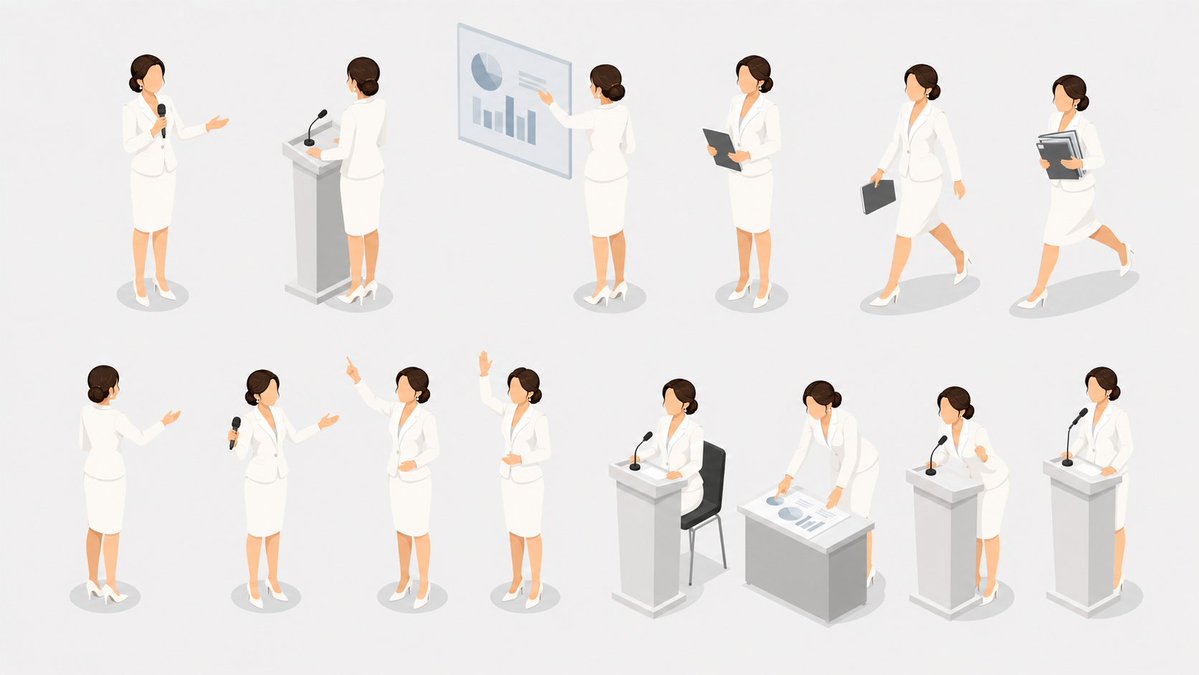
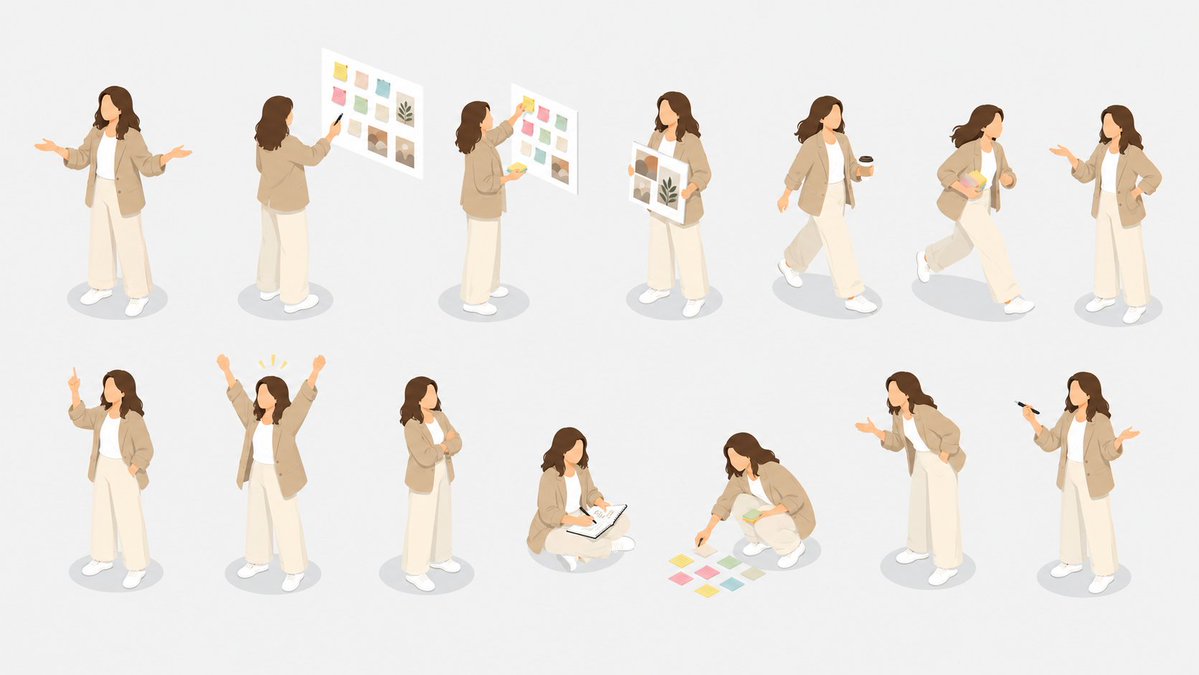
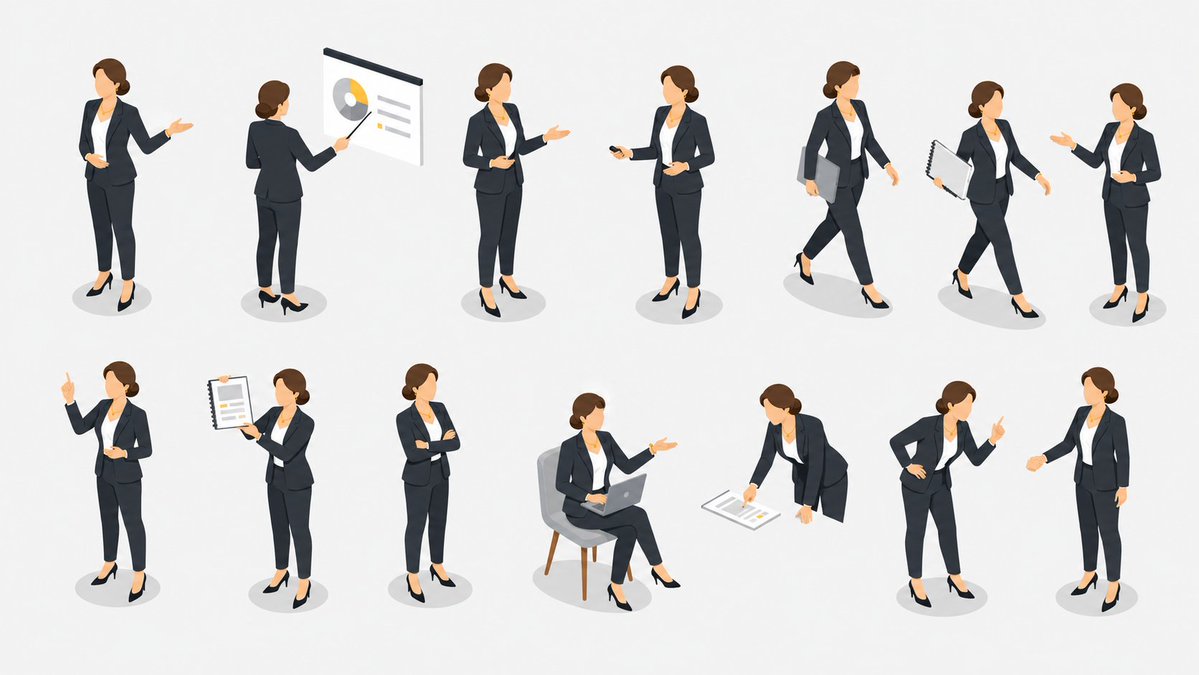
Goal: Create an isometric vector illustration set of the same {argument name="character type" default="professional businesswoman presenter"} in many presentation and office situations, arranged like a clean pose library on a white background. Canvas: Wide horizontal 16:9 canvas, bright white or very light gray background, no borders, no title, no captions, no watermark. Use soft oval gray floor shadows under each figure. Visual style: Polished modern isometric people illustration, semi-flat vector style with subtle gradients and soft shading. The character has a simplified faceless face, light skin, brown hair tied in a low bun, navy business suit, white blouse, cropped trousers, and black high heels. Keep proportions consistent across all poses and use the same outfit throughout. Layout: Arrange exactly 13 separate full-body figures in two rows with generous spacing, like a presentation asset sheet. Top row contains 7 figures; bottom row contains 6 figures. All figures face slightly different isometric angles and remain isolated with no overlapping. Pose count and details: Include exactly 13 discrete poses: 1) standing presenter facing forward with one hand open in a welcoming gesture, 2) rear-view presenter pointing with a stick at a wall presentation board showing a pie chart and lines, 3) standing presenter holding a small object or remote and gesturing to the side, 4) standing presenter holding a remote in one hand and gesturing with the other, 5) walking businesswoman carrying a gray folder under one arm, 6) walking businesswoman holding a spiral notebook or report, 7) standing businesswoman gesturing as if speaking to someone, 8) standing figure raising one index finger to make a point, 9) standing figure holding up a spiral report sheet with chart lines, 10) standing figure with arms crossed confidently, 11) seated figure on a gray chair using an open laptop while gesturing, 12) leaning forward and pointing to papers or charts on the floor, 13) standing figure leaning slightly with one hand on hip and the other index finger raised. Subject customization: Keep the character recognizable as the same person in every pose, but allow the overall character to be changed to {argument name="character appearance" default="light-skinned woman with brown hair in a low bun"}. Use {argument name="outfit" default="dark navy suit, white blouse, black heels"}. Optional props should match a {argument name="presentation theme" default="corporate business presentation"}. Keep the illustration clean, minimal, and presentation-ready.