案例媒体
案例说明
这个页面把案例媒体、完整 Prompt 和出处放在一起,方便你先看结果,再判断这条 Prompt 是否值得复制、收藏或加入对比。
案例解读
为了方便搜索、引用和后续复用,这里会把案例的适用场景、画面重点和 Prompt 结构拆成更容易浏览的说明。
这类案例适合用在什么场景
- 把它当作 角色设计 的基准案例最合适,先看成片方向,再决定自己的 Prompt 要往哪边改。
- 如果你的目标也落在 海报、插画、角色 这些方向,这条案例特别适合先看图判断风格,再回头微调描述。
- 做 Prompt 对比时,也很适合作为控制组,只改一个变量去看结果变化。
画面重点与风格信号
- 这条案例最明显的风格信号集中在 海报、插画、角色,所以第一次改写时最好先保留这些关键词。
- 重点可以先看轮廓、服饰语言、情绪气质,以及角色是否一眼就能立住。
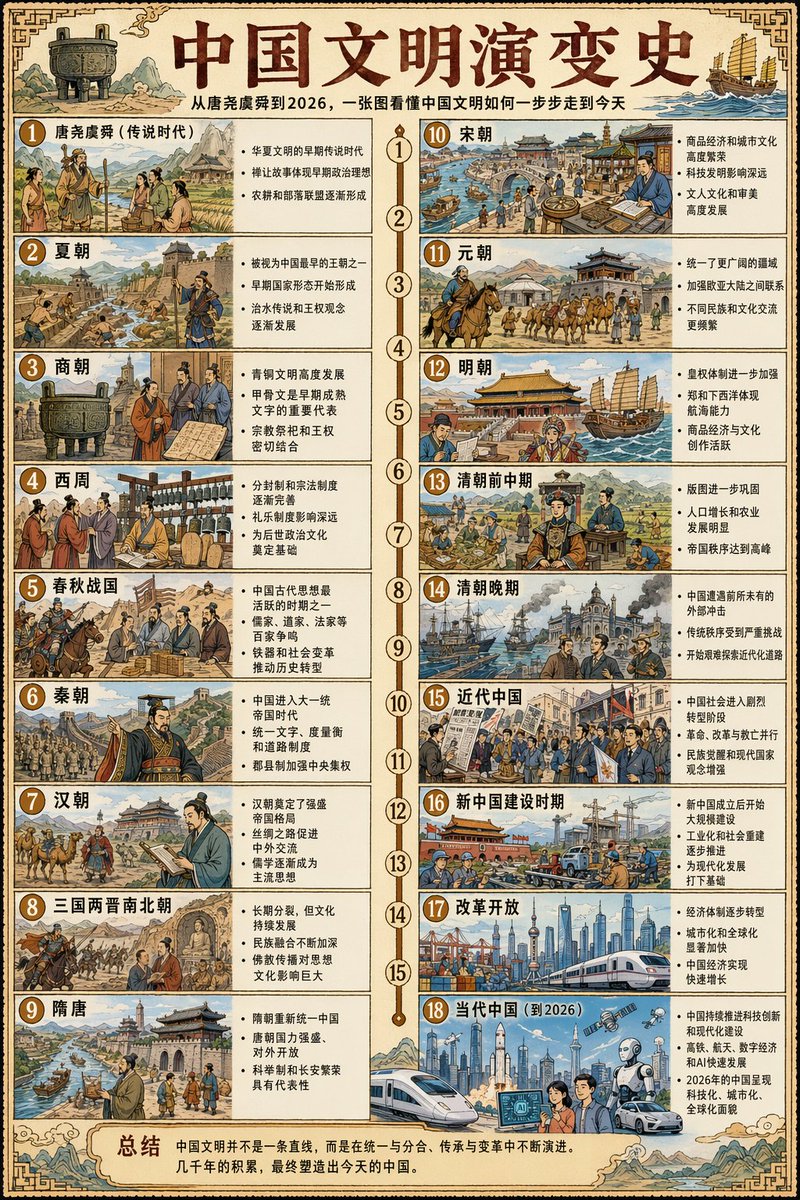
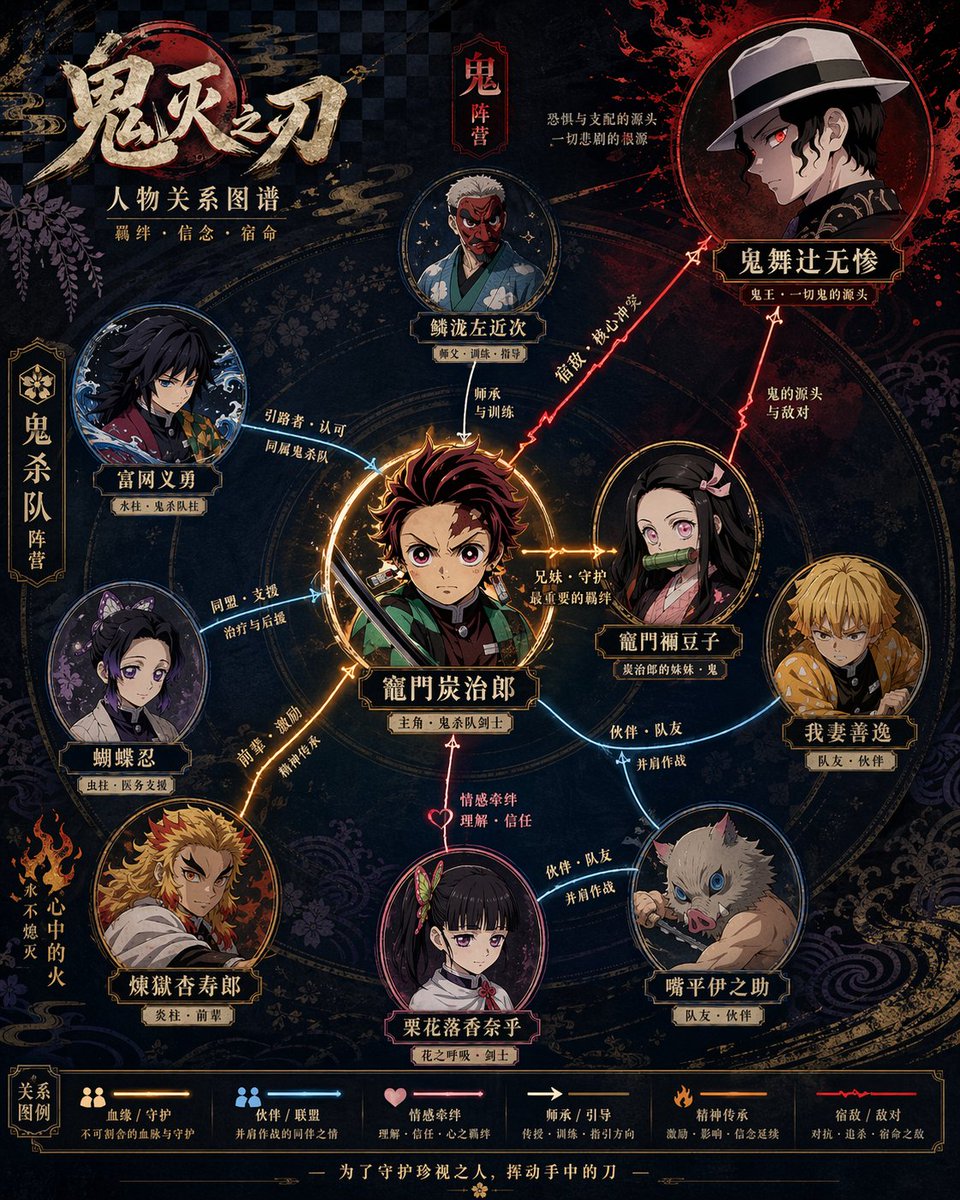
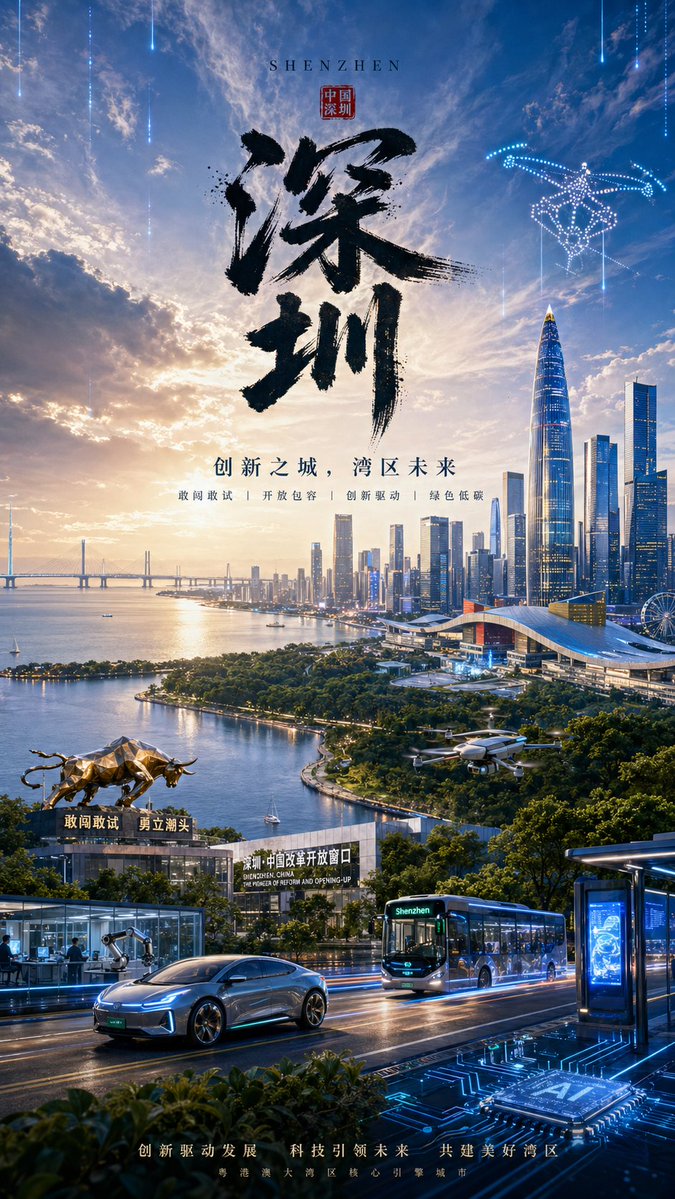
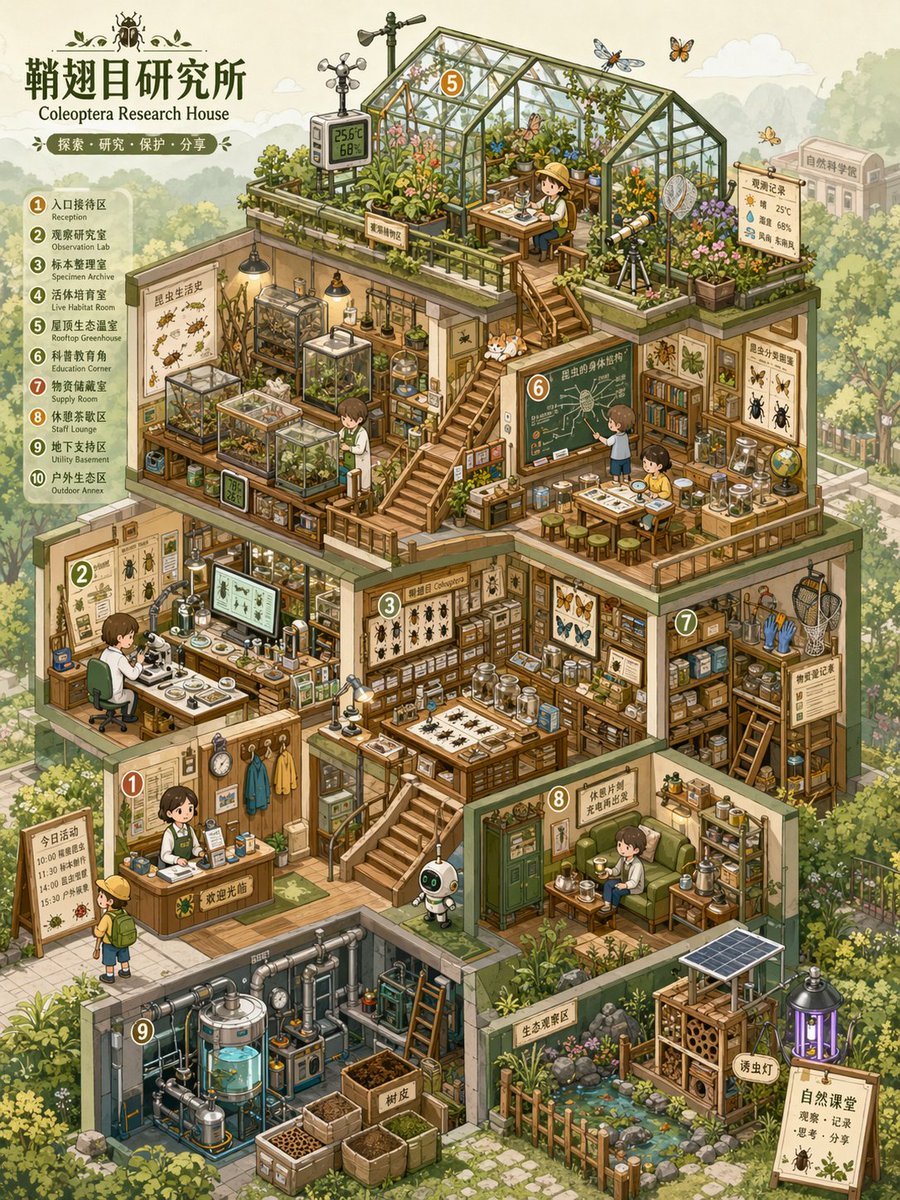
- 当前保留了 4 份媒体输出,适合顺手观察同一方向在多张结果里的稳定性。
Prompt 结构可以怎么理解
- 这条 Prompt 整体属于一条比较长、约束条件很多的 Prompt,很适合拿来判断这类方向到底需要写到多细。
- 关键词簇主要围绕 海报、插画、角色 展开,所以复用时可以先保留这组风格词,再替换主体、镜头、环境或文案信息。
- 最稳的改写方式通常是先保留结果方向和最强风格信号,只替换主体设定与场景块。
如果你是带着问题来的,可以先看这些角度
- 如果保留 海报、插画、角色,只换主体题材,结果最先变化的会是哪一部分?
- 这条结果里,哪些特征更像是 角色设计 的结构特征,哪些又是标签风格本身带来的?
- 同分类的相关案例里,哪几条能给你更克制或更极致的相邻变体?
完整 Prompt
Please create a high-completion, high-information-density visual map of an 'Isometric Micro-World Archive' suitable for serialized publishing based on the [Theme]. This is not a regular room illustration or a simple architectural drawing, but a thematic space overview combining 'isometric perspective + architectural cross-section structure + multi-layer functional space + high-density thematic props + miniature model feel + game scene concept art feel.' The image should look like an opened miniature world, a business simulation game scene, a dollhouse model, or a world-building concept map, allowing viewers to understand the overall structure at a glance while repeatedly observing the small details within. [Basic Settings] Theme: [Theme, e.g., Insect Research Institute / Future Survival Base / Magic Potion Workshop / AI Automation Company / Plant Factory / Children's Learning Center / Space Supply Station] Space Name / Brand Name: [Brand name or space name, can be empty] Worldview Direction: [Reality / Sci-Fi / Fairy Tale / Magic / Post-Apocalyptic / Museum / Laboratory / Business Simulation / Campus / Natural Ecology] Building Type: [Cottage / Base / Factory / Lab / Shop / Museum / Underground Space / Spaceship / Multi-layer Studio] Core Function: [What this space is mainly used for, e.g., research, production, display, life, training, trading, learning, maintenance, planting] Main Color: [Main color, e.g., light blue, mint green, cream yellow, pink, orange-green, purple-blue, white-blue tech color] Auxiliary Color: [Auxiliary color, can be empty] Accent Color: [Accent color, can be empty] Aspect Ratio: [1:1 / 3:4 / 4:5 / 9:16] Information Density: [Medium-high / High / Ultra-high] Overall Vibe: [Healing, cute, precise, childlike, popular science, futuristic, retro, refreshing, sense of exploration] If some fields are not filled, please automatically derive them reasonably based on the [Theme]; do not leave the screen blank. All content must be generated uniformly around the theme, avoiding irrelevant elements. [Visual Structure] Adopt a clear isometric perspective / axonometric view, where the main subject is an opened multi-layer thematic building or functional base. Viewers can simultaneously see the front, side, top, and internal space of the building. The entire building is located at the center of the screen, occupying most of the area, with the background environment moderately faded to highlight the subject. The interior of the building needs to be divided into multiple functional areas, each with a clear purpose, rather than randomly piled decorations. It can include: 1. Main work area / Core operation area 2. Display area / Collection area / Specimen area 3. Research area / Lab area / Control area 4. Storage area / Shelving area / Supply area 5. Living area / Rest area / Small residential area 6. Energy area / Machine area / Piping area 7. Planting area / Cultivation area / Ecological area 8. Entrance area / Transport area / Maintenance area 9. Spatial connection structures like stairs, platforms, corridors, railings, ladders, etc. Clear spatial relationships must be formed between various areas through stairs, corridors, platforms, pipes, bridges, or cables, making the image look like a real, functioning miniature system. [Props and Details] Generate a large number of relevant props based on the [Theme] and distribute them in different functional areas. Props need to be specific, identifiable, and thematically related, not just vague decorations. Each small object should be as clear and readable as a game asset, with a feel of being clickable, interactive, and collectable. Types of props can include: - Thematic equipment: machines, instruments, tools, consoles, containers, screens, workbenches - Lifestyle objects: tables/chairs, bookshelves, beds, cups, boxes, cabinets, lamps - Display objects: specimens, models, posters, signboards, glass cabinets, display racks - Connection structures: pipes, wires, ladders, stairs, conveyor belts, slide rails, platforms - Ecological elements: plants, water tanks, incubators, soil, branches, rocks, specimens - Character elements: small number of characters, animals, robots, or thematic creatures to provide a sense of scale and story The number of props should be rich but orderly. All props should serve the space's function and the thematic worldview. [Style Requirements] The overall style is clear, cute, precise hand-drawn cartoon isometric illustration. Lines are clean, edges are slightly rounded, colors are bright and soft, with an overall relaxed, healing, and exploratory feel. The image should have the feel of a business simulation game, a children's science picture book, a miniature model, or a concept art page. Avoid over-realism, strong dark lighting/shadows, heavy oil painting feel, and complex noise. The focus is on being clear, exquisite, layered, and highly readable. [Color and Lighting] Use high brightness, low-to-medium saturation soft color schemes. The main color is unified, auxiliary colors are used to distinguish different spaces, and accent colors are used to highlight key equipment and small props. Line art colors should not use dead black; instead, use soft outlines like dark gray, blue-gray, or brown-gray. Keep lighting and shadows lightweight; strong realistic projections are not needed. Build layers through color blocks, structures, lines, and local highlights. The background should use light colors and low-contrast processing to make the main building stand out more. [Composition and Reading Path] The main subject is centered or slightly upper-centered, with the building in a multi-layer cross-section structure. The visual reading path should start from the overall building outline, enter the functional areas of each floor, and finally observe the detailed props. The gaze can be guided by elements such as stairs, platforms, corridors, pipelines, and tracks. The overall image should be full but not crowded, rich but not messy. Every room, platform, and corner should have content, yet still maintain clear spatial boundaries. [Background Environment] The background can include a weakened external environment according to the theme, such as a forest, city, street, underground rock layer, experimental park, seabed, space, campus, factory exterior, etc. The background should not compete with the subject; light colors, low opacity, and low contrast are recommended to achieve a 'subject clear, background receding' effect. [Final Effect] The final image should look like a complete thematic space concept map, with both the structural feel of an architectural cross-section and the detail of a game scene asset map, combined with the cute exploration feel of a miniature dollhouse. It should be suitable for serialized visual creation, IP worldview display, game scene settings, brand space concept maps, science content covers, or Little Red Book/Pinterest style visual posts. Ensure the image has: 1. Clear isometric perspective 2. Clear architectural cross-section structure 3. Complete multi-layer functional areas 4. Rich props and thematic unity 5. Soft and bright colors 6. Clean and clear line art 7. Weakened background, prominent subject 8. High information density but not messy 9. A sense of an explorable, operable, and observable miniature world.