Case Media
Case Notes
This page keeps the media, full prompt, and original source together so you can inspect the result first and decide whether the prompt is worth copying, saving, or comparing.
Case Insights
To make this page easier to search, cite, and reuse later, the case is also broken down into practical guidance about usage, visual cues, and prompt structure.
Best Fit Scenarios
- Use this as a ui & social screens benchmark when you need a fast style baseline before rewriting your own prompt.
- It is especially helpful if your target overlaps with Portrait, UI, Screenshot and you want to judge the image result before tuning wording.
- Keep it as a control sample when you compare nearby prompt variants one variable at a time.
Visual Signals To Notice
- The clearest style signals here are Portrait, UI, Screenshot, so those should usually stay in your first rewrite.
- The important layer is usually interface density, card hierarchy, and how the screen tells the story before you read small text.
- This case keeps one primary output, so the first image should be treated as the main visual reference.
How The Prompt Is Structured
- The prompt reads as a short prompt that relies on a compact set of strong cues, which is useful when you want to judge how much specificity this direction needs.
- Its keyword cluster is centered on Portrait, UI, Screenshot, so you can usually keep that cluster while swapping subject, camera, layout, or copy details.
- A practical rewrite path is: keep the outcome, keep the strongest style cues, then replace only the subject and environment blocks.
Good Follow-up Questions
- What changes first if you keep Portrait, UI, Screenshot but switch the subject matter?
- Which part of the result comes from section-level structure (UI & Social Screens) versus tag-level style cues?
- Which related cases in the same section give you a cleaner or more extreme variation of the same direction?
Full Prompt
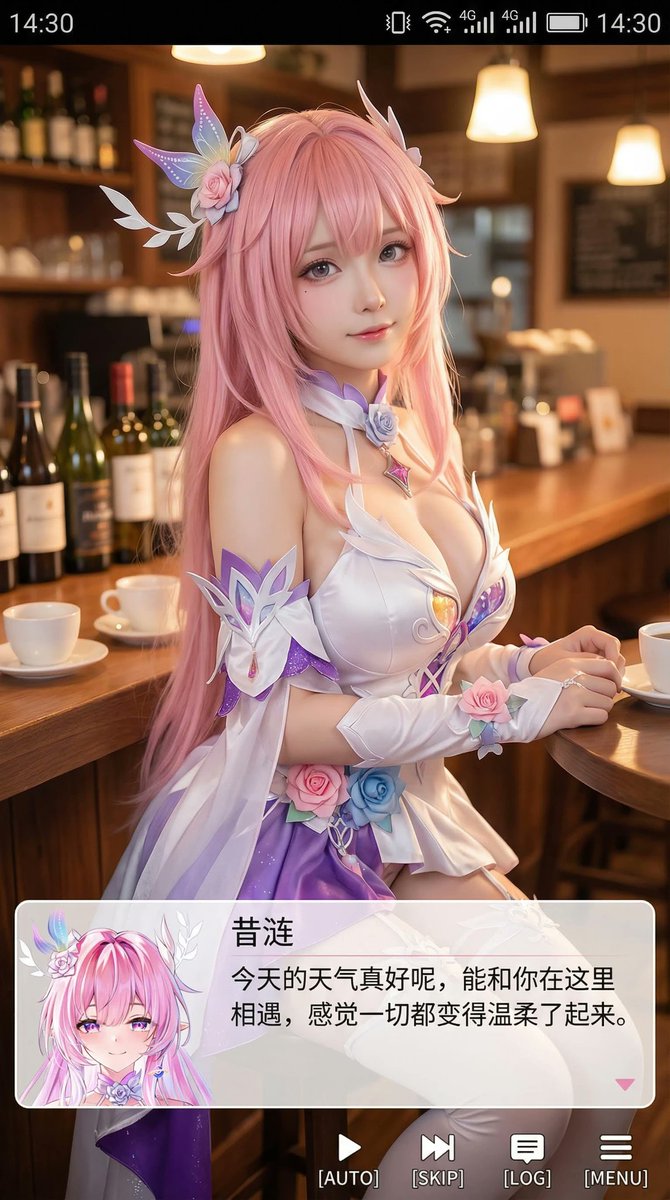
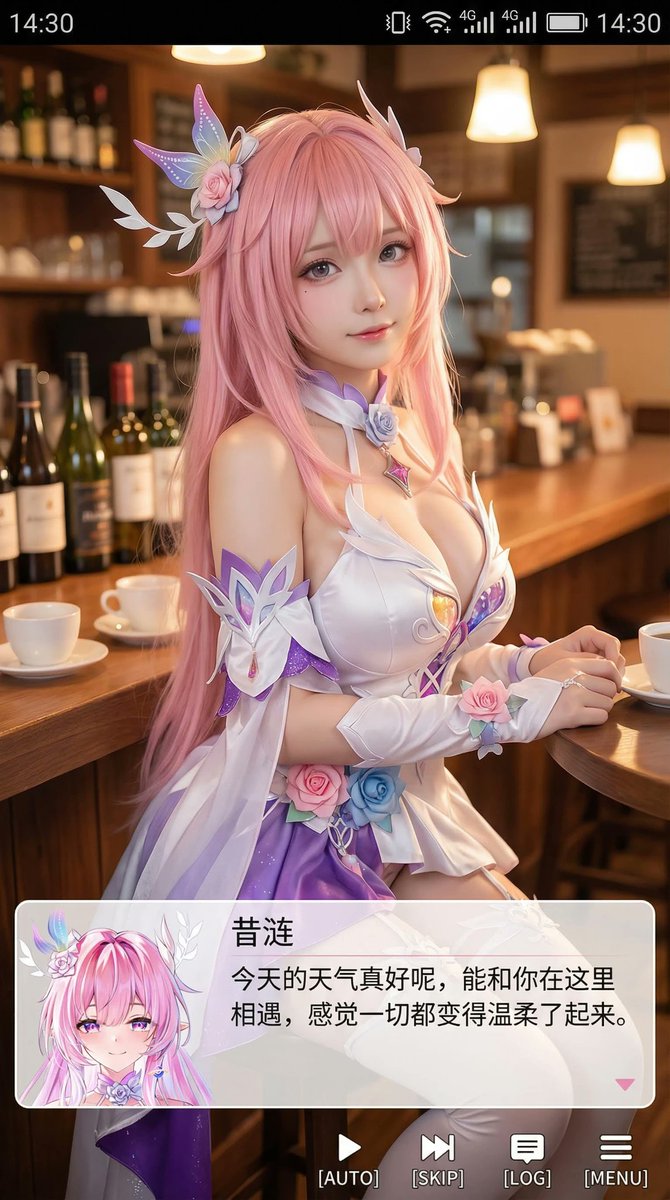
生成一张竖版手机截图风格的图片,整体比例接近 9:16。画面中心偏上是一位真人 coser,扮演(角色名称)的二次元角色。人物为写实风格,但五官略带动漫感,皮肤细腻,眼睛稍大,表情温柔地看向镜头,坐在室内的休闲场景中,例如咖啡厅或酒吧吧台前,背景有符合场景的道具。画面最上方加入手机系统状态栏 UI,包括时间、电量、信号、网络等图标,让整张图看起来像手机截图。画面底部叠加一块宽大的半透明 galgame 风格对话框,对话框左侧放一个与画面人物对应的动漫或 Q 版头像;对话框右侧排版文字:第一行用较大字体显示与前面相同的角色名字,下面一到两行显示一段适合这个角色人设的、温柔治愈风格的简体中文台词,由你自动创作。再在对话框下方加一条操作栏,仿照 galgame UI。整体风格高清、细节丰富、光线柔和、二次元与真人写真自然融合。