Case Media
Case Notes
This page keeps the media, full prompt, and original source together so you can inspect the result first and decide whether the prompt is worth copying, saving, or comparing.
Case Insights
To make this page easier to search, cite, and reuse later, the case is also broken down into practical guidance about usage, visual cues, and prompt structure.
Best Fit Scenarios
- Use this as a ui & social screens benchmark when you need a fast style baseline before rewriting your own prompt.
- It is especially helpful if your target overlaps with Fashion, UI, Screenshot and you want to judge the image result before tuning wording.
- Keep it as a control sample when you compare nearby prompt variants one variable at a time.
Visual Signals To Notice
- The clearest style signals here are Fashion, UI, Screenshot, so those should usually stay in your first rewrite.
- The important layer is usually interface density, card hierarchy, and how the screen tells the story before you read small text.
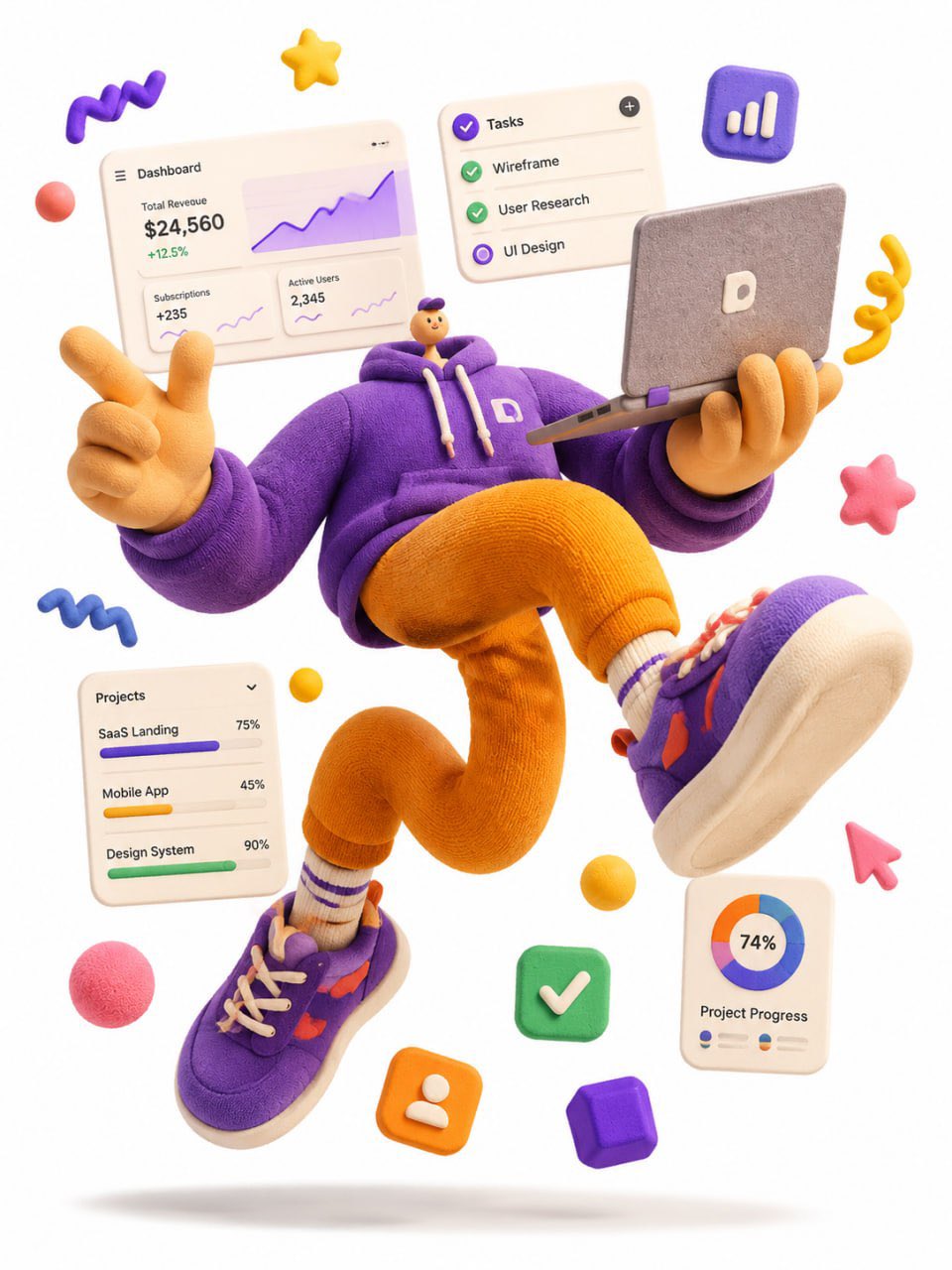
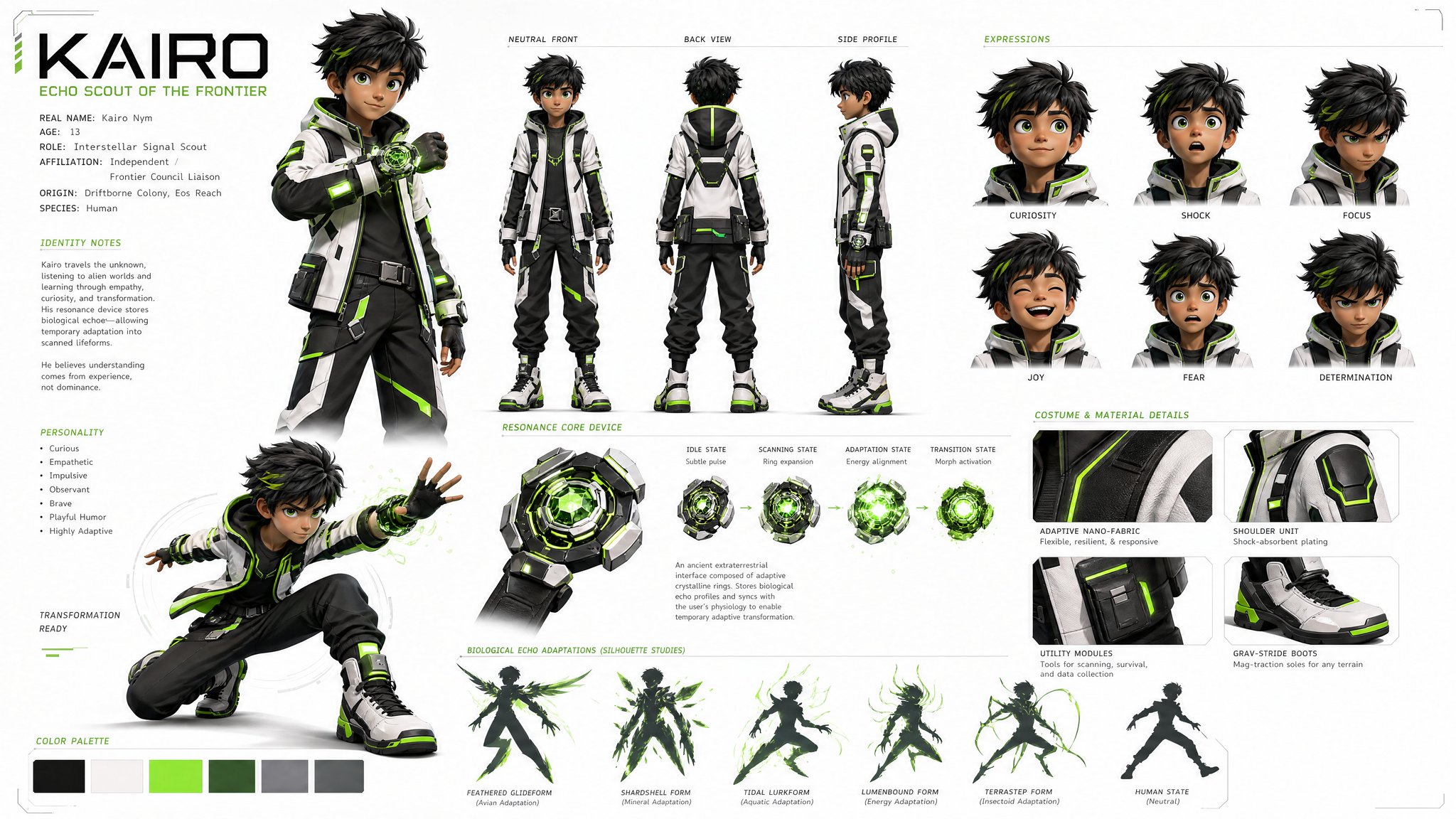
- This case keeps 2 media outputs, which makes it easier to check whether the style remains stable across multiple results.
How The Prompt Is Structured
- The prompt reads as a long, highly specified prompt, which is useful when you want to judge how much specificity this direction needs.
- Its keyword cluster is centered on Fashion, UI, Screenshot, so you can usually keep that cluster while swapping subject, camera, layout, or copy details.
- A practical rewrite path is: keep the outcome, keep the strongest style cues, then replace only the subject and environment blocks.
Good Follow-up Questions
- What changes first if you keep Fashion, UI, Screenshot but switch the subject matter?
- Which part of the result comes from section-level structure (UI & Social Screens) versus tag-level style cues?
- Which related cases in the same section give you a cleaner or more extreme variation of the same direction?
Full Prompt
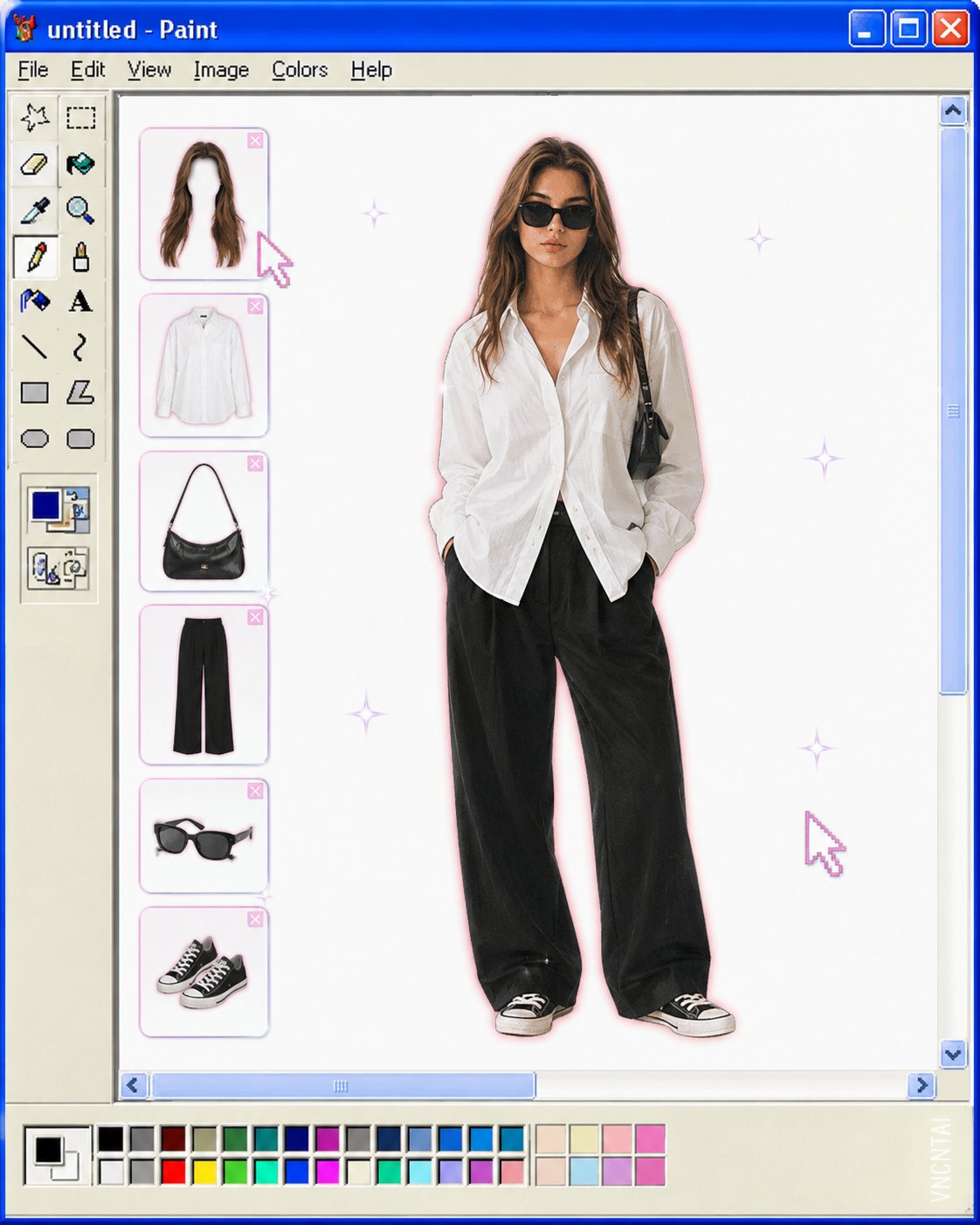
Transform the uploaded image into a retro Windows MS Paint outfit-builder interface aesthetic. Keep the full-body cutout of the subject centered on a clean white canvas, as if placed inside an old Windows XP / MS Paint workspace. Layout details: Left side: classic MS Paint toolbar with pixel-style icons and old UI elements. A vertical column of floating wardrobe/accessory slots (hair, top, bag, pants, shoes, etc.) shown as detachable outfit pieces. Bottom: a pastel color palette bar similar to old Paint color swatches. Window title bar at top with simple retro naming (e.g. “untitled - Paint”). Subject appears like a digital paper doll / dress-up character. Visual style: Early-2000s internet aesthetic Slight low-resolution softness Airbrushed + scanned magazine feel Soft glow around the subject Tiny sparkle highlights Muted pastel colors with one or two saturated accent colors Minimal shadows Cute, playful, nostalgic UI composition Image treatment: Preserve pose and clothing identity from the original image Cutout edges slightly softened Keep proportions elongated and editorial White negative space for a clean composition Subtle JPEG compression / vintage screen texture Keywords: MS Paint UI, Windows XP aesthetic, digital dress-up game, Y2K nostalgia, paper doll fashion, retro desktop, kawaii editorial, internetcore, soft glow, scrapbook UI, fashion collage.Watermark: Add a subtle watermark in the bottom-right corner of the image. The text should be vertical (rotated 90°) and read “VNCNTAI”. Use Montserrat font, white color with low opacity (semi-transparent), medium size.