Case Media
Case Notes
This page keeps the media, full prompt, and original source together so you can inspect the result first and decide whether the prompt is worth copying, saving, or comparing.
Case Insights
To make this page easier to search, cite, and reuse later, the case is also broken down into practical guidance about usage, visual cues, and prompt structure.
Best Fit Scenarios
- Use this as a portrait & photography benchmark when you need a fast style baseline before rewriting your own prompt.
- It is especially helpful if your target overlaps with Neon, Portrait, Fashion and you want to judge the image result before tuning wording.
- Keep it as a control sample when you compare nearby prompt variants one variable at a time.
Visual Signals To Notice
- The clearest style signals here are Neon, Portrait, Fashion, so those should usually stay in your first rewrite.
- Focus on framing, light direction, pose, and the distance between subject and camera.
- This case keeps 2 media outputs, which makes it easier to check whether the style remains stable across multiple results.
How The Prompt Is Structured
- The prompt reads as a long, highly specified prompt, which is useful when you want to judge how much specificity this direction needs.
- Its keyword cluster is centered on Neon, Portrait, Fashion, so you can usually keep that cluster while swapping subject, camera, layout, or copy details.
- A practical rewrite path is: keep the outcome, keep the strongest style cues, then replace only the subject and environment blocks.
Good Follow-up Questions
- What changes first if you keep Neon, Portrait, Fashion but switch the subject matter?
- Which part of the result comes from section-level structure (Portrait & Photography) versus tag-level style cues?
- Which related cases in the same section give you a cleaner or more extreme variation of the same direction?
Full Prompt
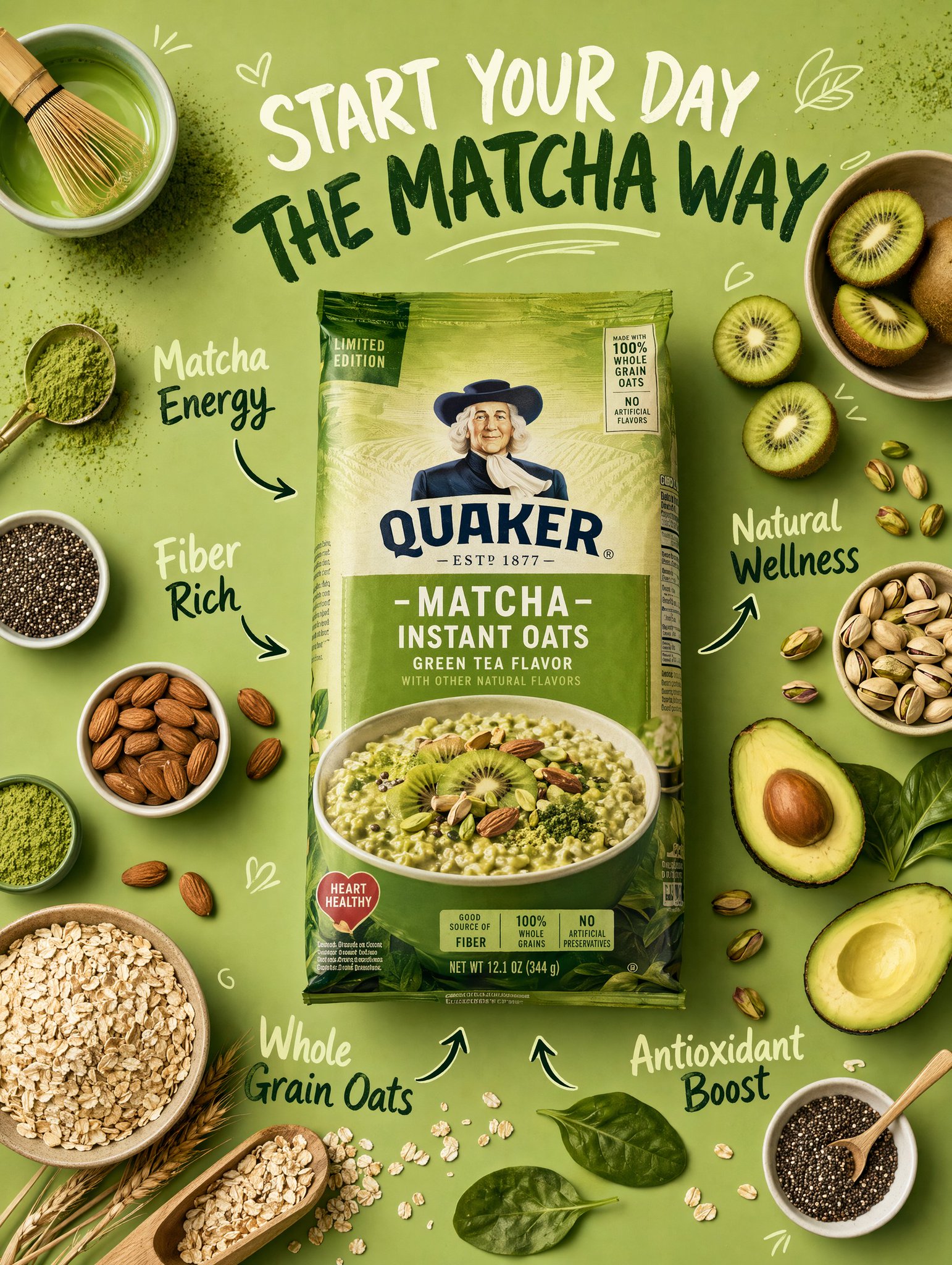
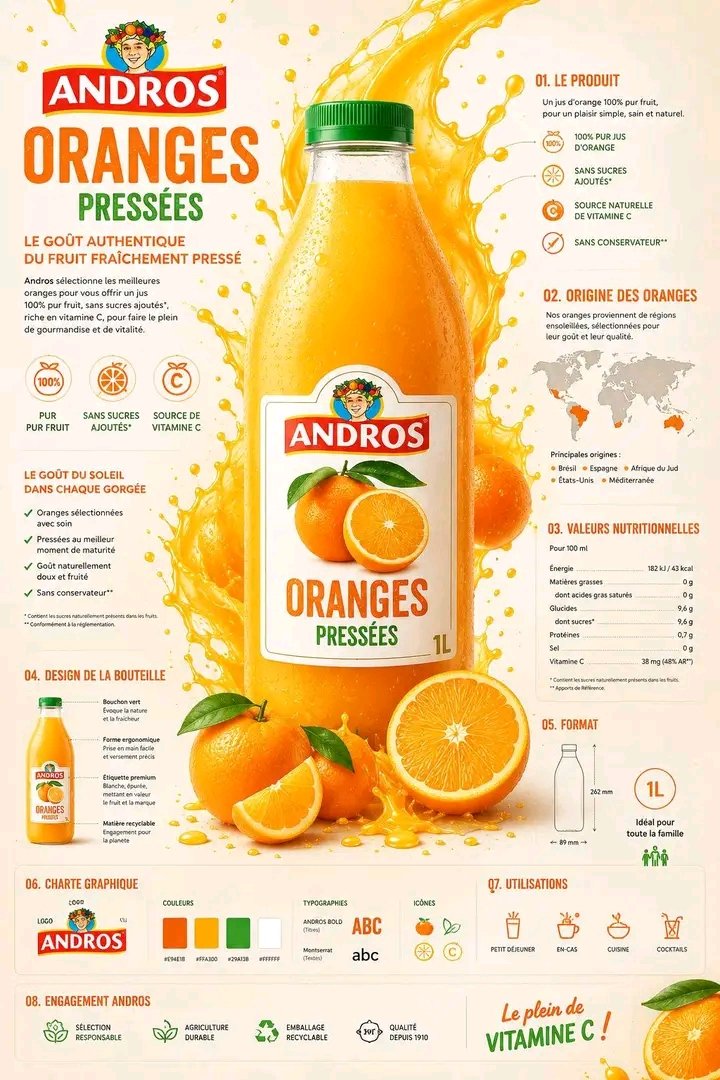
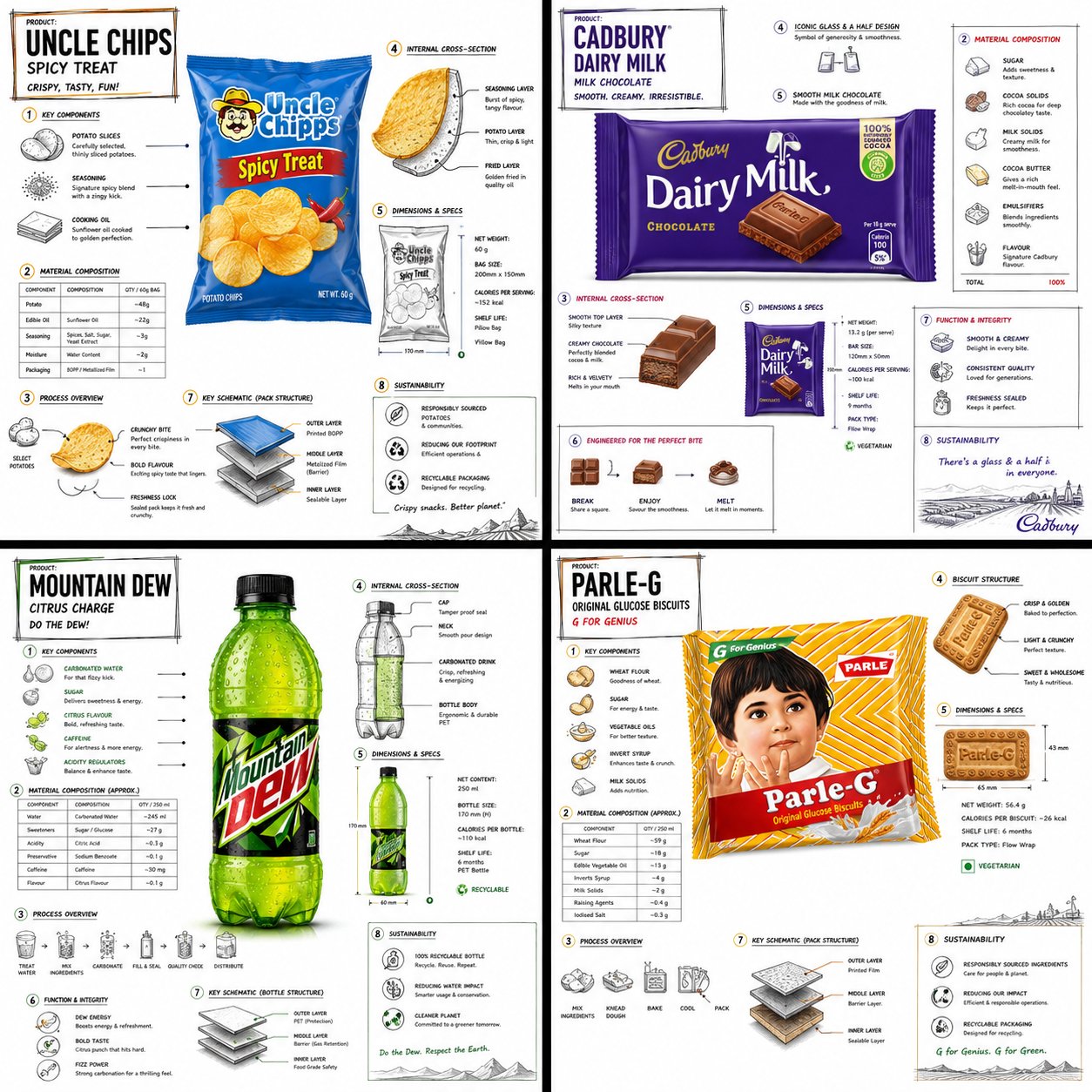
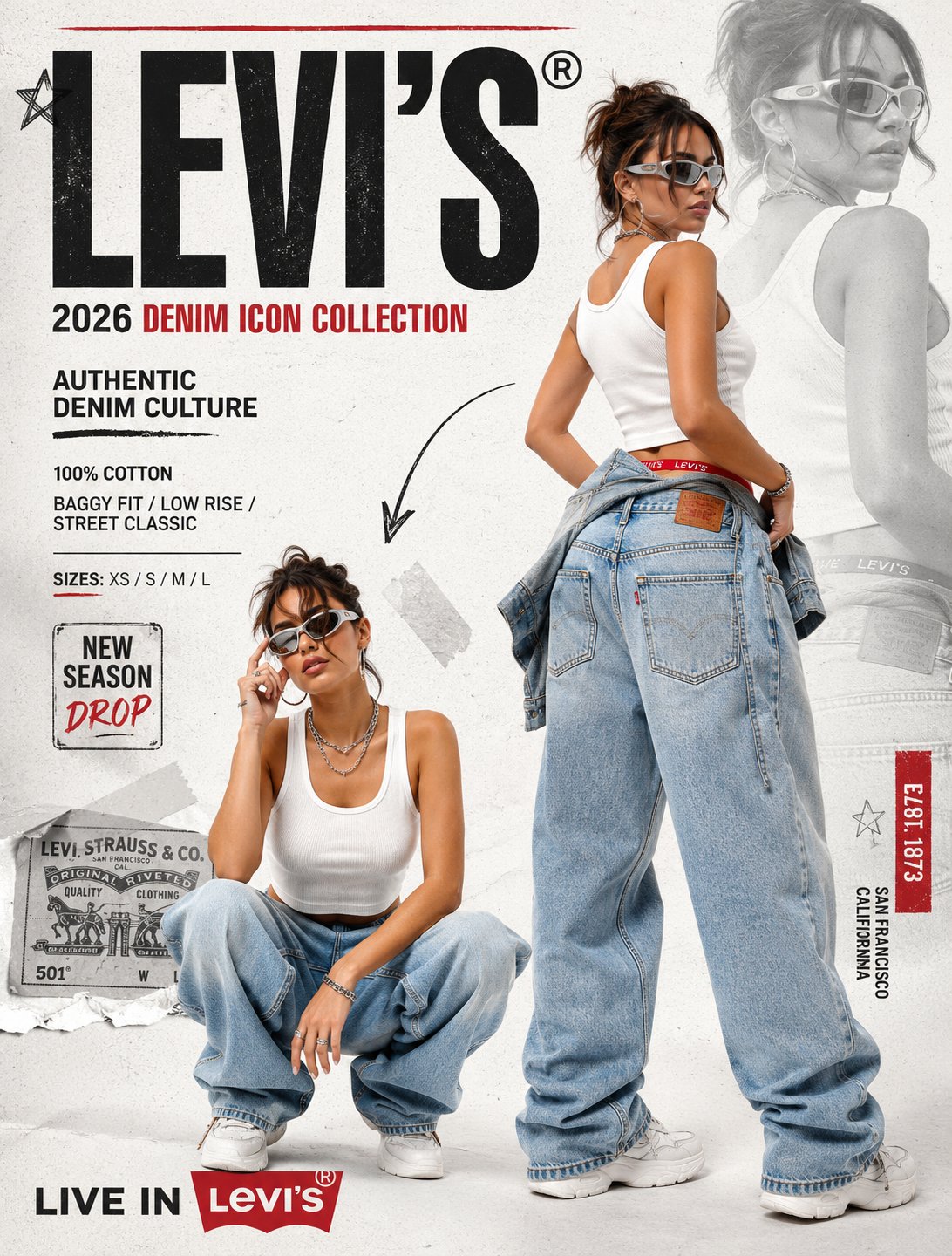
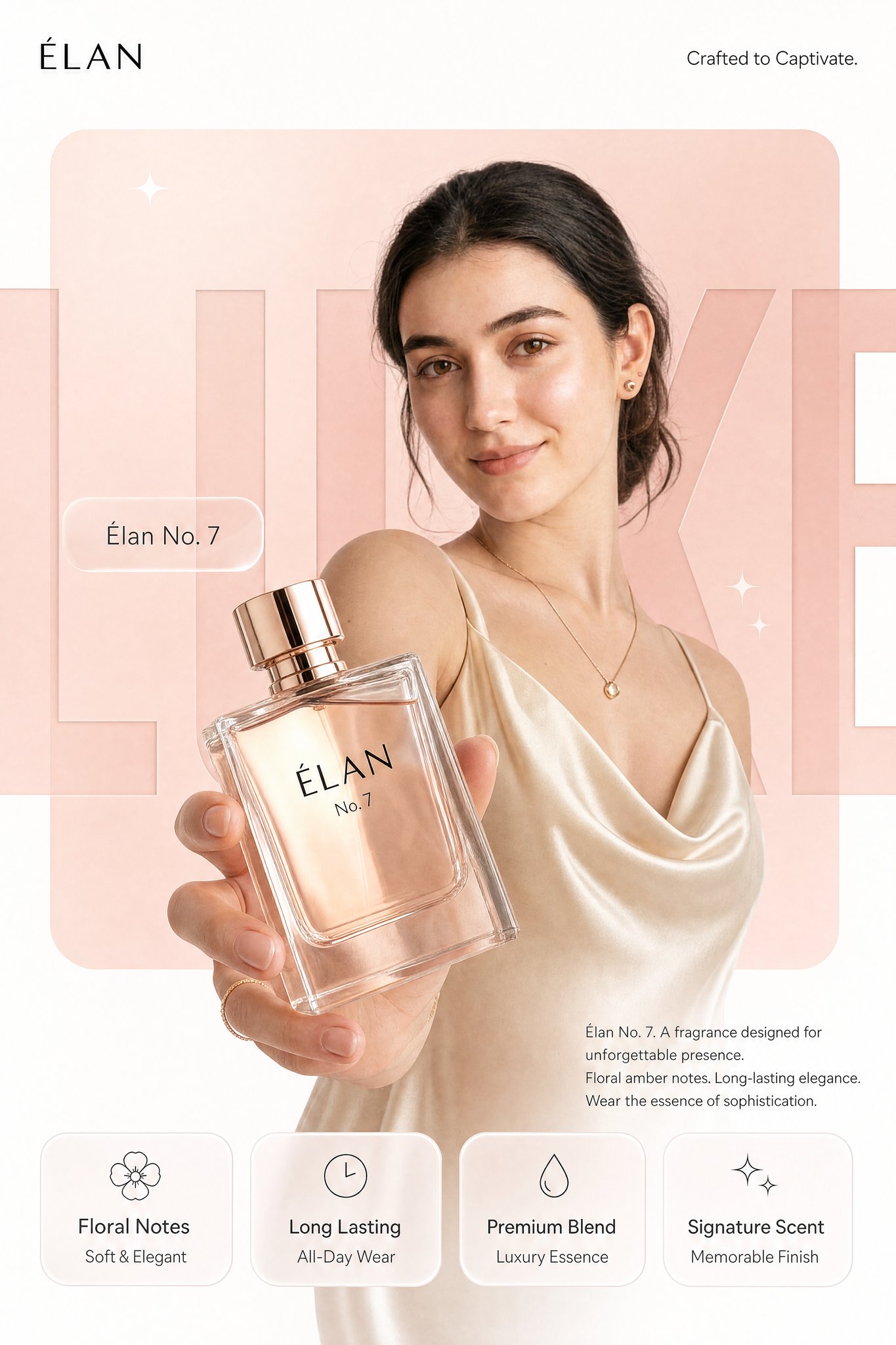
REFERENCE IMAGE INSTRUCTION: Use the uploaded product photo as the exact source of truth for the product's appearance, color, finish, branding, and form factor. Do not invent or alter any product detail. Reproduce it with photorealistic precision. --- Create a photorealistic premium [PRODUCT CATEGORY] campaign poster in a 4:5 vertical aspect ratio. Design it as a clean global OOH, digital, and social campaign layout with strict grid alignment, premium white space, and precise typography. The campaign idea is "[CAMPAIGN TAGLINE]," but do not render that phrase as visible text. Use a strict 12-column poster grid with 6% outer margins. Keep all text aligned to this grid. The image has four layers: background shape, giant background typography, subject/product photography, and clean graphic text overlays. BACKGROUND: Pure matte white canvas. Place one large rounded-rectangle block behind the subject, occupying roughly 70% of the poster height and 76% of the width, centered slightly above the middle. The block uses a controlled [PRIMARY BRAND COLOR] gradient, glowing gently from top-left to bottom-right. Behind the subject and product, place giant cropped typography reading "[BACKGROUND HERO WORD]" in ultra-bold geometric sans-serif letters. The word is a background layer only: huge, partially cropped by the frame edges, wide letter spacing, darker [PRIMARY BRAND COLOR] than the rectangle, subtle embossed depth, soft shadow, and low enough contrast that it does not fight the product. SUBJECT AND PRODUCT: [DESCRIBE MODEL OR SUBJECT — e.g., "a female model with a clean editorial look, neutral confident expression, natural slightly wind-touched hair, muted off-white outfit, and [ACCENT COLOR] jacket"]. Shoot from a slightly low hero angle. Body angled for depth, face turned toward the viewer with direct eye contact. One hand extends toward the camera holding the product from the uploaded reference image. The product is the dominant foreground object, slightly tilted to reveal [KEY PRODUCT DETAIL — e.g., "the triple camera system, brushed titanium edges, and centered brand logo"]. Keep the product sharp with realistic surface reflections, material texture, faint micro-details, and soft bloom around premium features. Keep the model's face readable behind it. LIGHTING: Soft studio key light from front-left, warm rim light from the right, and subtle [PRIMARY BRAND COLOR] bounce from the background block. Skin remains natural and non-airbrushed with realistic catchlights. Product edges have clean [MATERIAL FINISH — e.g., "metallic / matte / glossy"] highlights. Shadows are soft and controlled. TYPOGRAPHY OVERLAY: All text must be flat, crisp, perfectly aligned graphic typography — not painted onto the scene. Render exactly these text elements once, with no extra text: Top left, small black logo: [BRAND LOGO NAME/MARK] Top right, thin sans-serif: "[BRAND SUB-TAGLINE — e.g., 'Built for Apple Intelligence.']" Mid left, glassmorphism pill: "[PRODUCT NAME — e.g., 'iPhone 17 Pro']" Large background type: "[BACKGROUND HERO WORD]" Bottom right body copy, small clean sans-serif: "[PRODUCT NAME]. [POWER STATEMENT — one sentence.] [FEATURE 1]. [FEATURE 2]. [CLOSING LINE — e.g., 'Designed for what's next.']" BOTTOM FEATURE STRIP: Place four equal-width glass-white rounded cards along the bottom, aligned to the grid, same height, same spacing, same baseline alignment. Each card has one minimal line icon above the heading. Render exactly: Card 1: "[FEATURE HEADING 1]" / "[FEATURE SUBLINE 1]" Card 2: "[FEATURE HEADING 2]" / "[FEATURE SUBLINE 2]" Card 3: "[FEATURE HEADING 3]" / "[FEATURE SUBLINE 3]" Card 4: "[FEATURE HEADING 4]" / "[FEATURE SUBLINE 4]" GRAPHIC DETAILS: Two or three small sparkle icons only, subtle grain, soft glassmorphism, controlled [PRIMARY BRAND COLOR]-white-[ACCENT COLOR] palette, no neon, no oversaturation.