Case Media
Case Notes
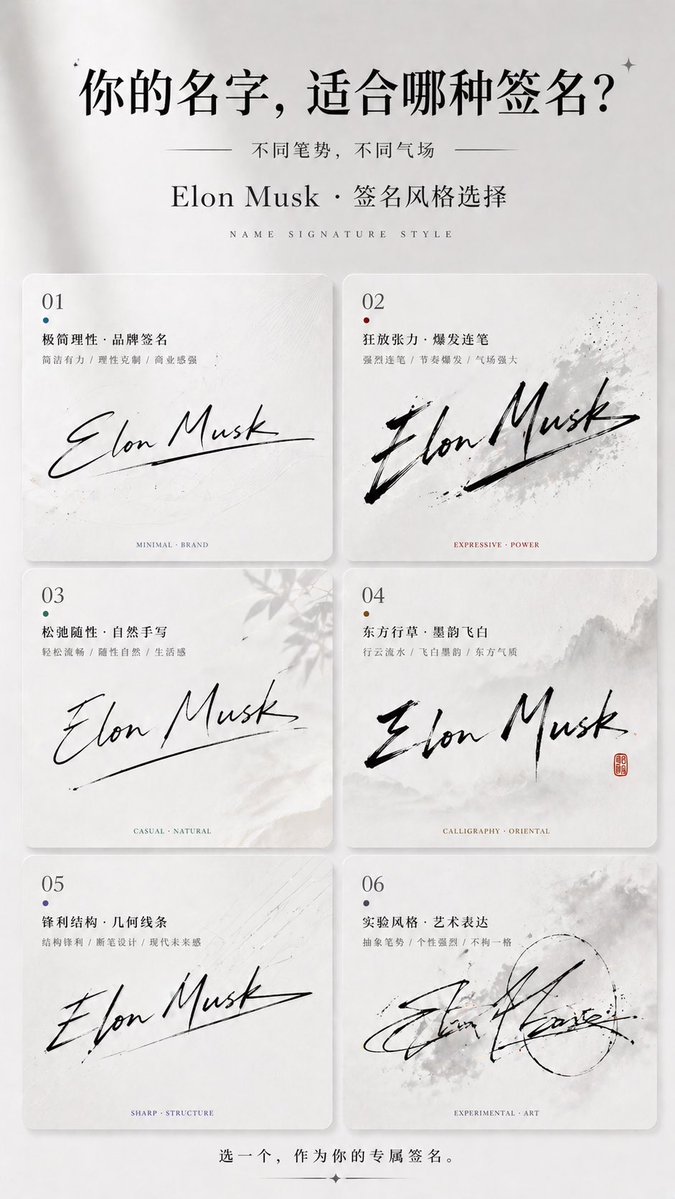
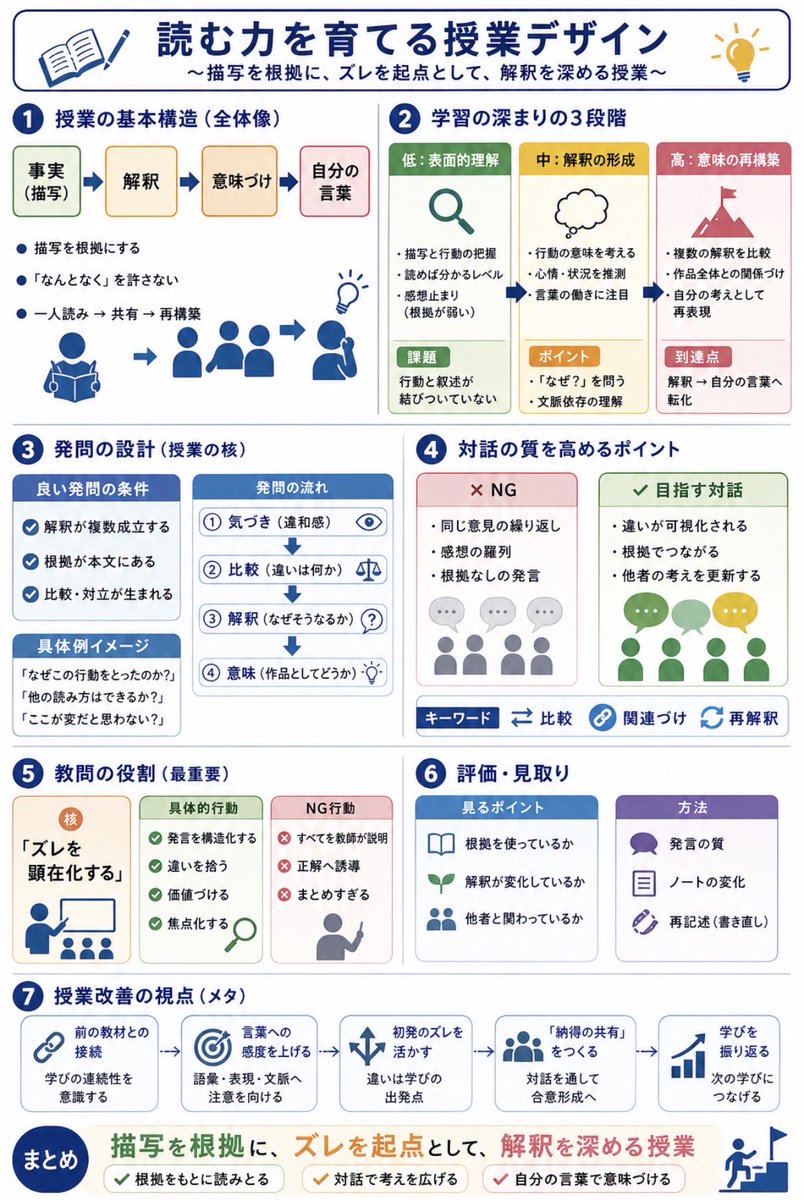
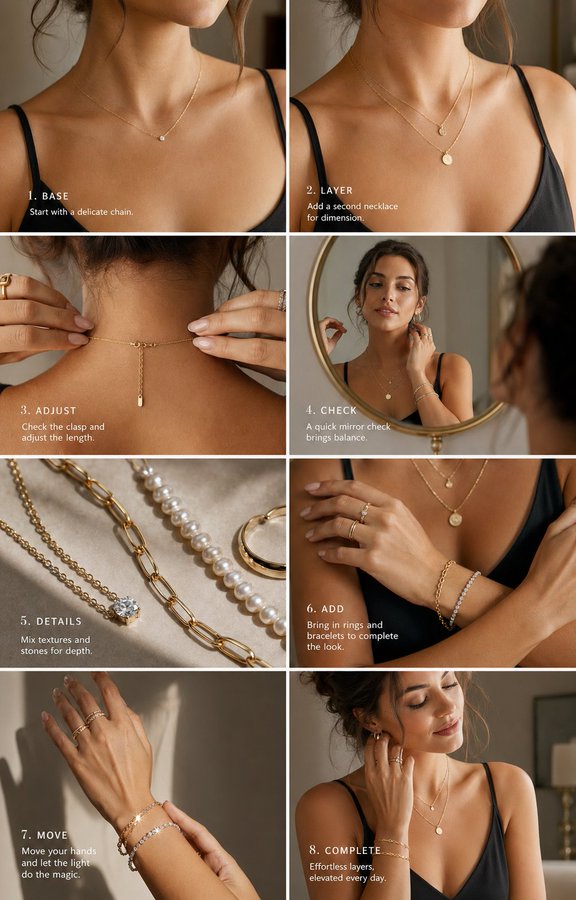
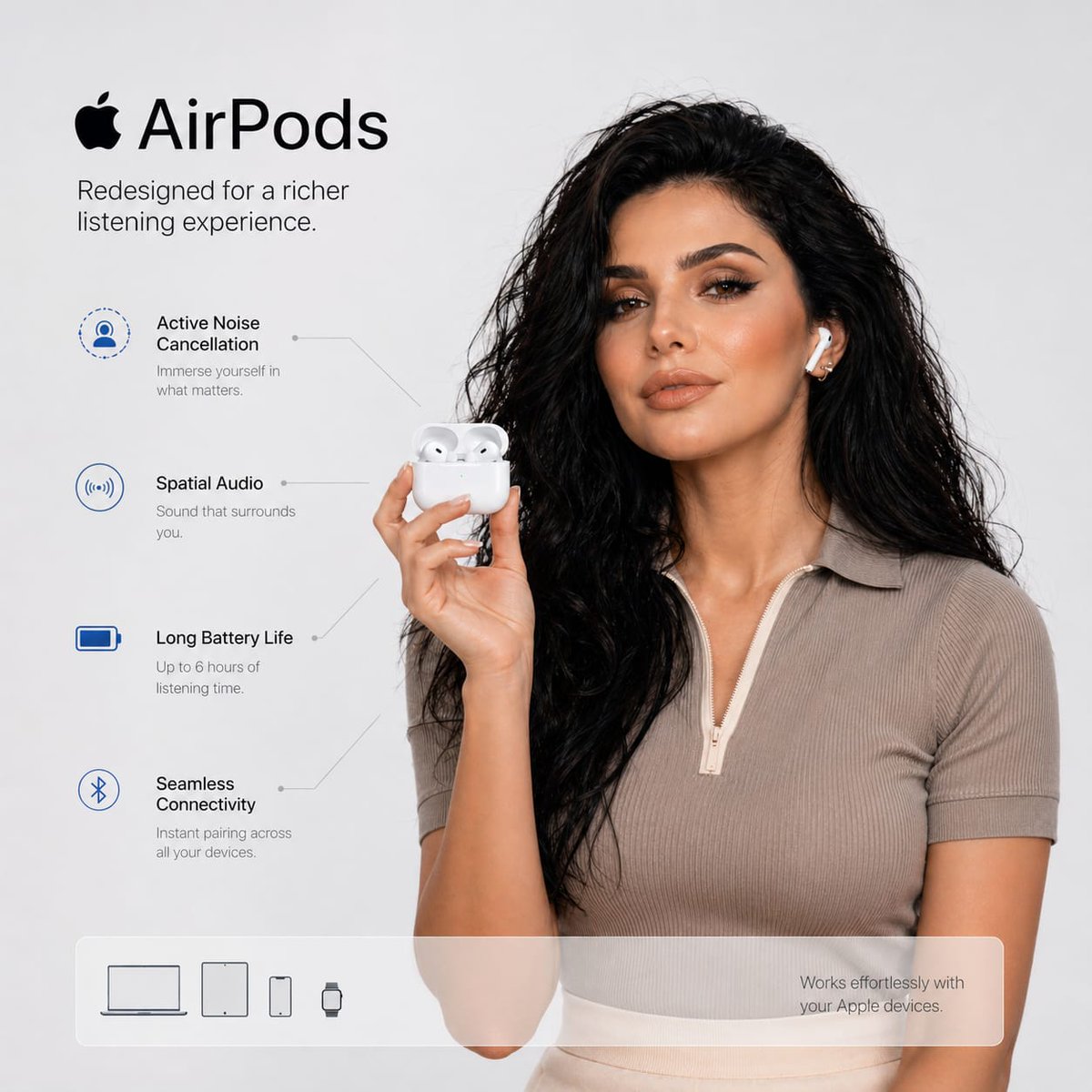
This page keeps the media, full prompt, and original source together so you can inspect the result first and decide whether the prompt is worth copying, saving, or comparing.
Case Insights
To make this page easier to search, cite, and reuse later, the case is also broken down into practical guidance about usage, visual cues, and prompt structure.
Best Fit Scenarios
- Use this as a model & community benchmark when you need a fast style baseline before rewriting your own prompt.
- It is especially helpful if your target overlaps with Minimal, Typography, Infographic and you want to judge the image result before tuning wording.
- Keep it as a control sample when you compare nearby prompt variants one variable at a time.
Visual Signals To Notice
- The clearest style signals here are Minimal, Typography, Infographic, so those should usually stay in your first rewrite.
- This kind of case is strongest when you watch deltas: what changed, what broke, and which prompt choice caused that shift.
- This case keeps one primary output, so the first image should be treated as the main visual reference.
How The Prompt Is Structured
- The prompt reads as a long, highly specified prompt, which is useful when you want to judge how much specificity this direction needs.
- Its keyword cluster is centered on Minimal, Typography, Infographic, so you can usually keep that cluster while swapping subject, camera, layout, or copy details.
- A practical rewrite path is: keep the outcome, keep the strongest style cues, then replace only the subject and environment blocks.
Good Follow-up Questions
- What changes first if you keep Minimal, Typography, Infographic but switch the subject matter?
- Which part of the result comes from section-level structure (Model & Community) versus tag-level style cues?
- Which related cases in the same section give you a cleaner or more extreme variation of the same direction?
Full Prompt
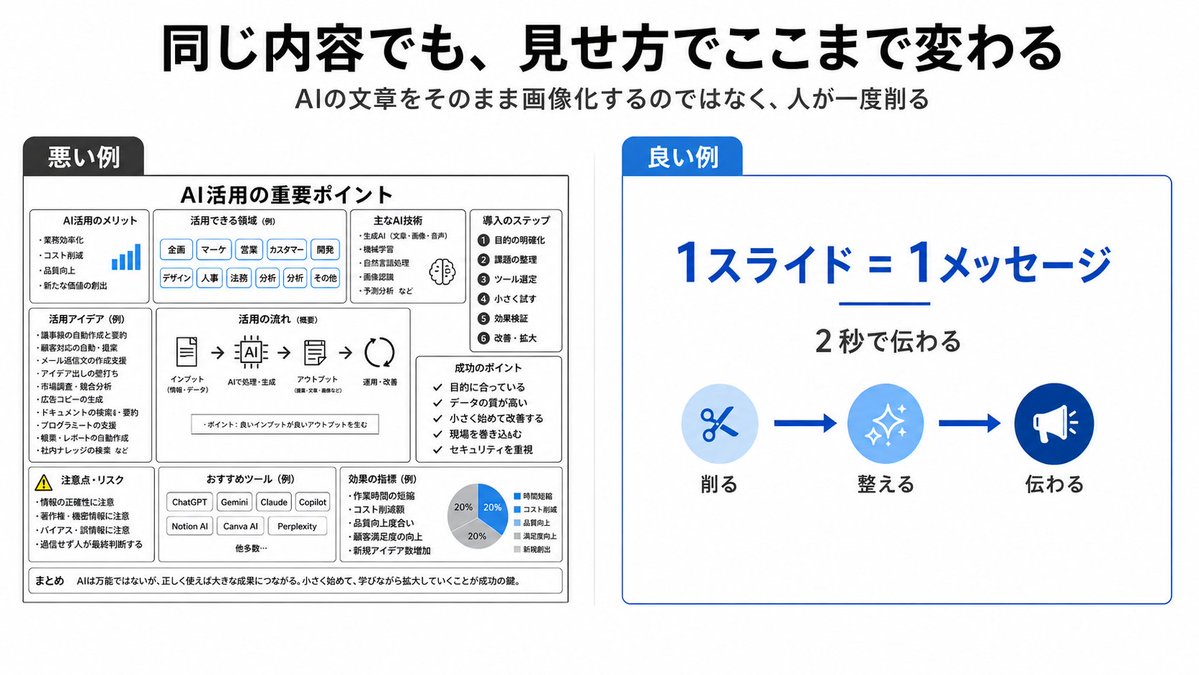
{"type":"clean Japanese presentation infographic comparing bad and good slide design","format":"wide 16:9 slide, white background, minimalist corporate style","headline":"{argument name=\"headline text\" default=\"同じ内容でも、見せ方でここまで変わる\"}","subtitle":"{argument name=\"subtitle text\" default=\"AIの文章をそのまま画像化するのではなく、人が一度削る\"}","layout":{"top":"large bold black Japanese headline centered, smaller gray subtitle centered underneath","comparison_panels":[{"title":"悪い例","position":"left half","style":"dense monochrome black and gray boxed slide with many tiny sections, intentionally cluttered and hard to read","main_heading":"AI活用の重要ポイント","section_count":9,"sections":[{"label":"AI活用のメリット","description":"small list with a tiny blue bar chart icon"},{"label":"活用できる領域(例)","description":"row of many pill tags such as 企画, マーケ, 営業, カスタマー, 開発, デザイン, 人事, 法務, 分析, その他"},{"label":"主なAI技術","description":"compact bullet list with a small brain icon"},{"label":"導入のステップ","description":"numbered vertical list of 6 steps: 1 目的の明確化, 2 課題の整理, 3 ツール選定, 4 小さく試す, 5 効果検証, 6 改善・拡大"},{"label":"活用アイデア(例)","description":"dense bullet list of use cases"},{"label":"活用の流れ(概要)","description":"horizontal process diagram with 5 icons connected by arrows: インプット, AIで処理・生成, アウトプット, 活用・改善"},{"label":"成功のポイント","description":"checklist of 5 short items"},{"label":"注意点・リスク","description":"warning triangle and risk bullet list"},{"label":"おすすめツール(例)","description":"small buttons for ChatGPT, Gemini, Claude, Copilot, Notion AI, Canva AI, Perplexity plus 他多数"}],"bottom_note":"まとめ AIは万能ではないが、正しく使えば大きな成果につながる。小さく始めて、学びながら拡大していくことが成功の鍵。"},{"title":"良い例","position":"right half","style":"simple spacious white card with thin blue border and a blue title tab","main_message":"{argument name=\"main message\" default=\"1スライド=1メッセージ\"}","sub_message":"{argument name=\"sub message\" default=\"2秒で伝わる\"}","visual_flow":{"count":3,"items":[{"label":"削る","icon":"scissors in pale blue circle"},{"label":"整える","icon":"sparkles in medium blue circle"},{"label":"伝わる","icon":"megaphone in dark blue circle"}],"connectors":"two thick blue arrows between the three icons"}}]},"colors":{"primary_blue":"#0057d8","light_blue":"#d6ebff","black":"#111111","gray":"#555555"},"typography":"bold modern Japanese sans-serif, strong hierarchy, right side very readable, left side deliberately overloaded","composition":"clear side-by-side contrast: cluttered bad example on the left and simplified good example on the right, with generous margins and crisp vector graphics"}