Case Media
Case Notes
This page keeps the media, full prompt, and original source together so you can inspect the result first and decide whether the prompt is worth copying, saving, or comparing.
Case Insights
To make this page easier to search, cite, and reuse later, the case is also broken down into practical guidance about usage, visual cues, and prompt structure.
Best Fit Scenarios
- Use this as a model & community benchmark when you need a fast style baseline before rewriting your own prompt.
- It is especially helpful if your target overlaps with Fashion, Poster, Illustration and you want to judge the image result before tuning wording.
- Keep it as a control sample when you compare nearby prompt variants one variable at a time.
Visual Signals To Notice
- The clearest style signals here are Fashion, Poster, Illustration, so those should usually stay in your first rewrite.
- This kind of case is strongest when you watch deltas: what changed, what broke, and which prompt choice caused that shift.
- This case keeps one primary output, so the first image should be treated as the main visual reference.
How The Prompt Is Structured
- The prompt reads as a long, highly specified prompt, which is useful when you want to judge how much specificity this direction needs.
- Its keyword cluster is centered on Fashion, Poster, Illustration, so you can usually keep that cluster while swapping subject, camera, layout, or copy details.
- A practical rewrite path is: keep the outcome, keep the strongest style cues, then replace only the subject and environment blocks.
Good Follow-up Questions
- What changes first if you keep Fashion, Poster, Illustration but switch the subject matter?
- Which part of the result comes from section-level structure (Model & Community) versus tag-level style cues?
- Which related cases in the same section give you a cleaner or more extreme variation of the same direction?
Full Prompt
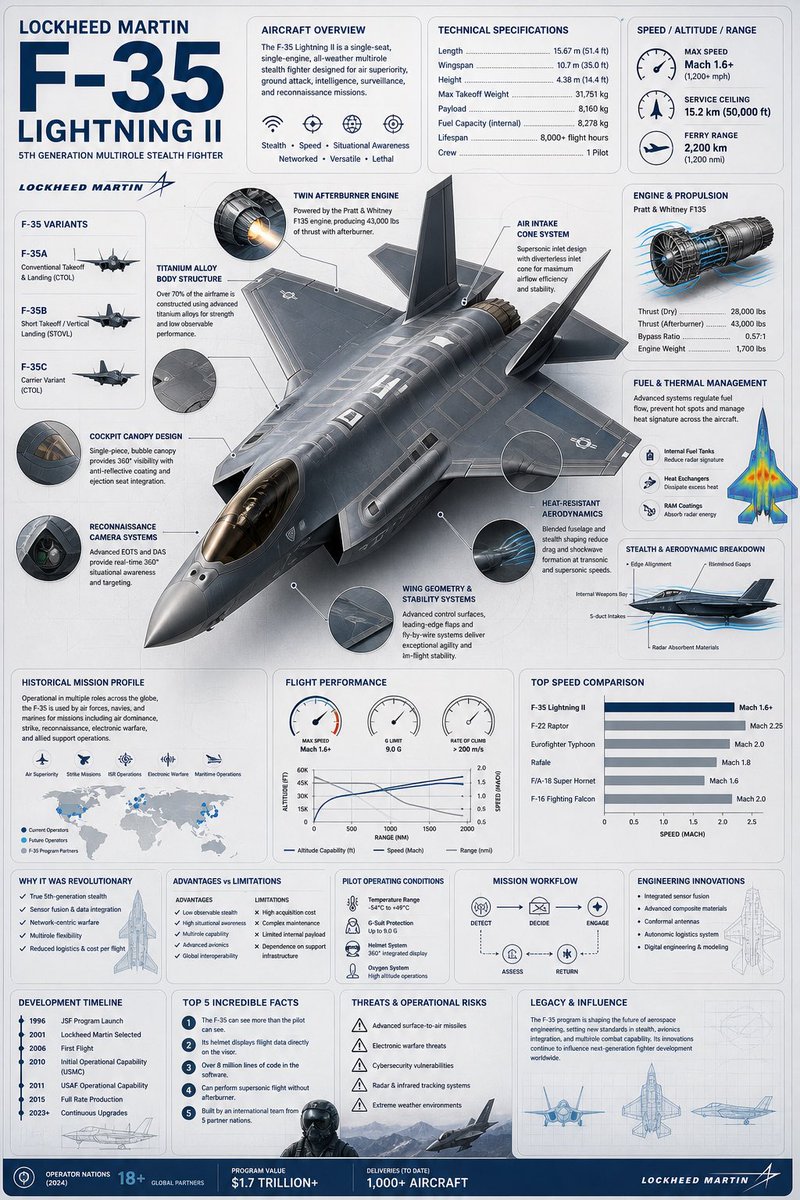
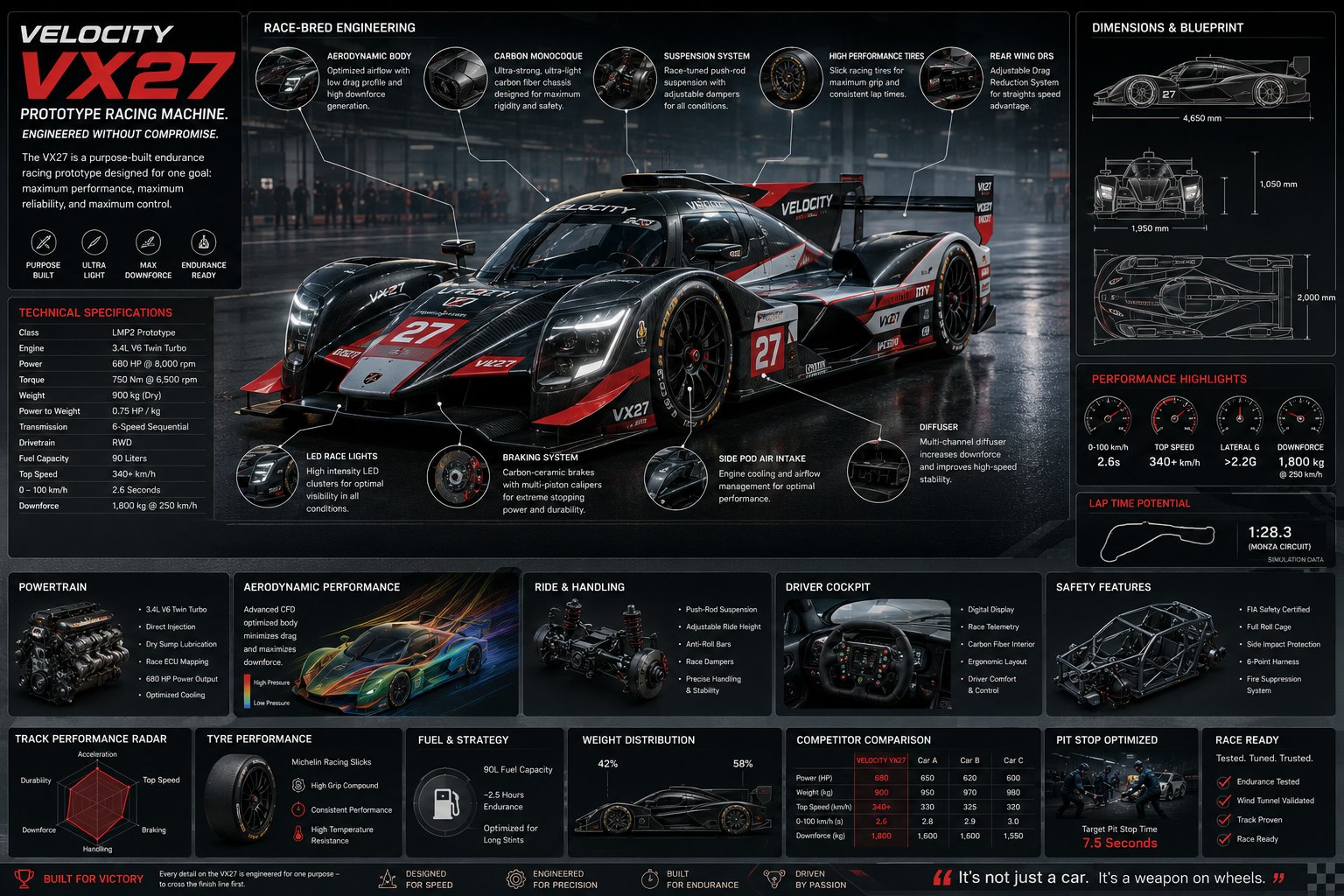
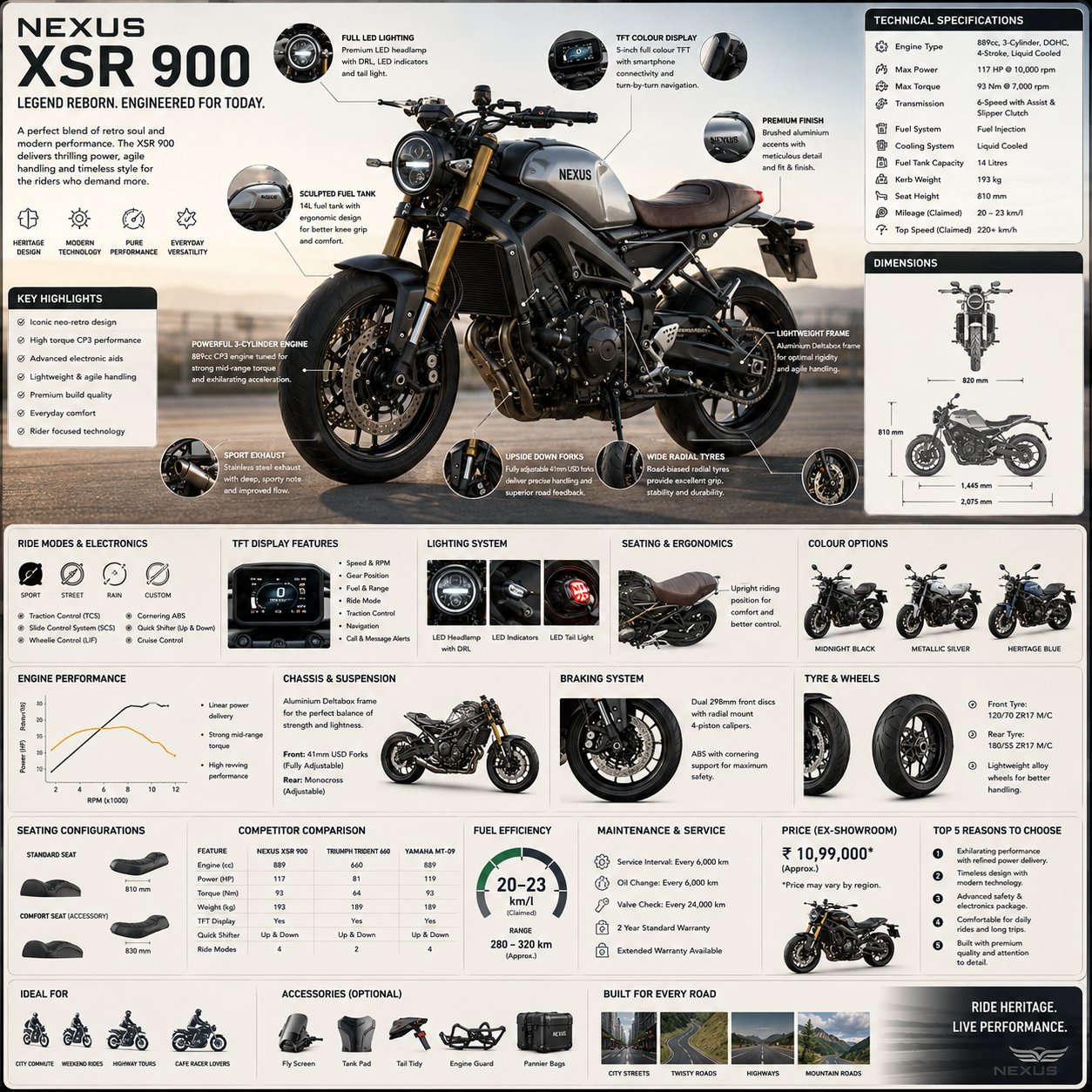
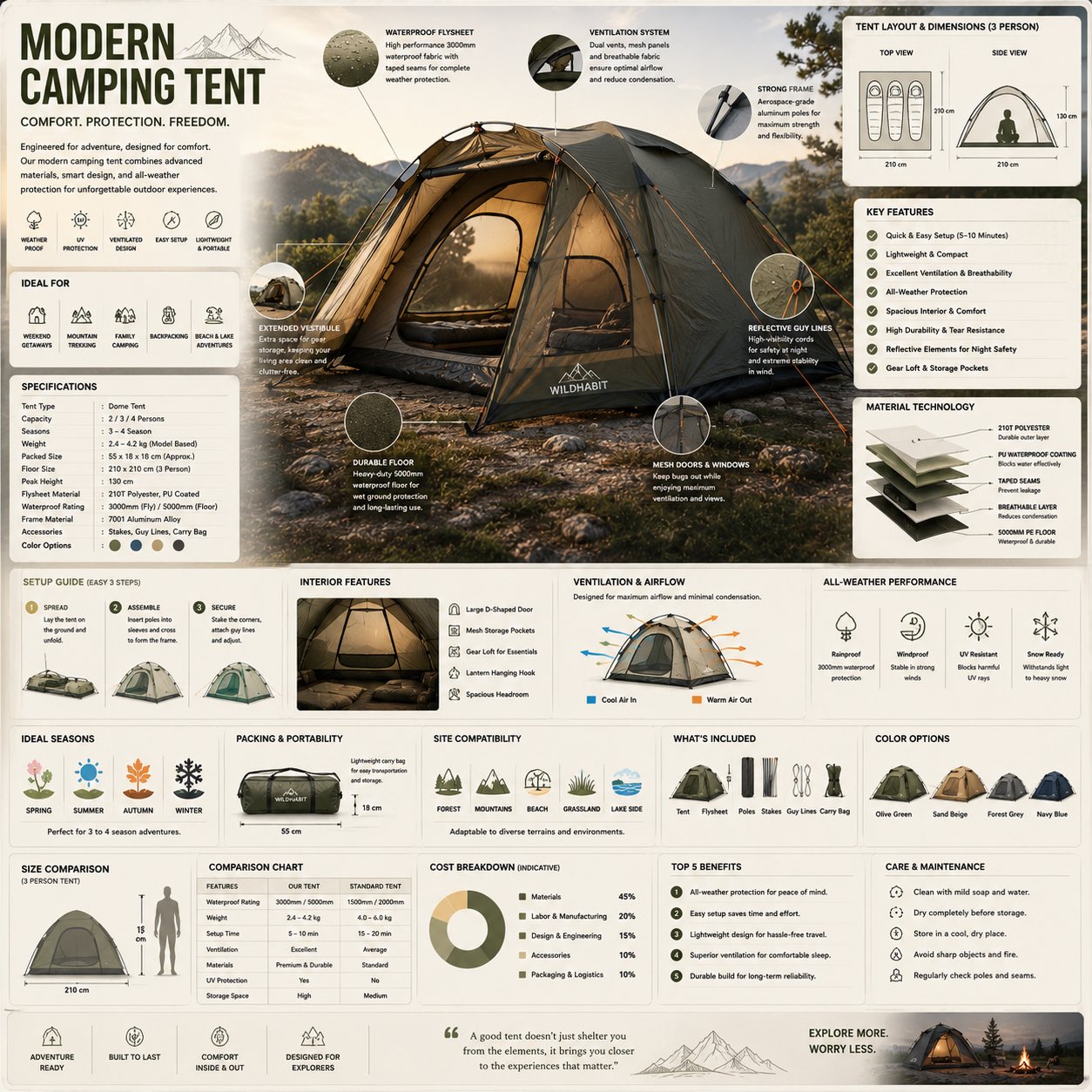
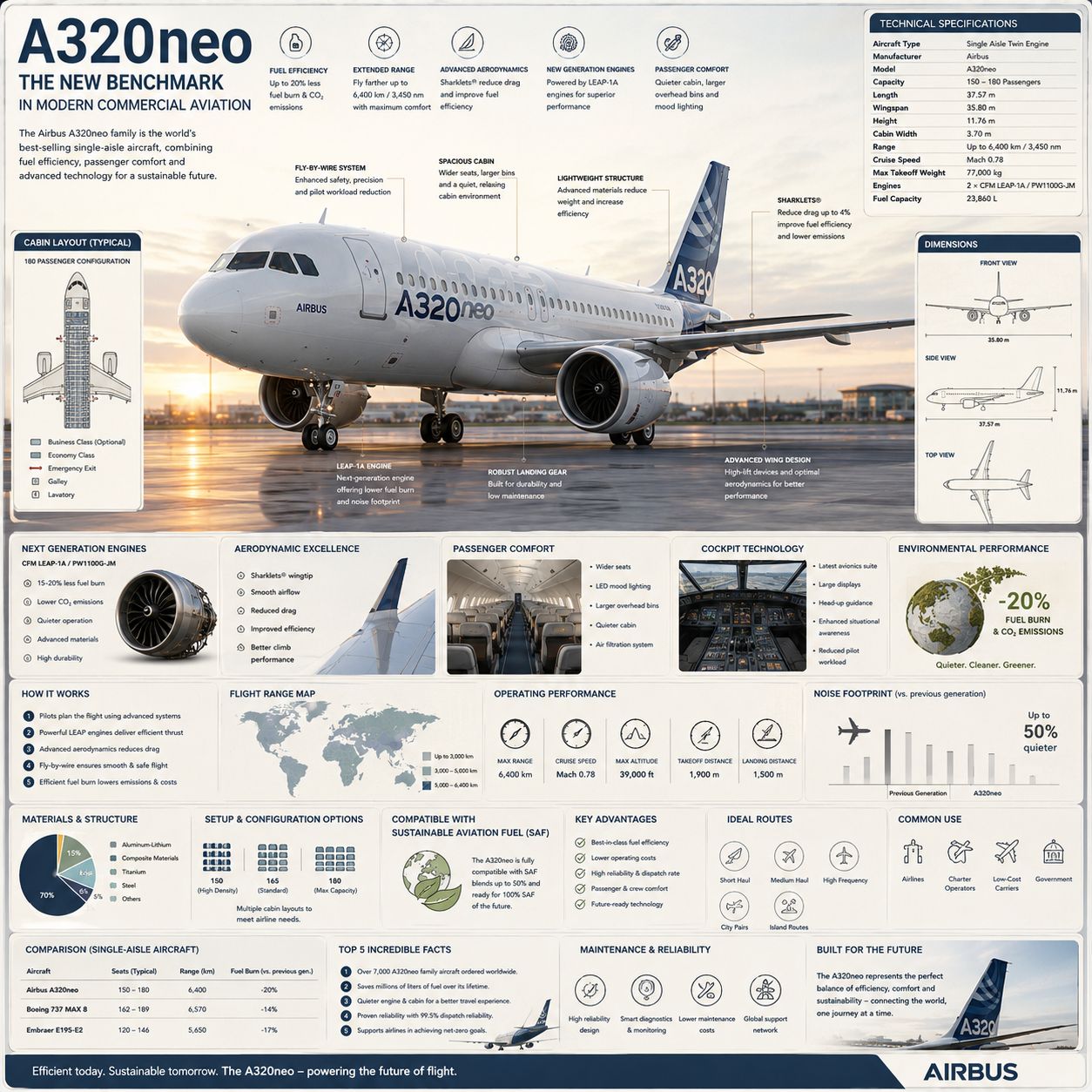
Create a premium square “reference-style aviation infographic” centered around a modern commercial airplane such as the {AIRCRAFT_NAME}, designed as a beautifully curated aerospace handbook page rather than an airline advertisement. The composition should feel like a modern visual encyclopedia mixed with an elite aircraft field guide and high-end editorial infographic system. Visual Direction: • 1:1 square composition • Soft light-toned aerospace background with subtle blueprint textures, airport schematics, and technical aviation overlays • Elegant muted palette using white, titanium gray, deep navy, steel blue, and soft sky tones • Refined editorial typography hierarchy • Rounded modular information cards with clean spacing • Gentle realistic shadows and premium UI-style dividers • Minimal aviation-style technical iconography • Extremely detailed central aircraft render viewed in dramatic three-quarter perspective on an airport runway during golden-hour lighting • Thin precision annotation lines pointing toward engineering systems and aircraft features • Clean, organized “knowledge-first” layout with high information density but breathable spacing Main Subject Presentation: A stunning ultra-detailed realistic render of the {AIRCRAFT_NAME} placed at the center, featuring realistic fuselage reflections, turbine engine detailing, aerodynamic wing design, landing gear systems, cockpit glazing, airport atmosphere, and premium aviation photography realism. Surround the aircraft with scientific callouts and magnified detail circles explaining: • next-generation engines • aerodynamic wing systems • cockpit avionics • lightweight composite structures • landing gear engineering • cabin comfort systems • fuel-efficiency innovations • fly-by-wire technology • noise reduction engineering • sustainability systems Include modular infographic sections such as: • Aircraft Overview • Technical Specifications • Dimensions & Cabin Layout • Engine & Propulsion System • Aerodynamic Engineering • Passenger Comfort Features • Flight Performance Statistics • Environmental Efficiency • Operating Range & Route Map • Materials & Structural Composition • Configuration & Seating Options • Sustainable Aviation Fuel Compatibility • Advantages vs Previous Generation Aircraft • Maintenance & Reliability Systems • “Top 5 Incredible Facts” section • Future of Commercial Aviation Add small premium visualization modules like: • cabin blueprint diagrams • wing airflow graphics • engine cutaway illustrations • flight range maps • fuel-efficiency charts • aircraft dimension schematics • passenger seating layouts • performance gauges • sound/noise reduction graphs • miniature side-profile blueprint views Style Keywords: “premium aerospace encyclopedia” “editorial commercial aviation handbook” “high-end aircraft infographic” “scientific aviation poster” “museum-quality aircraft reference page” “modular aerospace knowledge system” “clean aviation editorial design” “ultra-detailed aviation visualization” Avoid: • airline advertisement aesthetics • action movie poster styling • combat or military themes • cluttered infographic layouts • excessive futuristic sci-fi styling • dramatic crash/disaster imagery The final result should resemble a professionally published aerospace reference-book page created for aviation enthusiasts, aerospace engineers, collectors, pilots, airlines, and educational aviation archives.