Case Media
Case Notes
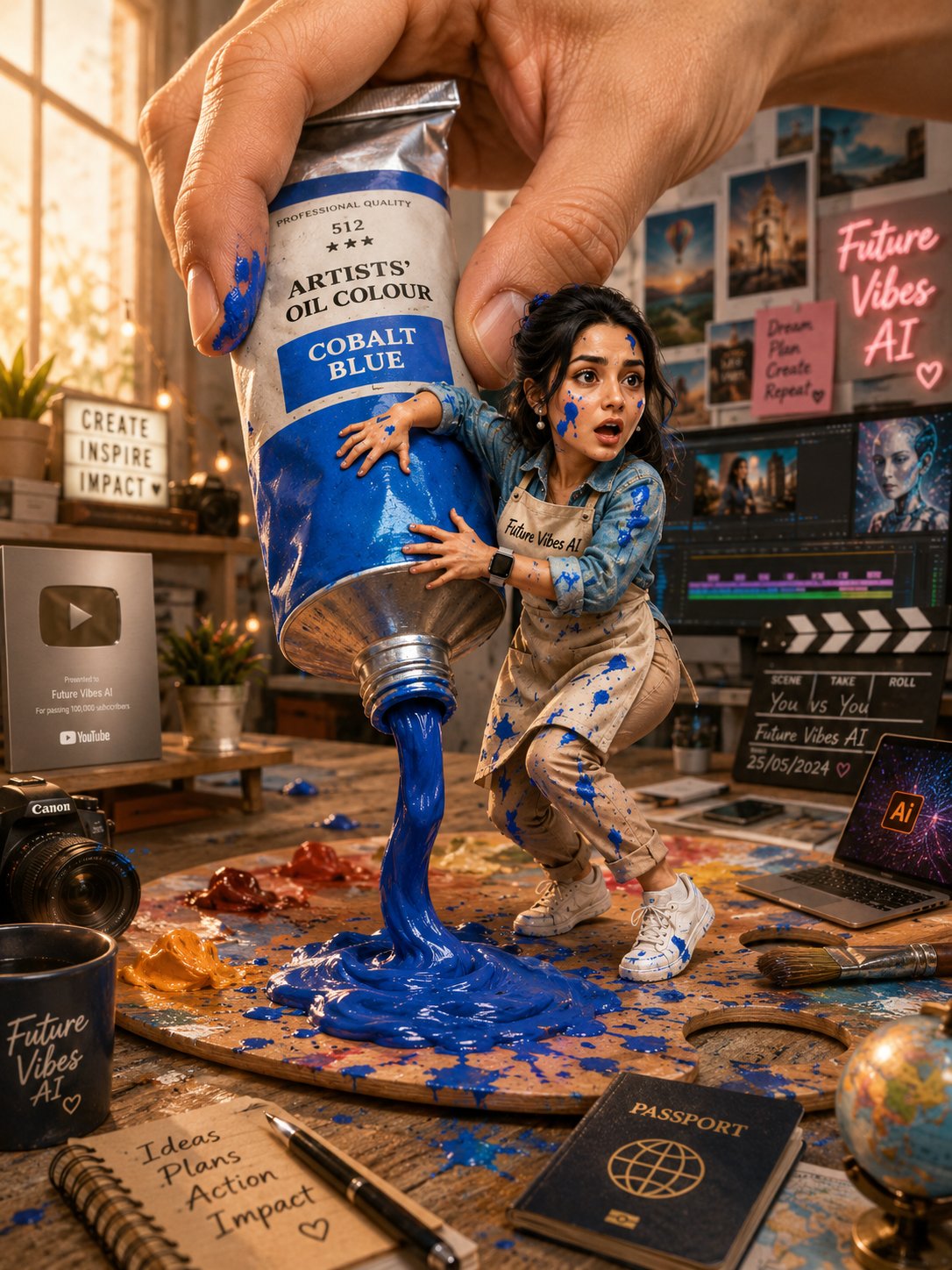
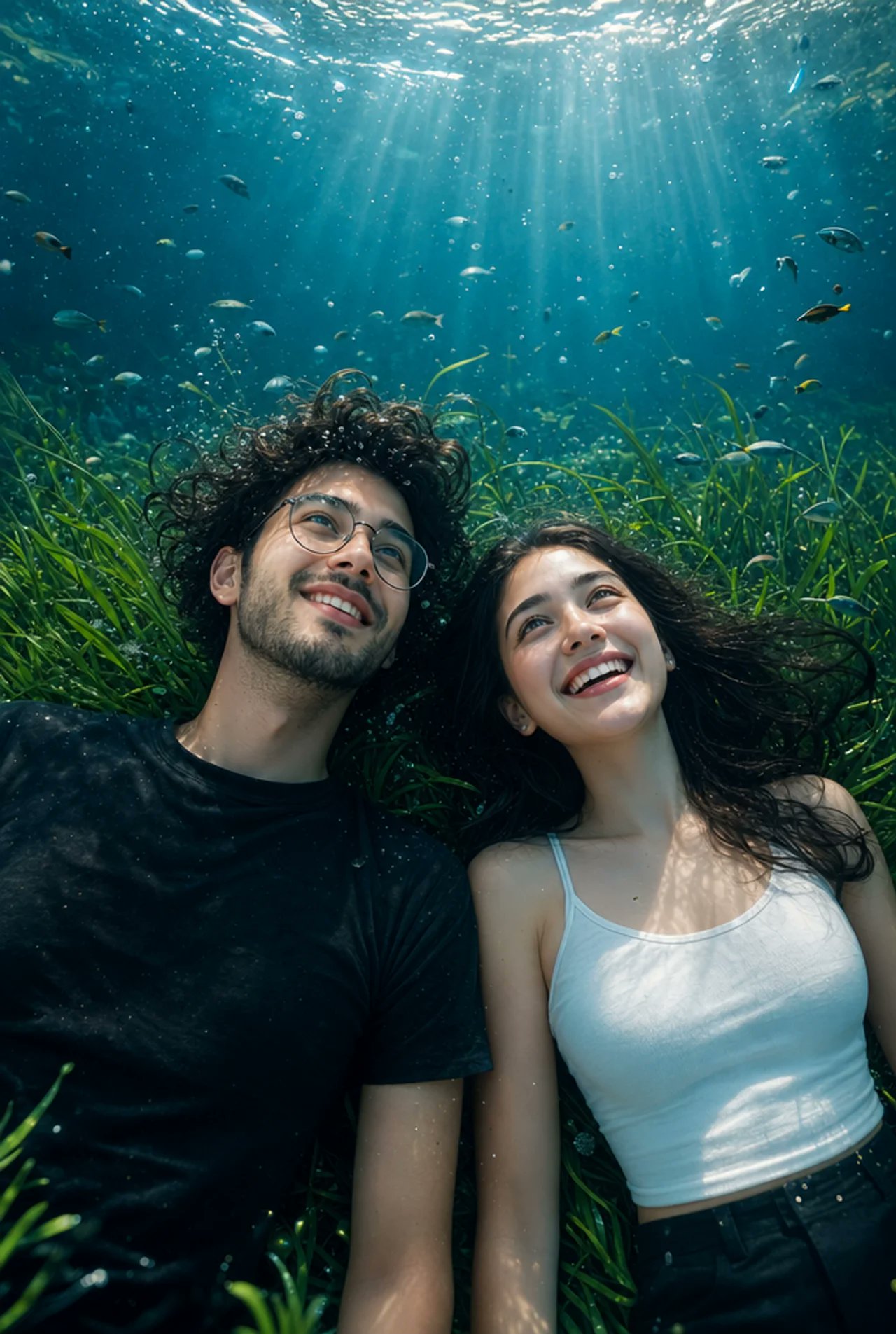
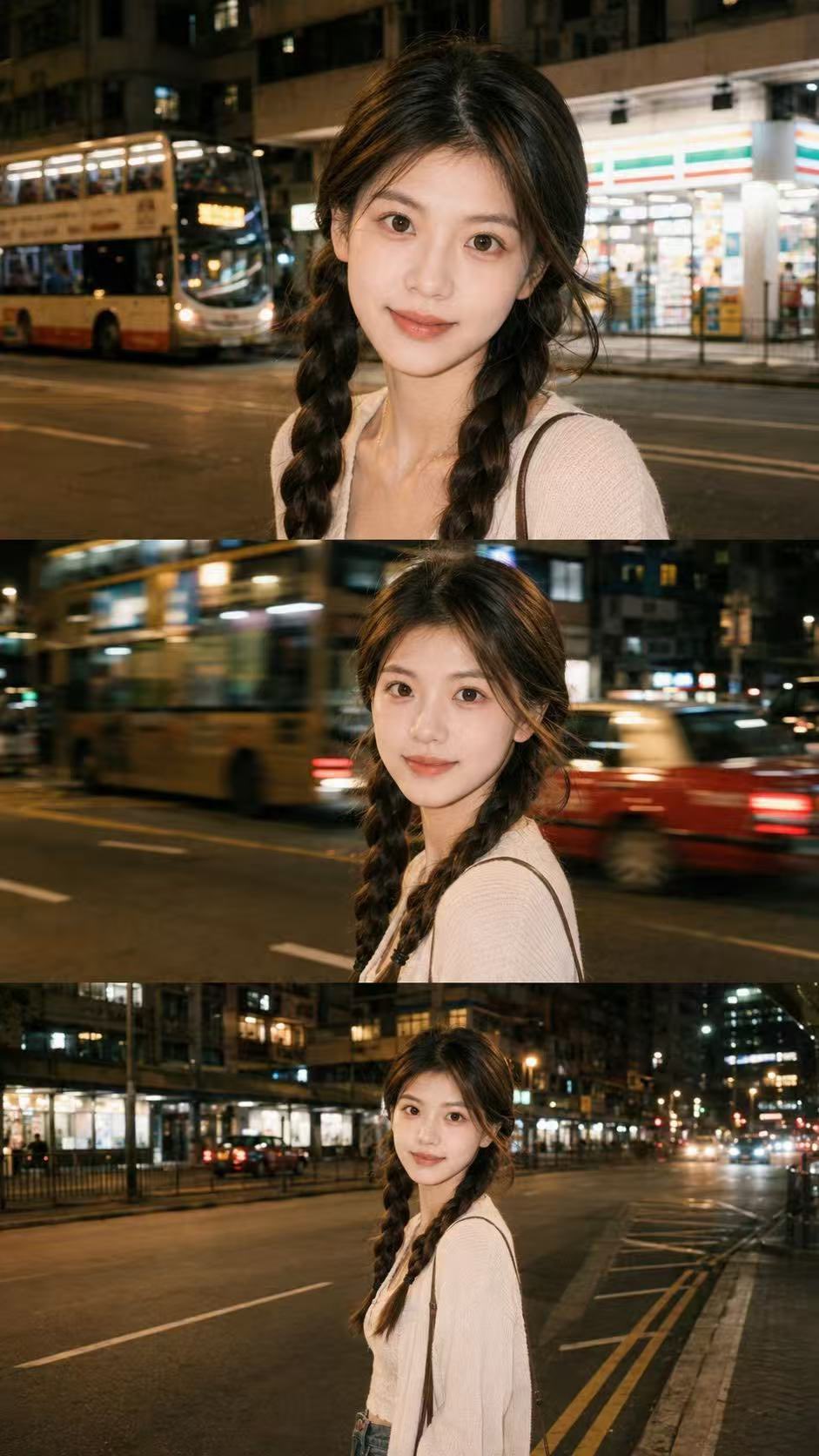
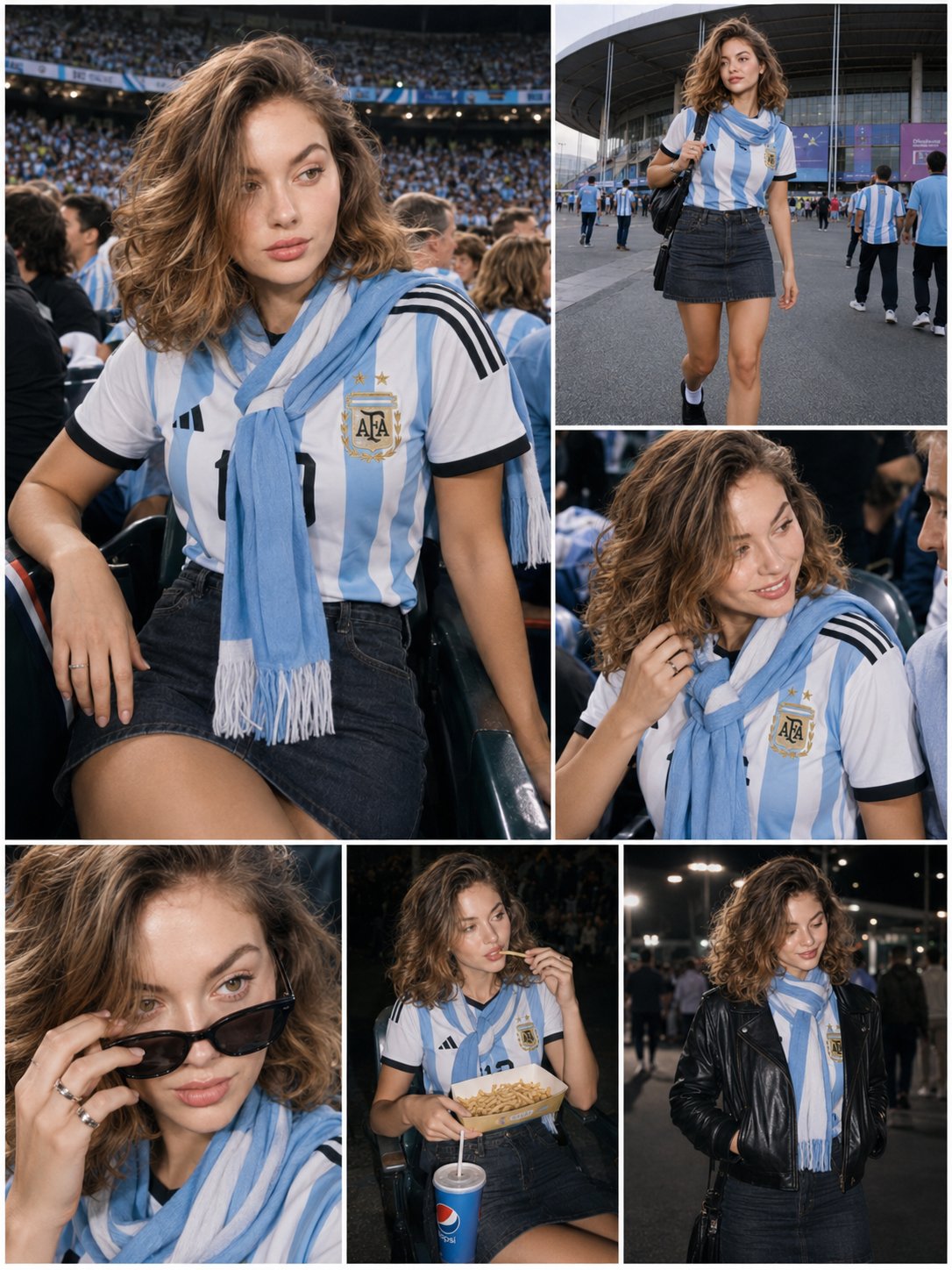
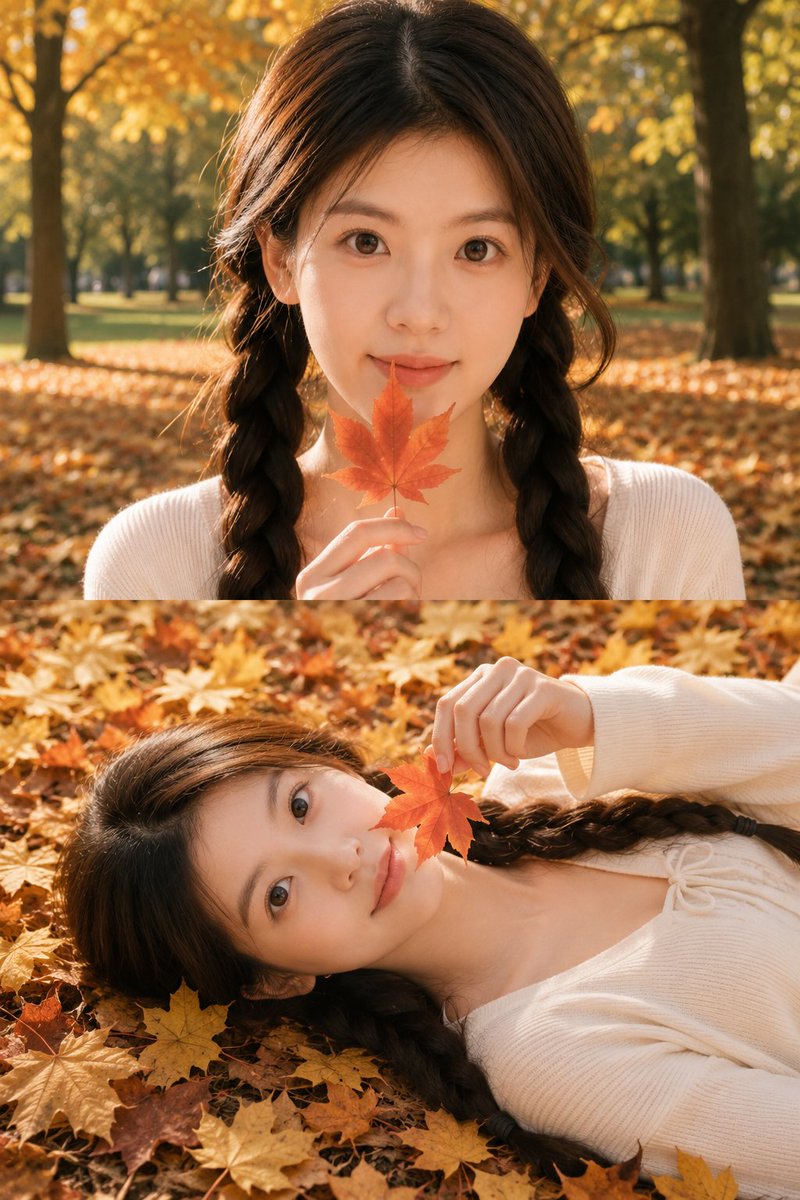
This page keeps the media, full prompt, and original source together so you can inspect the result first and decide whether the prompt is worth copying, saving, or comparing.
Case Insights
To make this page easier to search, cite, and reuse later, the case is also broken down into practical guidance about usage, visual cues, and prompt structure.
Best Fit Scenarios
- Use this as a character design benchmark when you need a fast style baseline before rewriting your own prompt.
- It is especially helpful if your target overlaps with 35mm, Portrait, Cinematic and you want to judge the image result before tuning wording.
- Keep it as a control sample when you compare nearby prompt variants one variable at a time.
Visual Signals To Notice
- The clearest style signals here are 35mm, Portrait, Cinematic, so those should usually stay in your first rewrite.
- Look at silhouette, costume language, mood styling, and whether the character reads clearly at a glance.
- This case keeps one primary output, so the first image should be treated as the main visual reference.
How The Prompt Is Structured
- The prompt reads as a long, highly specified prompt, which is useful when you want to judge how much specificity this direction needs.
- Its keyword cluster is centered on 35mm, Portrait, Cinematic, so you can usually keep that cluster while swapping subject, camera, layout, or copy details.
- A practical rewrite path is: keep the outcome, keep the strongest style cues, then replace only the subject and environment blocks.
Good Follow-up Questions
- What changes first if you keep 35mm, Portrait, Cinematic but switch the subject matter?
- Which part of the result comes from section-level structure (Character Design) versus tag-level style cues?
- Which related cases in the same section give you a cleaner or more extreme variation of the same direction?
Full Prompt
Use the uploaded portrait only as identity reference, preserving the subject’s real face, facial features, skin tone, and hairstyle. Create a realistic vertical 9:16 cinematic photo collage with two stacked frames, inspired by a soft autumn park photoshoot. Top frame: intimate close-up selfie angle, the subject looking directly into the camera, holding an orange maple leaf near the lips, warm golden sunlight, shallow depth of field, autumn trees and fallen leaves in the background. Bottom frame: the subject lying naturally on a carpet of golden autumn leaves, holding a red maple leaf near the face, soft side light, dreamy fall atmosphere, white minimal outfit, delicate necklace, natural skin texture, realistic camera look, warm film color grading, no watermark, no text Negative Prompt: plastic skin, anime, cartoon, doll face, over-smoothed face, fake eyes, distorted hands, bad anatomy, extra fingers, blurry face, heavy filter, low quality, watermark, logo, text, overexposed skin, unrealistic body, AI-looking texture