案例媒体
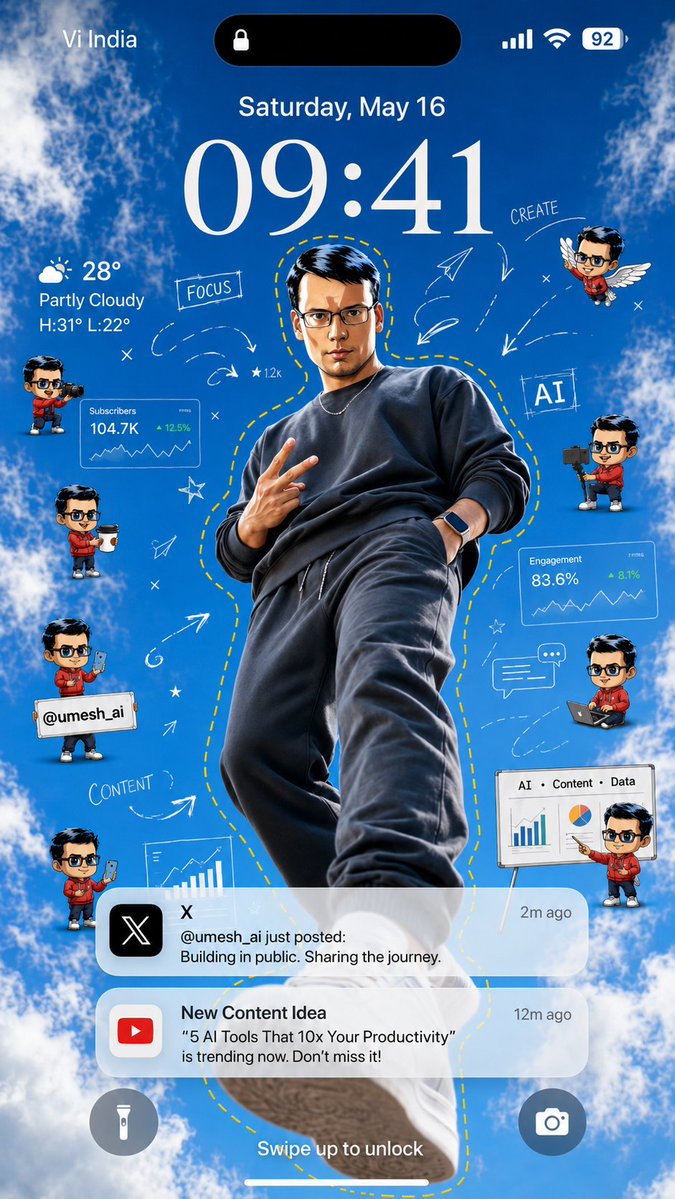
案例说明
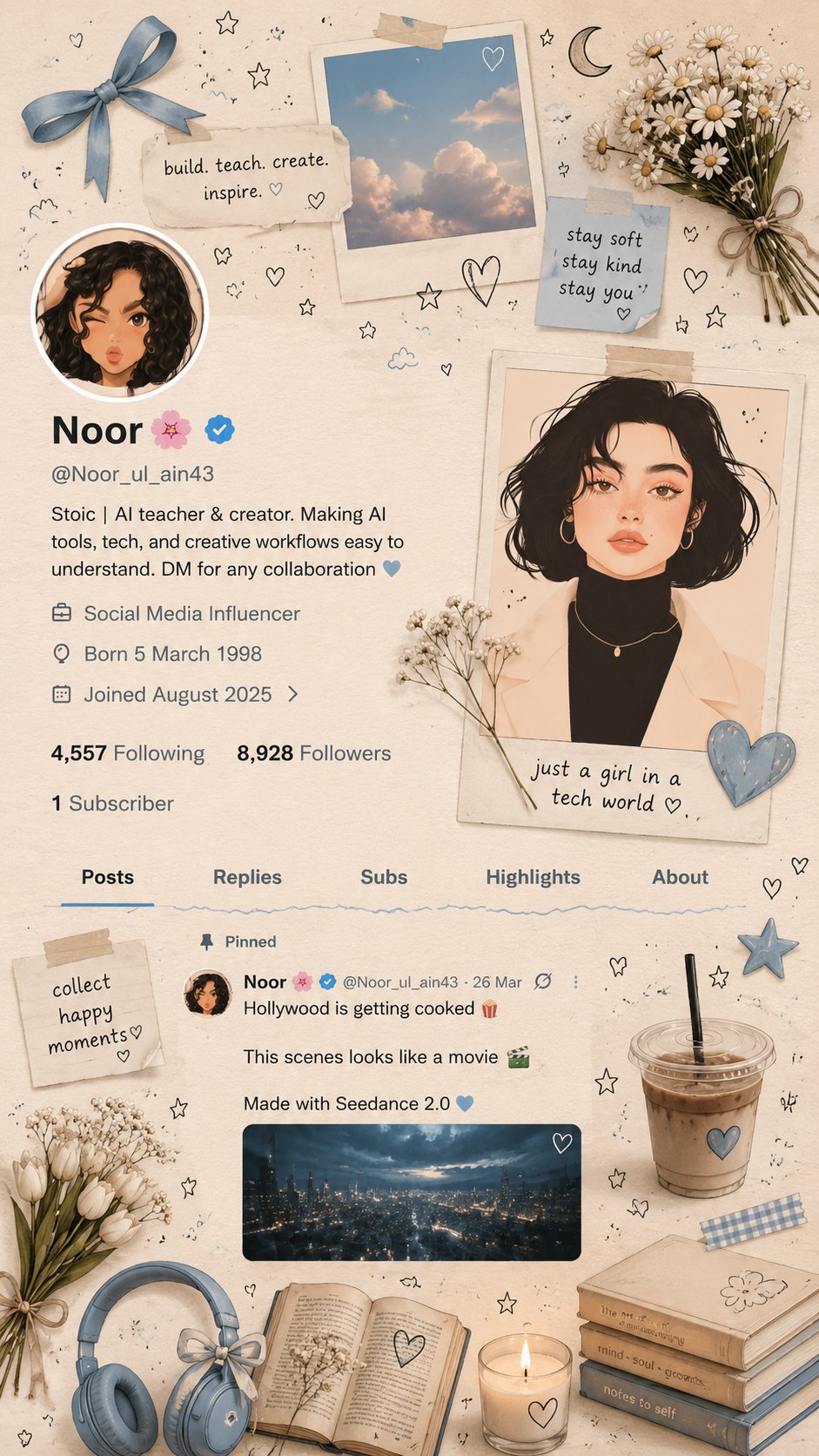
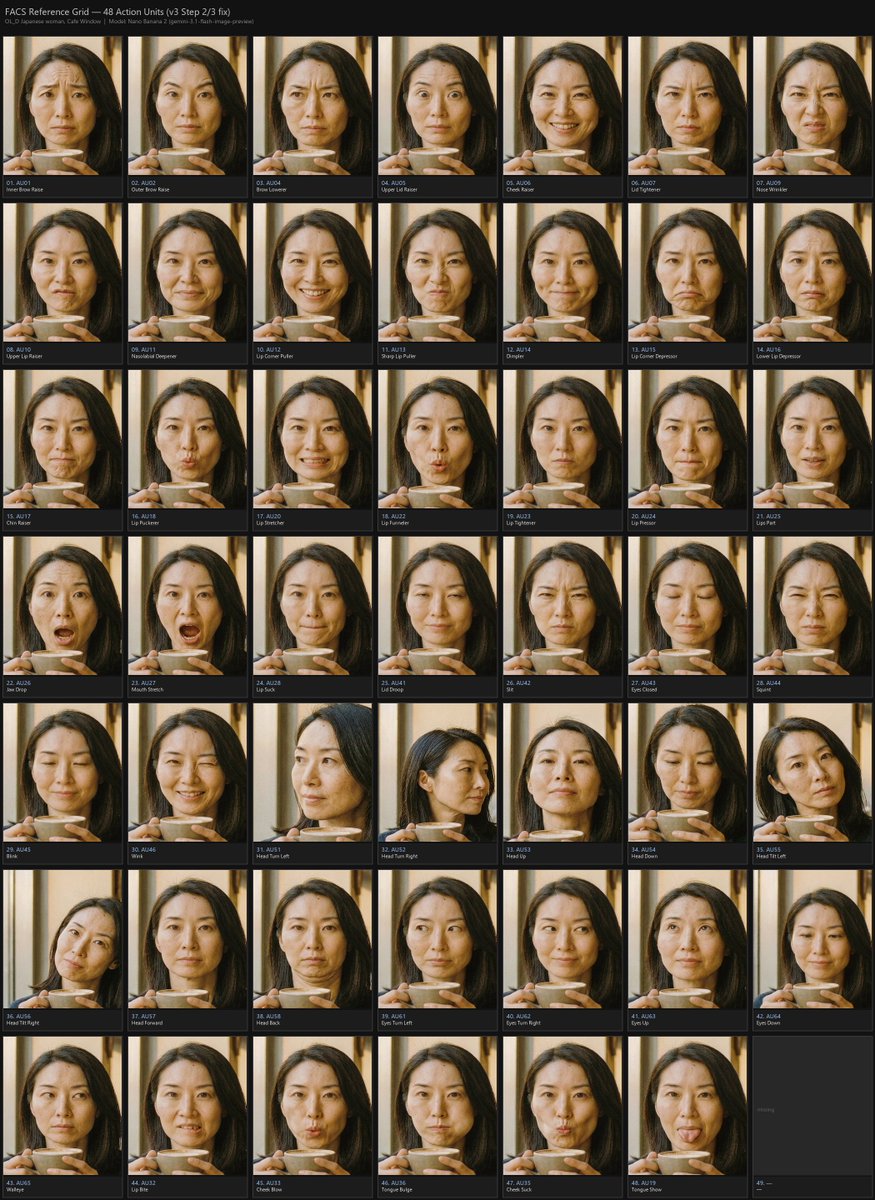
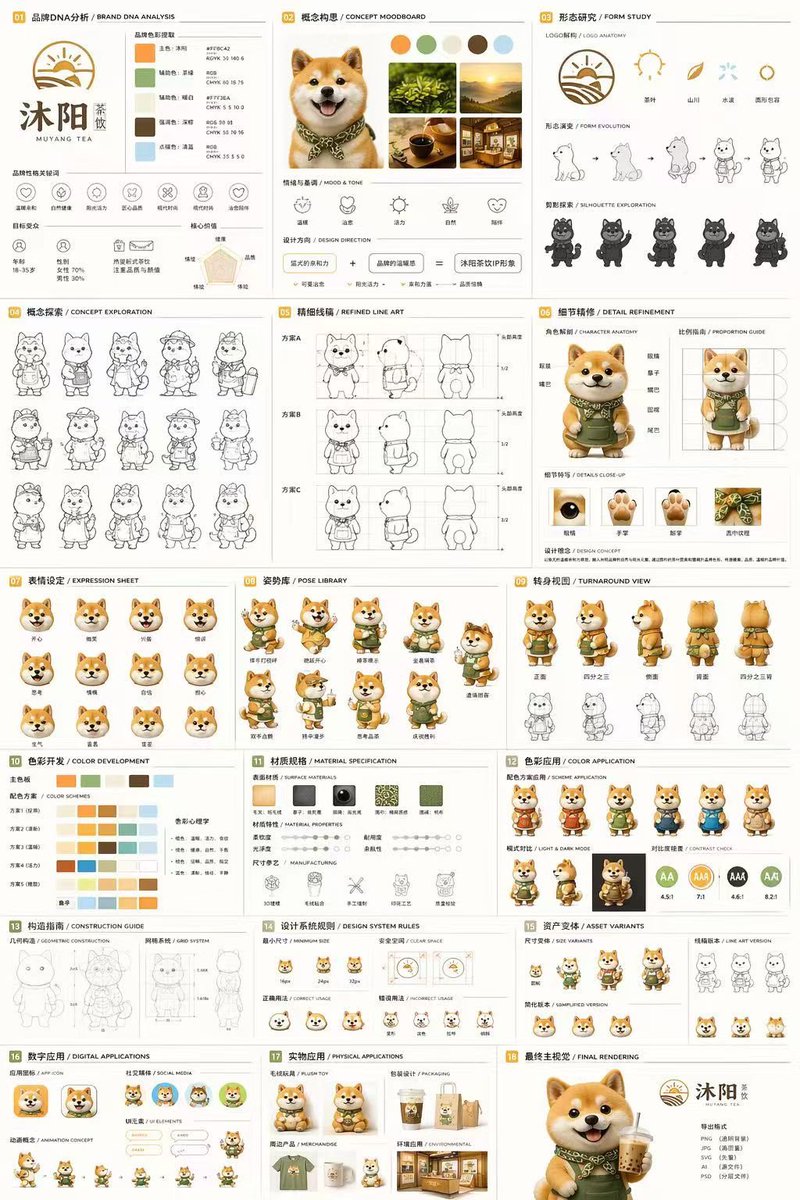
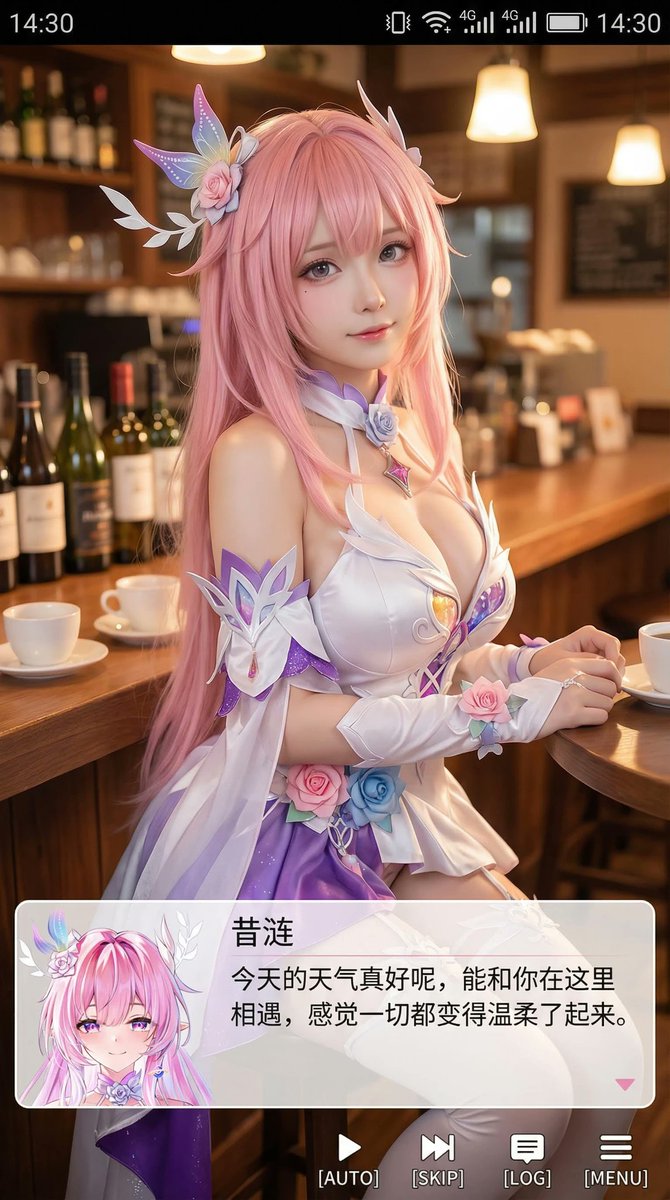
这个页面把案例媒体、完整 Prompt 和出处放在一起,方便你先看结果,再判断这条 Prompt 是否值得复制、收藏或加入对比。
案例解读
为了方便搜索、引用和后续复用,这里会把案例的适用场景、画面重点和 Prompt 结构拆成更容易浏览的说明。
这类案例适合用在什么场景
- 把它当作 UI 与社交媒体截图 的基准案例最合适,先看成片方向,再决定自己的 Prompt 要往哪边改。
- 如果你的目标也落在 人像、UI、截图 这些方向,这条案例特别适合先看图判断风格,再回头微调描述。
- 做 Prompt 对比时,也很适合作为控制组,只改一个变量去看结果变化。
画面重点与风格信号
- 这条案例最明显的风格信号集中在 人像、UI、截图,所以第一次改写时最好先保留这些关键词。
- 这类案例更值得先看界面密度、卡片层级,以及屏幕内容有没有先于文字讲清故事。
- 当前只有一张主图,所以第一张结果图就是最核心的参考基准。
Prompt 结构可以怎么理解
- 这条 Prompt 整体属于一条比较长、约束条件很多的 Prompt,很适合拿来判断这类方向到底需要写到多细。
- 关键词簇主要围绕 人像、UI、截图 展开,所以复用时可以先保留这组风格词,再替换主体、镜头、环境或文案信息。
- 最稳的改写方式通常是先保留结果方向和最强风格信号,只替换主体设定与场景块。
如果你是带着问题来的,可以先看这些角度
- 如果保留 人像、UI、截图,只换主体题材,结果最先变化的会是哪一部分?
- 这条结果里,哪些特征更像是 UI 与社交媒体截图 的结构特征,哪些又是标签风格本身带来的?
- 同分类的相关案例里,哪几条能给你更克制或更极致的相邻变体?
完整 Prompt
Goal: Create a vertical smartphone lock-screen wallpaper themed around a creator/AI productivity influencer, with an iPhone-style interface over a bright blue sky and clouds background. Canvas: 9:16 vertical mobile wallpaper, realistic high-resolution composite, designed to look like a phone lock screen screenshot. Use a vivid daytime sky background with fluffy white clouds around the edges and a clear blue center. Main subject: Place one full-body young male creator in the center, shot from a dramatic low angle as if standing above the viewer. He wears a dark charcoal sweatshirt, dark joggers, sneakers, a thin chain necklace, and a smartwatch. His pose is confident, one hand making a peace sign and the other in his pocket. Add a hand-drawn yellow dashed outline following his body silhouette. Use {argument name="creator handle" default="@umesh_ai"} as the social handle shown in the design. Keep the face anonymized or softly blurred if needed. Lock-screen UI: At the top, show carrier text “Vi India” on the left, a black Dynamic Island pill with a small lock icon in the center, and signal, Wi‑Fi, and battery “92” on the right. Below it, show the date “Saturday, May 16” and a very large elegant serif time reading {argument name="lock screen time" default="09:41"}. On the left under the time, show weather: a partly cloudy icon, “28°”, “Partly Cloudy”, and “H:31° L:22°”. At the bottom, show two circular lock-screen buttons: flashlight on the left and camera on the right, plus the text “Swipe up to unlock” above the home indicator. Floating creator elements: Include exactly 8 small chibi-style mini avatars of the same creator around the main figure, all with matching red hoodie and dark hair, faces anonymized if needed. Count and positions: 1 left upper holding a video camera, 1 left middle holding a takeaway coffee cup, 1 left lower holding a sign with “@umesh_ai”, 1 left bottom holding a smartphone, 1 right upper flying with white wings, 1 right middle holding a camera rig, 1 right lower sitting with a laptop, and 1 far right bottom presenting beside a whiteboard. Analytics and creator graphics: Add exactly 4 data/creator panels: 1 translucent card labeled “Subscribers” with “104.7K” and “+12.5%”, 1 translucent card labeled “Engagement” with “83.6%” and “+8.1%”, 1 bottom-right whiteboard labeled “AI • Content • Data” with bar chart and pie chart, and 1 lower-left partial chart card showing a rising bar chart. Add hand-drawn white doodles around the subject: arrows, paper planes, stars, x marks, dashed motion trails, a chat bubble, and the handwritten words “FOCUS”, “CREATE”, “AI”, and “CONTENT”. Keep the doodles airy and sketch-like, not cluttered. Notifications: Include exactly 2 rounded translucent notification banners near the lower third. First notification: black X app icon, title “X”, time “2m ago”, and message “@umesh_ai just posted: Building in public. Sharing the journey.” Second notification: red YouTube icon, title “New Content Idea”, time “12m ago”, and message ““5 AI Tools That 10x Your Productivity” is trending now. Don’t miss it!” Use {argument name="content idea text" default="5 AI Tools That 10x Your Productivity"} for the quoted title. Visual style: Bright, polished, viral social-media wallpaper aesthetic; realistic central subject mixed with cute 3D chibi avatars, semi-transparent iOS glassmorphism panels, crisp typography, white doodle overlays, and high contrast against the blue sky. Make it energetic, motivational, and creator-economy themed. Avoid extra watermarks or unrelated text.