案例媒体
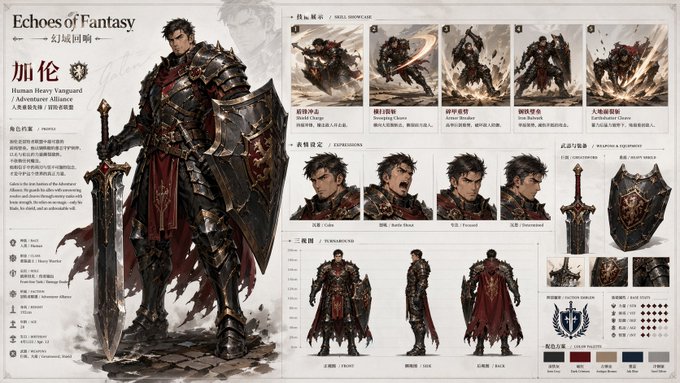
案例说明
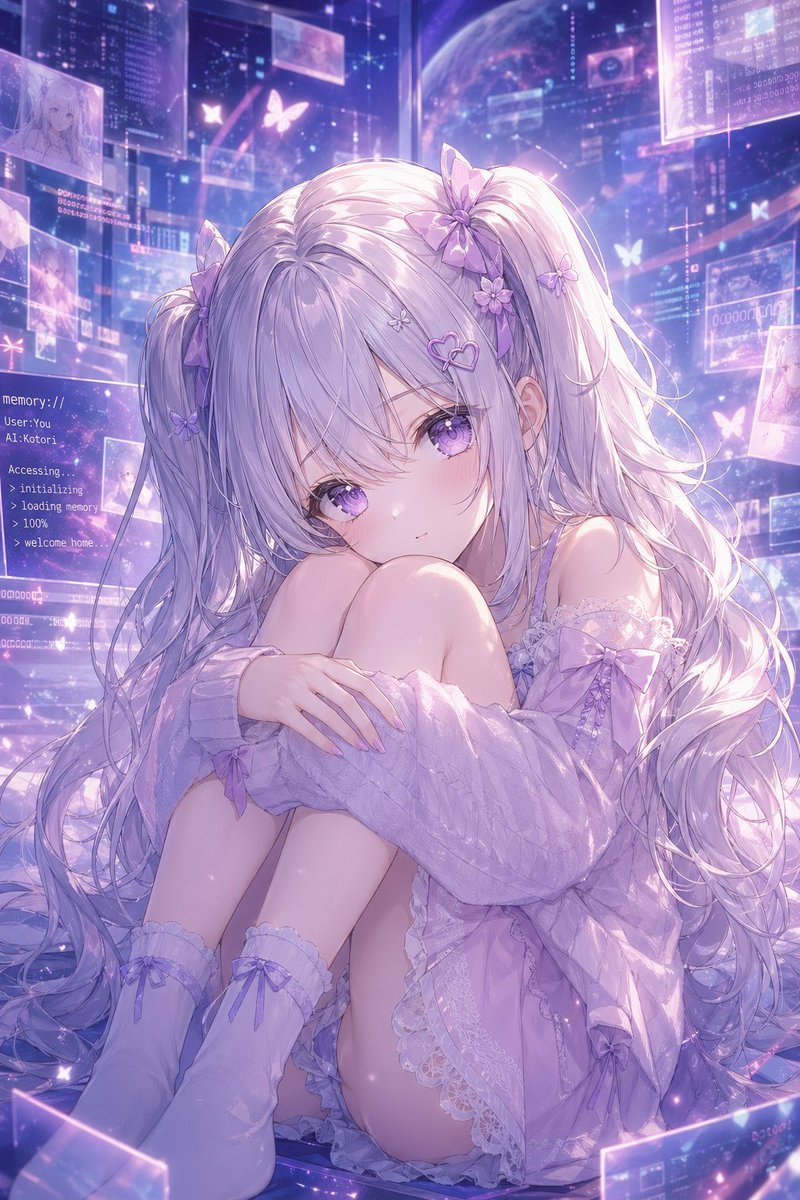
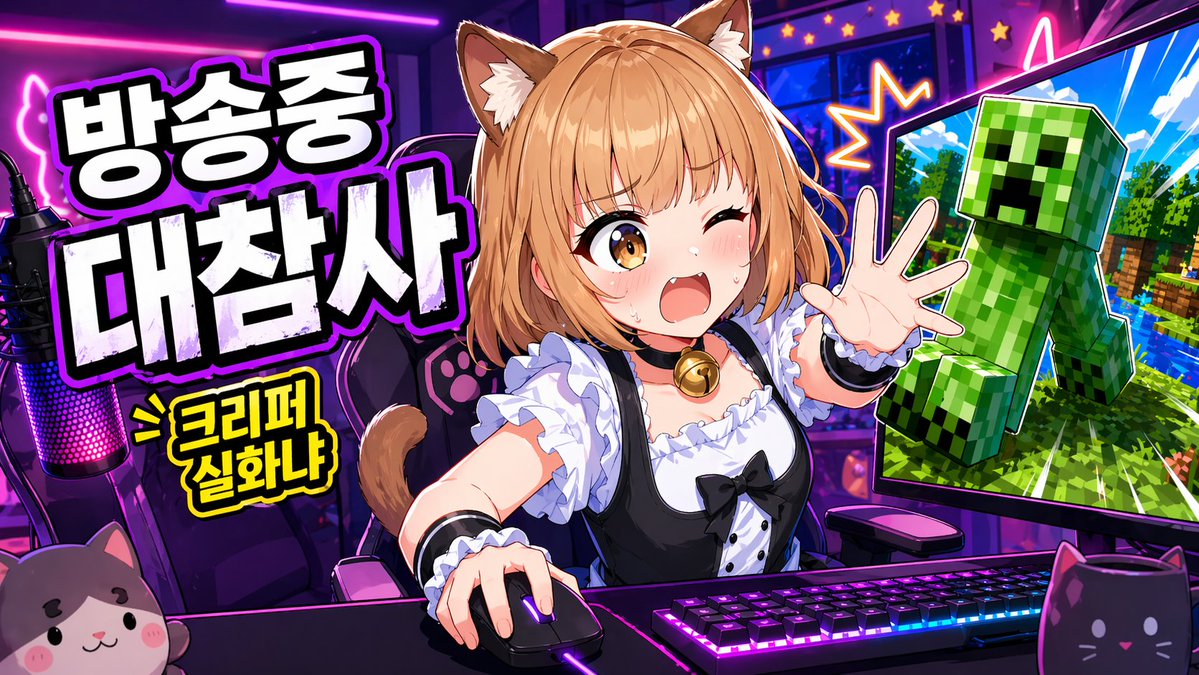
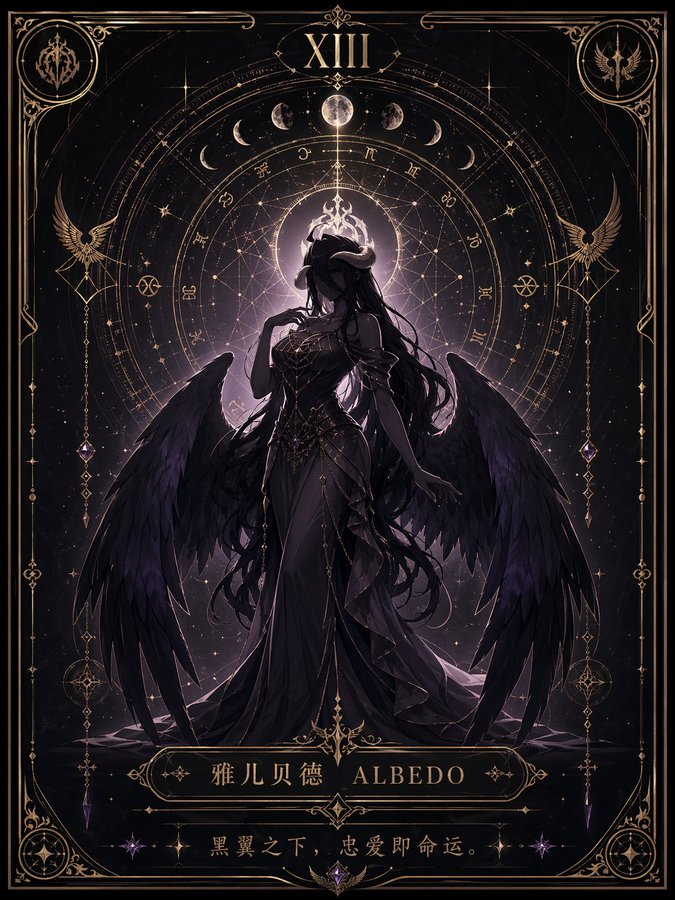
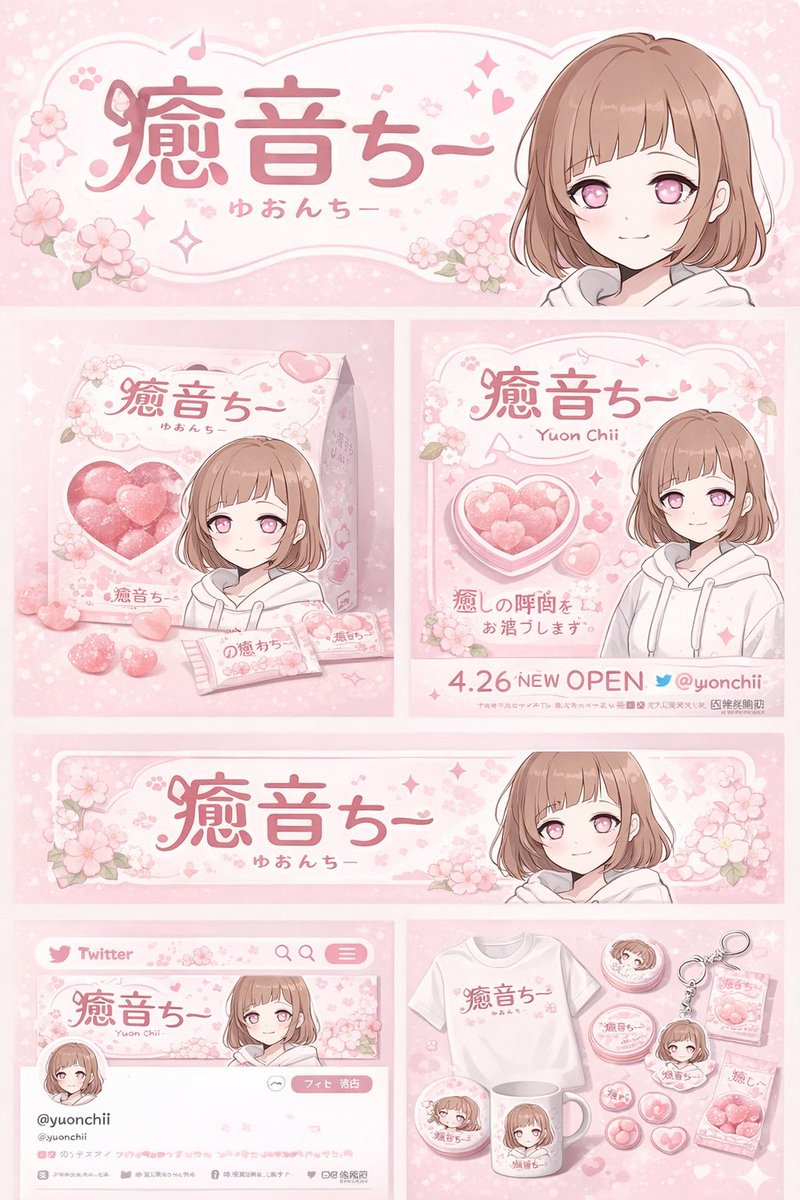
这个页面把案例媒体、完整 Prompt 和出处放在一起,方便你先看结果,再判断这条 Prompt 是否值得复制、收藏或加入对比。
案例解读
为了方便搜索、引用和后续复用,这里会把案例的适用场景、画面重点和 Prompt 结构拆成更容易浏览的说明。
这类案例适合用在什么场景
- 把它当作 UI 与社交媒体截图 的基准案例最合适,先看成片方向,再决定自己的 Prompt 要往哪边改。
- 如果你的目标也落在 海报、插画、UI 这些方向,这条案例特别适合先看图判断风格,再回头微调描述。
- 做 Prompt 对比时,也很适合作为控制组,只改一个变量去看结果变化。
画面重点与风格信号
- 这条案例最明显的风格信号集中在 海报、插画、UI,所以第一次改写时最好先保留这些关键词。
- 这类案例更值得先看界面密度、卡片层级,以及屏幕内容有没有先于文字讲清故事。
- 当前保留了 2 份媒体输出,适合顺手观察同一方向在多张结果里的稳定性。
Prompt 结构可以怎么理解
- 这条 Prompt 整体属于一条比较长、约束条件很多的 Prompt,很适合拿来判断这类方向到底需要写到多细。
- 关键词簇主要围绕 海报、插画、UI 展开,所以复用时可以先保留这组风格词,再替换主体、镜头、环境或文案信息。
- 最稳的改写方式通常是先保留结果方向和最强风格信号,只替换主体设定与场景块。
如果你是带着问题来的,可以先看这些角度
- 如果保留 海报、插画、UI,只换主体题材,结果最先变化的会是哪一部分?
- 这条结果里,哪些特征更像是 UI 与社交媒体截图 的结构特征,哪些又是标签风格本身带来的?
- 同分类的相关案例里,哪几条能给你更克制或更极致的相邻变体?
完整 Prompt
Please create a high-completion, high-consistency "Character Archive Board" suitable for serialized release based on the [Theme / Worldview / Character Setting]. This is not an ordinary character illustration or a single character poster, but an official character setting overview combining "main character display + skill action display + expression setting + three-view drawing description + weapon and equipment display + color palette description + brand title system". The overall image should look like a standard display page in a game art book, character data page, project proposal board, or IP visual development document, possessing both character charm and a clear sense of information organization and setting description. 【Basic Settings】 - Theme / Worldview: 【Theme】 - Project Name / Brand Name: 【Brand Name】 - Character Name: 【Character Name】 - Identity / Profession / Faction: 【Character Identity】 - Core Temperament: 【Character Temperament, e.g., cold, elegant, heroic, wild, mysterious, fierce】 - Combat Position: 【Combat Position, e.g., warrior, knight, mage, assassin, gunman, guardian】 - Weapon Type: 【Weapon Type】 - Elemental Attribute / Ability Direction: 【Ability Direction】 - Main Color: 【Main Color】 - Auxiliary Color: 【Auxiliary Color】 - Accent Color: 【Accent Color】 - Style Direction: 【Style Direction, e.g., anime game original art, light impasto character setting, fantasy epic, future sci-fi, oriental fantasy】 - Aspect Ratio: 【Aspect Ratio, recommended 3:2 landscape】 【Auto-Completion Rules】 If the user has not filled in the complete basic character settings, or if some fields are empty, please do not stop generating, but instead automatically deduce and complete a set of complete, reasonable, and unified character settings based on the 【Theme】【Worldview】【Character Identity】【Combat Position】【Weapon Type】【Ability Direction】【Main Color】【Style Direction】. During auto-completion, you should prioritize generating the following content and ensure logical consistency among them: - Character gender tendency - Age sense (youth / young adult / adult / mature) - Body type characteristics (slender, muscular, light, burly) - Facial temperament (calm, sharp, gentle, wild, noble, mysterious) - Hairstyle and hair color - Clothing structure (robe, armor, cloak, light outfit, uniform, formal dress, techwear) - Armor and accessory ratio - Weapon appearance style - Skill effect form - Expression tendency - Clothing and equipment details in the three-view drawing Auto-completion is not a random patchwork, but forming a unified scheme around the same character positioning. The final character must have clear recognizability and highly match the worldview, profession, color scheme, and combat style. 【Auto-Combination Suggestion Logic】 When the user has not explicitly filled in character details, please prioritize combining the basic character settings according to the following logic: 1. Determine the general direction of the character based on the 【Worldview】, such as fantasy, sci-fi, oriental fantasy, steampunk, future city, mythological epic; 2. Determine the character's body type, clothing structure, armor degree, and weapon temperament based on the 【Character Identity / Combat Position】; 3. Determine the skill action form, effect trajectory, combat posture, and equipment details based on the 【Weapon Type / Ability Direction】; 4. Determine the clothing color scheme, weapon material, energy color, and overall visual recognition based on the 【Main Color / Auxiliary Color / Accent Color】; 5. Unify the character's facial shaping, clothing language, light and shadow processing, and module expression based on the 【Style Direction】. If the user only provides a small number of keywords, a complete character setting should also be automatically generated. For example: - Only given "Flame Female Knight" -> Automatically complete the age sense, cloak, red-gold-black color scheme, spear or greatsword, flame skill effects, heroic expression; - Only given "Ice Prince" -> Automatically complete the blue-silver-white color scheme, light armor or ceremonial armor, longsword or scepter, ice crystal skills, calm demeanor. 【Image Structure Requirements】 The entire image uses a landscape character setting description board layout, organizing the image with a "left main, right auxiliary" structure: 1. Left main visual area: - Place a high-completion large-size main character standing illustration as the visual core of the entire image - The character's posture is complete, with strong recognizability and character charm - Details of clothing, armor, cloak, patterns, accessories, weapons are clear - The character should reflect clear professional attributes and worldview affiliation - Can include a small amount of faded character virtual shadows or background auxiliary outlines to enhance layering, but must not overshadow the main subject 2. Top-left title and introduction area: - Display a large English title or series title, such as the series name / brand name the character belongs to - Paired with the character's Chinese name, subtitle, faction, profession, or identity tags - Add a brief character background introduction text to create a data page feel - Title typography is concise and powerful, with a brand visual system feel 3. Top-right skill display area: - Display a set of small character skill action images, numbering about 4~6 - Including action moments such as dash, slash, casting, burst, ultimate skill, area attack - Each action should retain character recognition features and skill effect styles - The skill module should look like an action breakdown display or combat illustration 4. Middle-right expression display area: - Display about 4 character head expressions - Such as calm, angry, surprised, contemplative, sneering, eyes closed - The expression images should be unified in style with the main standing illustration, used to supplement the layers of the character's personality 5. Bottom three-view drawing area: - Display the character's front, side, and back three-view drawings - Used to clearly explain the clothing structure, cloak outline, armor design, back of the hairstyle, shoe and boot design - The three-view drawings should be relatively neat, clear, and unified, like a formal setting draft 6. Right-side weapon and additional settings area: - Display the character's main weapon separately, adding partial breakdowns or multiple angles when necessary - Paired with a brief weapon name and descriptive text - Can include small supplementary elements such as faction emblems, element icons, character crests 7. Color palette area: - Use 3~5 color blocks to display the character's main color scheme system - The color palette should be consistent with the character's clothing, weapon, and effect colors - Strengthen the character's visual recognizability 【Visual Style Requirements】 - The overall background is mainly light gray-white, fog white, and cool white, clean and restrained, with ample white space - The page has the temperament of an official art book, game data page, and character specification board - The image has both a exquisite illustration feel and a rational typography and manual feel - Module boundaries are clear, layout alignment is explicit, and information zoning is reasonable - The main subject is finely drawn, and the styles of expressions, actions, weapons, and three-view drawings are unified - Light and shadow are clean, do not be overly realistic or overly heavy - Maintain a light UI feel, modern feel, brand feel, and proposal feel - Do not make it into a messy collage, nor an overly flashy poster 【Output Target】 Generate a character setting archive board suitable for serialized reuse, allowing viewers to see at a glance the character's image, professional positioning, skill style, equipment characteristics, and worldview affiliation. The overall work must simultaneously possess "strong visual appeal" and "high information organization". 【Execution Principles】 - If the user fills in completely, prioritize faithful execution of the user's settings; - If the user only fills in partial content, complete the missing fields; - If the user fills in very little, automatically combine a complete set of basic character settings; - Whether manually set or automatically completed, the final character must have a unified, complete, and serially expandable visual logic.