案例媒体
案例说明
这个页面把案例媒体、完整 Prompt 和出处放在一起,方便你先看结果,再判断这条 Prompt 是否值得复制、收藏或加入对比。
案例解读
为了方便搜索、引用和后续复用,这里会把案例的适用场景、画面重点和 Prompt 结构拆成更容易浏览的说明。
这类案例适合用在什么场景
- 把它当作 UI 与社交媒体截图 的基准案例最合适,先看成片方向,再决定自己的 Prompt 要往哪边改。
- 如果你的目标也落在 人像、电影感、海报 这些方向,这条案例特别适合先看图判断风格,再回头微调描述。
- 做 Prompt 对比时,也很适合作为控制组,只改一个变量去看结果变化。
画面重点与风格信号
- 这条案例最明显的风格信号集中在 人像、电影感、海报,所以第一次改写时最好先保留这些关键词。
- 这类案例更值得先看界面密度、卡片层级,以及屏幕内容有没有先于文字讲清故事。
- 当前只有一张主图,所以第一张结果图就是最核心的参考基准。
Prompt 结构可以怎么理解
- 这条 Prompt 整体属于一条比较长、约束条件很多的 Prompt,很适合拿来判断这类方向到底需要写到多细。
- 关键词簇主要围绕 人像、电影感、海报 展开,所以复用时可以先保留这组风格词,再替换主体、镜头、环境或文案信息。
- 最稳的改写方式通常是先保留结果方向和最强风格信号,只替换主体设定与场景块。
如果你是带着问题来的,可以先看这些角度
- 如果保留 人像、电影感、海报,只换主体题材,结果最先变化的会是哪一部分?
- 这条结果里,哪些特征更像是 UI 与社交媒体截图 的结构特征,哪些又是标签风格本身带来的?
- 同分类的相关案例里,哪几条能给你更克制或更极致的相邻变体?
完整 Prompt
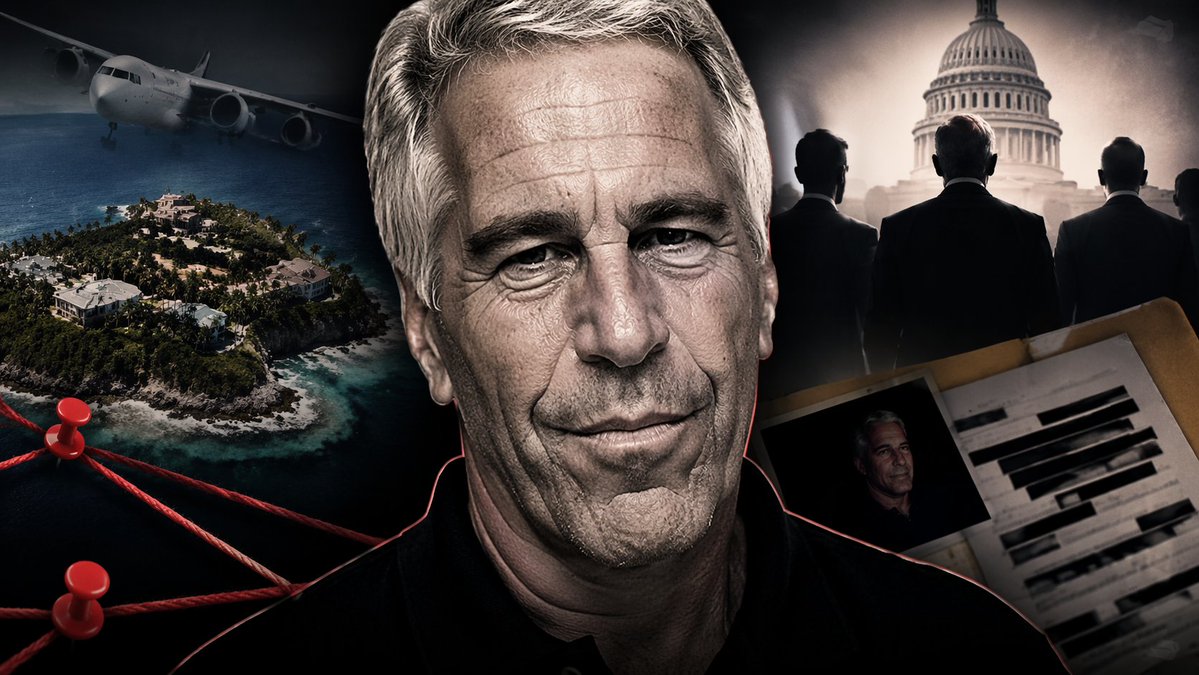
A YouTube thumbnail-style collage for a {argument name="overall mood" default="dark, dramatic, true crime investigation"}. In the center is a highly detailed, close-up portrait of an {argument name="central figure" default="older man with grey hair and deep wrinkles resembling Jeffrey Epstein"}, wearing a black polo shirt, with a faint red glowing outline separating him from the background. On the left side, a {argument name="left background scene" default="tropical island with luxury villas and a flying airplane in a dark sky"}. Below the island, a conspiracy board motif features exactly 2 red push pins connected by 3 thick red strings. On the top right side, a hazy, sepia-toned depiction of the {argument name="right background scene" default="US Capitol building with the silhouettes of 3 men in suits facing it"}. On the bottom right, an open manila folder containing a {argument name="document type" default="heavily redacted dossier with thick black marker lines and a smaller photograph of the central man"}. The overall composition is cinematic, intense, and heavily stylized for a documentary video.