案例媒体
案例说明
这个页面把案例媒体、完整 Prompt 和出处放在一起,方便你先看结果,再判断这条 Prompt 是否值得复制、收藏或加入对比。
案例解读
为了方便搜索、引用和后续复用,这里会把案例的适用场景、画面重点和 Prompt 结构拆成更容易浏览的说明。
这类案例适合用在什么场景
- 把它当作 人像与摄影 的基准案例最合适,先看成片方向,再决定自己的 Prompt 要往哪边改。
- 如果你的目标也落在 人像、海报、排版 这些方向,这条案例特别适合先看图判断风格,再回头微调描述。
- 做 Prompt 对比时,也很适合作为控制组,只改一个变量去看结果变化。
画面重点与风格信号
- 这条案例最明显的风格信号集中在 人像、海报、排版,所以第一次改写时最好先保留这些关键词。
- 重点先看构图、光线方向、人物姿态,以及主体和镜头之间的距离感。
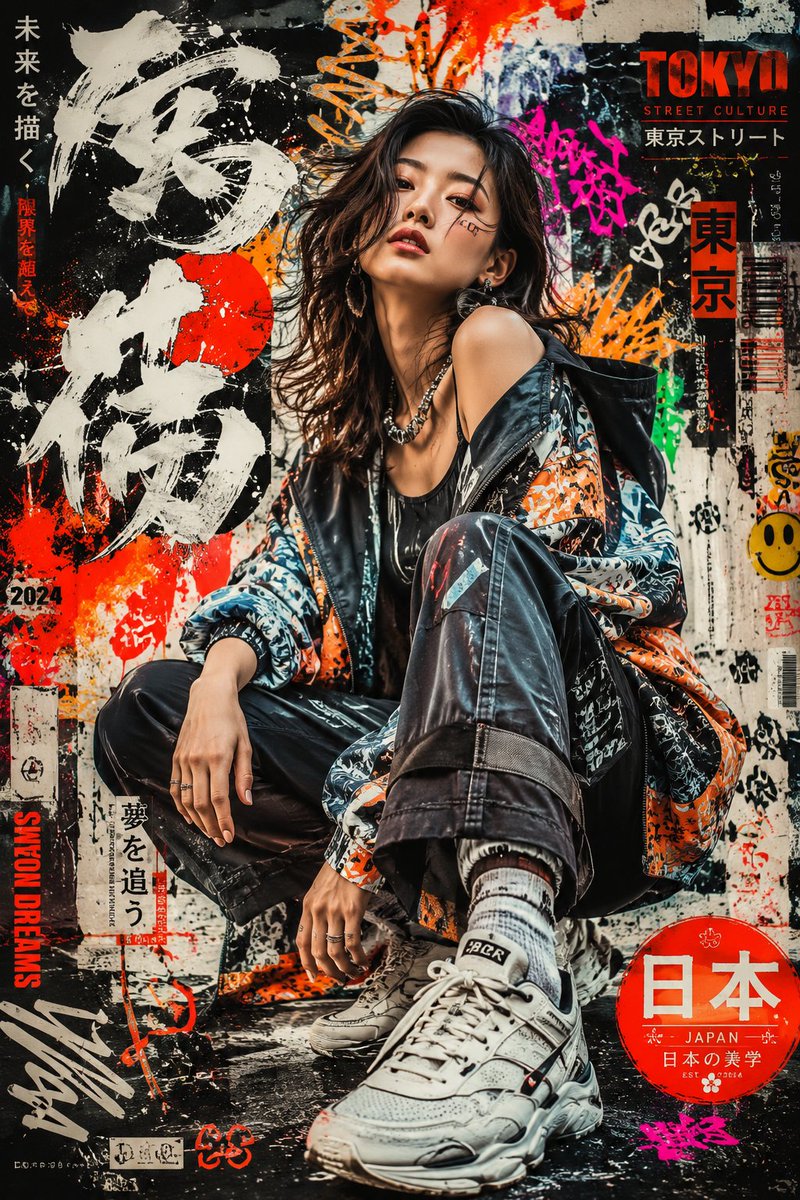
- 当前只有一张主图,所以第一张结果图就是最核心的参考基准。
Prompt 结构可以怎么理解
- 这条 Prompt 整体属于一条比较长、约束条件很多的 Prompt,很适合拿来判断这类方向到底需要写到多细。
- 关键词簇主要围绕 人像、海报、排版 展开,所以复用时可以先保留这组风格词,再替换主体、镜头、环境或文案信息。
- 最稳的改写方式通常是先保留结果方向和最强风格信号,只替换主体设定与场景块。
如果你是带着问题来的,可以先看这些角度
- 如果保留 人像、海报、排版,只换主体题材,结果最先变化的会是哪一部分?
- 这条结果里,哪些特征更像是 人像与摄影 的结构特征,哪些又是标签风格本身带来的?
- 同分类的相关案例里,哪几条能给你更克制或更极致的相邻变体?
完整 Prompt
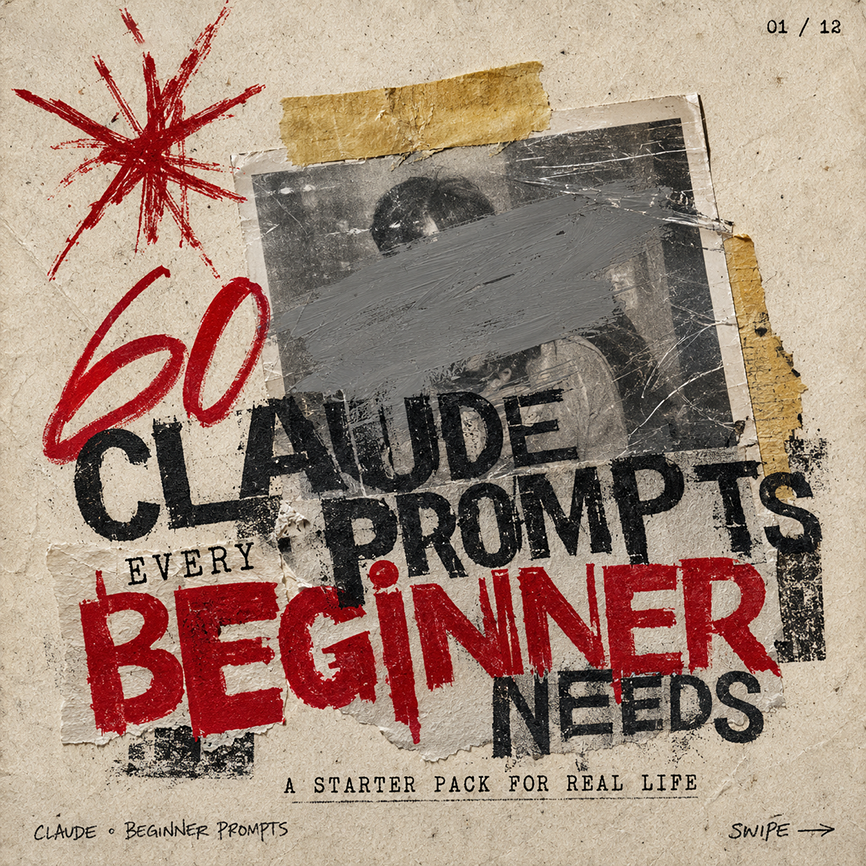
Create a square gritty social media carousel cover poster on aged beige paper with a distressed photocopy/zine aesthetic. The composition has 1 central black-and-white taped photograph, scratched and worn, with a wide gray paint smear obscuring the face; 2 pieces of yellowed masking tape hold it down, one horizontal strip at the top and one torn vertical strip on the right edge. Add 1 large hand-drawn red starburst scribble in the upper left, and use rough stamped typography layered over torn paper scraps. The main headline reads “{argument name="headline text" default="CLAUDE PROMPTS"}” in huge distressed black uppercase letters across the center, partially overlapping the photo. Add the small word “EVERY” above the bottom headline, then a massive red stamped word “{argument name="emphasis word" default="BEGINNER"}” across the lower middle, followed by “NEEDS” in black on the lower right. Include the subtitle “{argument name="subtitle text" default="A STARTER PACK FOR REAL LIFE"}” centered near the bottom in small typewriter-style uppercase letters. Add tiny handwritten footer text “{argument name="footer label" default="CLAUDE • BEGINNER PROMPTS"}” at bottom left, “SWIPE →” at bottom right, and a small page indicator “{argument name="page indicator" default="01 / 12"}” in the top right. Use a limited palette of dirty beige, black ink, gray paint, and deep red, with torn edges, ink smudges, rough halftone texture, scratches, tape shadows, and imperfect alignment; make it feel like an underground punk flyer repurposed as a bold AI prompt carousel thumbnail.