案例媒体

案例说明
这个页面把案例媒体、完整 Prompt 和出处放在一起,方便你先看结果,再判断这条 Prompt 是否值得复制、收藏或加入对比。
案例解读
为了方便搜索、引用和后续复用,这里会把案例的适用场景、画面重点和 Prompt 结构拆成更容易浏览的说明。
这类案例适合用在什么场景
- 把它当作 模型对比与社区 的基准案例最合适,先看成片方向,再决定自己的 Prompt 要往哪边改。
- 如果你的目标也落在 人像、时尚、极简 这些方向,这条案例特别适合先看图判断风格,再回头微调描述。
- 做 Prompt 对比时,也很适合作为控制组,只改一个变量去看结果变化。
画面重点与风格信号
- 这条案例最明显的风格信号集中在 人像、时尚、极简,所以第一次改写时最好先保留这些关键词。
- 这类案例最有价值的地方通常是看差异:到底改了什么、哪里崩了、是哪段 Prompt 造成的变化。
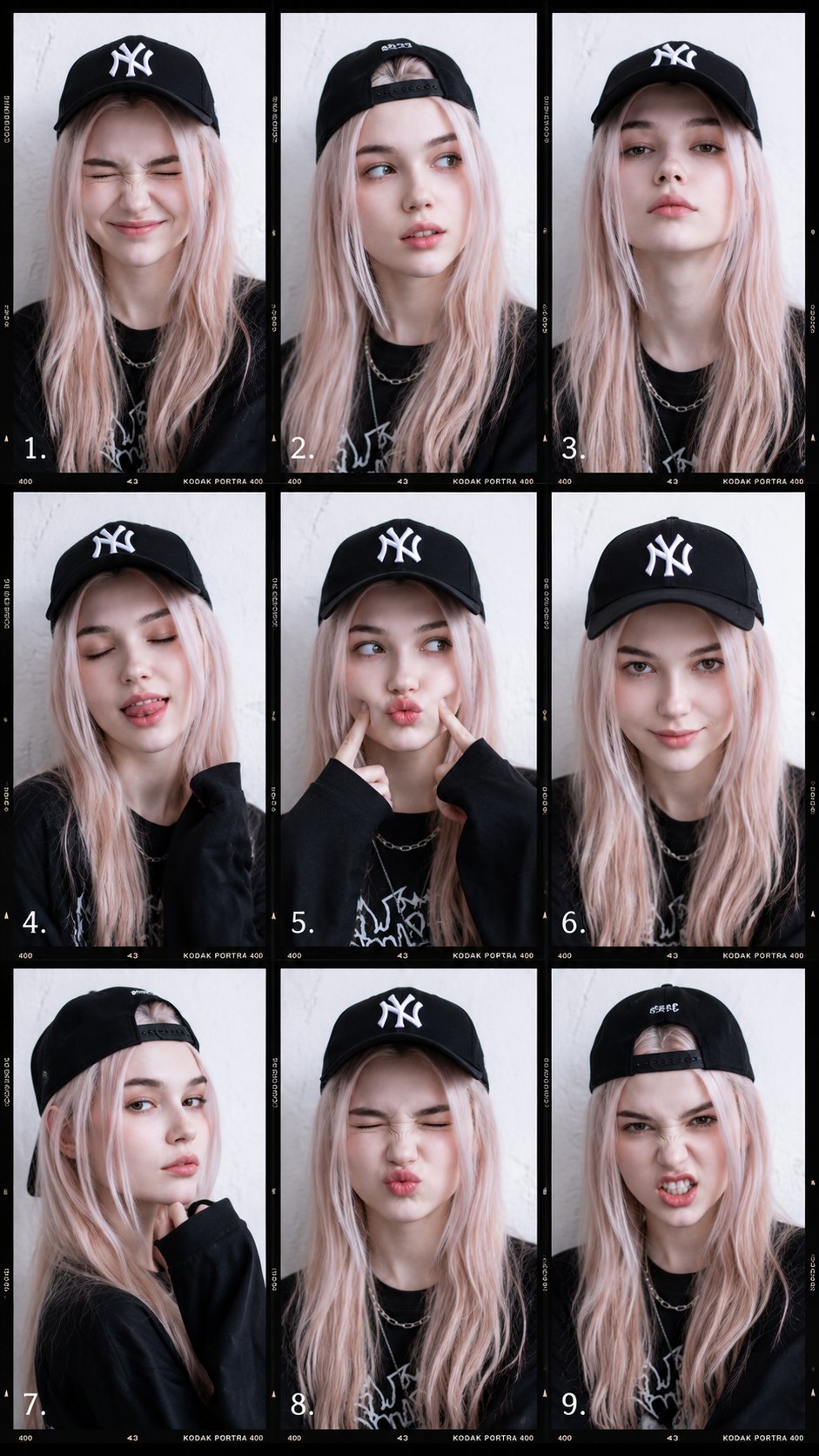
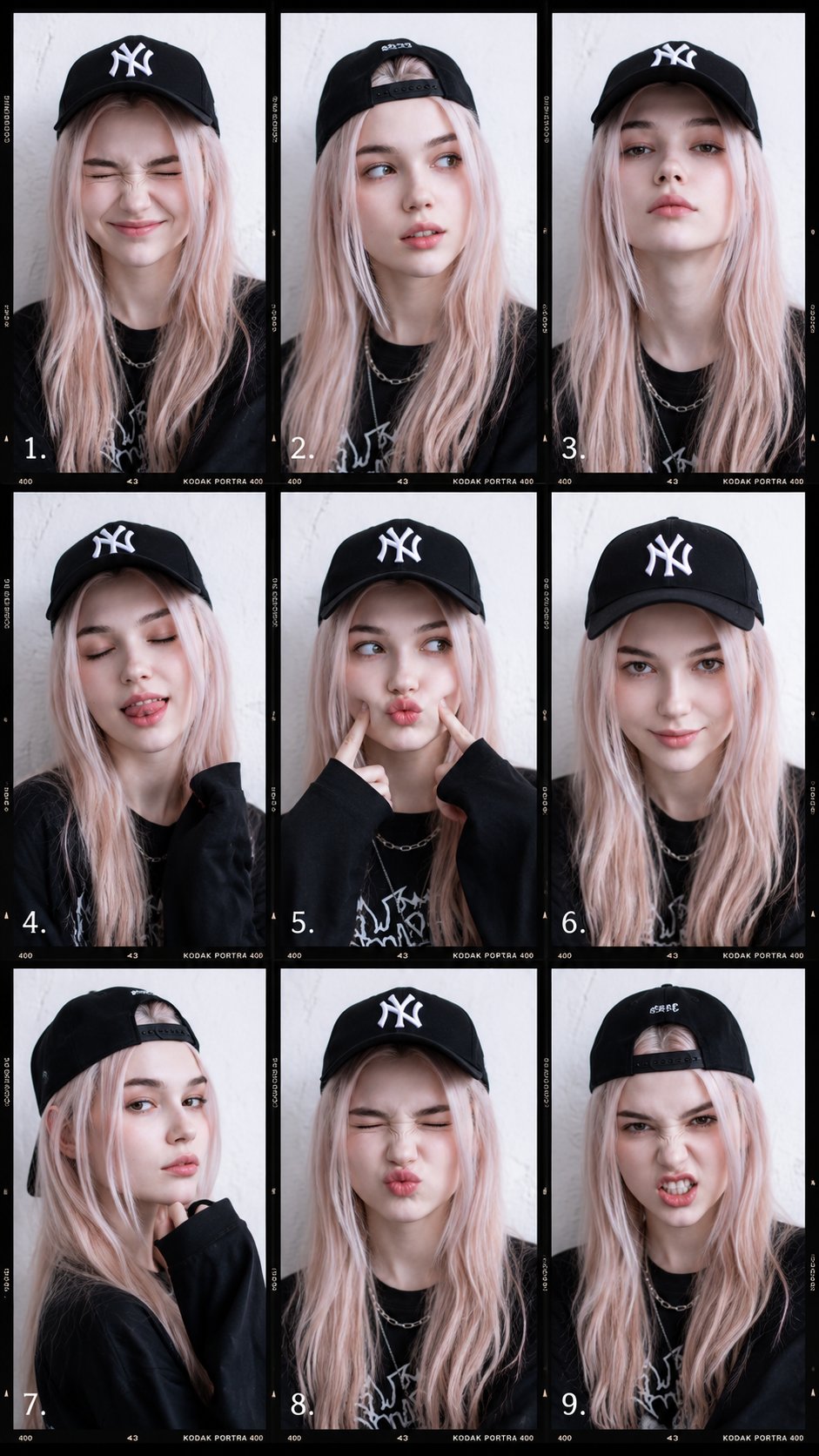
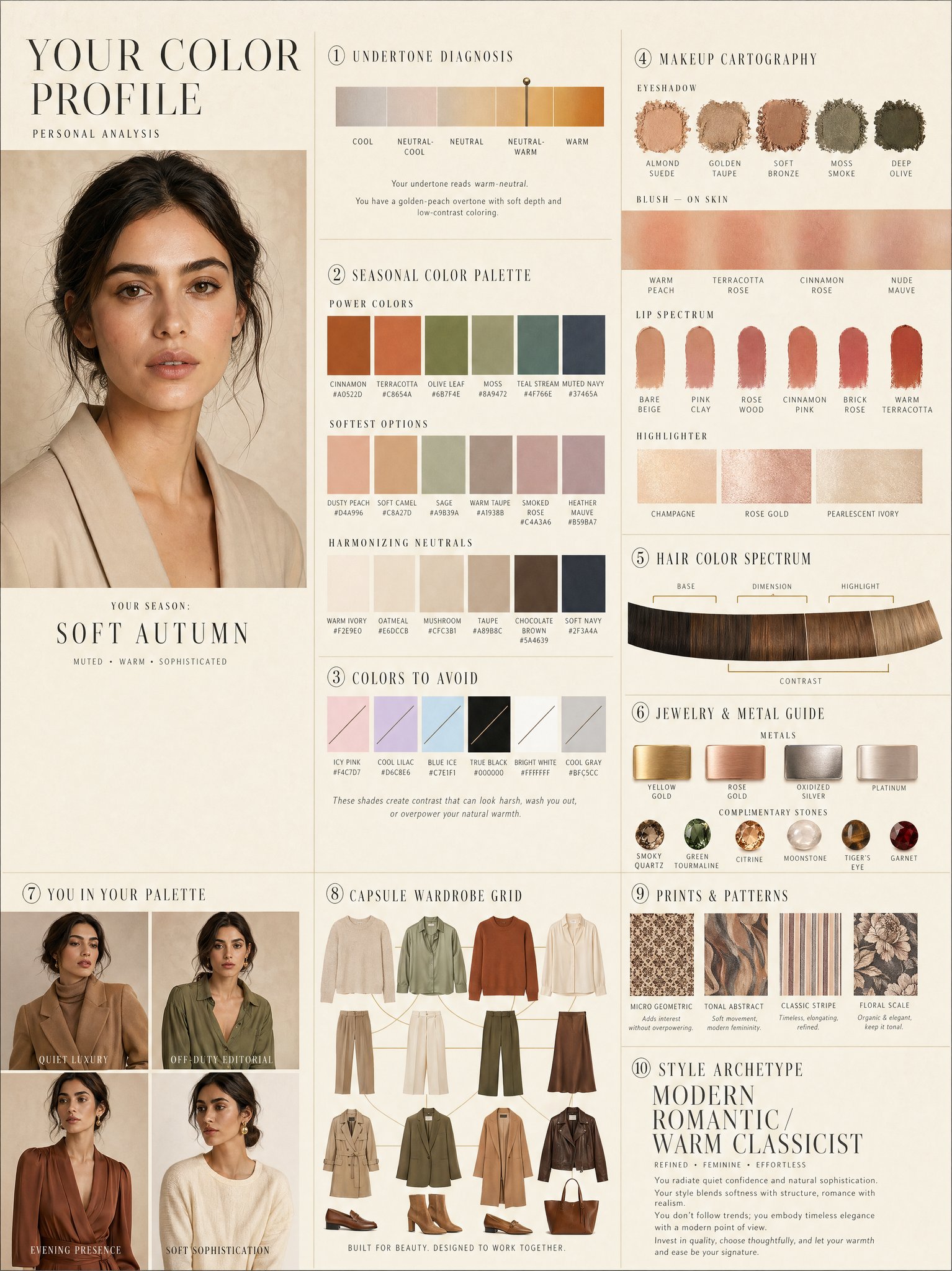
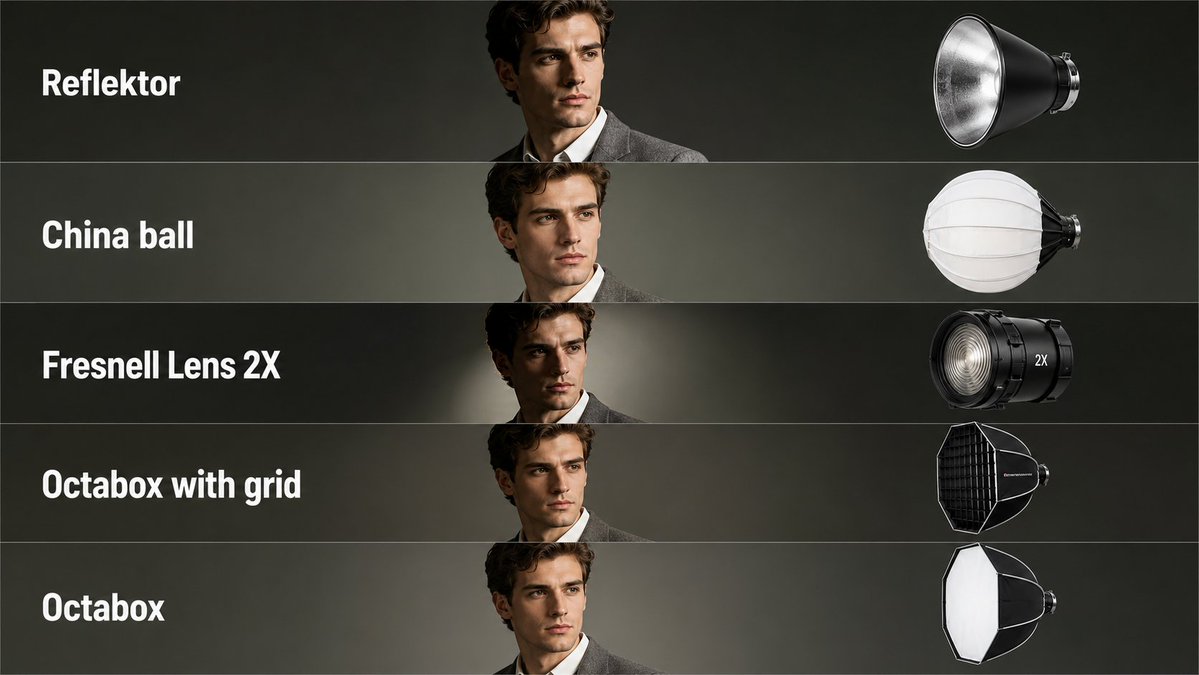
- 当前只有一张主图,所以第一张结果图就是最核心的参考基准。
Prompt 结构可以怎么理解
- 这条 Prompt 整体属于一条比较长、约束条件很多的 Prompt,很适合拿来判断这类方向到底需要写到多细。
- 关键词簇主要围绕 人像、时尚、极简 展开,所以复用时可以先保留这组风格词,再替换主体、镜头、环境或文案信息。
- 最稳的改写方式通常是先保留结果方向和最强风格信号,只替换主体设定与场景块。
如果你是带着问题来的,可以先看这些角度
- 如果保留 人像、时尚、极简,只换主体题材,结果最先变化的会是哪一部分?
- 这条结果里,哪些特征更像是 模型对比与社区 的结构特征,哪些又是标签风格本身带来的?
- 同分类的相关案例里,哪几条能给你更克制或更极致的相邻变体?
完整 Prompt
Create a clean educational photography lighting tutorial infographic in a minimalist editorial style. The layout should be a vertical comparison chart with 3 columns and 7 rows. Top headers: Left column: Indoors Middle column: Indoors Right column: Outdoors Include a small note near the outdoor header: no reflective surfaces and also a note saying NO CEILING OUTDOORS. Each row should compare a different flash lighting method. Show the same female model in black-and-white portrait photos with the same pose across the chart, standing near a plain wall, wearing a simple top, medium-length dark hair, realistic expression, classic studio portrait look. Row 1: DIRECT Left panel: a simple technical lighting diagram showing direct flash aimed at the subject. Middle panel: indoor result with hard direct flash and a sharp shadow on the wall. Right panel: outdoor result with even harder shadow and stronger contrast. Row 2: BOUNCE Left panel: lighting diagram showing flash bouncing off the ceiling. Middle panel: indoor portrait with softer upward bounced light and a gentler wall shadow. Right panel: text note instead of photo saying "NO CEILING OUTDOORS". Row 3: LUMIQUEST Left panel: lighting diagram for LumiQuest style bounced/diffused flash. Middle panel: indoor portrait with soft but directional light. Right panel: outdoor portrait with darker, more defined shadow. Row 4: OMNIBOUNCE Left panel: lighting diagram showing flash scattered in multiple directions. Middle panel: indoor portrait with diffused, room-filled light and softer shadow. Right panel: outdoor portrait with stronger contrast and shadow because there are no reflective surfaces. Row 5: THROUGH AN UMBRELLA Left panel: diagram showing flash shooting through a translucent umbrella toward the subject. Middle panel: indoor portrait with broad, soft light and smooth shadows. Right panel: outdoor portrait with soft light on subject but still a noticeable shadow behind. Row 6: OFF AN UMBRELLA Left panel: diagram showing flash reflected off a white umbrella. Middle panel: indoor portrait with soft reflected light and balanced contrast. Right panel: outdoor portrait with more contrast and deeper background shadow. Row 7: THROUGH A SOFT BOX Left panel: diagram showing a rectangular softbox aimed at the subject. Middle panel: indoor portrait with very soft, even professional lighting. Right panel: outdoor portrait with soft directional lighting and a more visible shadow than indoors. Design style: monochrome / black and white clean instructional infographic thin black borders around each panel light gray background in diagram panels simple line art technical diagrams with arrows showing light paths realistic portrait photography in the example panels neat typography, all caps row labels magazine quality educational reference sheet balanced spacing and grid alignment high clarity, easy to understand, professional tutorial layout.