案例媒体
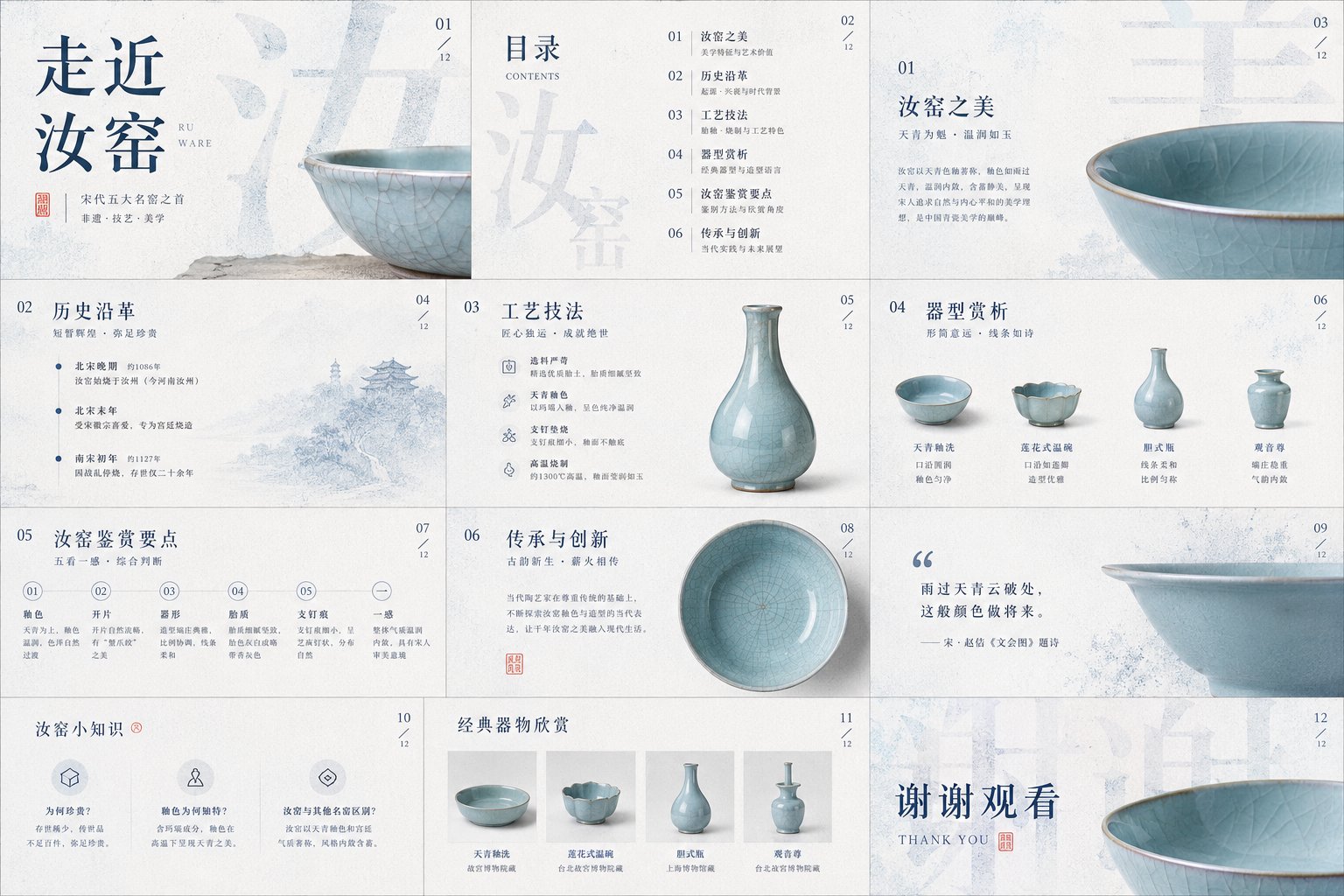
案例说明
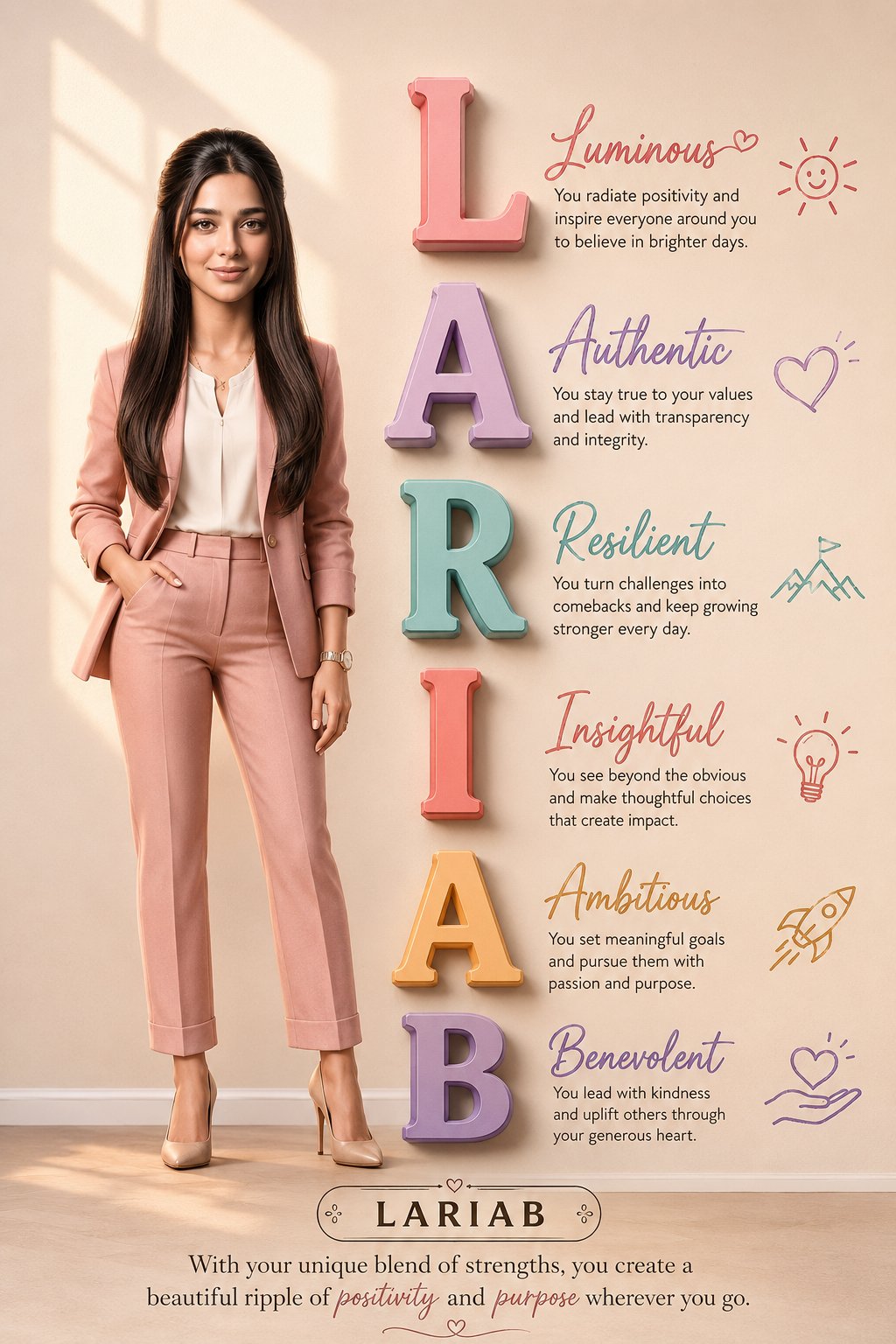
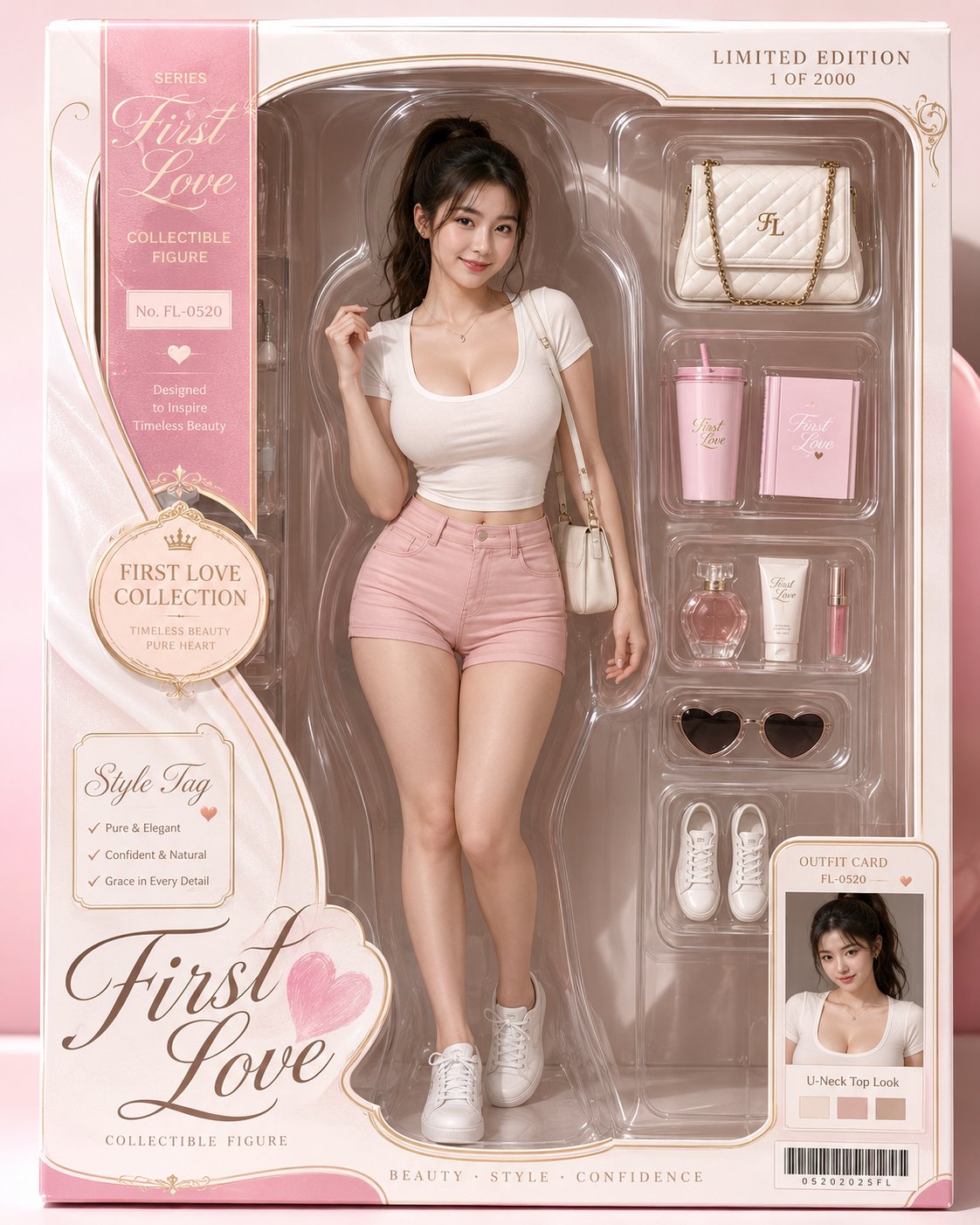
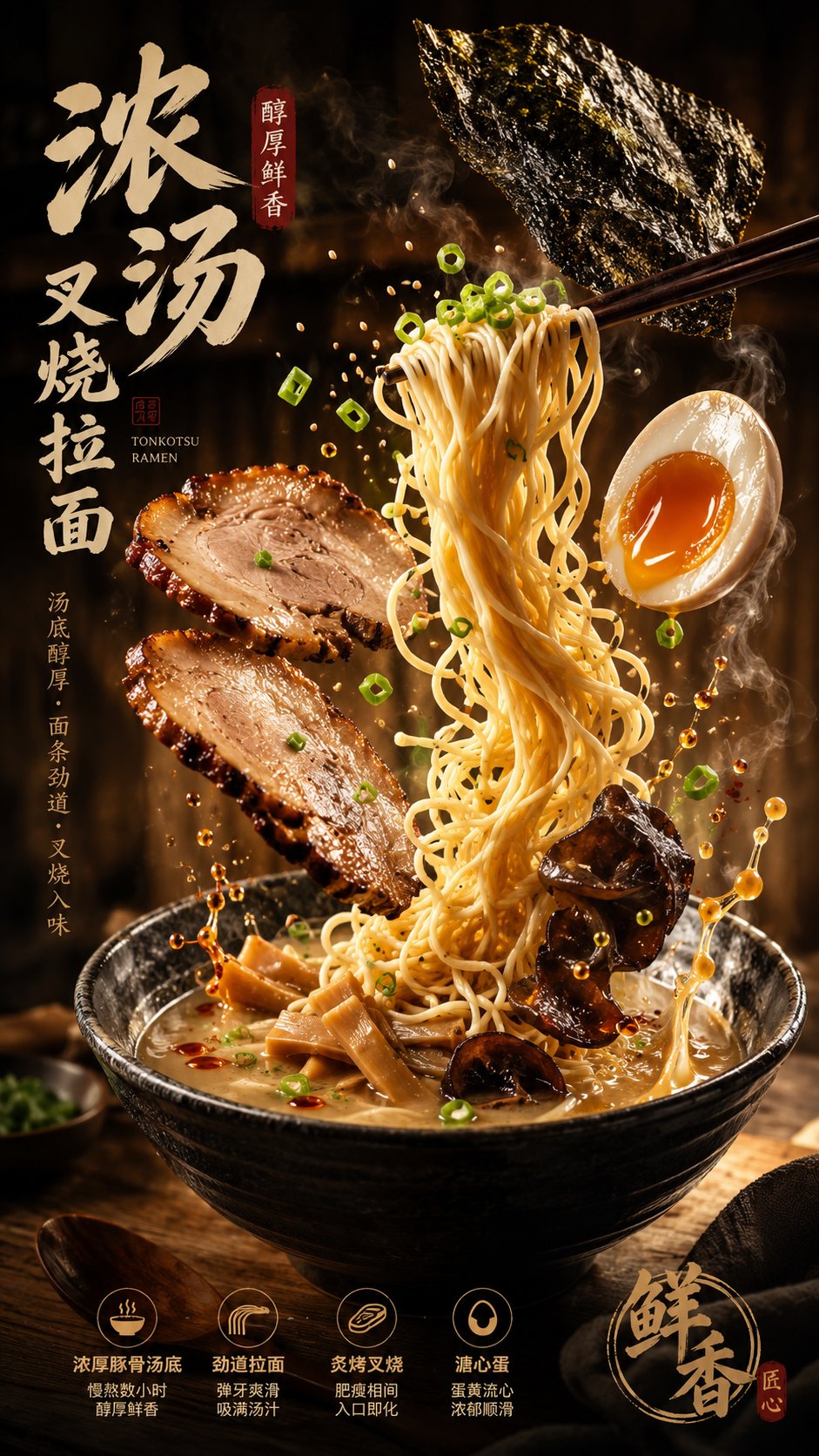
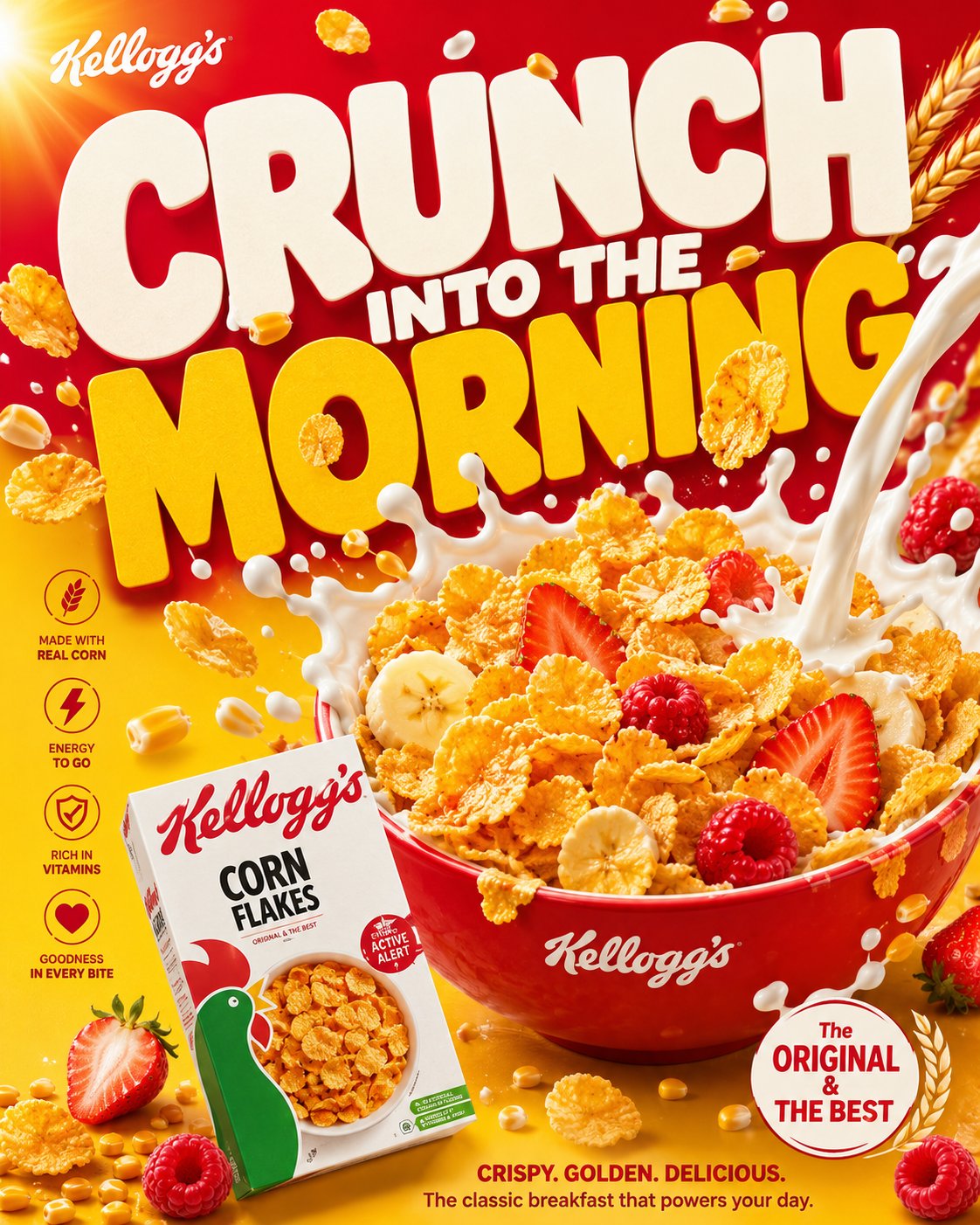
这个页面把案例媒体、完整 Prompt 和出处放在一起,方便你先看结果,再判断这条 Prompt 是否值得复制、收藏或加入对比。
案例解读
为了方便搜索、引用和后续复用,这里会把案例的适用场景、画面重点和 Prompt 结构拆成更容易浏览的说明。
这类案例适合用在什么场景
- 把它当作 角色设计 的基准案例最合适,先看成片方向,再决定自己的 Prompt 要往哪边改。
- 如果你的目标也落在 时尚、海报、角色 这些方向,这条案例特别适合先看图判断风格,再回头微调描述。
- 做 Prompt 对比时,也很适合作为控制组,只改一个变量去看结果变化。
画面重点与风格信号
- 这条案例最明显的风格信号集中在 时尚、海报、角色,所以第一次改写时最好先保留这些关键词。
- 重点可以先看轮廓、服饰语言、情绪气质,以及角色是否一眼就能立住。
- 当前保留了 2 份媒体输出,适合顺手观察同一方向在多张结果里的稳定性。
Prompt 结构可以怎么理解
- 这条 Prompt 整体属于一条比较长、约束条件很多的 Prompt,很适合拿来判断这类方向到底需要写到多细。
- 关键词簇主要围绕 时尚、海报、角色 展开,所以复用时可以先保留这组风格词,再替换主体、镜头、环境或文案信息。
- 最稳的改写方式通常是先保留结果方向和最强风格信号,只替换主体设定与场景块。
如果你是带着问题来的,可以先看这些角度
- 如果保留 时尚、海报、角色,只换主体题材,结果最先变化的会是哪一部分?
- 这条结果里,哪些特征更像是 角色设计 的结构特征,哪些又是标签风格本身带来的?
- 同分类的相关案例里,哪几条能给你更克制或更极致的相邻变体?
完整 Prompt
Please process the image into a restrained, clean, high-end visual style with a paper-like tactile feel: the background is not blank, but a layer of light-colored material that feels like it has 'breath,' like a quiet backdrop formed by fine paper fibers, soft mist, embossing, or slight grain. Let the main content float out from this background, pursuing not hustle and bustle, but clarity, lightness, and a palpable sense of layers. The image can serve for covers, PPTs, infographics, report pages, product pages, posters, rankings, or data visualizations, but do not be limited by any one type of object; whether the theme is a product, character, space, food, knowledge, business plan, or annual summary, treat the subject's structural order, material edges, shadow depth, and information rhythm as the true visual core. Text should become part of the image structure. Use extra-large scale main titles, keywords, Chinese characters, numbers, or symbols as the background skeleton, letting them occupy large areas of the screen, but turning them into visual pressure through granulation, dot diffusion, slight blurring, translucent occlusion, or edge dissolution, rather than directly stealing the spotlight. Foreground information should remain fine, clean, and readable, like receipts, cards, labels, annotations, numbering, short sentences, or small layout systems, with clear line spacing, hierarchy, and white space. Allow vertical English, narrow-spaced annotations, numbering, small-font explanations, and handwritten-style emphasis to be interspersed, letting text serve the functions of reading, decoration, and navigation simultaneously. Titles can be huge, body text must be restrained, and emphasis should be sparse but accurate, forming a double-layered reading experience where 'it's a graphic from afar, and informative up close.' The color system uses low-saturation light bases as the air and page temperature, with a deep and stable main color to undertake the structure, title, shadows, data center of gravity, or brand memory; this main color can be converted to a more rational, cleaner, warmer, sharper, or softer direction depending on the specific content, but it must maintain the original image's relationship of large-area calmness, small amounts of high-recognition color, and clear light-and-dark order. Accent colors occupy only a small area, used to handle emotional shifts, handwritten marks, key words, numbering, curves, or tiny symbols; they should change semantics according to the theme, for example, more decisive for business content, calmer for academic content, warmer for festive content, cleaner for medical content, lighter for children's content, but do not dye the entire screen with color. Dark colors are responsible for structure and weight, light colors for breathing, warm or different colors for momentary attention, and shadows, transparent wireframes, paper-edge highlights, and grain textures for depth. The layout must have a clear foreground and background relationship: in the background, there are huge, softened glyphs or information blocks, like a wall made of text; the mid-ground can have transparent ovals, fine lines, semi-transparent boundaries, or slight halos to create a framed field of attention; the foreground places the most important subject or information module, allowing it to form a real sense of space by being slightly tilted, stacked, bent, misaligned, or suspended. Do not make a standard centered template; the image's center of gravity can be skewed to the right, to the bottom, or pushed out by large characters, keeping a quiet vertical information band on the left or edge. White space must be controlled; where it is dense, it should feel like compressed paper pages or data layers; where it is sparse, it should feel like air; maintain precise distance between all elements, achieving both the completeness of a commercial poster and the calmness of editorial design. In the specific task below, let the image naturally grow into the form it needs: based on the theme, text, data, brand, product, or material I provide, generate a visual work with a blue-and-white granular text background, light foreground layers, a small amount of content-responsive accent colors, delicate paper feel, and high-end information order. Theme: Approaching Ru Ware. Use: ppt, courseware.