Case Media
Case Notes
This page keeps the media, full prompt, and original source together so you can inspect the result first and decide whether the prompt is worth copying, saving, or comparing.
Case Insights
To make this page easier to search, cite, and reuse later, the case is also broken down into practical guidance about usage, visual cues, and prompt structure.
Best Fit Scenarios
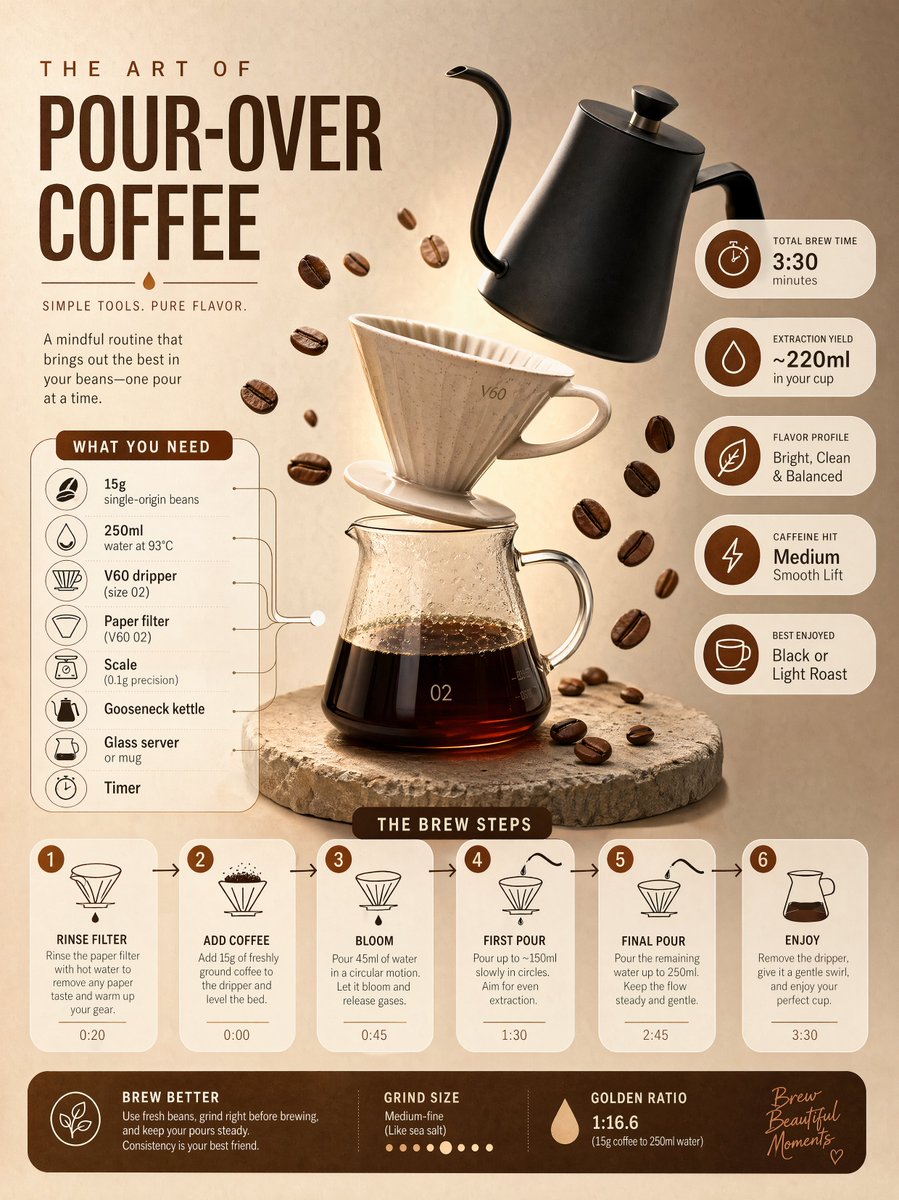
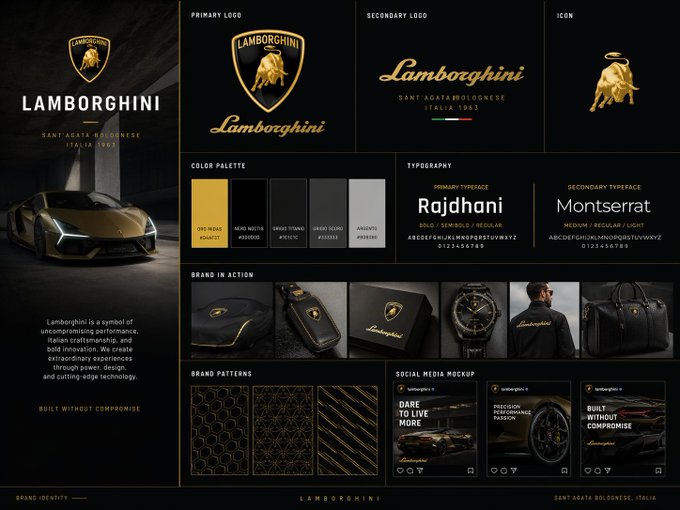
- Use this as a ui & social screens benchmark when you need a fast style baseline before rewriting your own prompt.
- It is especially helpful if your target overlaps with UI, Screenshot, Minimal and you want to judge the image result before tuning wording.
- Keep it as a control sample when you compare nearby prompt variants one variable at a time.
Visual Signals To Notice
- The clearest style signals here are UI, Screenshot, Minimal, so those should usually stay in your first rewrite.
- The important layer is usually interface density, card hierarchy, and how the screen tells the story before you read small text.
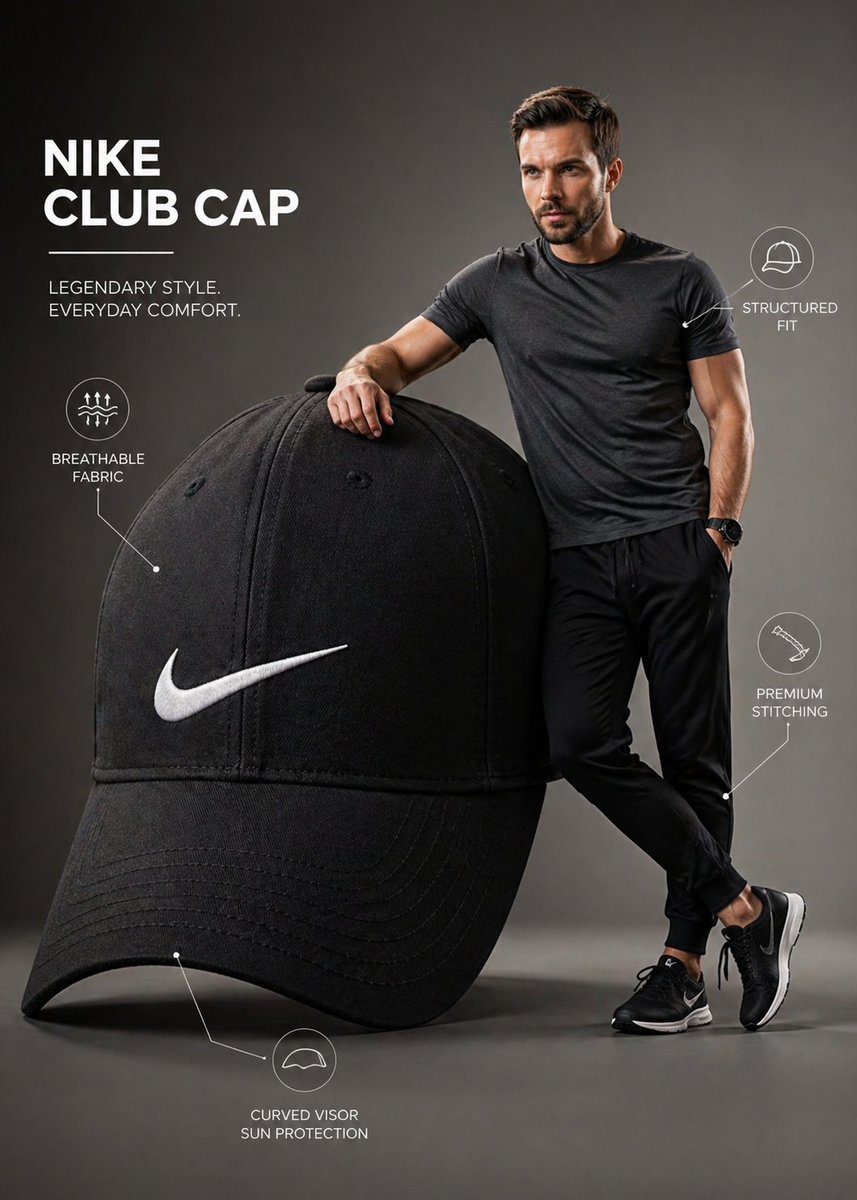
- This case keeps one primary output, so the first image should be treated as the main visual reference.
How The Prompt Is Structured
- The prompt reads as a long, highly specified prompt, which is useful when you want to judge how much specificity this direction needs.
- Its keyword cluster is centered on UI, Screenshot, Minimal, so you can usually keep that cluster while swapping subject, camera, layout, or copy details.
- A practical rewrite path is: keep the outcome, keep the strongest style cues, then replace only the subject and environment blocks.
Good Follow-up Questions
- What changes first if you keep UI, Screenshot, Minimal but switch the subject matter?
- Which part of the result comes from section-level structure (UI & Social Screens) versus tag-level style cues?
- Which related cases in the same section give you a cleaner or more extreme variation of the same direction?
Full Prompt
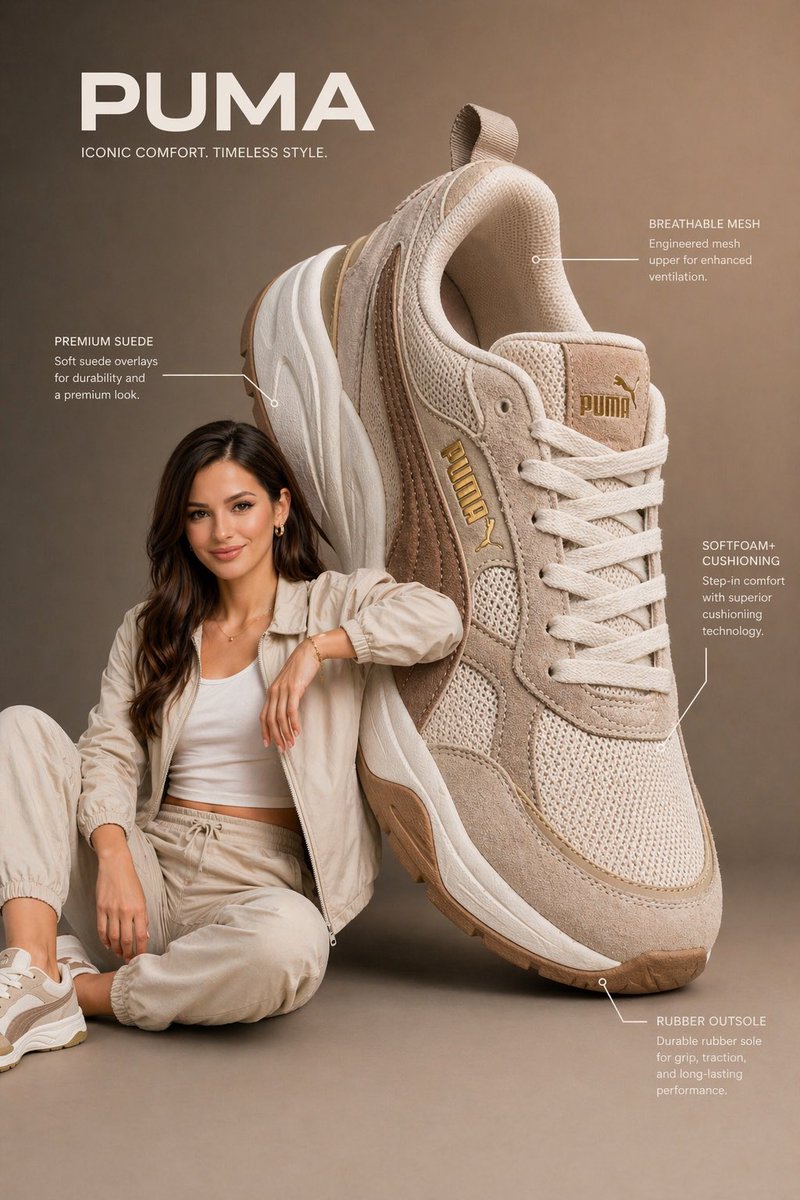
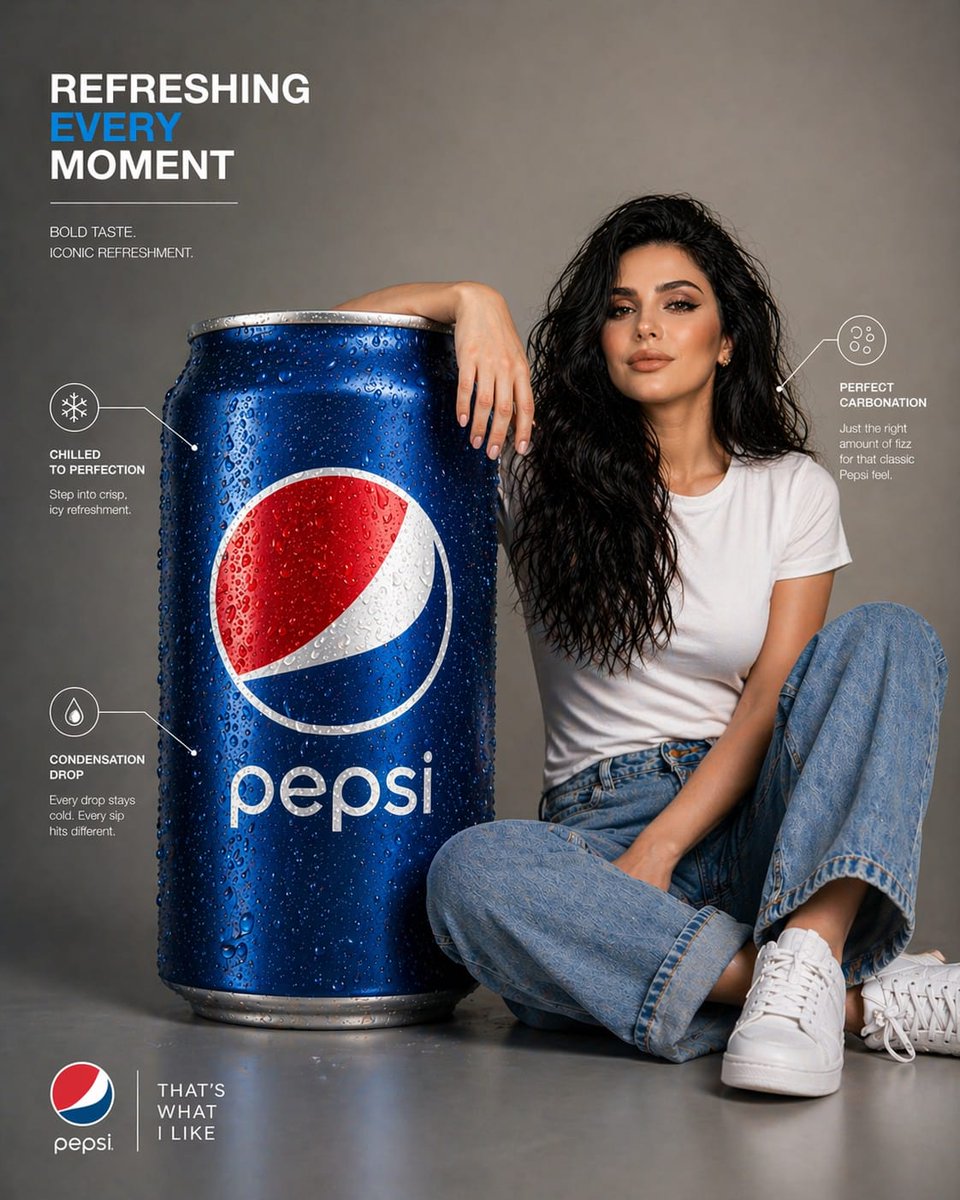
A premium infographic-style visual featuring an oversized Pepsi can placed beside a young woman. The can is scaled to be nearly the same size as her entire seated body, creating a striking, surreal proportion. The woman sits casually leaning against the giant can, one arm resting on it, interacting naturally with the object. Her face must closely match the provided reference image, accurate facial structure, skin tone, hairstyle, and expression — polished, realistic, and visually appealing. The Pepsi can is ultra-detailed with crisp branding, condensation droplets, realistic reflections, and metallic texture. The logo is clean, sharp, and properly proportioned. Composition is modern and minimal, set in a clean studio or soft gradient background. Include subtle infographic-style elements such as thin annotation lines, minimal labels, or callouts highlighting features like “refreshment,” “carbonation,” or “chilled texture,” but keep it elegant and uncluttered. Lighting is soft studio lighting with controlled highlights and shadows, giving a premium advertising look. The model is styled in minimal, contemporary clothing that complements the red, white, and blue tones of the can. Color grading is crisp and slightly vibrant, with a commercial ad aesthetic. Balanced composition, sharp focus, slight depth of field for realism. Style: high-end product infographic, commercial beverage advertisement, clean UI-inspired annotations Resolution: ultra high resolution, 4K, highly detailed, photorealistic 85mm lens, f/2.8 hyper-realistic, studio quality no distortion, correct proportions clean typography, modern layout