Case Media
Case Notes
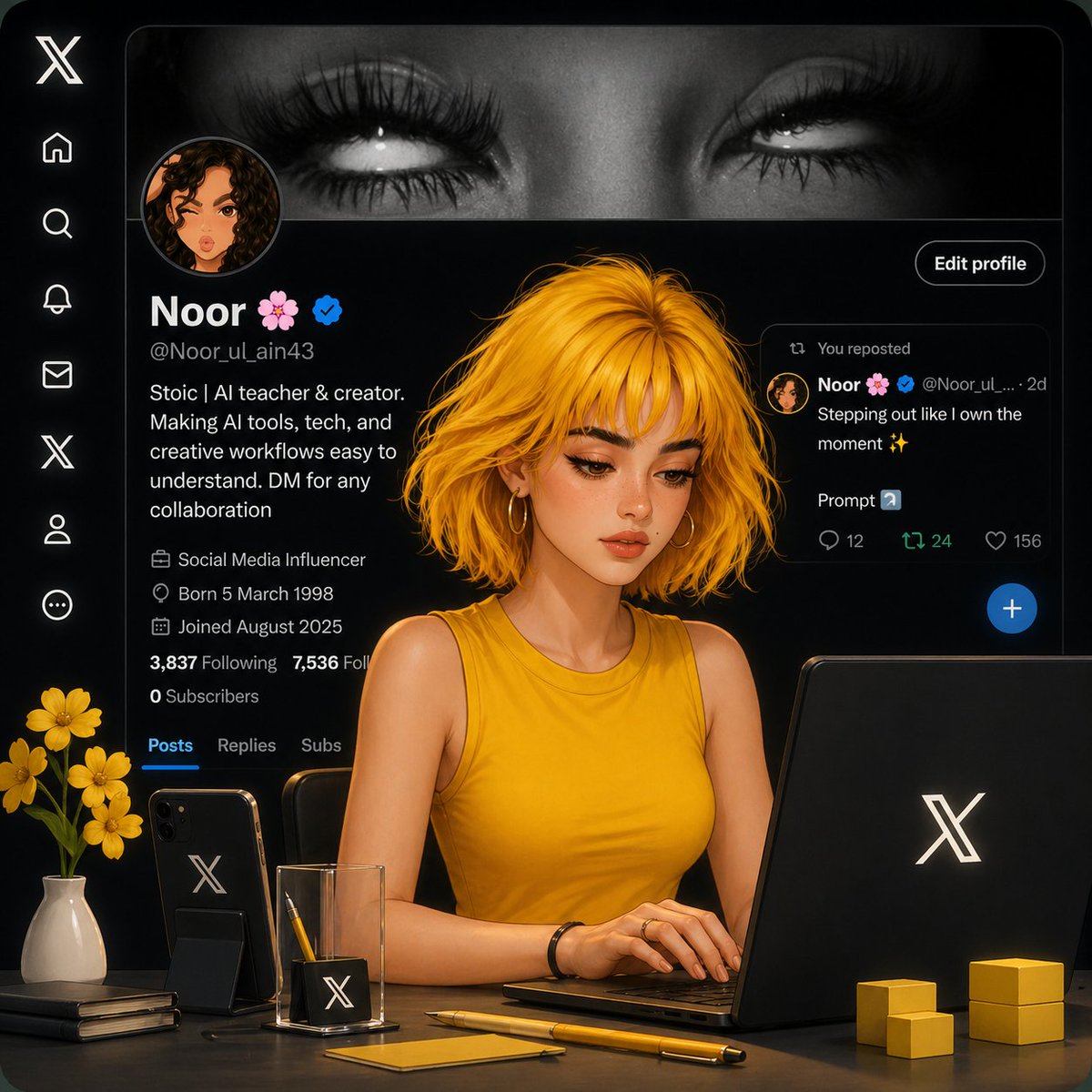
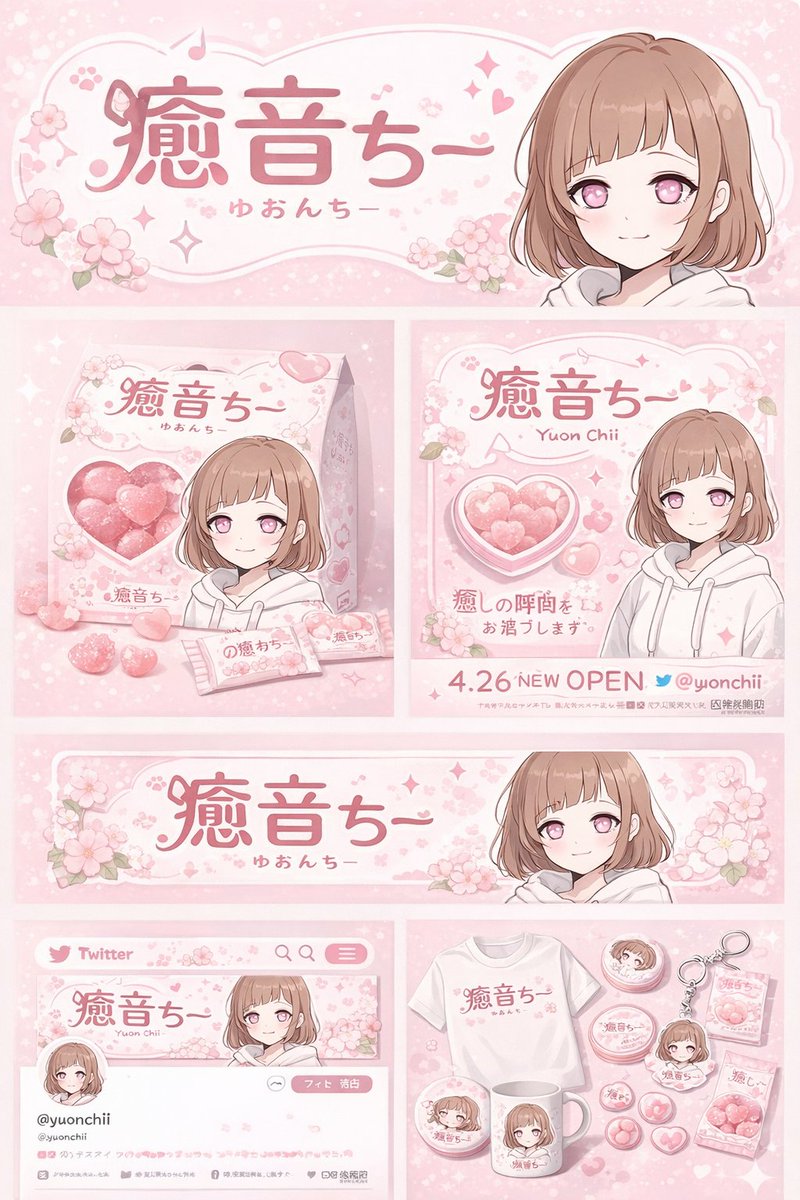
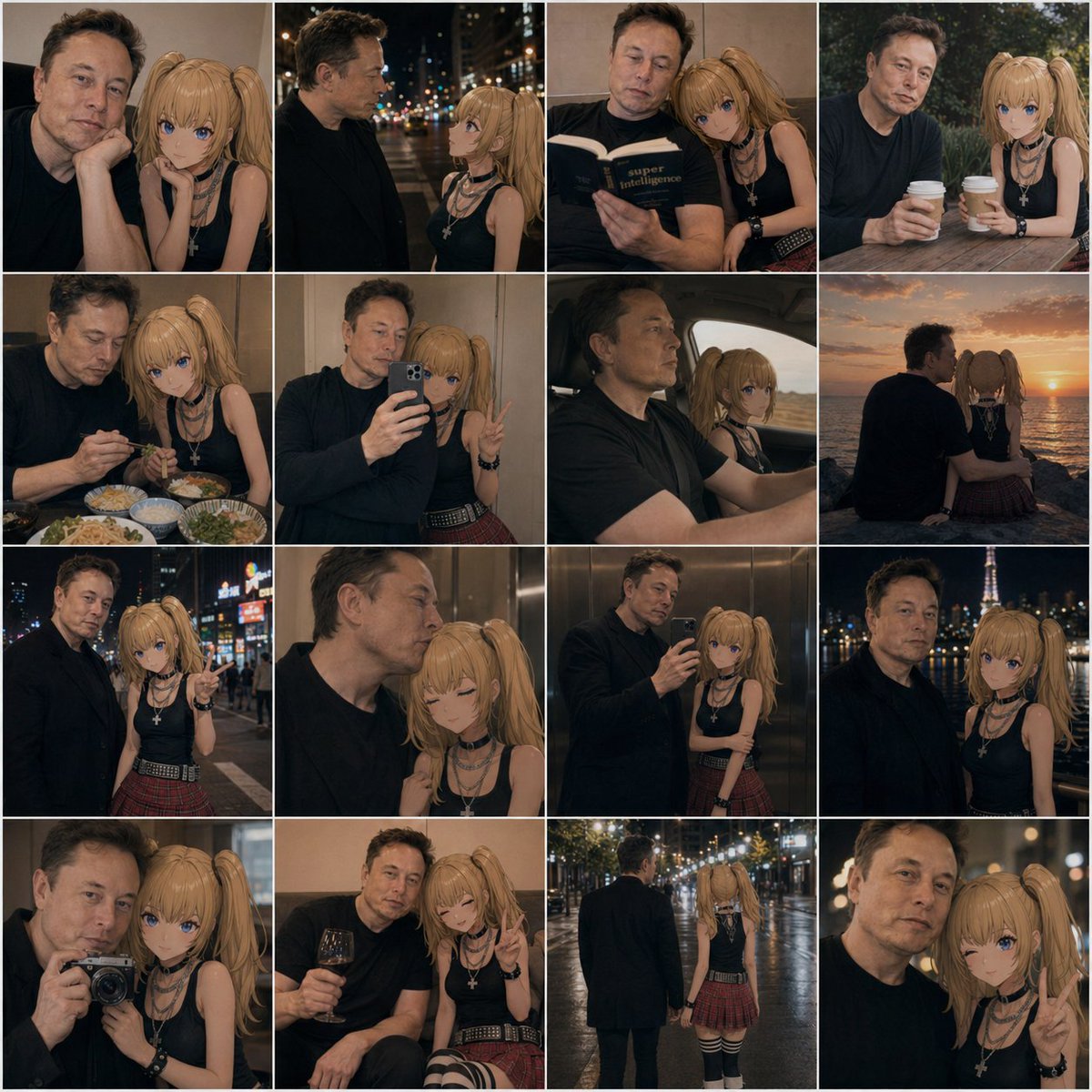
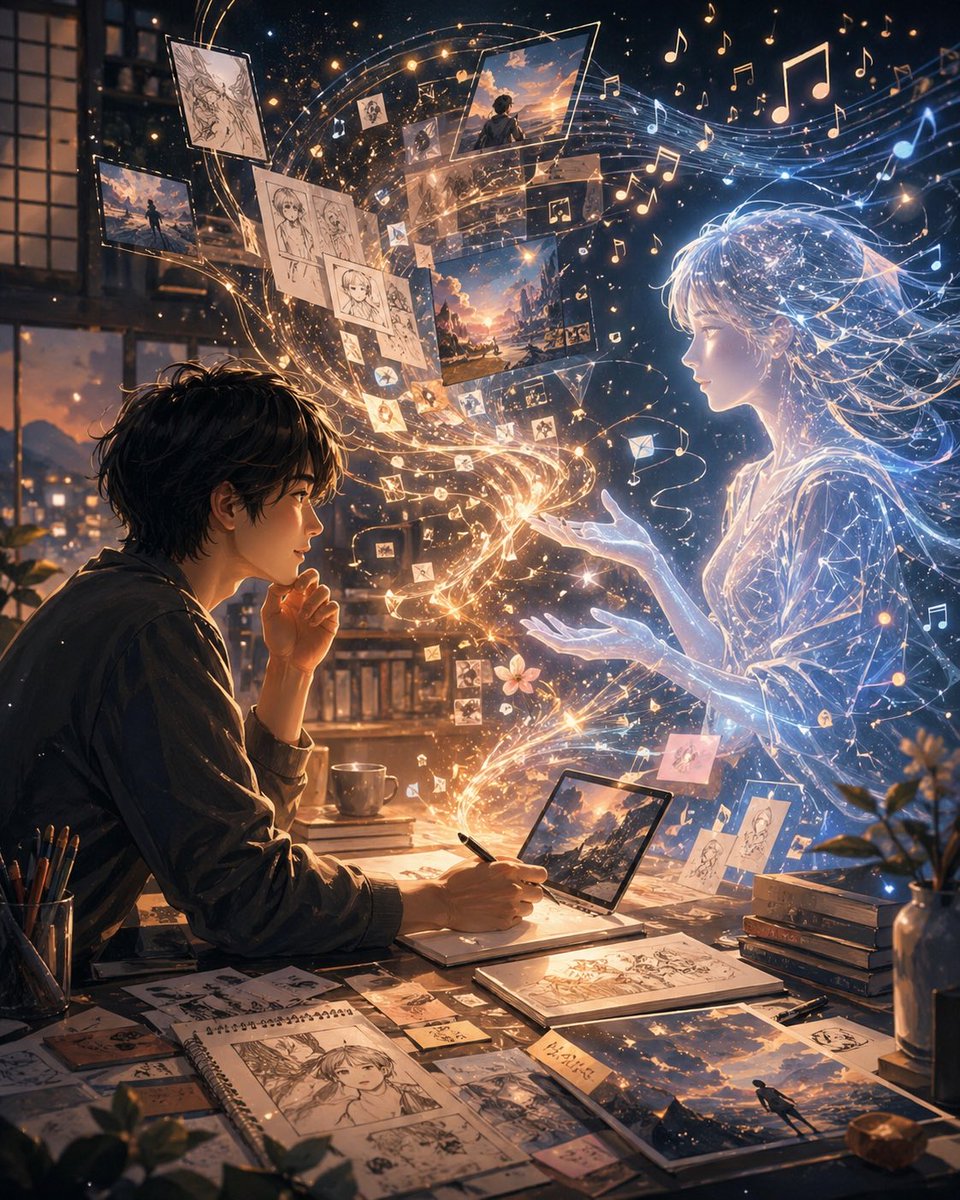
This page keeps the media, full prompt, and original source together so you can inspect the result first and decide whether the prompt is worth copying, saving, or comparing.
Case Insights
To make this page easier to search, cite, and reuse later, the case is also broken down into practical guidance about usage, visual cues, and prompt structure.
Best Fit Scenarios
- Use this as a ui & social screens benchmark when you need a fast style baseline before rewriting your own prompt.
- It is especially helpful if your target overlaps with Portrait, Cinematic, Illustration and you want to judge the image result before tuning wording.
- Keep it as a control sample when you compare nearby prompt variants one variable at a time.
Visual Signals To Notice
- The clearest style signals here are Portrait, Cinematic, Illustration, so those should usually stay in your first rewrite.
- The important layer is usually interface density, card hierarchy, and how the screen tells the story before you read small text.
- This case keeps one primary output, so the first image should be treated as the main visual reference.
How The Prompt Is Structured
- The prompt reads as a long, highly specified prompt, which is useful when you want to judge how much specificity this direction needs.
- Its keyword cluster is centered on Portrait, Cinematic, Illustration, so you can usually keep that cluster while swapping subject, camera, layout, or copy details.
- A practical rewrite path is: keep the outcome, keep the strongest style cues, then replace only the subject and environment blocks.
Good Follow-up Questions
- What changes first if you keep Portrait, Cinematic, Illustration but switch the subject matter?
- Which part of the result comes from section-level structure (UI & Social Screens) versus tag-level style cues?
- Which related cases in the same section give you a cleaner or more extreme variation of the same direction?
Full Prompt
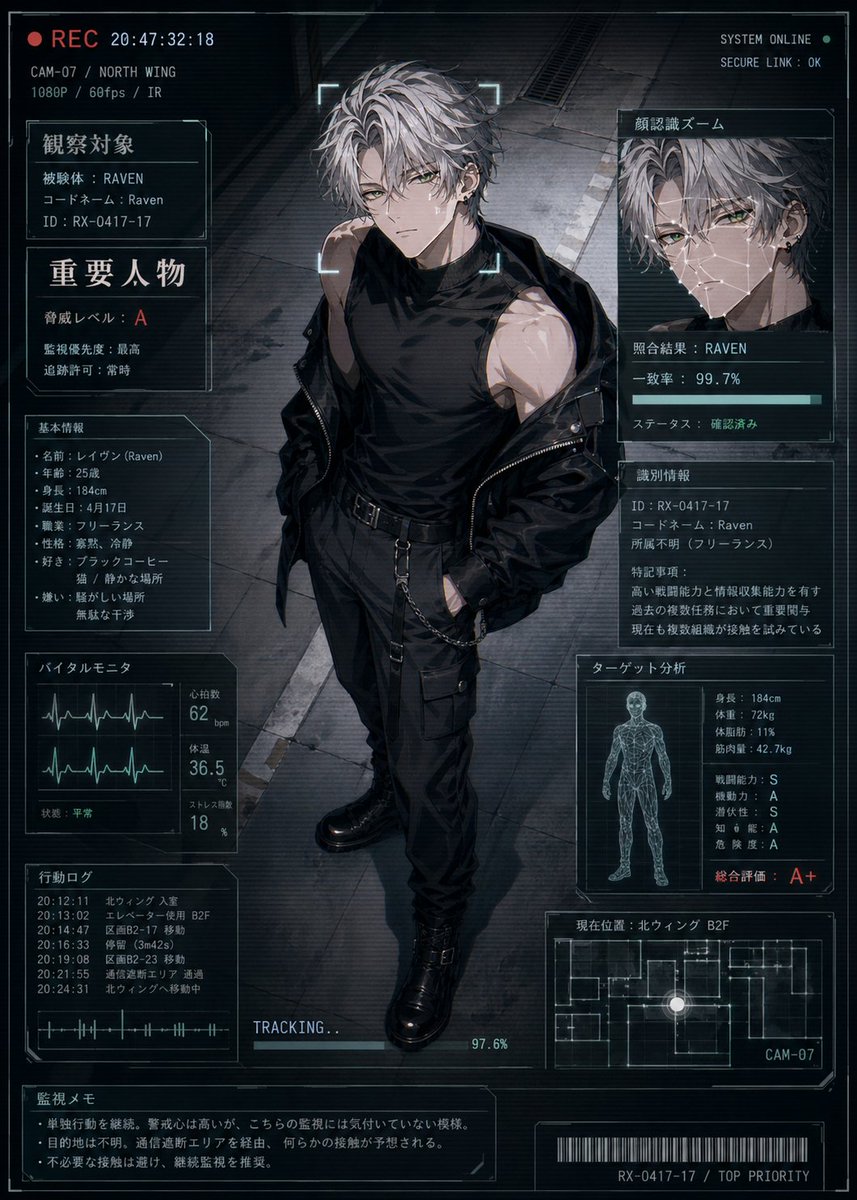
A cinematic anime-style futuristic surveillance status screen showing a full-body young man standing in the center of a dark industrial corridor, viewed from a slightly high angle as if captured by a security camera. He is a tall, lean, athletic male with messy silver-gray hair, pale skin, and a cool, dangerous presence, wearing a black sleeveless high-neck shirt, black tactical pants with straps and side pockets, a black belt with hanging chain details, heavy black combat boots, and a black jacket slipping off his shoulders. His expression is serious and unreadable, framed by a glowing scan bracket around the face like a live target lock. The overall image is a high-tech HUD dossier overlay in a blue-gray and black palette with subtle cyan interface lines, screen noise, scanlines, and a moody cyberpunk thriller atmosphere. The layout contains 10 distinct UI panels around the character: 1 top-left recording strip with a red REC indicator, timestamp, camera code, location, and video specs; 1 left upper identification panel labeled 観察対象 with subject data including codename Raven and ID; 1 left middle warning panel labeled 重要人物 with risk level A and other threat notes; 1 left lower basic profile panel labeled 基本情報 listing name, age, height, birth date, job, personality, likes, and dislikes; 1 bottom-left vital monitor panel labeled バイタルモニタ with 2 waveform graphs and numeric readouts for heart rate, temperature, and stress; 1 lower-left action log panel labeled 行動ログ with 6 timestamped entries; 1 large upper-right facial recognition panel labeled 顔認識ズーム showing 1 zoomed portrait crop, a match result for RAVEN, a 99.7% accuracy bar, and verified status; 1 right middle identification details panel labeled 識別情報 with ID, codename, affiliation unknown, and a paragraph of notes; 1 right lower target analysis panel labeled ターゲット分析 with 1 wireframe human figure and multiple stat lines including height, weight, body fat, muscle mass, combat ability, mobility, intelligence, danger level, and a large overall evaluation A+; 1 bottom-right current location panel labeled 現在位置 with 1 minimap floor plan, a glowing position dot, and camera label CAM-07. Add 1 bottom-center tracking progress bar reading TRACKING... at 97.6%, 1 bottom-left surveillance memo box labeled 監視メモ with 3 short bullet-style notes, and 1 bottom barcode strip with the code RX-0417-17 / TOP PRIORITY. Include small top-right system text such as SYSTEM ONLINE and SECURE LINK : OK. Use Japanese text throughout the interface, crisp thin-line sci-fi frames, layered transparent screens, realistic lighting on the character, and polished gpt-image-2 anime illustration quality, like a classified character status display for a covert operative named {argument name="character name" default="Raven"}.