Case Media
Case Notes
This page keeps the media, full prompt, and original source together so you can inspect the result first and decide whether the prompt is worth copying, saving, or comparing.
Case Insights
To make this page easier to search, cite, and reuse later, the case is also broken down into practical guidance about usage, visual cues, and prompt structure.
Best Fit Scenarios
- Use this as a ui & social screens benchmark when you need a fast style baseline before rewriting your own prompt.
- It is especially helpful if your target overlaps with Portrait, Illustration, UI and you want to judge the image result before tuning wording.
- Keep it as a control sample when you compare nearby prompt variants one variable at a time.
Visual Signals To Notice
- The clearest style signals here are Portrait, Illustration, UI, so those should usually stay in your first rewrite.
- The important layer is usually interface density, card hierarchy, and how the screen tells the story before you read small text.
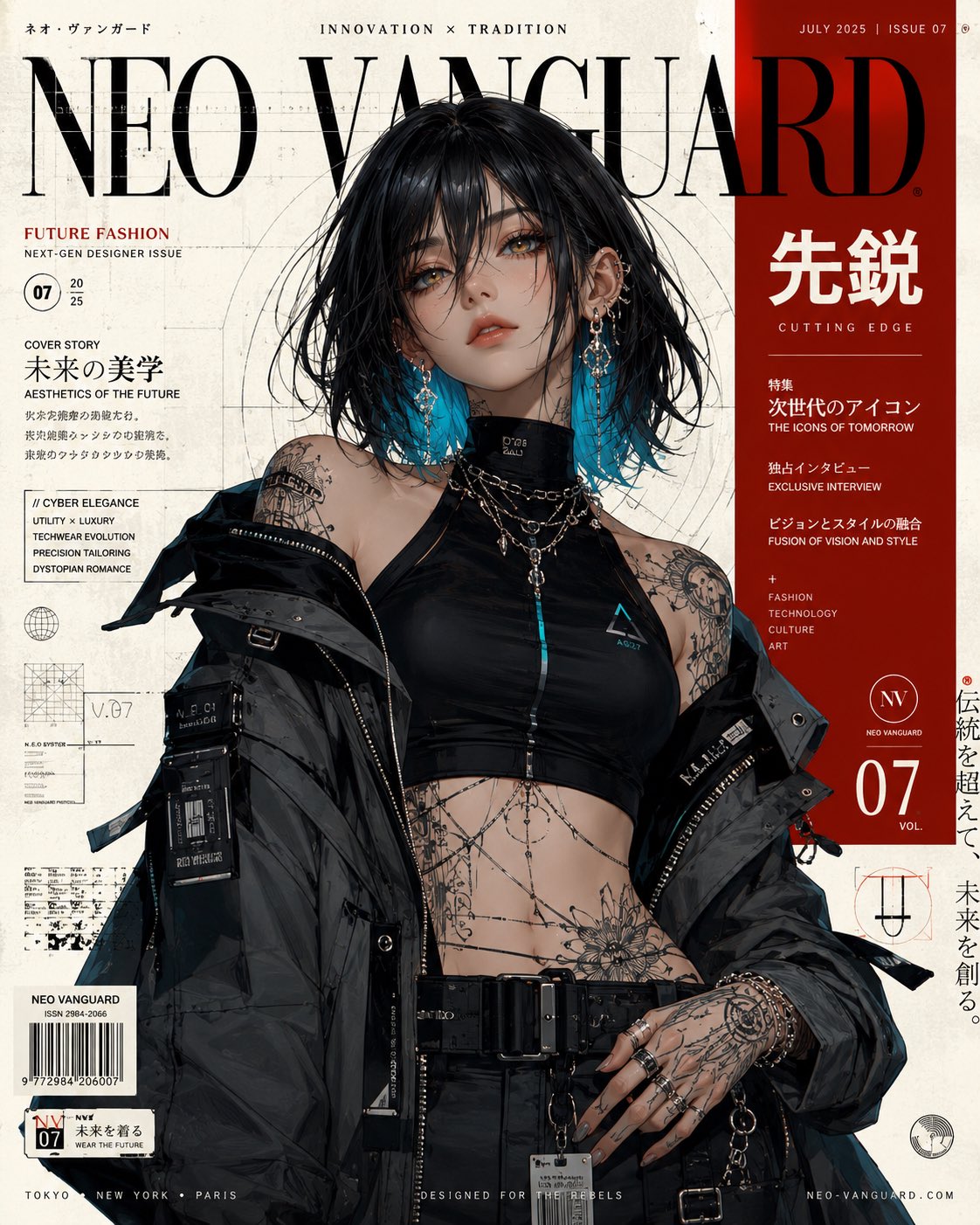
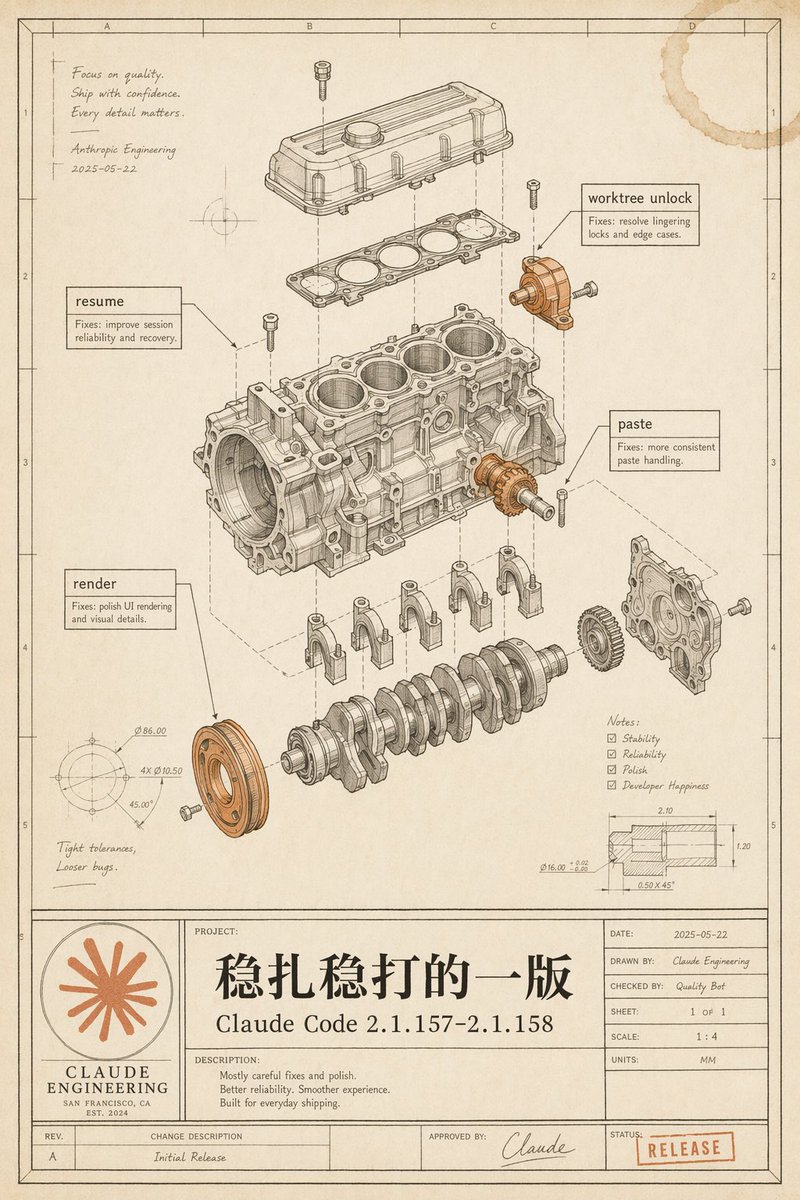
- This case keeps 2 media outputs, which makes it easier to check whether the style remains stable across multiple results.
How The Prompt Is Structured
- The prompt reads as a long, highly specified prompt, which is useful when you want to judge how much specificity this direction needs.
- Its keyword cluster is centered on Portrait, Illustration, UI, so you can usually keep that cluster while swapping subject, camera, layout, or copy details.
- A practical rewrite path is: keep the outcome, keep the strongest style cues, then replace only the subject and environment blocks.
Good Follow-up Questions
- What changes first if you keep Portrait, Illustration, UI but switch the subject matter?
- Which part of the result comes from section-level structure (UI & Social Screens) versus tag-level style cues?
- Which related cases in the same section give you a cleaner or more extreme variation of the same direction?
Full Prompt
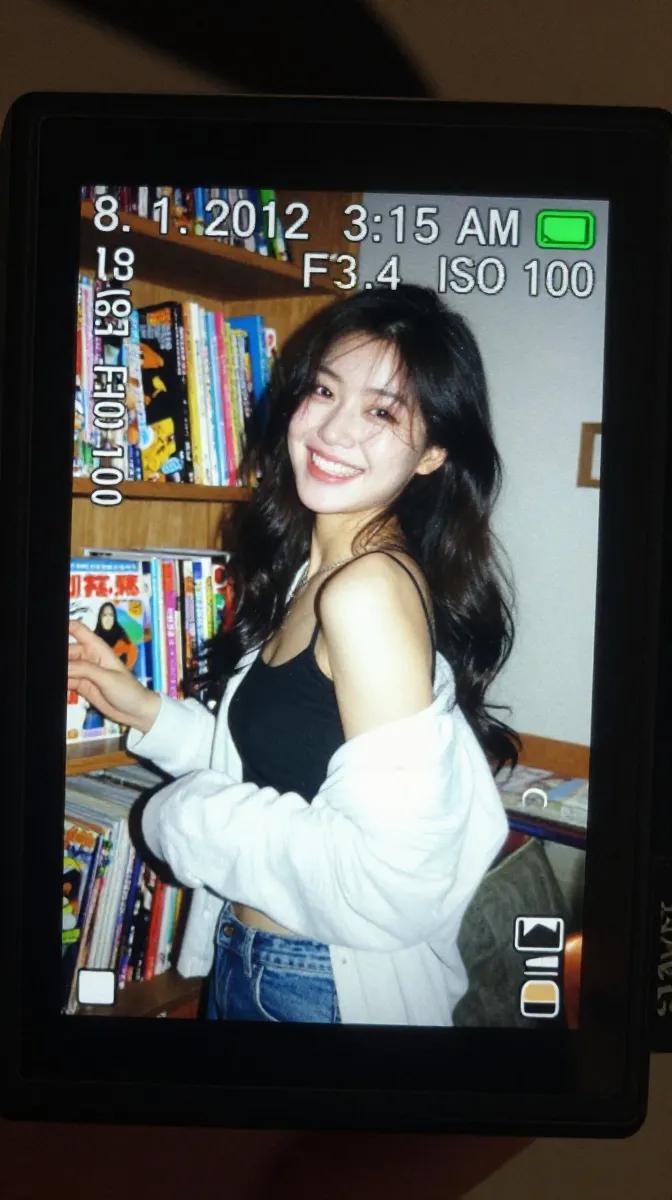
A realistic close-up shot of a small digital camera screen glowing brightly in a dark indoor environment. Displayed on the LCD is a candid early-2010s style photograph of a young East Asian woman with long dark wavy hair standing beside a wooden shelf packed tightly with colorful comic books and magazines. She wears a black spaghetti-strap top with a loose white cardigan hanging casually from both shoulders and faded blue jeans. Captured mid-laugh while turning her face slightly sideways, her expression feels spontaneous and natural, with hair falling softly across part of her cheek. The harsh direct flash from the compact camera creates strong highlights on her face and cardigan while flattening shadows in the background, producing an authentic nostalgic digicam aesthetic. Slight motion blur and digital grain enhance the candid realism. Camera UI overlays are visible across the LCD screen, including the timestamp “8. 1. 2012 3:15 AM,” exposure data “1/30 F3.4 ISO 100,” focus indicators, and a small green battery symbol in the corner. The image preserves visible screen pixel structure, slight glare reflections, chromatic softness, and compressed digital texture. Outside the LCD, the surrounding darkness fades smoothly into blur, emphasizing the glowing nostalgic screen. Shot to resemble an authentic Sony Cyber-shot point-and-shoot camera from the early 2010s using a CCD sensor with vintage digital rendering and imperfect flash exposure.