Case Media
Case Notes
This page keeps the media, full prompt, and original source together so you can inspect the result first and decide whether the prompt is worth copying, saving, or comparing.
Case Insights
To make this page easier to search, cite, and reuse later, the case is also broken down into practical guidance about usage, visual cues, and prompt structure.
Best Fit Scenarios
- Use this as a ui & social screens benchmark when you need a fast style baseline before rewriting your own prompt.
- It is especially helpful if your target overlaps with Portrait, UI, Screenshot and you want to judge the image result before tuning wording.
- Keep it as a control sample when you compare nearby prompt variants one variable at a time.
Visual Signals To Notice
- The clearest style signals here are Portrait, UI, Screenshot, so those should usually stay in your first rewrite.
- The important layer is usually interface density, card hierarchy, and how the screen tells the story before you read small text.
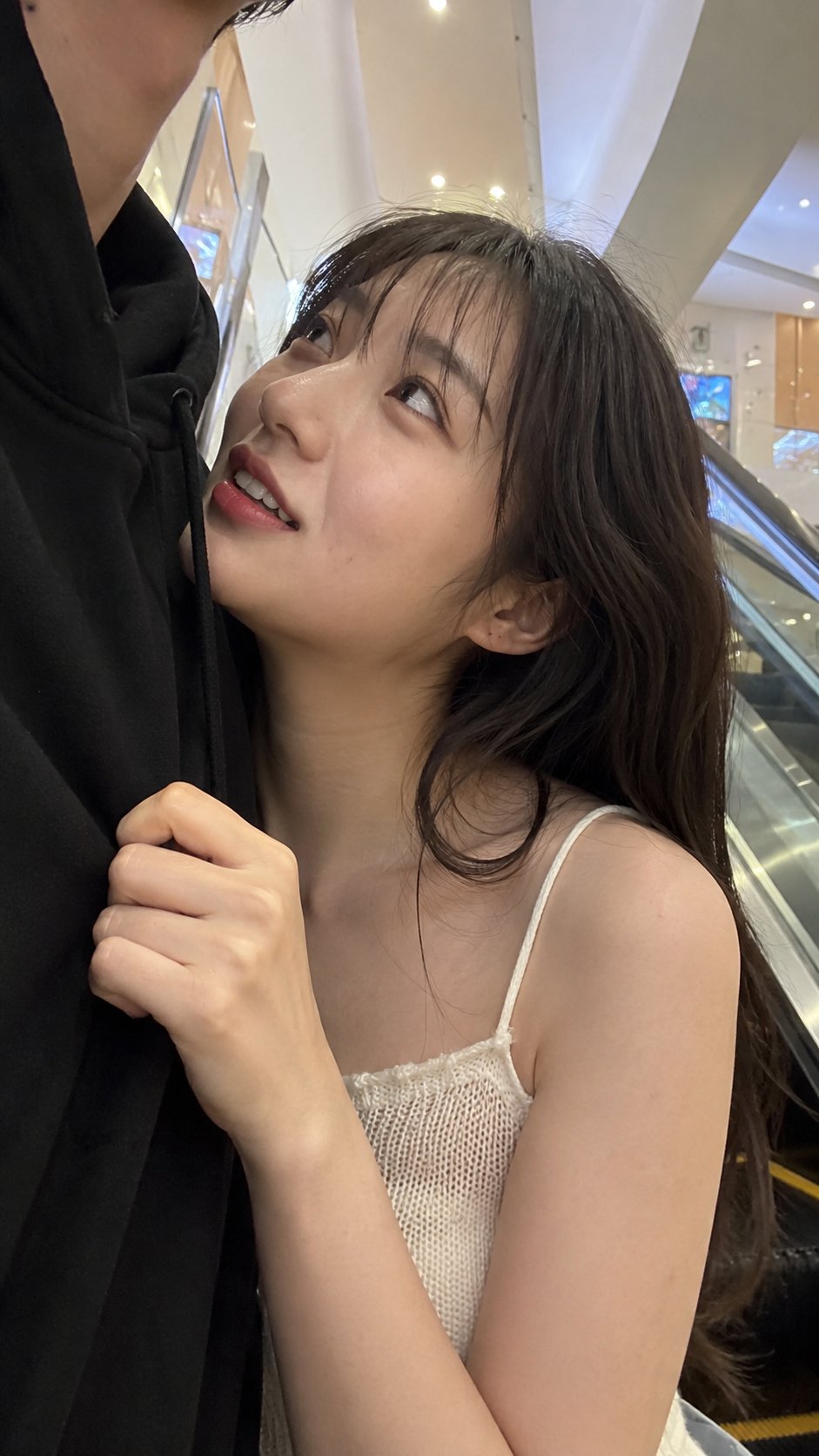
- This case keeps 2 media outputs, which makes it easier to check whether the style remains stable across multiple results.
How The Prompt Is Structured
- The prompt reads as a long, highly specified prompt, which is useful when you want to judge how much specificity this direction needs.
- Its keyword cluster is centered on Portrait, UI, Screenshot, so you can usually keep that cluster while swapping subject, camera, layout, or copy details.
- A practical rewrite path is: keep the outcome, keep the strongest style cues, then replace only the subject and environment blocks.
Good Follow-up Questions
- What changes first if you keep Portrait, UI, Screenshot but switch the subject matter?
- Which part of the result comes from section-level structure (UI & Social Screens) versus tag-level style cues?
- Which related cases in the same section give you a cleaner or more extreme variation of the same direction?
Full Prompt
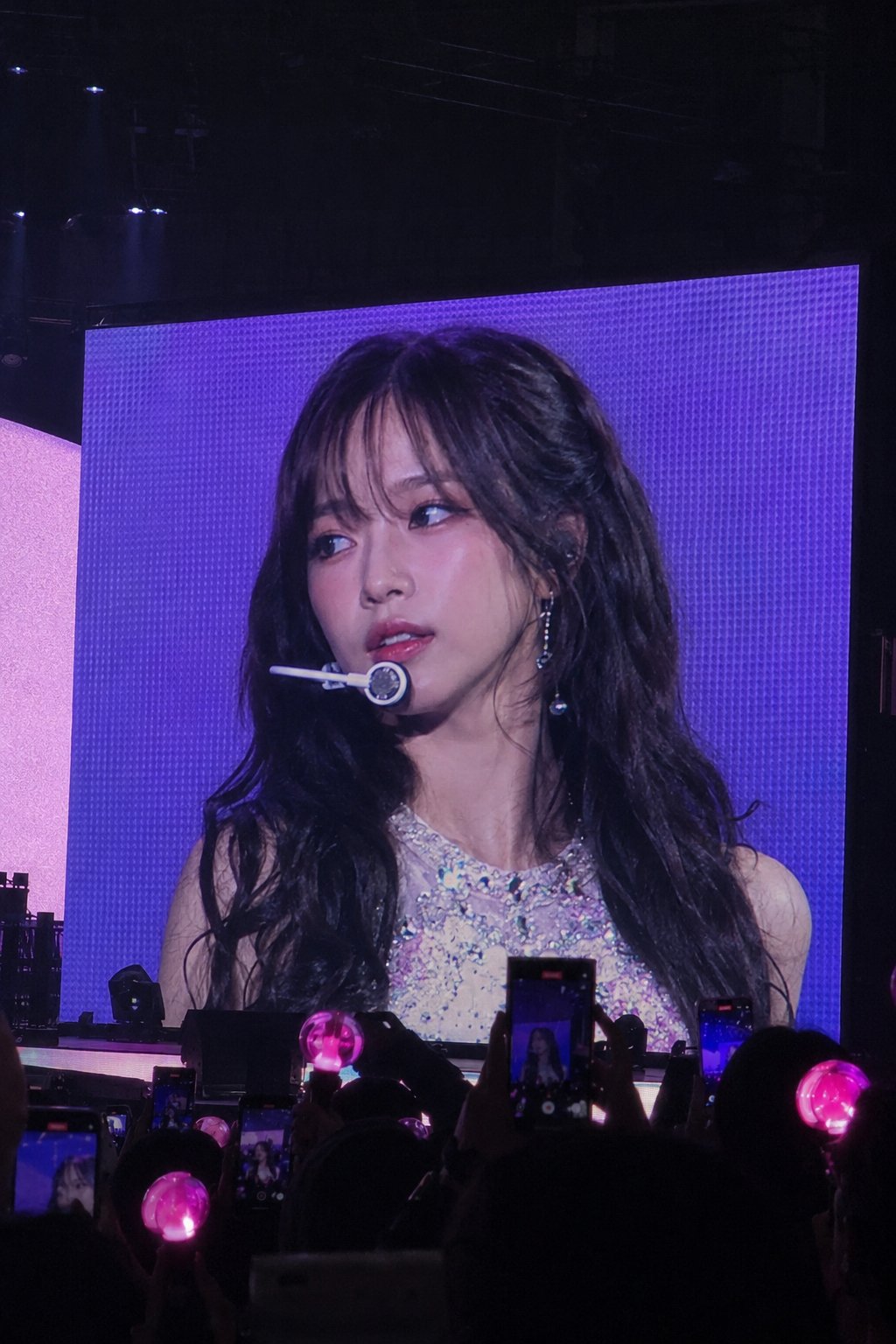
portrait photo of a person [CORE OBJECTIVE “REALISTIC K-POP CONCERT JUMBOTRON LIVE FEED”] Transform the input person into a famous K-pop idol performing at a massive sold-out concert. The final image must look like: a real fan secretly taking an iPhone photo during a live concert, where ONLY the giant concert jumbotron screen is showing the idol close-up. IMPORTANT: - the actual performer standing on the stage should NOT be visible - ONLY the huge LED concert screen should contain the idol - the image must feel like the audience is watching the giant screen during the performance The key is: “REALISTIC LIVE CONCERT SCREEN CAPTURE” NOT a studio portrait. [ABSOLUTE IDENTITY LOCK VERY IMPORTANT] Preserve the input person’s: - facial structure - eyes - nose - lips - hairstyle - hair color - bangs/framing hair - overall face proportions - recognizable identity The person must still clearly look like the SAME PERSON from the input image. DO NOT: - change ethnicity - generate a random idol face - overly stylize into anime - distort facial proportions - create uncanny AI beauty [SCENE COMPOSITION VERY IMPORTANT] Camera viewpoint: - audience perspective from concert seats - slightly far away - realistic iPhone zoom photo - handheld concert snapshot feeling - subtle candid framing - slight tilt allowed Composition: - gigantic LED concert screen dominates almost the entire image - dark concert arena surrounding the screen - silhouettes of audience at the bottom - glowing pink lightsticks throughout crowd - several audience phones recording the screen - realistic arena depth and darkness VERY IMPORTANT: - NO visible performer on stage - the idol appears ONLY on the LED screen - the screen should feel like a real live broadcast feed [FACE / GAZE DIRECTION EXTREMELY IMPORTANT] The idol should NOT stare directly into the camera. Instead: - slightly looking somewhere off-camera - subtle side gaze - soft unfocused concert-stage eye direction - natural “caught during performance” feeling - realistic candid idol.