Case Media
Case Notes
This page keeps the media, full prompt, and original source together so you can inspect the result first and decide whether the prompt is worth copying, saving, or comparing.
Case Insights
To make this page easier to search, cite, and reuse later, the case is also broken down into practical guidance about usage, visual cues, and prompt structure.
Best Fit Scenarios
- Use this as a ui & social screens benchmark when you need a fast style baseline before rewriting your own prompt.
- It is especially helpful if your target overlaps with Portrait, Cinematic, Fashion and you want to judge the image result before tuning wording.
- Keep it as a control sample when you compare nearby prompt variants one variable at a time.
Visual Signals To Notice
- The clearest style signals here are Portrait, Cinematic, Fashion, so those should usually stay in your first rewrite.
- The important layer is usually interface density, card hierarchy, and how the screen tells the story before you read small text.
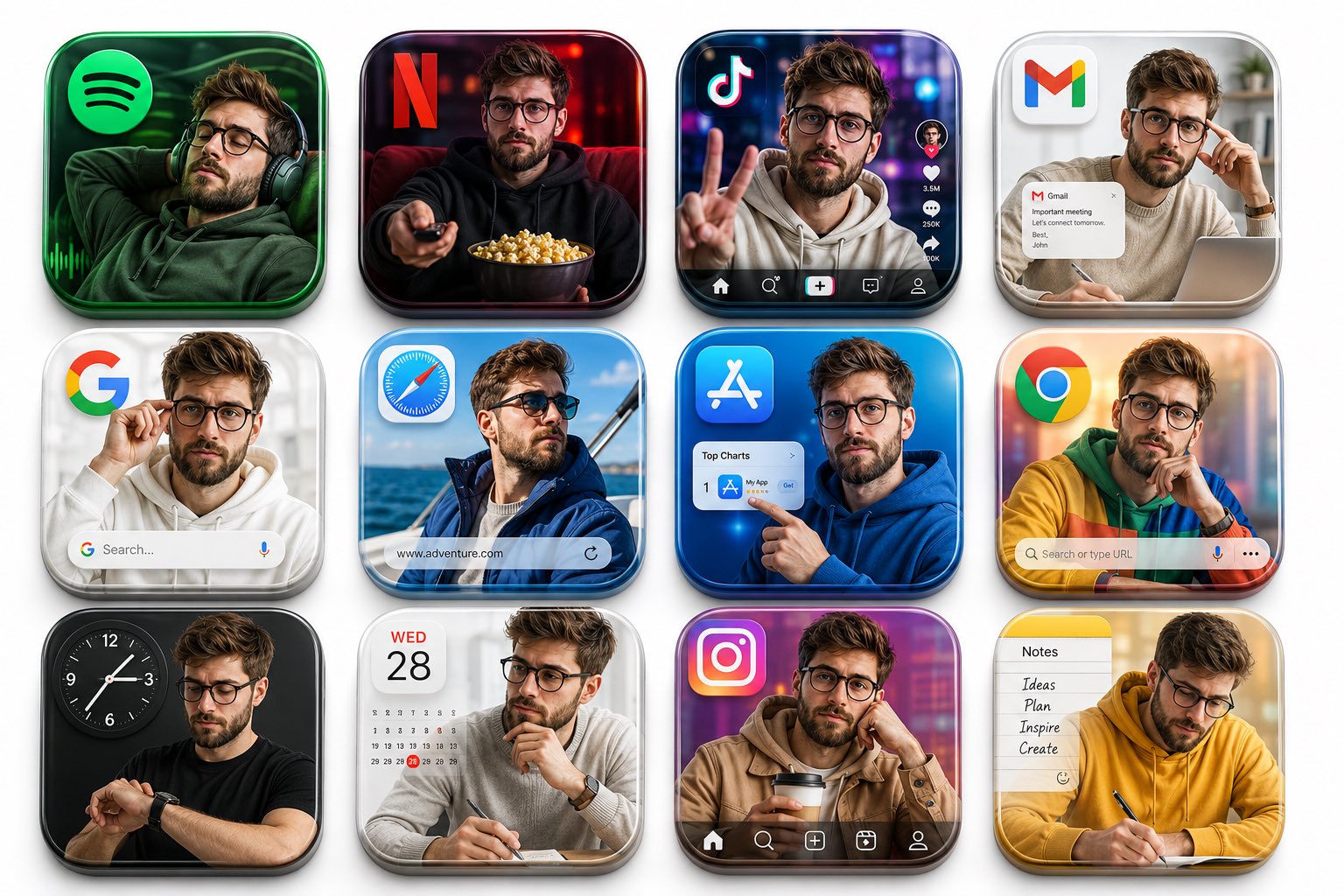
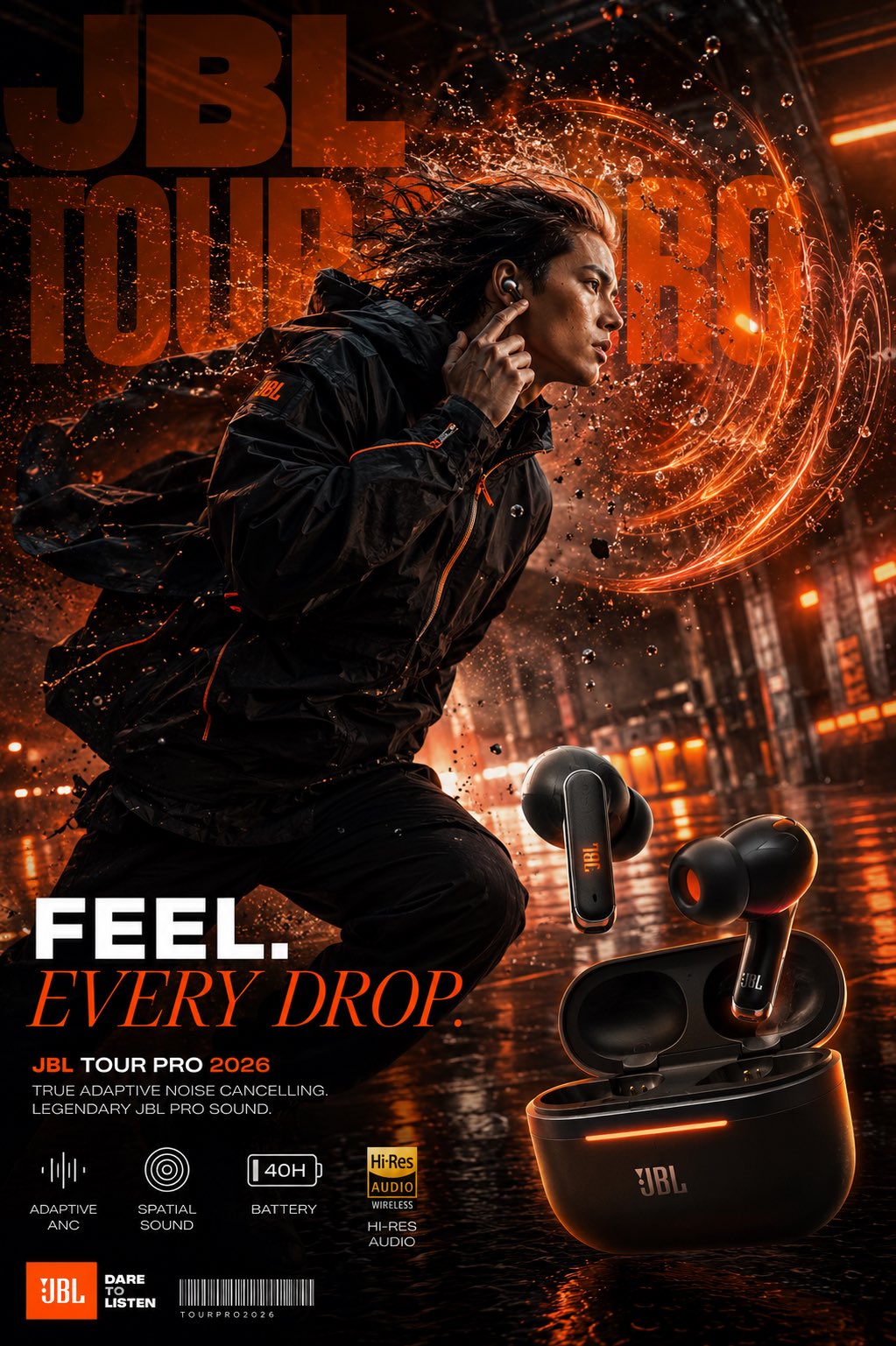
- This case keeps 2 media outputs, which makes it easier to check whether the style remains stable across multiple results.
How The Prompt Is Structured
- The prompt reads as a long, highly specified prompt, which is useful when you want to judge how much specificity this direction needs.
- Its keyword cluster is centered on Portrait, Cinematic, Fashion, so you can usually keep that cluster while swapping subject, camera, layout, or copy details.
- A practical rewrite path is: keep the outcome, keep the strongest style cues, then replace only the subject and environment blocks.
Good Follow-up Questions
- What changes first if you keep Portrait, Cinematic, Fashion but switch the subject matter?
- Which part of the result comes from section-level structure (UI & Social Screens) versus tag-level style cues?
- Which related cases in the same section give you a cleaner or more extreme variation of the same direction?
Full Prompt
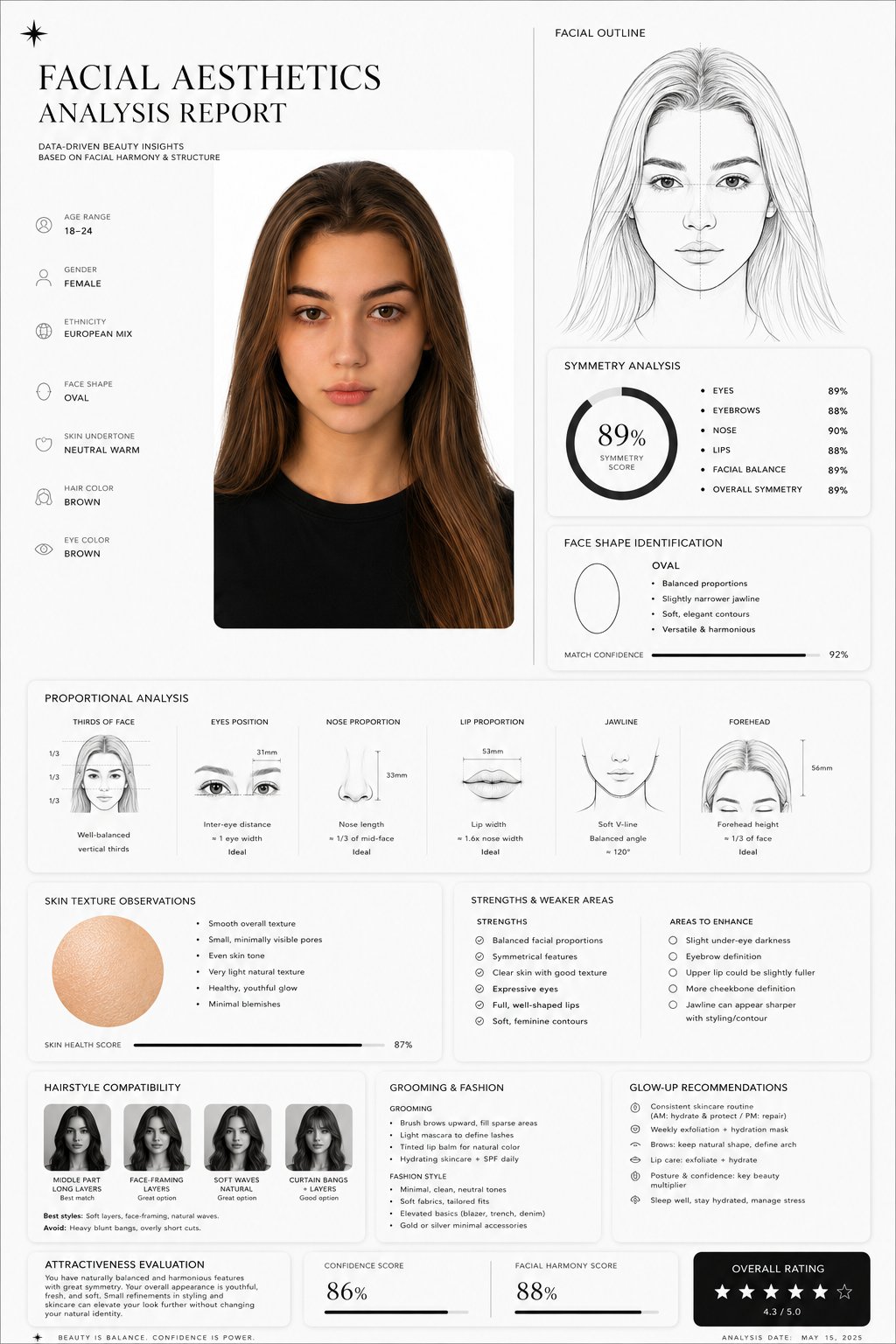
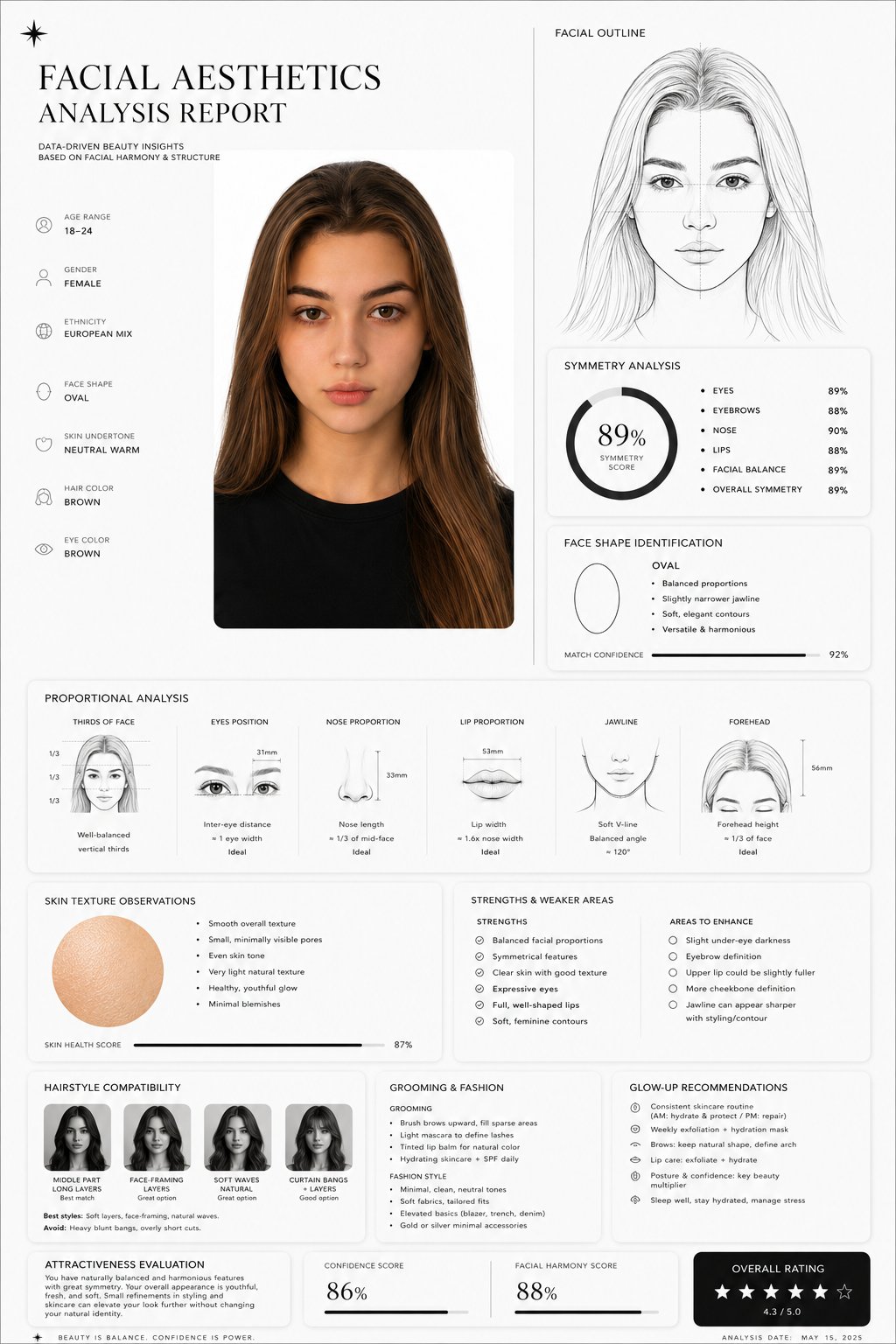
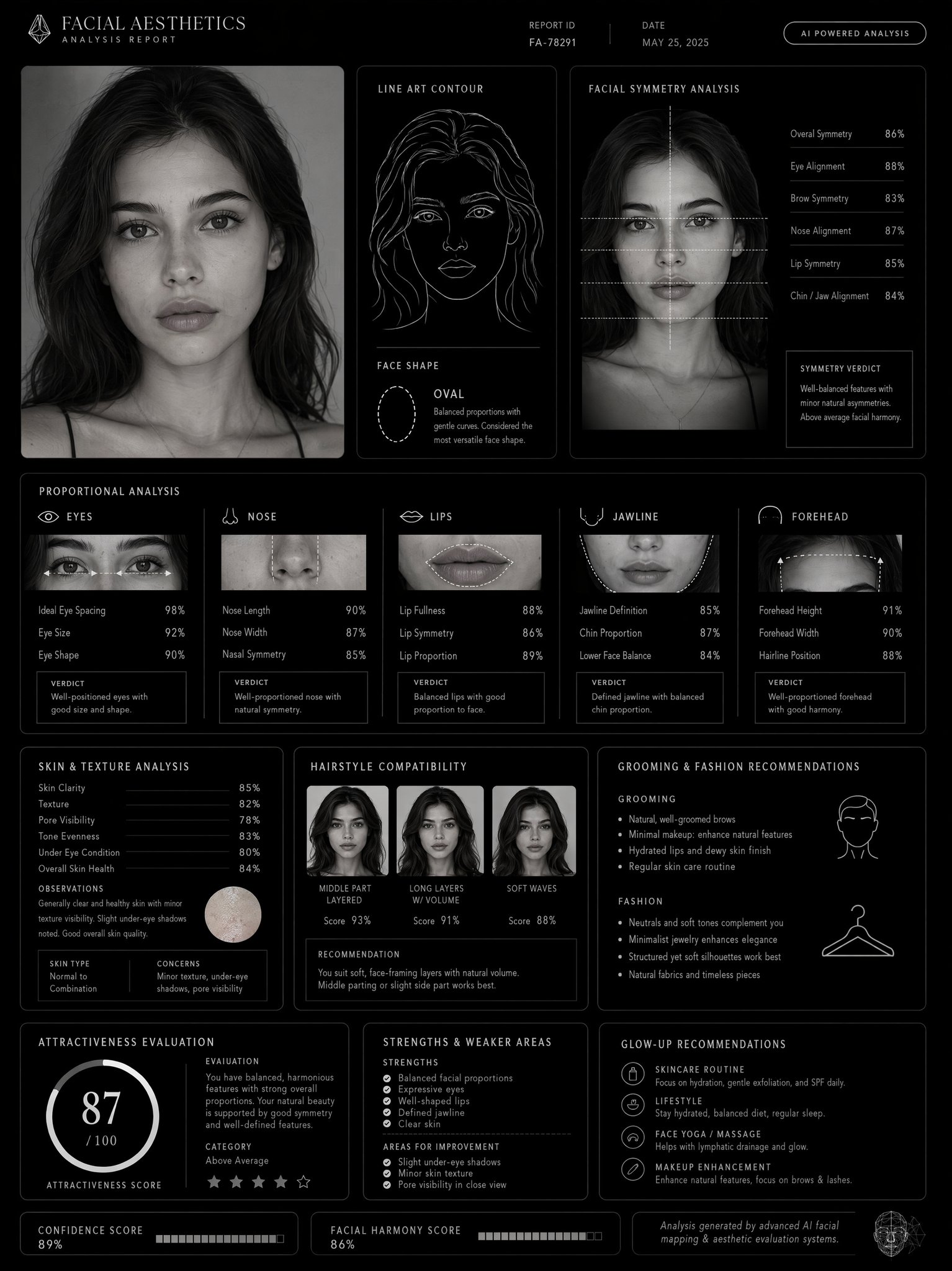
Create a clean, minimal, luxury-style facial aesthetics analysis report based on the uploaded portrait photo. Design style: Ultra-modern black and white interface, premium editorial aesthetic, thin elegant divider lines, soft rounded cards, subtle shadows, spacious layout, luxury skincare / fashion magazine vibe, monochrome palette, Apple-style UI refinement. Include: – A simple contour line-art drawing of the face based on the subject – Facial symmetry analysis – Face shape identification – Proportional analysis (eyes, nose, jawline, lips, forehead) – Skin texture observations – Hairstyle compatibility suggestions – Grooming and fashion recommendations – Honest attractiveness evaluation with balanced critique – Strengths and weaker facial areas explained objectively – Actionable glow-up recommendations – Confidence score and facial harmony score shown with elegant charts or meters Style notes: Keep the report data-driven, visually refined, realistic, and not overly flattering. Avoid exaggerated praise. Use clean typography, premium spacing, modern infographics, subtle geometric accents, and professional cosmetic consultation aesthetics. Visual composition: Magazine-quality presentation, luxury beauty report dashboard, highly organized layout, cinematic monochrome feel, minimalist infographic design, realistic facial structure interpretation, modern masculine beauty analytics. Rendering: Ultra-detailed, sharp UI design, realistic portrait adaptation, sophisticated editorial presentation, high-end branding aesthetic, 4K quality.