Case Media
Case Notes
This page keeps the media, full prompt, and original source together so you can inspect the result first and decide whether the prompt is worth copying, saving, or comparing.
Case Insights
To make this page easier to search, cite, and reuse later, the case is also broken down into practical guidance about usage, visual cues, and prompt structure.
Best Fit Scenarios
- Use this as a ui & social screens benchmark when you need a fast style baseline before rewriting your own prompt.
- It is especially helpful if your target overlaps with Cinematic, Fashion, Poster and you want to judge the image result before tuning wording.
- Keep it as a control sample when you compare nearby prompt variants one variable at a time.
Visual Signals To Notice
- The clearest style signals here are Cinematic, Fashion, Poster, so those should usually stay in your first rewrite.
- The important layer is usually interface density, card hierarchy, and how the screen tells the story before you read small text.
- This case keeps 2 media outputs, which makes it easier to check whether the style remains stable across multiple results.
How The Prompt Is Structured
- The prompt reads as a long, highly specified prompt, which is useful when you want to judge how much specificity this direction needs.
- Its keyword cluster is centered on Cinematic, Fashion, Poster, so you can usually keep that cluster while swapping subject, camera, layout, or copy details.
- A practical rewrite path is: keep the outcome, keep the strongest style cues, then replace only the subject and environment blocks.
Good Follow-up Questions
- What changes first if you keep Cinematic, Fashion, Poster but switch the subject matter?
- Which part of the result comes from section-level structure (UI & Social Screens) versus tag-level style cues?
- Which related cases in the same section give you a cleaner or more extreme variation of the same direction?
Full Prompt
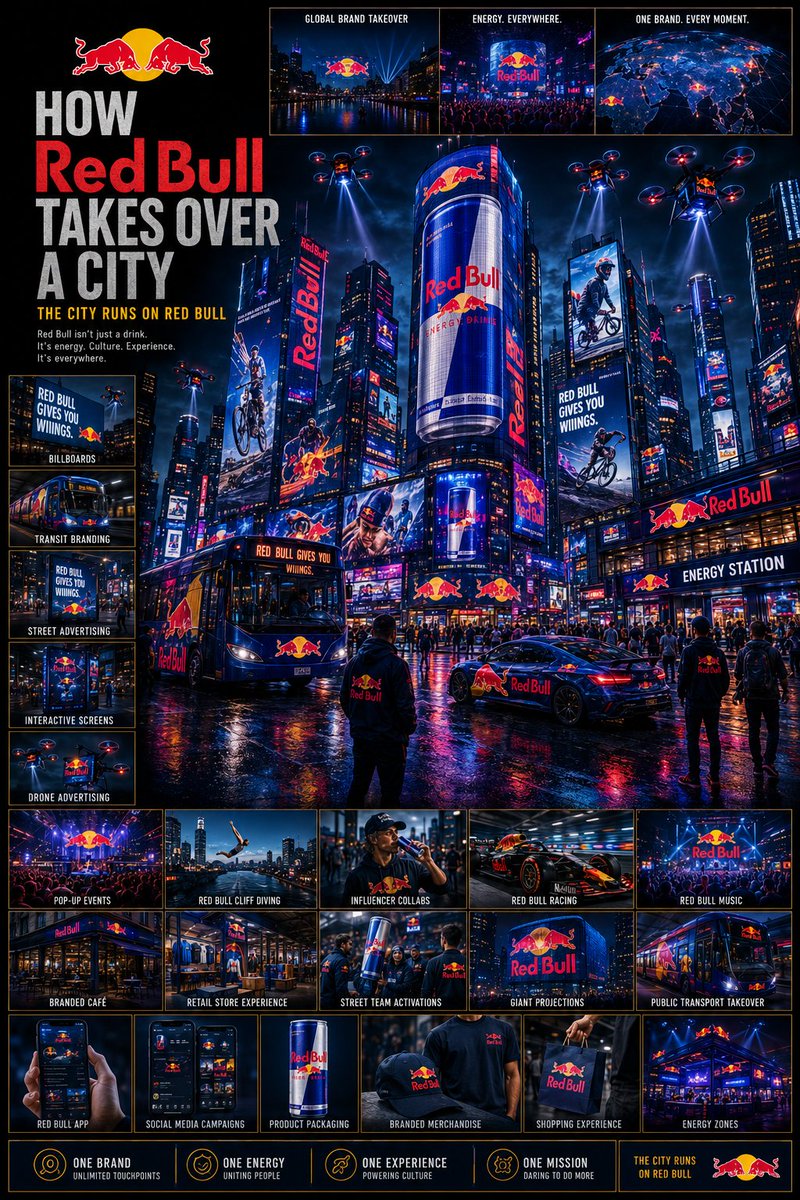
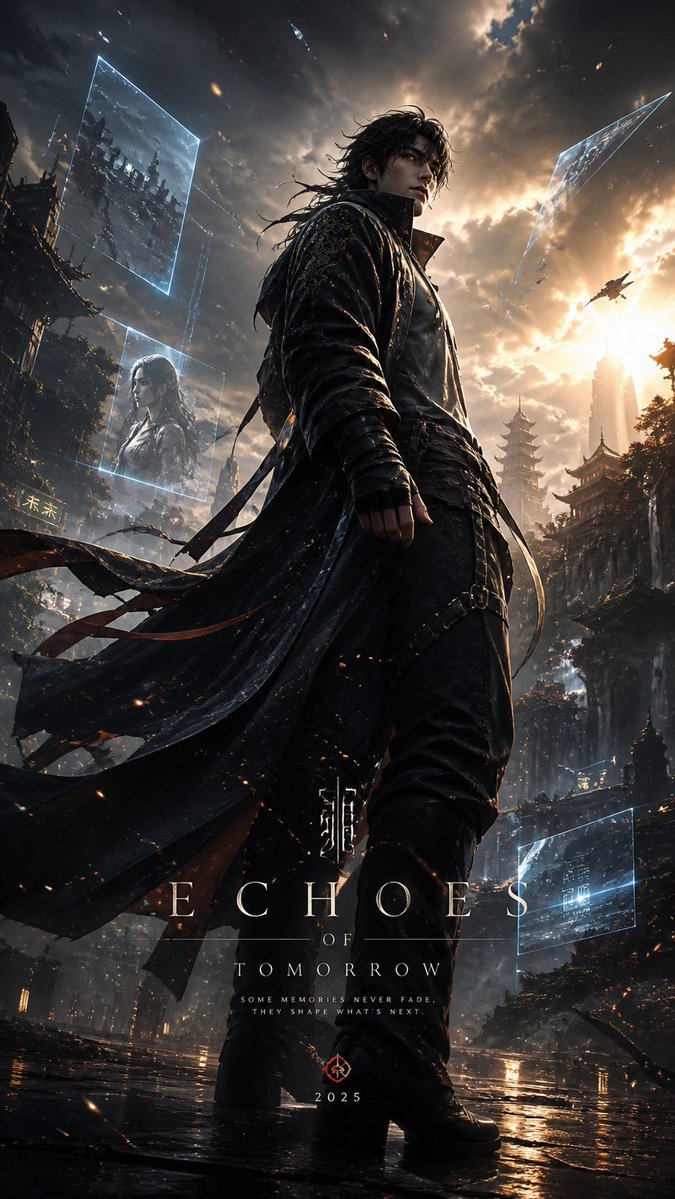
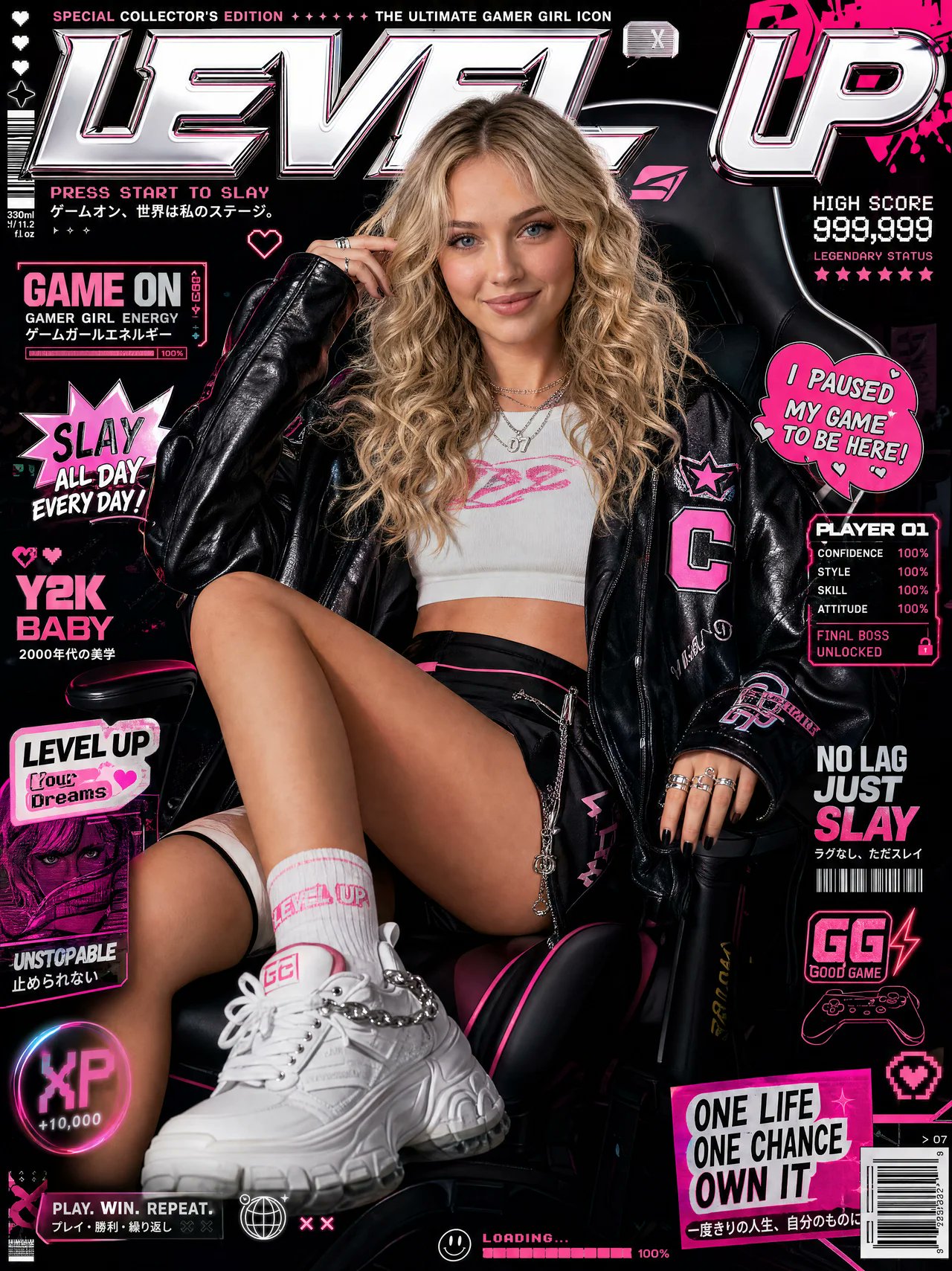
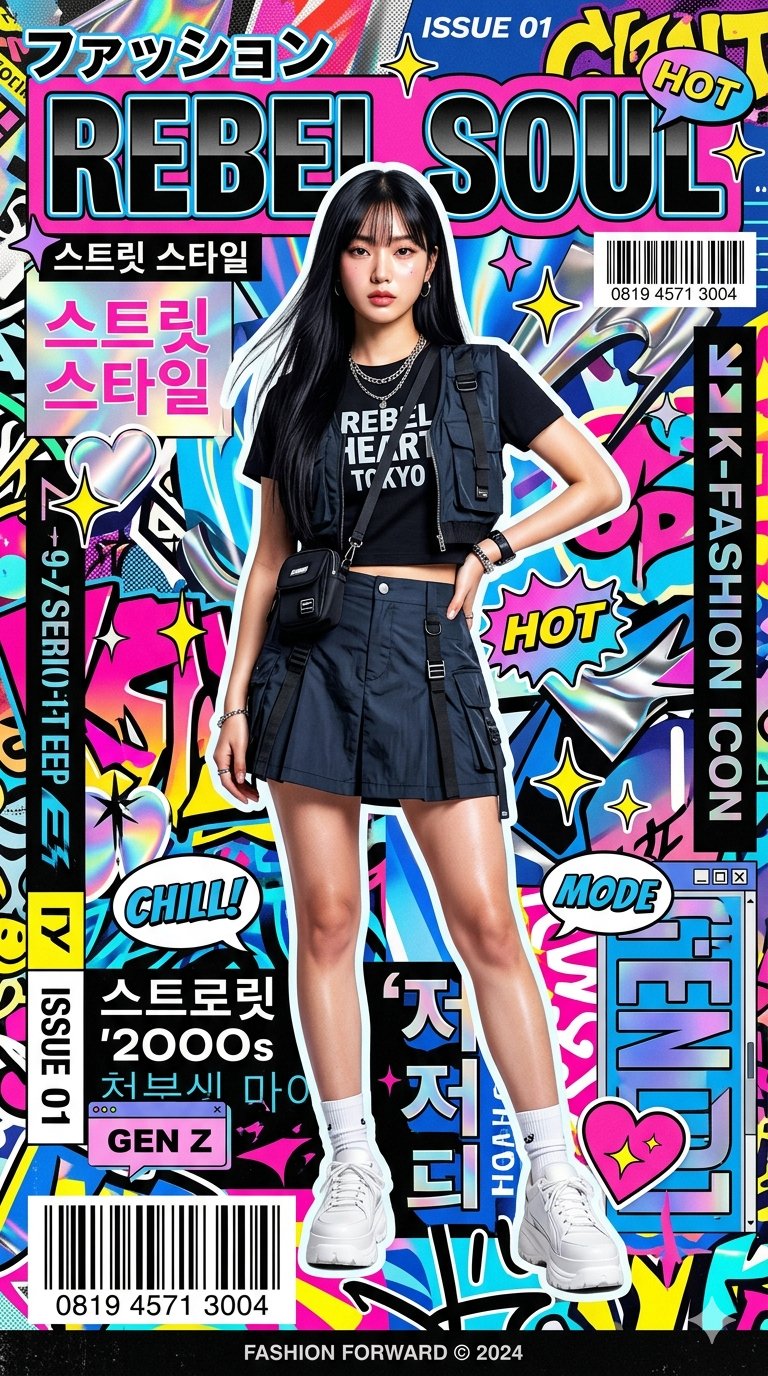
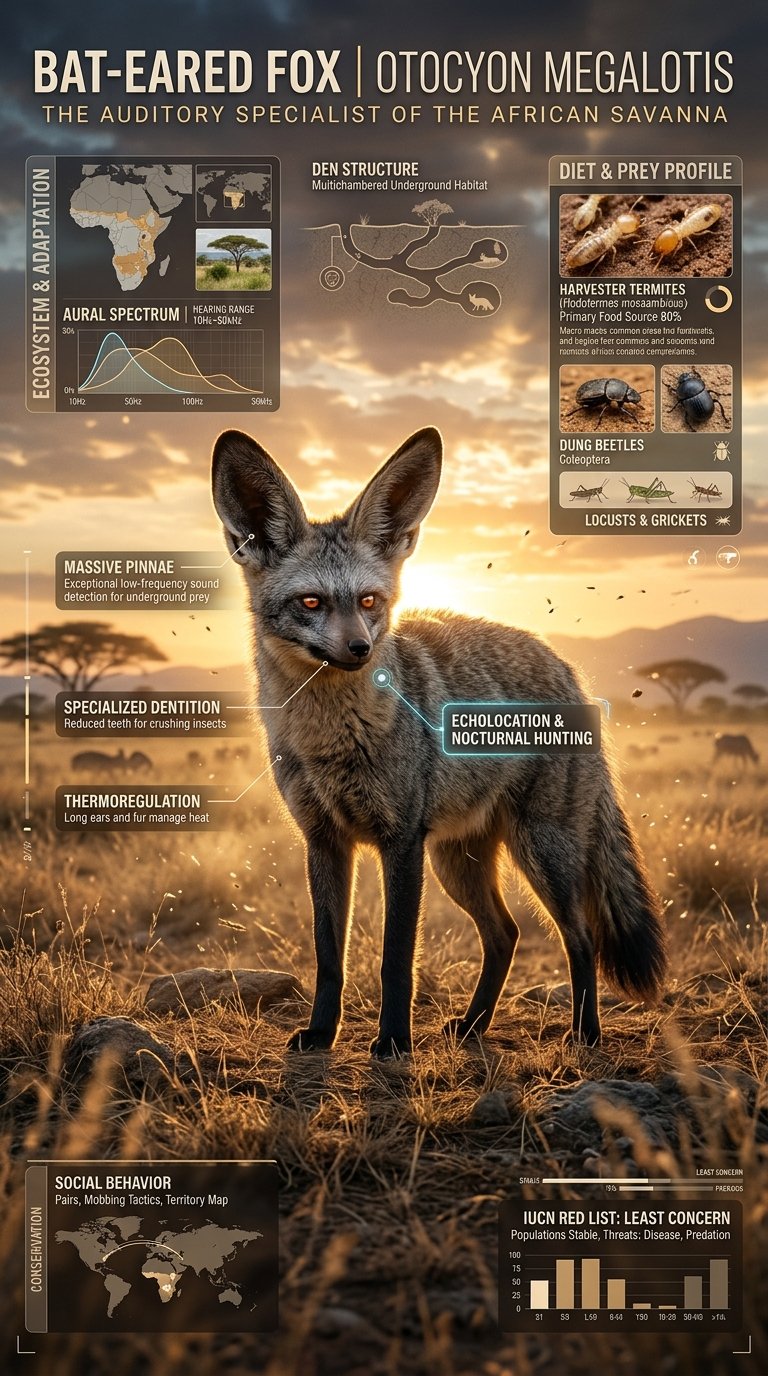
Create a premium cinematic wildlife infographic poster centered around a rare or visually unique animal species such as (animal). The entire artwork must feel like a futuristic luxury wildlife dossier rather than a normal educational infographic. The animal should dominate the composition with intense photorealistic detail: ultra-detailed fur/scales, realistic eyes, moisture textures, cinematic shadows, environmental interaction, dramatic posture, visible muscle definition, floating particles, and powerful eye contact. The environment must fully match the chosen species: (environment). Build dense layered infographic storytelling around the animal using: • anatomy callouts • adaptation systems • prey and diet visuals • ecosystem overlays • conservation status indicators • geographic range maps • hunting behavior graphics • climate danger visuals • detail inserts • tactical icon systems • scientific labels and compact data snippets The layout should feel highly artistic and cinematic instead of educational. Use: • asymmetric editorial composition • layered transparent info panels • premium typography • subtle paper grain textures • contour-line overlays • holographic UI elements • cinematic infographic markers • museum-grade visual hierarchy Blend: (luxury editorial aesthetic) + (cinematic documentary realism) + (futuristic infographic design) + (collectible field-guide energy). Color Theme: (color theme) Mood: (mood) Lighting: dramatic cinematic lighting, volumetric fog, glowing rim light, atmospheric haze, realistic environmental reflections, high contrast shadows, ultra-premium editorial lighting. The final artwork must look like a viral collectible wildlife poster people would instantly save, repost, print, and frame. Ultra-realistic, 8K, cinematic infographic masterpiece, insanely detailed, premium art direction, tactile textures, layered storytelling, emotional visual impact, museum-quality composition, viral social-media-worthy aesthetic.