Case Media
Case Notes
This page keeps the media, full prompt, and original source together so you can inspect the result first and decide whether the prompt is worth copying, saving, or comparing.
Case Insights
To make this page easier to search, cite, and reuse later, the case is also broken down into practical guidance about usage, visual cues, and prompt structure.
Best Fit Scenarios
- Use this as a ui & social screens benchmark when you need a fast style baseline before rewriting your own prompt.
- It is especially helpful if your target overlaps with Cinematic, Poster, Illustration and you want to judge the image result before tuning wording.
- Keep it as a control sample when you compare nearby prompt variants one variable at a time.
Visual Signals To Notice
- The clearest style signals here are Cinematic, Poster, Illustration, so those should usually stay in your first rewrite.
- The important layer is usually interface density, card hierarchy, and how the screen tells the story before you read small text.
- This case keeps one primary output, so the first image should be treated as the main visual reference.
How The Prompt Is Structured
- The prompt reads as a long, highly specified prompt, which is useful when you want to judge how much specificity this direction needs.
- Its keyword cluster is centered on Cinematic, Poster, Illustration, so you can usually keep that cluster while swapping subject, camera, layout, or copy details.
- A practical rewrite path is: keep the outcome, keep the strongest style cues, then replace only the subject and environment blocks.
Good Follow-up Questions
- What changes first if you keep Cinematic, Poster, Illustration but switch the subject matter?
- Which part of the result comes from section-level structure (UI & Social Screens) versus tag-level style cues?
- Which related cases in the same section give you a cleaner or more extreme variation of the same direction?
Full Prompt
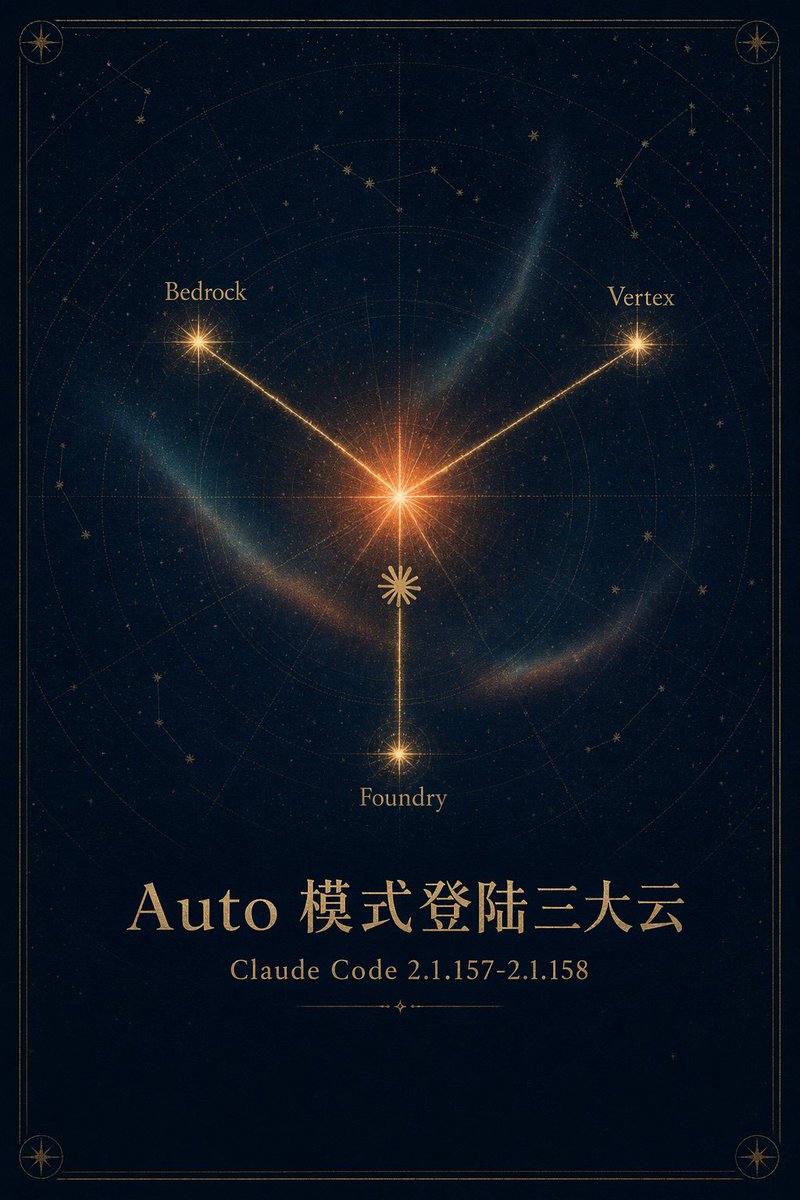
Goal: Create an elegant mystical astronomy poster announcing {argument name="headline text" default="Auto 模式登陆三大云"} with a celestial map motif and premium gold-on-navy styling. Canvas: Vertical poster, 2:3 aspect ratio, deep midnight navy background with subtle paper grain, faint stars, and a thin double-line antique gold border with rounded corners. Add small compass-star medallions in all 4 corners. Main illustration: Center the composition around one bright glowing orange-gold starburst slightly above the middle. From this center, draw exactly 3 luminous gold rays to 3 labeled satellite stars: upper left labeled {argument name="left cloud label" default="Bedrock"}, upper right labeled {argument name="right cloud label" default="Vertex"}, and bottom center labeled {argument name="bottom cloud label" default="Foundry"}. Each satellite point is a smaller radiant star, with the bottom star connected by a vertical ray. Place a small decorative gold rosette/sun symbol on the lower vertical ray between the center and bottom star. Celestial chart details: Behind the rays, include faint concentric astrolabe rings, radial guide lines, dotted orbital arcs, subtle constellation line drawings, scattered tiny stars, and translucent blue-green nebula wisps curving around the center. The look should feel like an antique star atlas mixed with modern cinematic glow. Text content: In the lower third, set a large refined serif title in metallic gold: {argument name="headline text" default="Auto 模式登陆三大云"}. Below it, centered in smaller gold serif type, write {argument name="subtitle text" default="Claude Code 2.1.157-2.1.158"}. Under the subtitle, add a short thin ornamental divider line with a tiny diamond/star at its center. Visual style: Sophisticated, high-end, poetic, celestial, dark academia, occult astronomical chart, luminous gold typography, subtle volumetric glow, balanced symmetry, crisp fine-line ornamentation. Constraints: Use exactly 3 connected cloud labels and exactly 4 corner medallions. Keep the background dark and uncluttered, preserve the Chinese headline text exactly, avoid logos, people, watermarks, UI elements, or extra captions.