Case Media
Case Notes
This page keeps the media, full prompt, and original source together so you can inspect the result first and decide whether the prompt is worth copying, saving, or comparing.
Case Insights
To make this page easier to search, cite, and reuse later, the case is also broken down into practical guidance about usage, visual cues, and prompt structure.
Best Fit Scenarios
- Use this as a ui & social screens benchmark when you need a fast style baseline before rewriting your own prompt.
- It is especially helpful if your target overlaps with UI, Screenshot, UI & Social Screens and you want to judge the image result before tuning wording.
- Keep it as a control sample when you compare nearby prompt variants one variable at a time.
Visual Signals To Notice
- The clearest style signals here are UI, Screenshot, UI & Social Screens, so those should usually stay in your first rewrite.
- The important layer is usually interface density, card hierarchy, and how the screen tells the story before you read small text.
- This case keeps one primary output, so the first image should be treated as the main visual reference.
How The Prompt Is Structured
- The prompt reads as a medium-detail prompt with clear visual constraints, which is useful when you want to judge how much specificity this direction needs.
- Its keyword cluster is centered on UI, Screenshot, UI & Social Screens, so you can usually keep that cluster while swapping subject, camera, layout, or copy details.
- A practical rewrite path is: keep the outcome, keep the strongest style cues, then replace only the subject and environment blocks.
Good Follow-up Questions
- What changes first if you keep UI, Screenshot, UI & Social Screens but switch the subject matter?
- Which part of the result comes from section-level structure (UI & Social Screens) versus tag-level style cues?
- Which related cases in the same section give you a cleaner or more extreme variation of the same direction?
Full Prompt
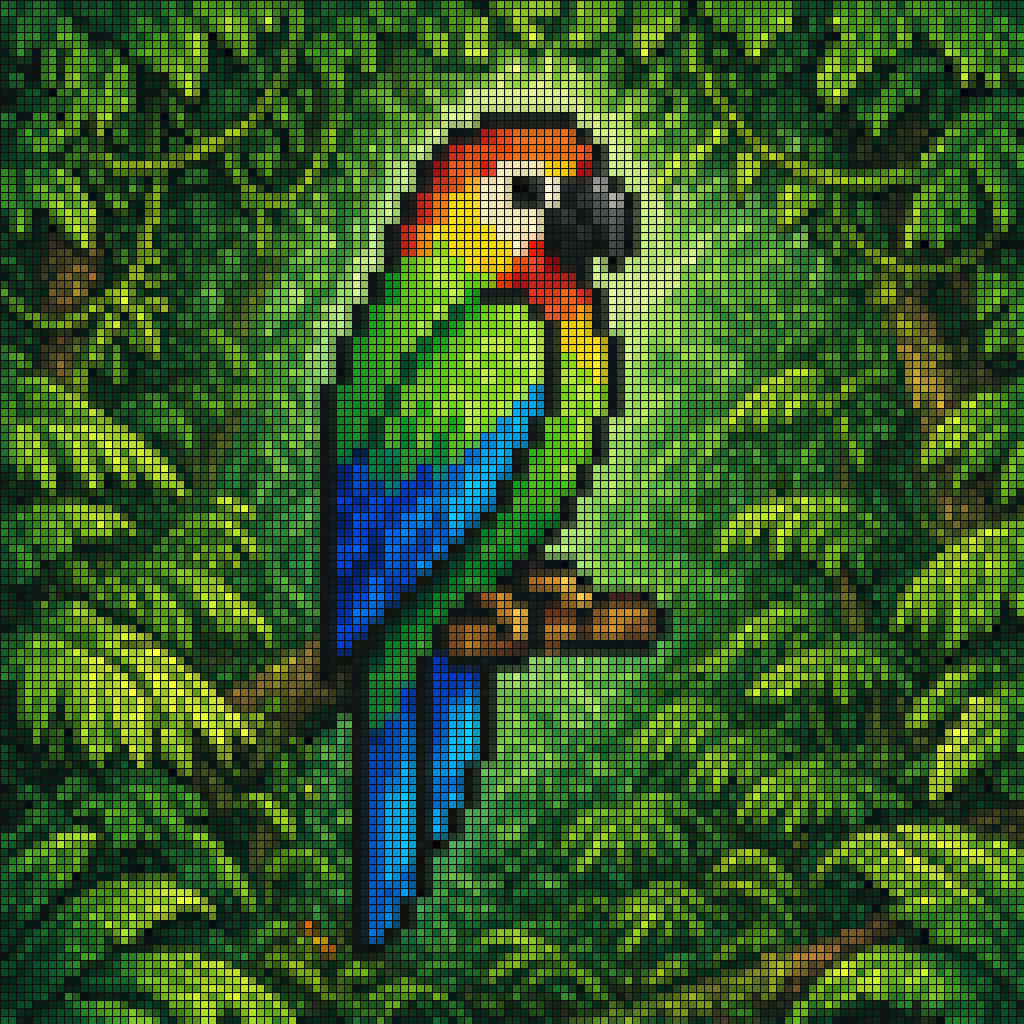
A vibrant pixel-art style mosaic of a tropical parrot perched on a small brown branch in the middle of dense rainforest foliage. The entire image is rendered as a tight grid of tiny square tiles with visible black outlines, creating a stained-glass or LED-screen effect. The bird is shown in side profile facing right, with a large curved black beak, a pale cream face, a bright red-orange forehead and throat, vivid green upper body, and long wings and tail in saturated blue and cyan. The surrounding jungle is filled edge to edge with layered green leaves in many shades, with a soft light green glow behind the parrot to separate it from the background. High color contrast, rich tropical palette, crisp tile pattern, centered composition, decorative digital mosaic aesthetic.