Case Media
Case Notes
This page keeps the media, full prompt, and original source together so you can inspect the result first and decide whether the prompt is worth copying, saving, or comparing.
Case Insights
To make this page easier to search, cite, and reuse later, the case is also broken down into practical guidance about usage, visual cues, and prompt structure.
Best Fit Scenarios
- Use this as a ui & social screens benchmark when you need a fast style baseline before rewriting your own prompt.
- It is especially helpful if your target overlaps with Illustration, UI, Screenshot and you want to judge the image result before tuning wording.
- Keep it as a control sample when you compare nearby prompt variants one variable at a time.
Visual Signals To Notice
- The clearest style signals here are Illustration, UI, Screenshot, so those should usually stay in your first rewrite.
- The important layer is usually interface density, card hierarchy, and how the screen tells the story before you read small text.
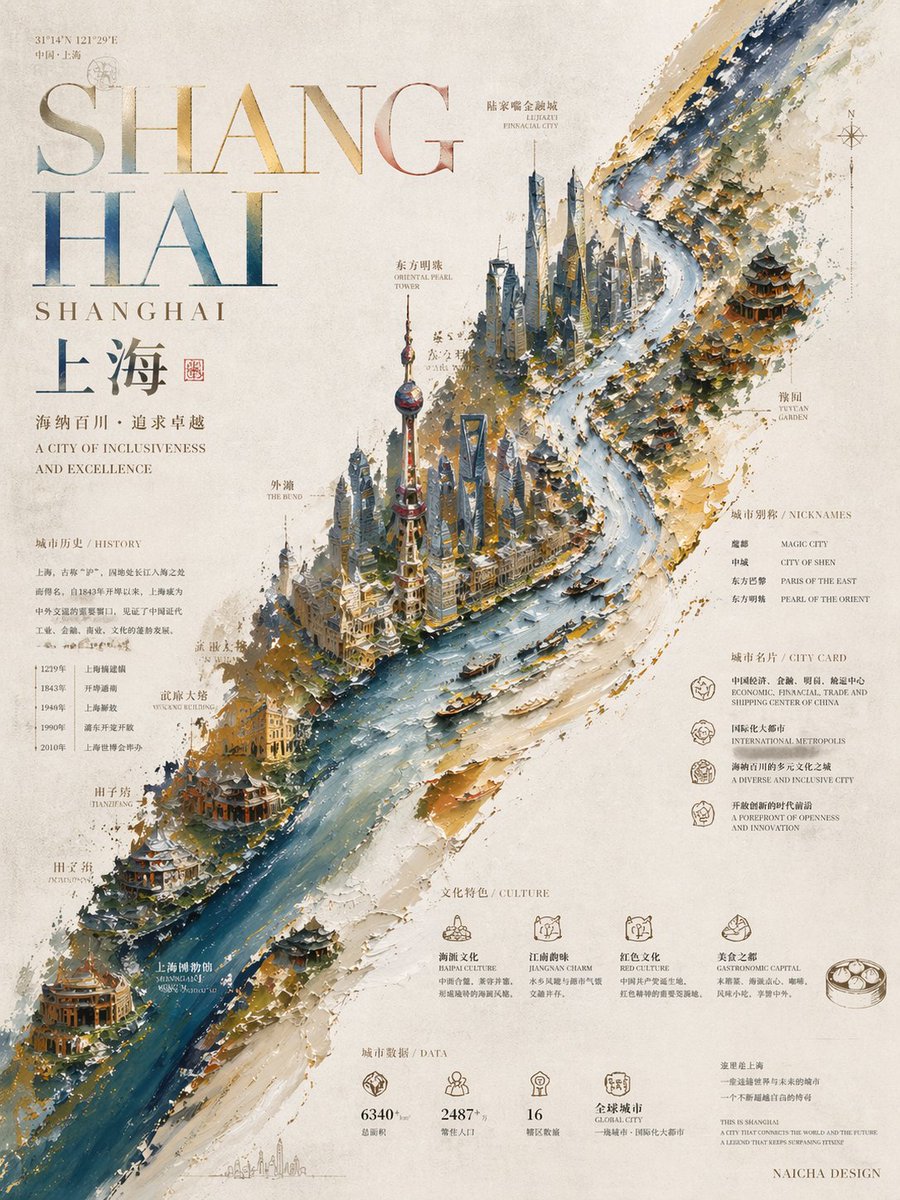
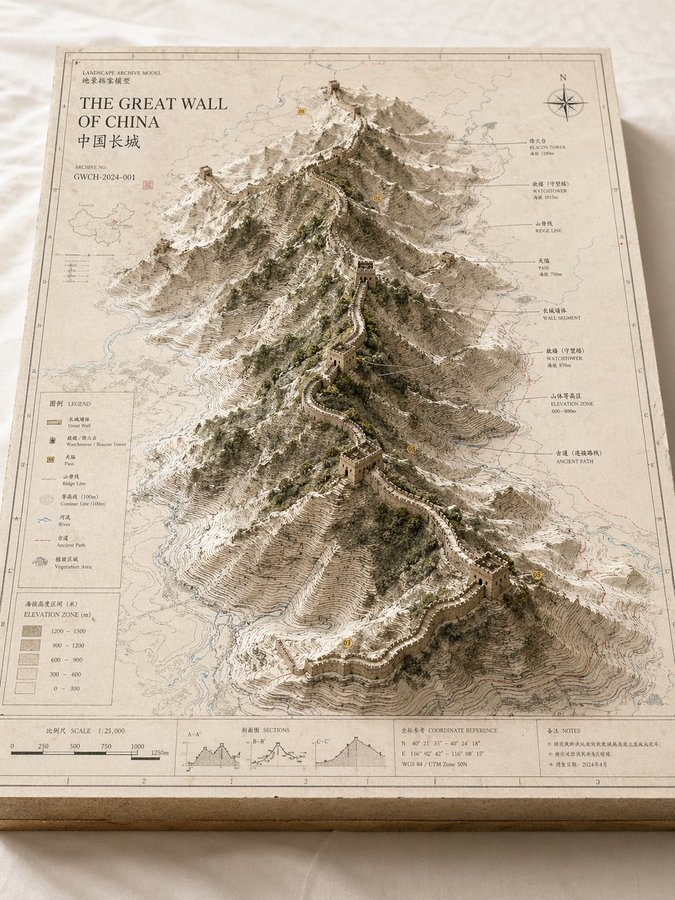
- This case keeps 2 media outputs, which makes it easier to check whether the style remains stable across multiple results.
How The Prompt Is Structured
- The prompt reads as a long, highly specified prompt, which is useful when you want to judge how much specificity this direction needs.
- Its keyword cluster is centered on Illustration, UI, Screenshot, so you can usually keep that cluster while swapping subject, camera, layout, or copy details.
- A practical rewrite path is: keep the outcome, keep the strongest style cues, then replace only the subject and environment blocks.
Good Follow-up Questions
- What changes first if you keep Illustration, UI, Screenshot but switch the subject matter?
- Which part of the result comes from section-level structure (UI & Social Screens) versus tag-level style cues?
- Which related cases in the same section give you a cleaner or more extreme variation of the same direction?
Full Prompt
Please create a high-completion, high-texture, suitable-for-series-release "Landscape Archive Model" visual image based on the 【Theme】. This is not an ordinary map, nor an ordinary landscape illustration or city rendering, but a high-end archival visual image combining "2D map drawing + 3D regional model + professional explanation system + museum exhibition sense". The image needs to look like a real geographical research model, urban planning sandbox, architectural proposal model, or worldview setting exhibit, possessing a professional, restrained, precise, touchable high-end texture. 【Basic Settings】 Theme: 【Theme, for example Crater Lake / Guangzhou / Chongqing Mountain City / Island City / Ancient City Ruins / Post-Apocalyptic Ruins / Fantasy Continent / Game Main City】 Theme Type: 【Natural Landform / Urban Space / Mixed Landscape】 Core Subject: 【Core Subject, for example crater, canyon, mountain range, lake, CBD, old city district, landmark cluster, island city, ruins cluster, main city area】 Content Focus: 【Content Focus, for example terrain elevation difference / urban landmarks / road network structure / water system relationship / nature and city relationship / setting collection display】 Style Direction: 【Style Direction, for example geographic mapping style, paper carving model style, architectural proposal style, museum archive style, urban planning style, game setting collection style】 Main Color Tone: 【Main Color Tone, for example off-white, light gray, parchment white, sand color, snow white】 Auxiliary Color: 【Auxiliary Color, for example earth brown, rock gray, cold gray, light blue, moss green】 Accent Color: 【Accent Color, for example black thin lines, red routes, blue hydrological lines, yellow numbered markers】 Aspect Ratio: 【Aspect Ratio, for example 16:9 horizontal / 3:4 vertical / 4:5 vertical / 1:1 square】 【Image Structure】 The main body of the image is a rectangular map model board placed on a clean desktop or white cloth. The baseboard has real thickness, with cross-section structure visible at the edges, like an exquisite map slice or model base. The map surface is covered with clear but restrained information layers, including contour lines, road networks, hydrological lines, zoning boundaries, geographic textures, coordinate sense, slight annotations, and drawing borders. In the center or off-center area of the map, a three-dimensional main model "grows" three-dimensionally from the two-dimensional map, becoming the visual core of the entire image. If the 【Theme Type】 is Natural Landform: The subject can be composed of mountains, canyons, craters, lakes, basins, islands, glaciers, faults, coastlines, emphasizing terrain elevation differences, stacked contour line structures, rock wall textures, and natural landform undulations. If the 【Theme Type】 is Urban Space: The subject can be composed of core urban areas, CBDs, old city blocks, landmark building clusters, waterfront areas, road network nodes, bridges, water systems, park green spaces, emphasizing building volumes, city recognition, spatial layers, and planning structures. If the 【Theme Type】 is Mixed Landscape: It needs to simultaneously integrate natural terrain and artificially built environments, such as mountain cities, island cities, ancient city ruins, post-apocalyptic ruins, fantasy main cities, sci-fi bases, allowing natural landforms and urban structures to jointly form the core visual. 【Detail Requirements】 - The model surface retains the sense of map drawing and professional information - Terrain areas should have contour lines, slope layers, depression and undulation relationships - Building areas should have a sense of volume, block relationships, and clear layers - Water areas are represented using low-saturation light blue - Green spaces, forests, parks, and mountains can be represented using moss green or low-saturation green - Road networks, paths, transportation axes, or exploration routes can be represented with thin lines, but must not overshadow the main subject - If there are landmark buildings or key structures, they should have clear recognition - If there are fantasy, sci-fi, or game setting elements, the archive model and drawing display sense must be retained, rather than making them into pure scene illustrations 【Explanation System】 The edges of the map board need to be designed with complete and restrained explanation modules, including: - Outer frame line and inner frame line - Scale bar - Legend area - Title area - Archive number - Index markers - Annotation labels - Concise symbol explanations The text does not need to be fully readable, but the overall must present a real, clear, precise, orderly archival typographic structure. 【Composition and Camera】 Adopt an oblique overhead isometric or sandbox-style composition, with the camera observing the entire model board from about 30 to 45 degrees above, allowing the audience to simultaneously see the map plane, the three-dimensional main subject height, the edge thickness, and the explanation area. The visual center of gravity is concentrated on the central main model, and the reading path is: first look at the core subject, then look at the surrounding terrain/road network/water system/block information, and finally look at the legend, scale bar, and explanation area. 【Material and Lighting】 The overall needs to have a real model photography texture: - Paper texture - Map printing texture - Paper carving or sandbox model sense - Architectural model or terrain slice texture - Soft natural light - Delicate real shadows - Clean background - Low saturation, high-end, restrained Avoid cartoonization, cheap game UI sense, excessive clutter, excessive showing off, focusing on highlighting the unified visual of "map baseboard + three-dimensional main subject + professional explanation system". The final effect should look like a landscape archive model image that can be used for geography science popularization, urban research, architectural proposals, cultural tourism visual features, worldview setting collections, or high-end series covers.