Case Media
Case Notes
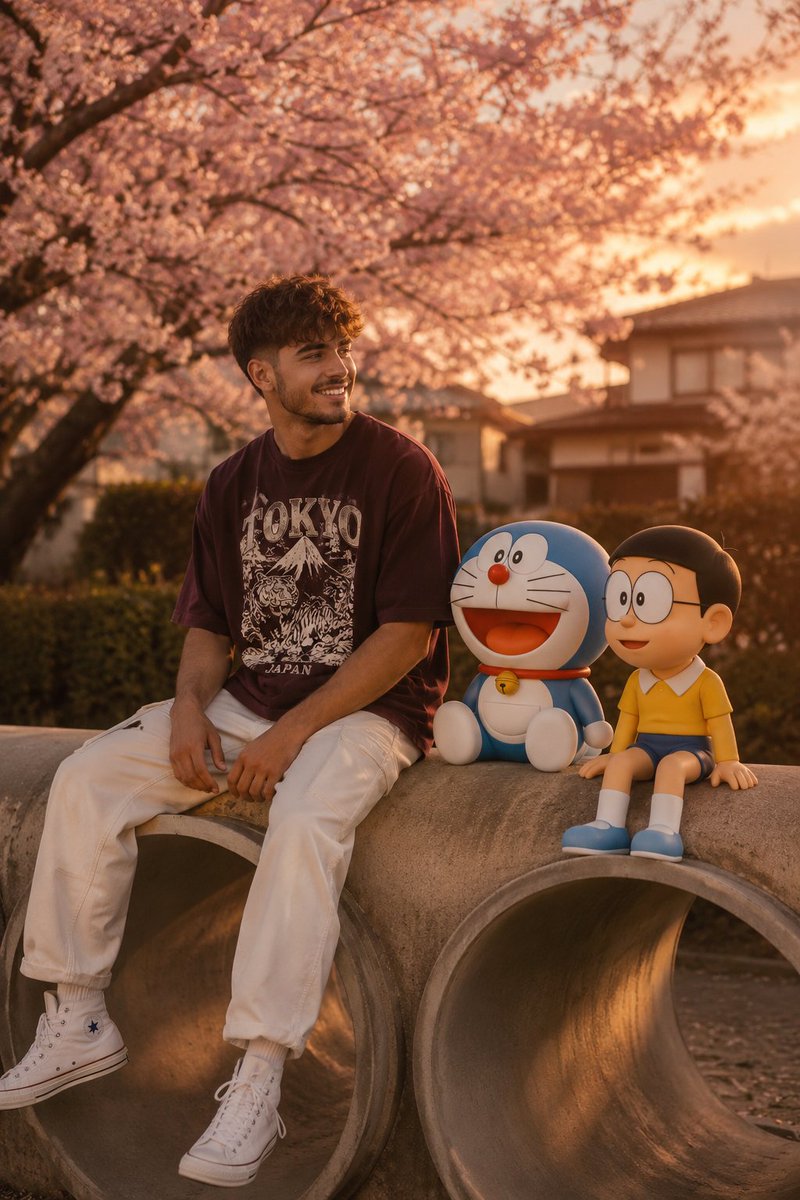
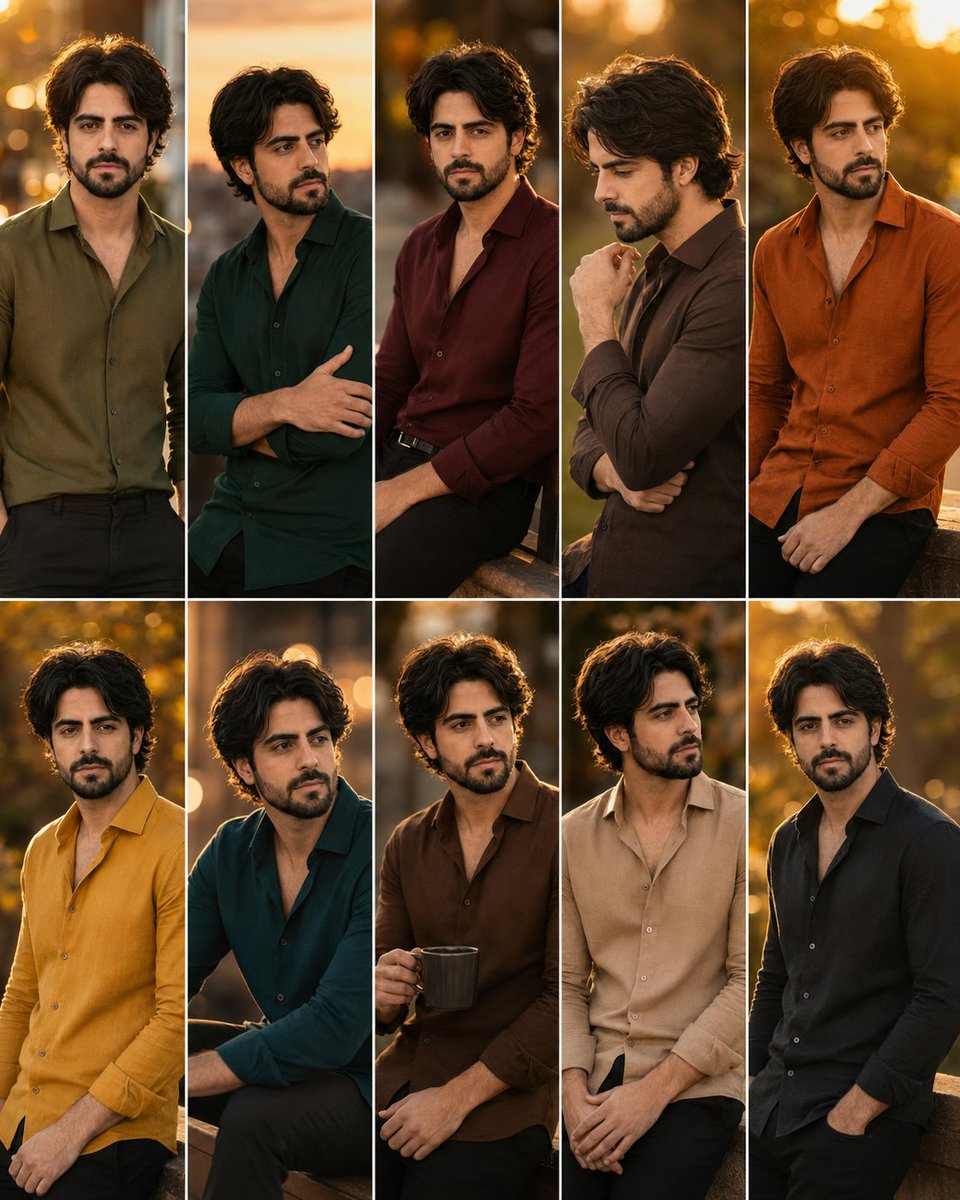
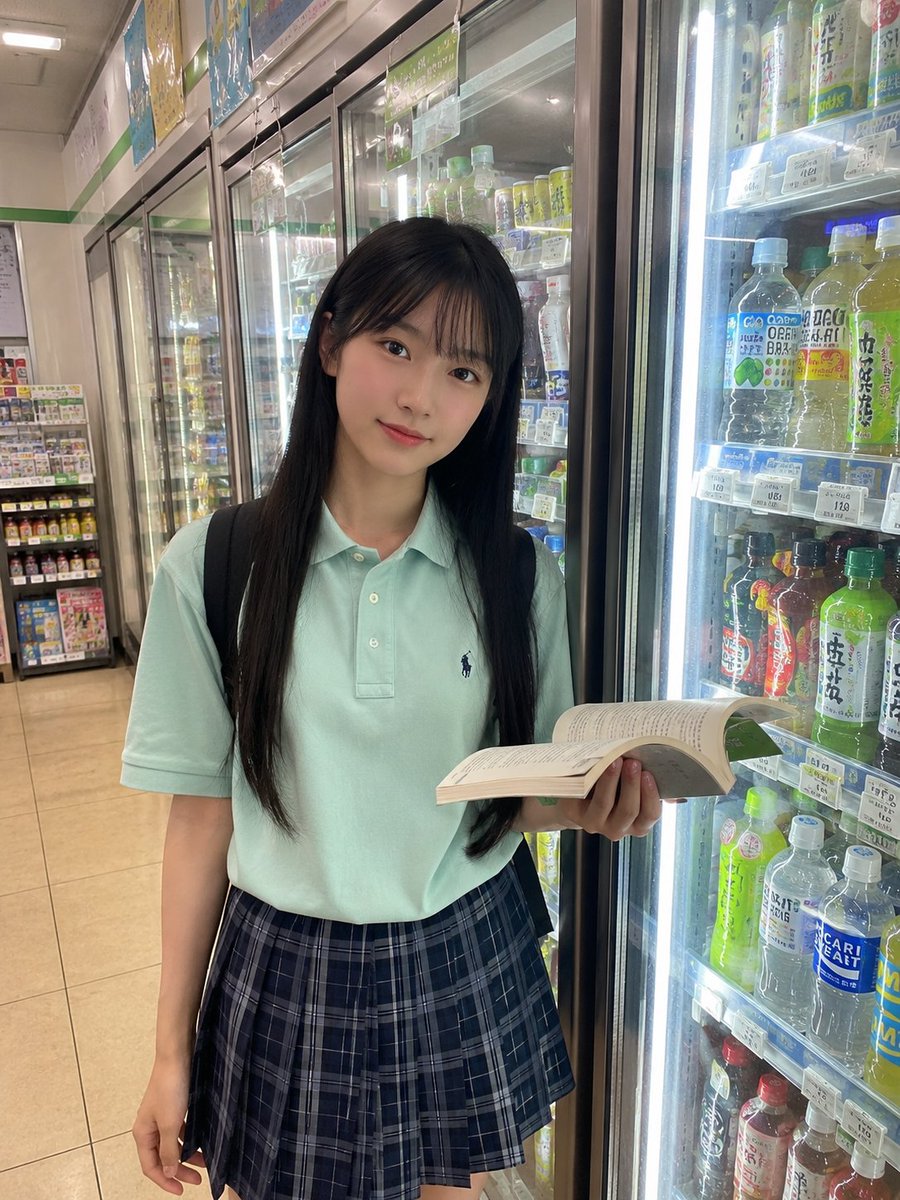
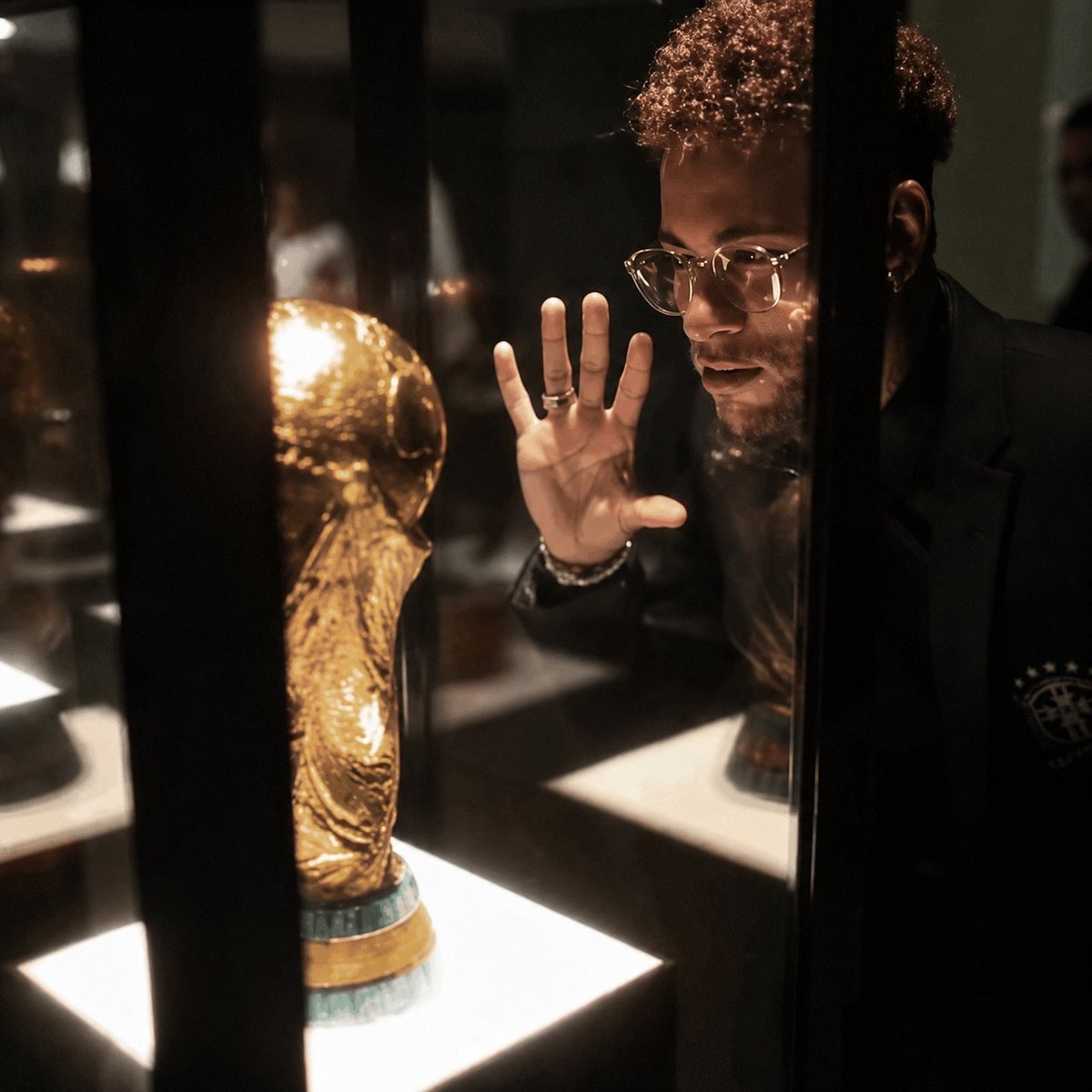
This page keeps the media, full prompt, and original source together so you can inspect the result first and decide whether the prompt is worth copying, saving, or comparing.
Case Insights
To make this page easier to search, cite, and reuse later, the case is also broken down into practical guidance about usage, visual cues, and prompt structure.
Best Fit Scenarios
- Use this as a portrait & photography benchmark when you need a fast style baseline before rewriting your own prompt.
- It is especially helpful if your target overlaps with Portrait, Cinematic, Portrait & Photography and you want to judge the image result before tuning wording.
- Keep it as a control sample when you compare nearby prompt variants one variable at a time.
Visual Signals To Notice
- The clearest style signals here are Portrait, Cinematic, Portrait & Photography, so those should usually stay in your first rewrite.
- Focus on framing, light direction, pose, and the distance between subject and camera.
- This case keeps one primary output, so the first image should be treated as the main visual reference.
How The Prompt Is Structured
- The prompt reads as a long, highly specified prompt, which is useful when you want to judge how much specificity this direction needs.
- Its keyword cluster is centered on Portrait, Cinematic, Portrait & Photography, so you can usually keep that cluster while swapping subject, camera, layout, or copy details.
- A practical rewrite path is: keep the outcome, keep the strongest style cues, then replace only the subject and environment blocks.
Good Follow-up Questions
- What changes first if you keep Portrait, Cinematic, Portrait & Photography but switch the subject matter?
- Which part of the result comes from section-level structure (Portrait & Photography) versus tag-level style cues?
- Which related cases in the same section give you a cleaner or more extreme variation of the same direction?
Full Prompt
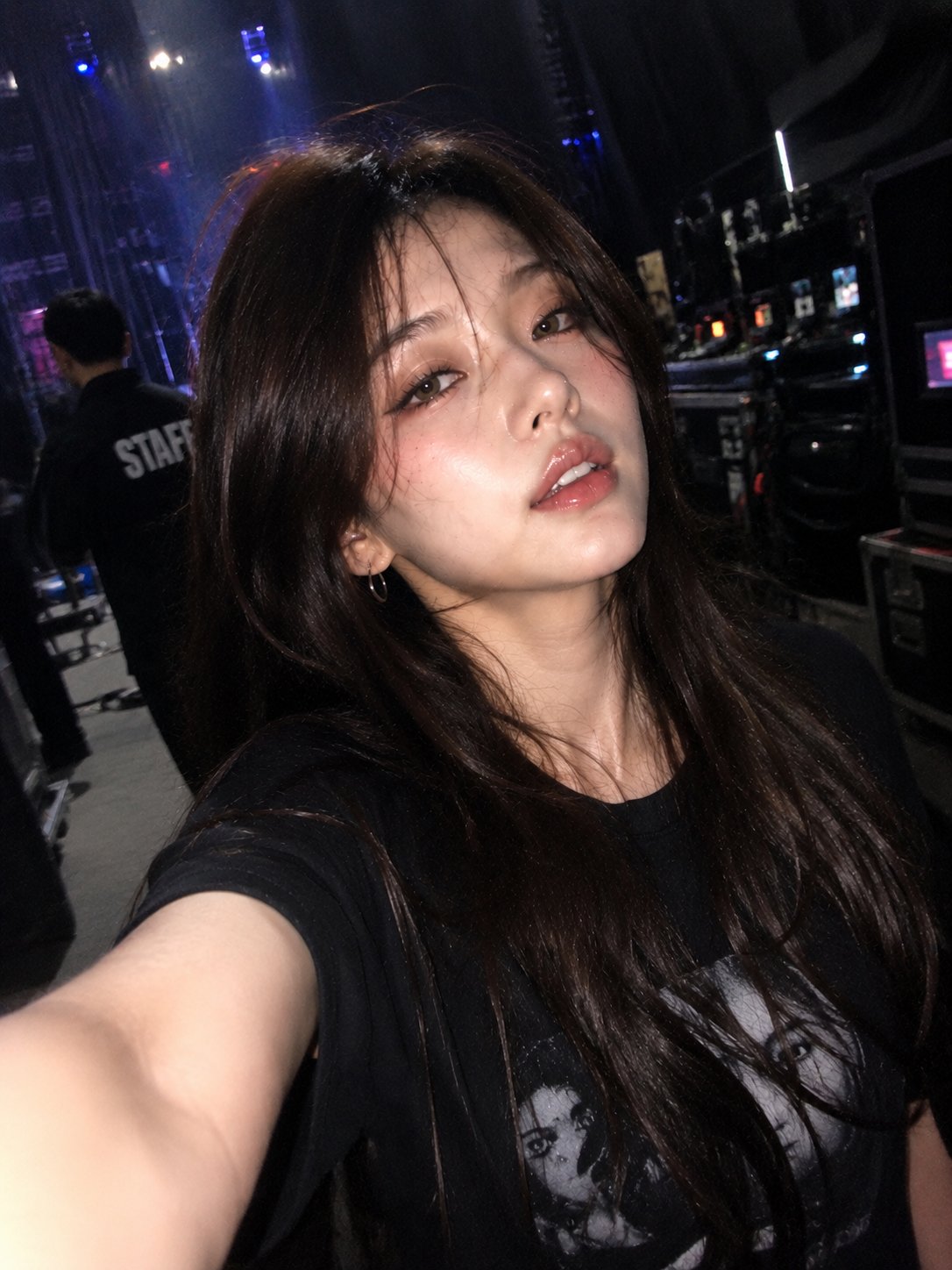
Ultra-realistic accidental iPhone front-camera selfie, identity preserved exactly from the reference image. Captured naturally backstage during a concert or live performance. Authentic iPhone front camera look: imperfect framing, awkward arm extension, slightly off-center composition, subtle camera shake, soft motion blur, hazy lens bloom, slight focus inconsistency, low-light grain, realistic smartphone processing, mild overexposure from backstage lights. Subject appears mid-movement while walking backstage, turning, laughing softly, or reacting naturally, wearing casual streetware. Maintain identical facial structure, hairstyle, eyes, lips, skin texture, proportions, and overall appearance from the reference image. Natural candid expression: soft smile, relaxed eyes, half-open lips, slightly messy wind-blown hair, realistic imperfections, tired post-performance energy. No posing, no cinematic styling, no professional photography look. Camera angle resembles a genuine accidental selfie: stretched arm partially visible, phone held too close, slight tilt, uneven composition, subtle blur around hair, shoulders, and arm near the lens. Background: blurred backstage hallways, concert stage lights, LED screens, arena lighting, equipment cases, security staff silhouettes, stage crew, dressing room corridors, realistic bokeh and depth blur. Lighting: mixed warm and cool concert lighting, glowing LED screens, overexposed practical lights, soft illumination on the face, authentic backstage atmosphere. Documentary-style realism, emotional candid energy, realistic motion blur, hazy softness, natural digital noise, slight lens smudge effect, authentic smartphone photography, viral Instagram aesthetic, ultra-detailed, 3:4 aspect ratio.