Case Media
Case Notes
This page keeps the media, full prompt, and original source together so you can inspect the result first and decide whether the prompt is worth copying, saving, or comparing.
Case Insights
To make this page easier to search, cite, and reuse later, the case is also broken down into practical guidance about usage, visual cues, and prompt structure.
Best Fit Scenarios
- Use this as a portrait & photography benchmark when you need a fast style baseline before rewriting your own prompt.
- It is especially helpful if your target overlaps with Portrait, Portrait & Photography and you want to judge the image result before tuning wording.
- Keep it as a control sample when you compare nearby prompt variants one variable at a time.
Visual Signals To Notice
- The clearest style signals here are Portrait, Portrait & Photography, so those should usually stay in your first rewrite.
- Focus on framing, light direction, pose, and the distance between subject and camera.
- This case keeps one primary output, so the first image should be treated as the main visual reference.
How The Prompt Is Structured
- The prompt reads as a medium-detail prompt with clear visual constraints, which is useful when you want to judge how much specificity this direction needs.
- Its keyword cluster is centered on Portrait, Portrait & Photography, so you can usually keep that cluster while swapping subject, camera, layout, or copy details.
- A practical rewrite path is: keep the outcome, keep the strongest style cues, then replace only the subject and environment blocks.
Good Follow-up Questions
- What changes first if you keep Portrait, Portrait & Photography but switch the subject matter?
- Which part of the result comes from section-level structure (Portrait & Photography) versus tag-level style cues?
- Which related cases in the same section give you a cleaner or more extreme variation of the same direction?
Full Prompt
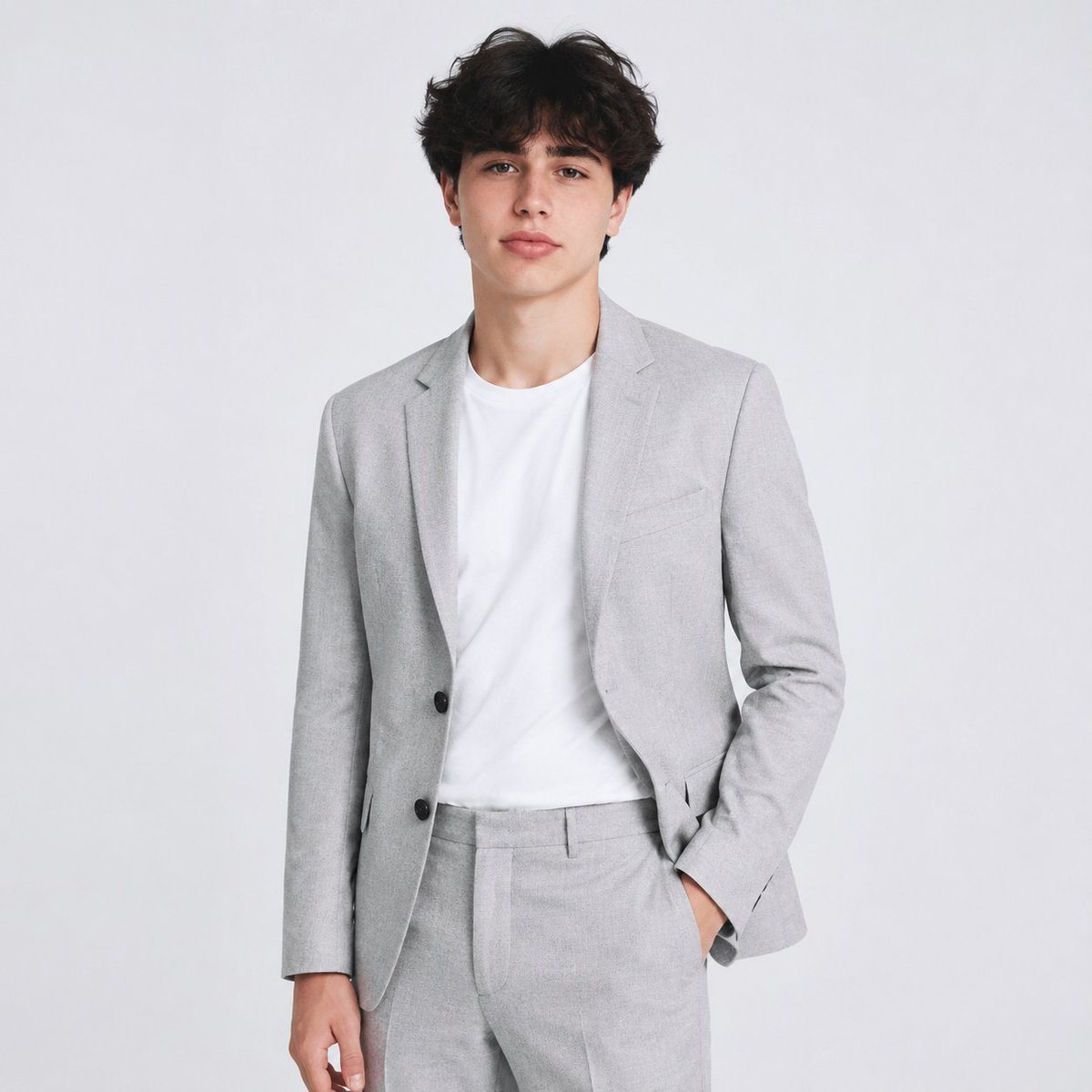
Using the provided reference image as the identity and hair reference, create a professional AI headshot / studio portrait. Replace the casual outdoor pool setting with a clean light gray studio background, expand the crop to a three-quarter body portrait, and dress the subject in a {argument name="suit color" default="light gray"} modern suit with matching trousers over a {argument name="shirt color" default="white"} crew-neck T-shirt. Keep the subject facing forward with a relaxed business pose: one hand in the trouser pocket, the other arm resting naturally at the side. Preserve the same general hairstyle and natural facial proportions from the reference, but make the hair slightly darker and neater for a polished corporate look. Use soft even studio lighting, realistic photography, sharp detail, neutral color grading, and a clean LinkedIn-style composition.