Case Media
Case Notes
This page keeps the media, full prompt, and original source together so you can inspect the result first and decide whether the prompt is worth copying, saving, or comparing.
Case Insights
To make this page easier to search, cite, and reuse later, the case is also broken down into practical guidance about usage, visual cues, and prompt structure.
Best Fit Scenarios
- Use this as a portrait & photography benchmark when you need a fast style baseline before rewriting your own prompt.
- It is especially helpful if your target overlaps with Portrait, Fashion, Poster and you want to judge the image result before tuning wording.
- Keep it as a control sample when you compare nearby prompt variants one variable at a time.
Visual Signals To Notice
- The clearest style signals here are Portrait, Fashion, Poster, so those should usually stay in your first rewrite.
- Focus on framing, light direction, pose, and the distance between subject and camera.
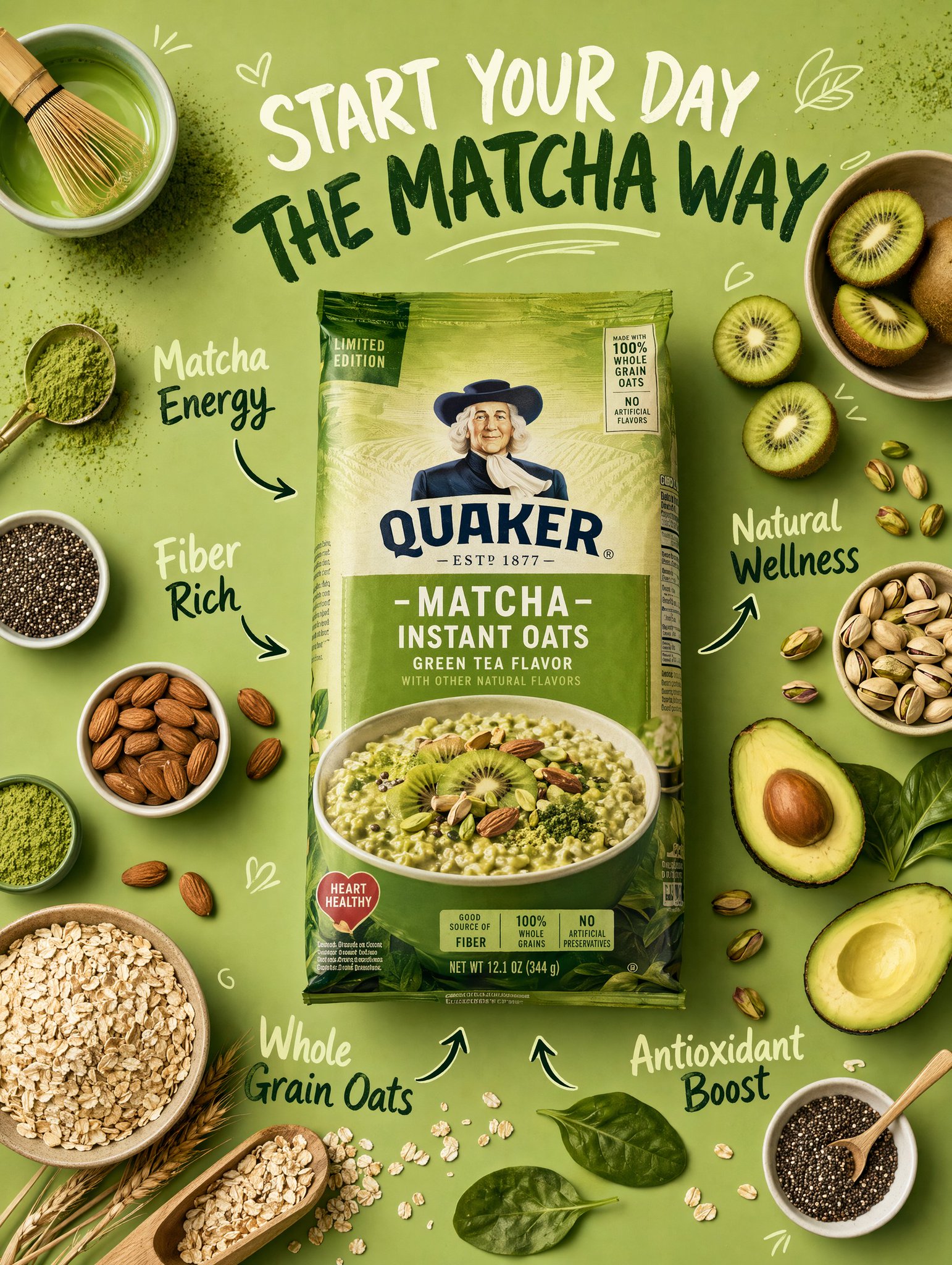
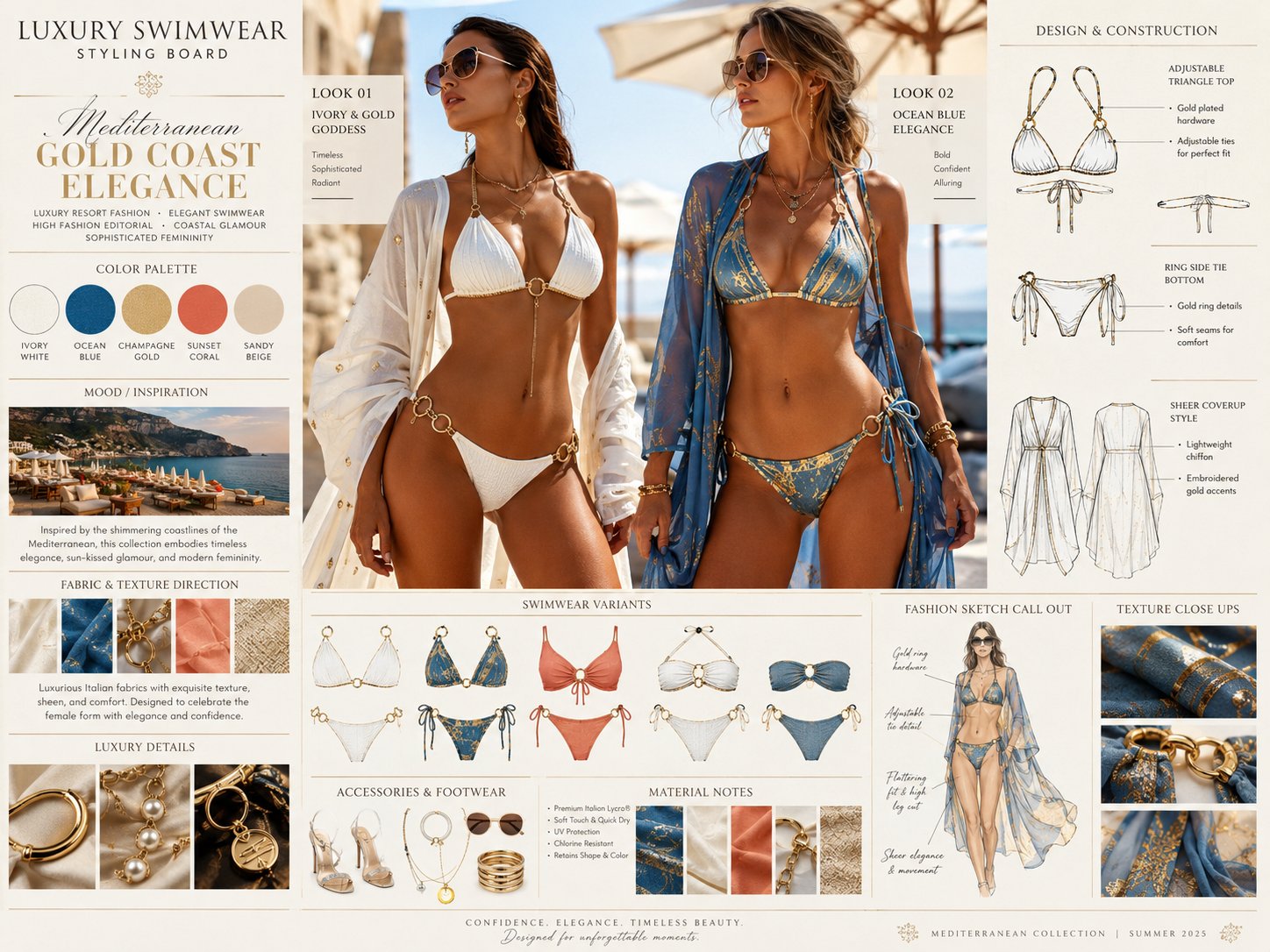
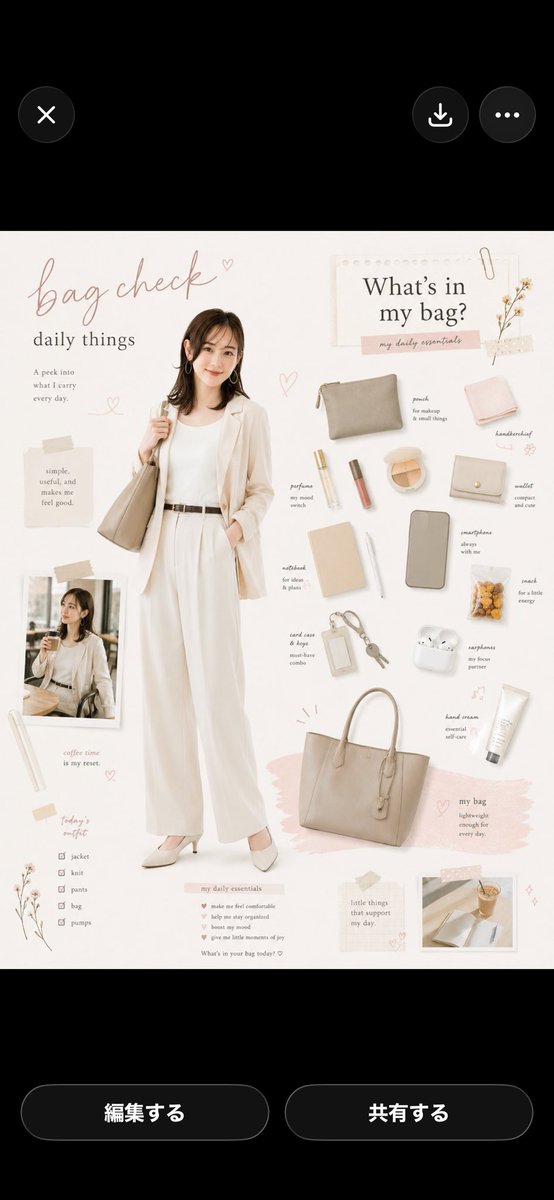
- This case keeps 2 media outputs, which makes it easier to check whether the style remains stable across multiple results.
How The Prompt Is Structured
- The prompt reads as a long, highly specified prompt, which is useful when you want to judge how much specificity this direction needs.
- Its keyword cluster is centered on Portrait, Fashion, Poster, so you can usually keep that cluster while swapping subject, camera, layout, or copy details.
- A practical rewrite path is: keep the outcome, keep the strongest style cues, then replace only the subject and environment blocks.
Good Follow-up Questions
- What changes first if you keep Portrait, Fashion, Poster but switch the subject matter?
- Which part of the result comes from section-level structure (Portrait & Photography) versus tag-level style cues?
- Which related cases in the same section give you a cleaner or more extreme variation of the same direction?
Full Prompt
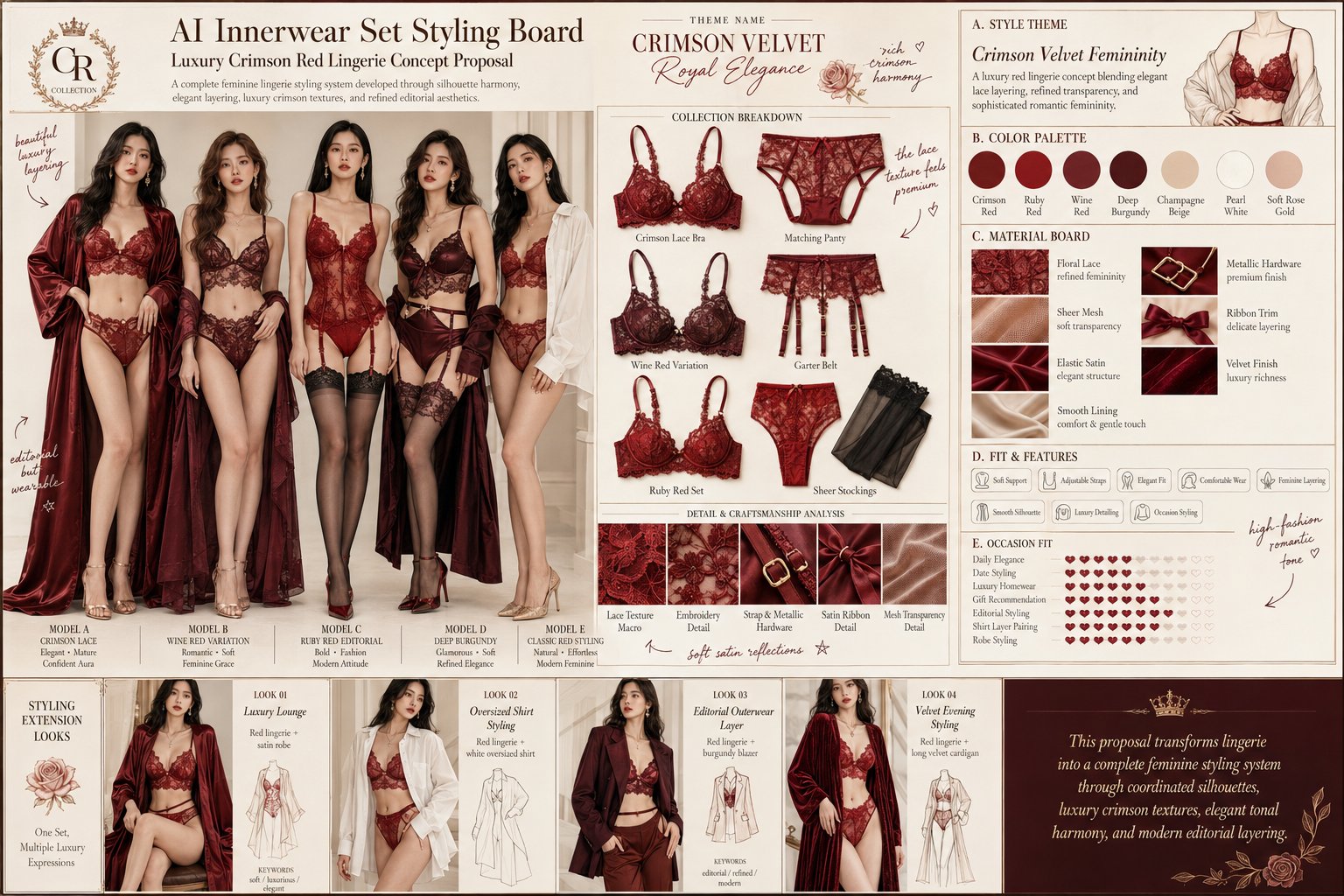
Create a high-end horizontal 4:3 “AI Innerwear Set Styling Board” in a premium fashion proposal / editorial lookbook style. Theme Name: [USER INPUT] Main Color Palette: [USER INPUT] Style Direction: [USER INPUT] Usage Scene: [USER INPUT] Material Direction: [USER INPUT] If a reference image is provided: - Image A = lingerie style / color inspiration - Image B = female model reference (optional) If no model reference is provided, generate an attractive adult Chinese female model with a soft mature feminine appearance, natural beauty, elegant posture, long hair, light makeup, and a refined luxury fashion vibe. The overall board should feel: Elegant • Feminine • Fashion Editorial • Premium • Sophisticated • Non-sexualized • Brand Proposal Style --- TITLE AREA At the top, clearly display: - Main title: AI Innerwear Set Styling Board - Subtitle: Premium Lingerie Styling Concept - Theme name - A short elegant description about color, materials, silhouette, and styling direction. Use clean typography with luxury branding aesthetics. --- LEFT SIDE — MAIN MODEL SHOWCASE Feature a full-body or near full-body adult Chinese female model wearing the complete lingerie set. Requirements: - Natural and elegant pose - No erotic posing - No bedroom/hotel/bathroom scene - Clean studio-like background - Premium lingerie styling - Can include stockings, garter belt, heels, silk robe, oversized shirt, or cardigan for styling balance Focus on: - Overall silhouette - Fabric texture - Color harmony - Realistic wearable fashion feeling --- CENTER — PRODUCT BREAKDOWN Show organized flat-lay product breakdowns including: - Bra - Panty - Garter Belt - Stockings - Lace close-up - Embroidery detail - Strap & hardware detail All pieces must match the model outfit in color and design language. The layout should resemble a luxury fashion product board, with clean spacing, close-up material shots, stitching details, lace texture, mesh transparency, and metallic accessories. --- RIGHT SIDE — STYLING INFORMATION PANEL Include premium infographic-style modules: A. Style Theme Describe the overall vibe such as: French elegance, black luxury aesthetic, vintage feminine, midnight glamour, soft mature romance, etc. B. Color Palette Show 5–6 color swatches including: Primary color, secondary color, accent tone, metallic tone, nude balance tone, soft transition shades. C. Material Board Display materials such as: Lace, mesh, satin, elastic fabric, ribbon, soft lining, metal hardware. D. Fit & Features Use stylish labels: Soft support, adjustable straps, comfortable fit, medium coverage, premium detailing, lightweight feel, elegant layering. E. Occasion Fit Show suitable scenes: Daily luxury, romantic styling, holiday gifting, home elegance, shirt layering, robe styling. --- HANDWRITTEN NOTES Add subtle handwritten Chinese notes, arrows, hearts, stars, or circle annotations across the board for a fashionable “social media recommendation” feeling. Keep them minimal, elegant, and integrated into the layout. --- BOTTOM — STYLING MATCH STRIP Show 3 styling extension ideas: Look 01 — Silk Robe Styling Look 02 — Oversized White Shirt Styling Look 03 — Blazer or Knit Cardigan Styling Each look should include a small visual thumbnail and short styling keywords. --- FINAL NOTE Add a clean luxury summary sentence at the bottom: “This concept combines lingerie aesthetics, materials, silhouette, and styling versatility into a complete premium innerwear proposal.” VISUAL STYLE: Luxury lingerie brand board • Fashion editorial • High-information design layout • Chinese social-media aesthetic • Premium lookbook • Sophisticated neutral background • Beige / ivory / soft gray tones • Fine lines • Minimal labels • Elegant infographic composition.