Case Media
Case Notes
This page keeps the media, full prompt, and original source together so you can inspect the result first and decide whether the prompt is worth copying, saving, or comparing.
Case Insights
To make this page easier to search, cite, and reuse later, the case is also broken down into practical guidance about usage, visual cues, and prompt structure.
Best Fit Scenarios
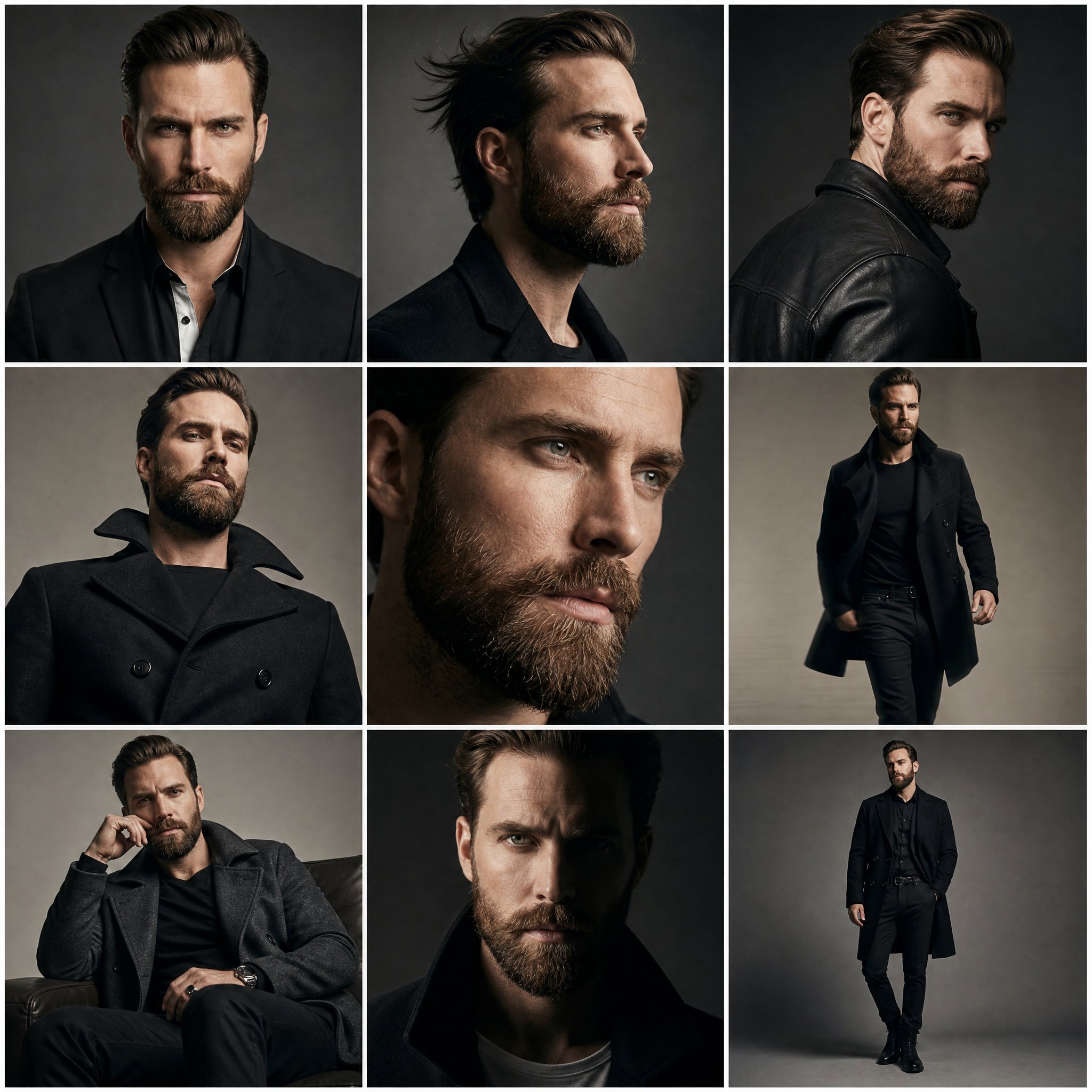
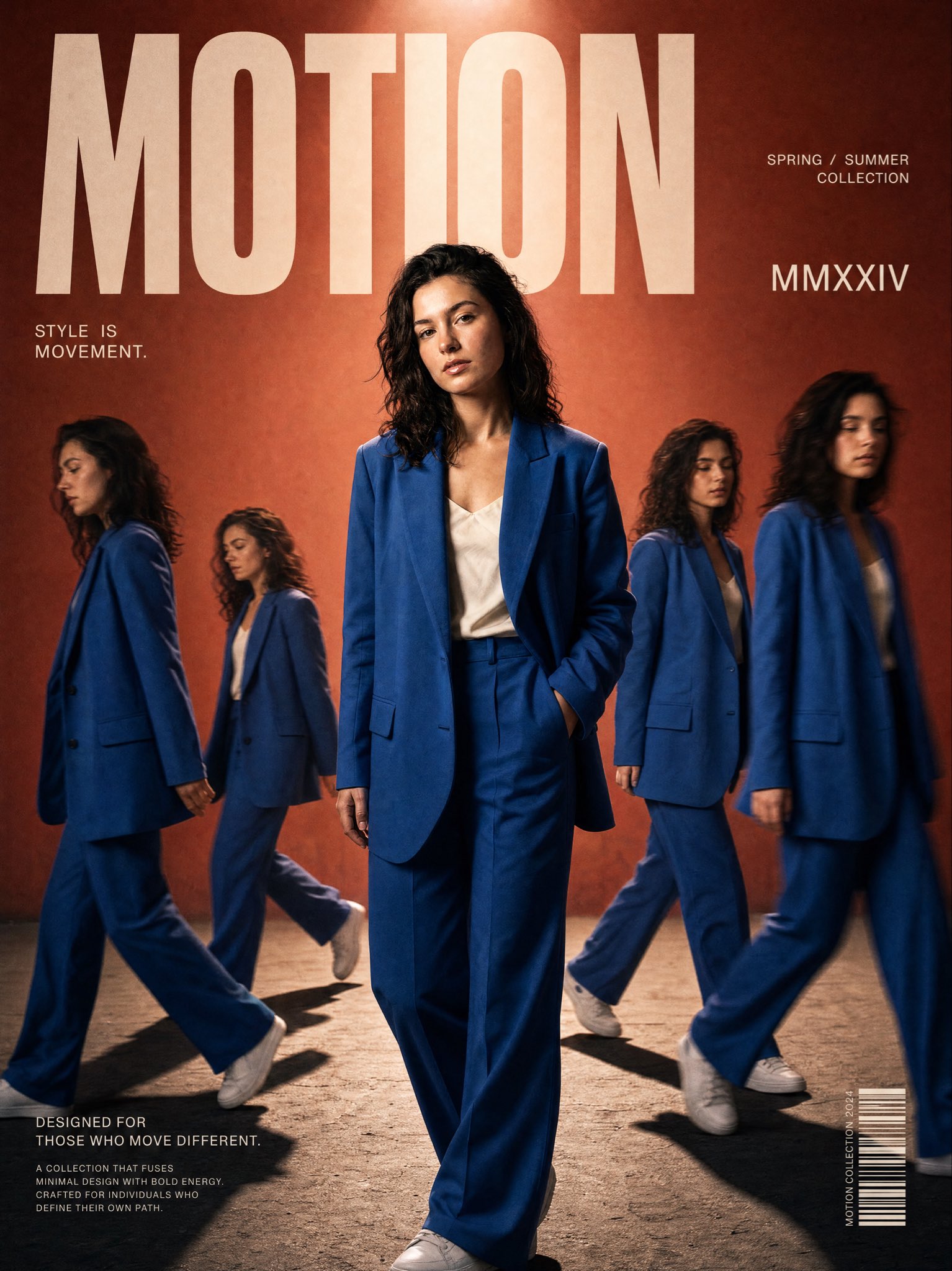
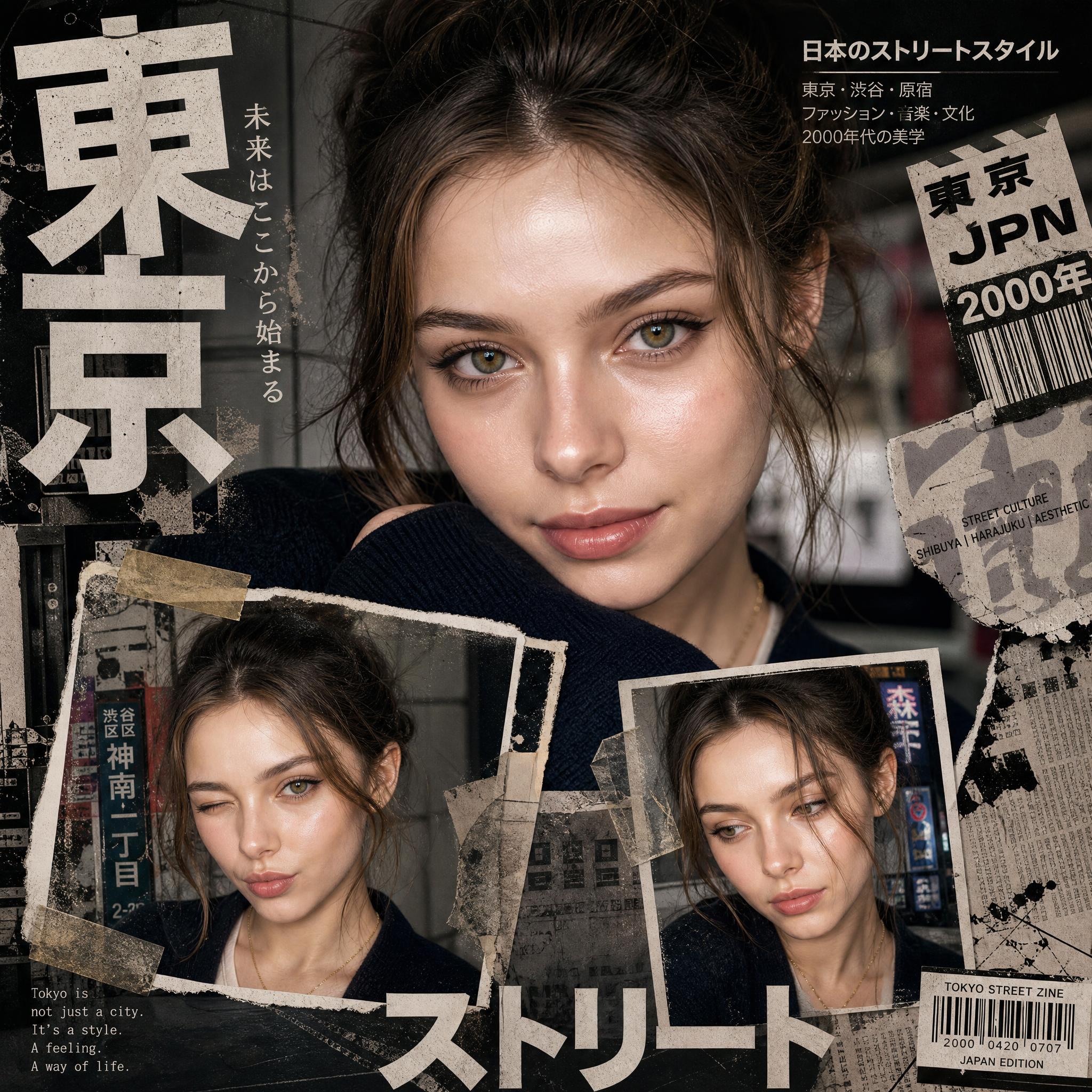
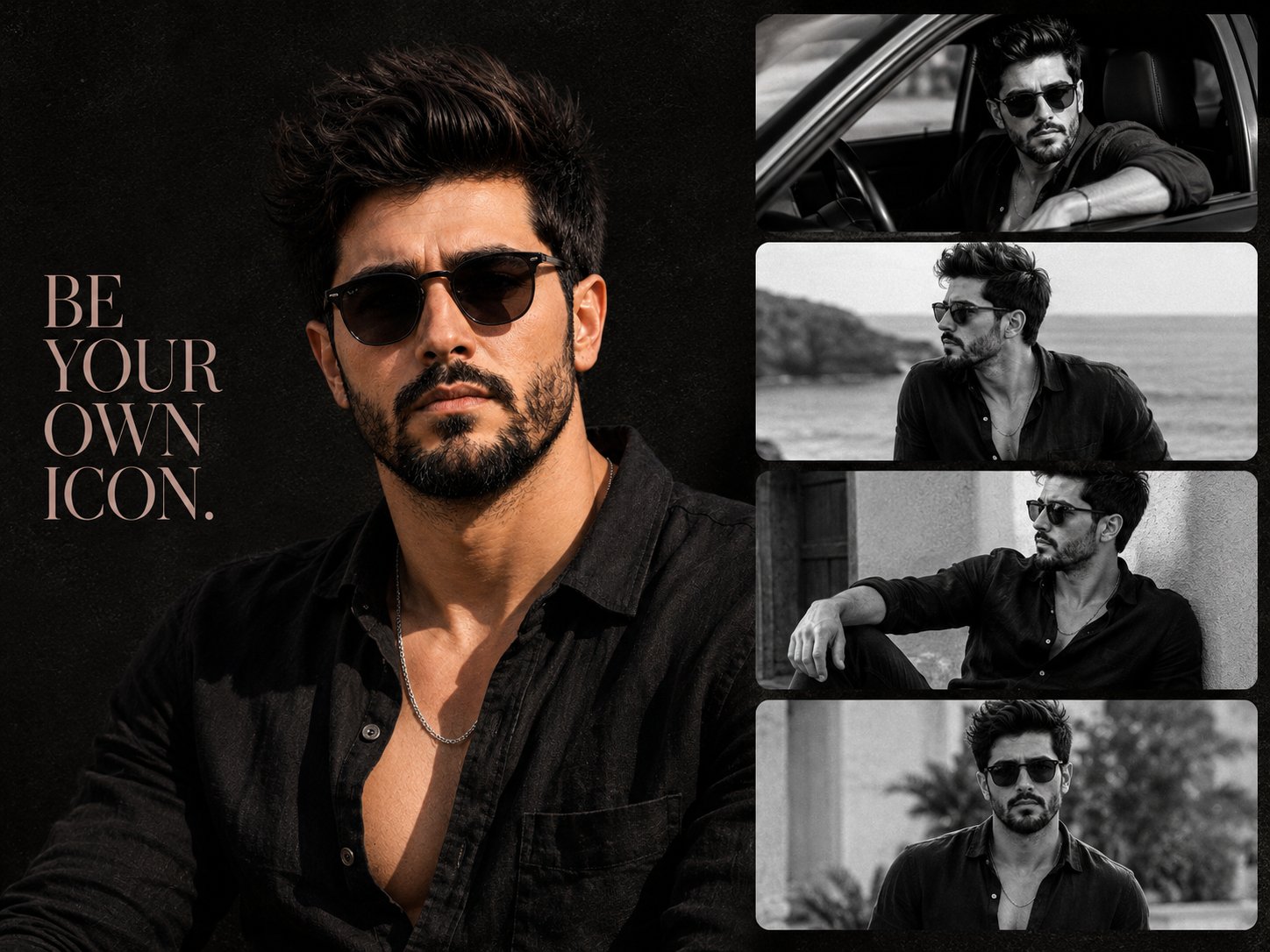
- Use this as a portrait & photography benchmark when you need a fast style baseline before rewriting your own prompt.
- It is especially helpful if your target overlaps with 35mm, Portrait, Cinematic and you want to judge the image result before tuning wording.
- Keep it as a control sample when you compare nearby prompt variants one variable at a time.
Visual Signals To Notice
- The clearest style signals here are 35mm, Portrait, Cinematic, so those should usually stay in your first rewrite.
- Focus on framing, light direction, pose, and the distance between subject and camera.
- This case keeps 2 media outputs, which makes it easier to check whether the style remains stable across multiple results.
How The Prompt Is Structured
- The prompt reads as a long, highly specified prompt, which is useful when you want to judge how much specificity this direction needs.
- Its keyword cluster is centered on 35mm, Portrait, Cinematic, so you can usually keep that cluster while swapping subject, camera, layout, or copy details.
- A practical rewrite path is: keep the outcome, keep the strongest style cues, then replace only the subject and environment blocks.
Good Follow-up Questions
- What changes first if you keep 35mm, Portrait, Cinematic but switch the subject matter?
- Which part of the result comes from section-level structure (Portrait & Photography) versus tag-level style cues?
- Which related cases in the same section give you a cleaner or more extreme variation of the same direction?
Full Prompt
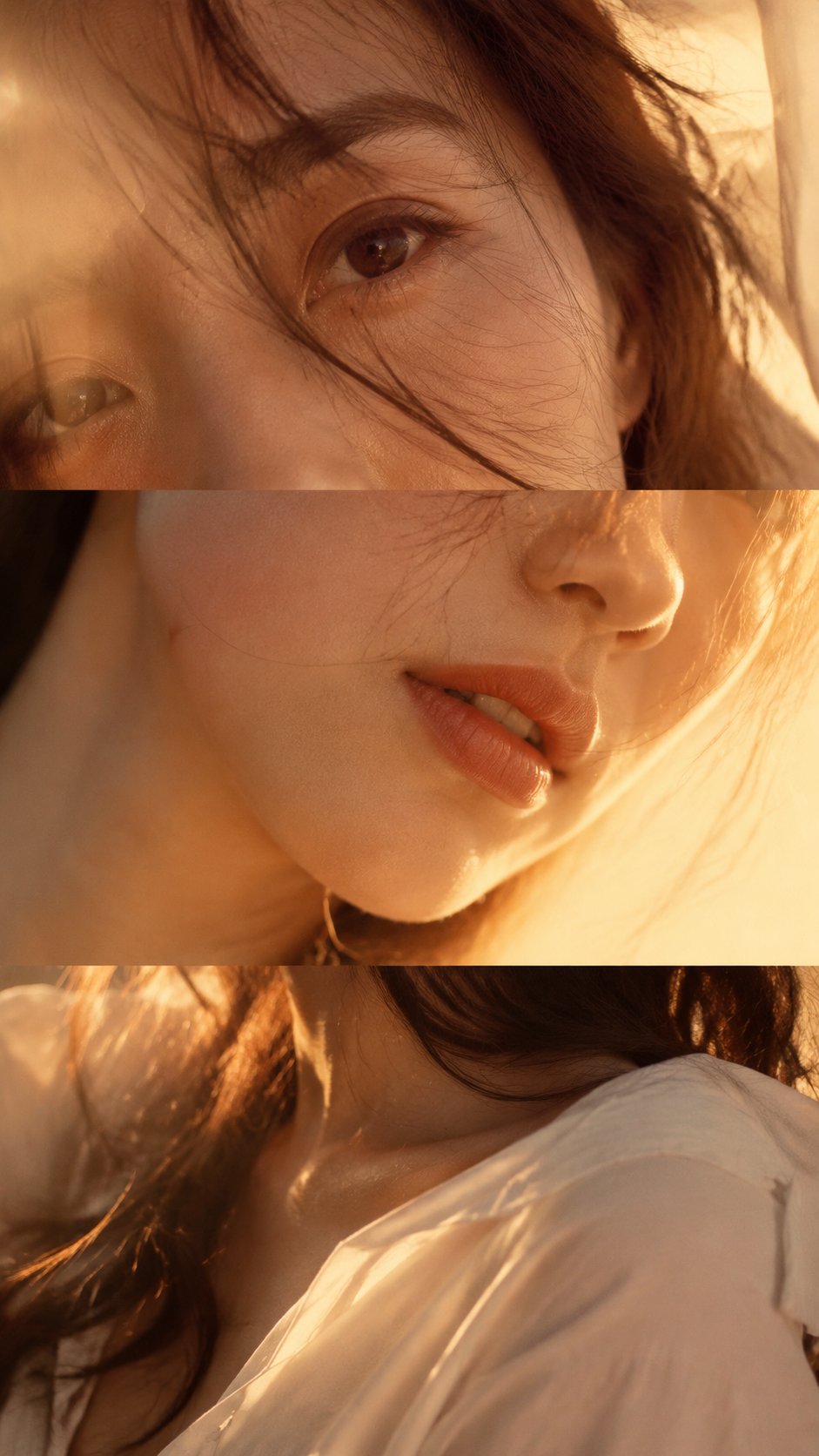
Create a vertical 9:16 “Layered Portrait Collage” with no text, no titles, no logos, and no white divider bars. Theme: [theme] Subject: [adult female / fashion model / beauty portrait] Color palette: [soft amber / cream light / velvet burgundy / silver grey / etc.] Outfit: [white shirt / silk top / velvet top / minimal fashion styling] Lighting: [warm sunset side light / soft window light / cool low-saturation light / moody indoor warm light] Style: editorial fashion photography, beauty campaign, magazine spread, emotional portrait collage The image should look like three different close-up photos of the same person, rebuilt into one vertical collage. Do not make it look like one single portrait cut into three strips. Top section: a very close-up crop of the eyes, brows, or half of the face. This section carries the emotional tension. The gaze should feel expressive, subtle, alive, and slightly cinematic. Middle section: a close-up of the nose, lips, cheek, jawline, or partial side face. The lips should feel soft and natural, as if holding a pause or an unspoken thought. Keep strong skin realism and emotional quietness. Bottom section: do not show a full face. Show shoulders, collarbone, hair, hands, neck, partial jawline, or part of the mouth edge. This section should carry body language and emotional continuation. The hand can lightly touch the collar, hair, shoulder, neck, or collarbone. It should feel intimate, natural, quiet, and emotionally alive — not like clothing display only. All three sections must belong to the same person, with the same lighting, same color mood, and same photography language, but with different angles, crops, and subtle emotional variation. Use real skin texture, natural skin tone, soft hair strands, realistic fabric texture, gentle depth of field, slight film grain, soft focus, low-contrast shadows, and a refined editorial feel. Avoid: template collage look, hard white divider lines, graphic poster design, repeated full-face crops, plastic skin, over-retouching, CGI look, stiff posing, empty expressions, random fashion catalog feeling, text, watermark, logo.