Case Media
Case Notes
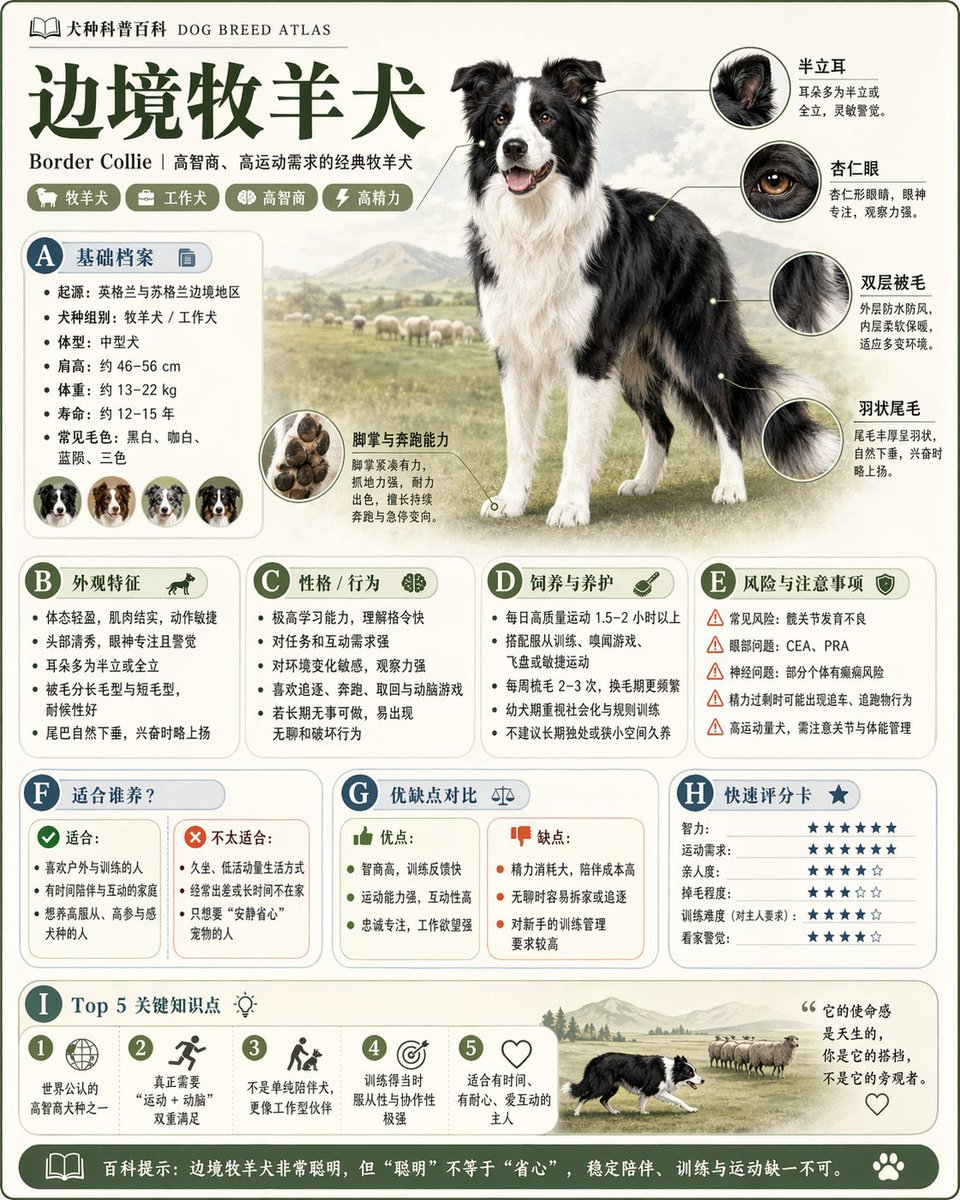
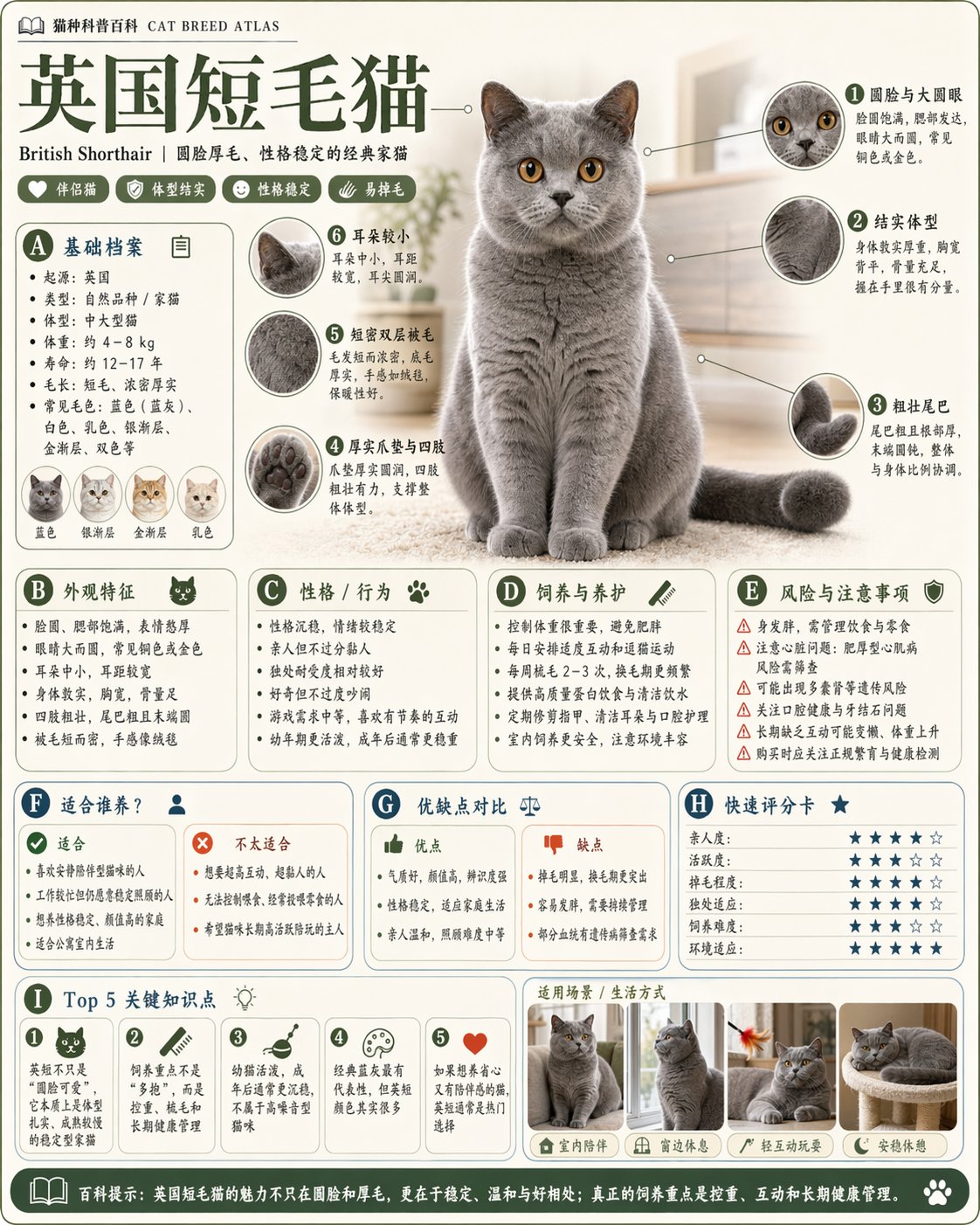
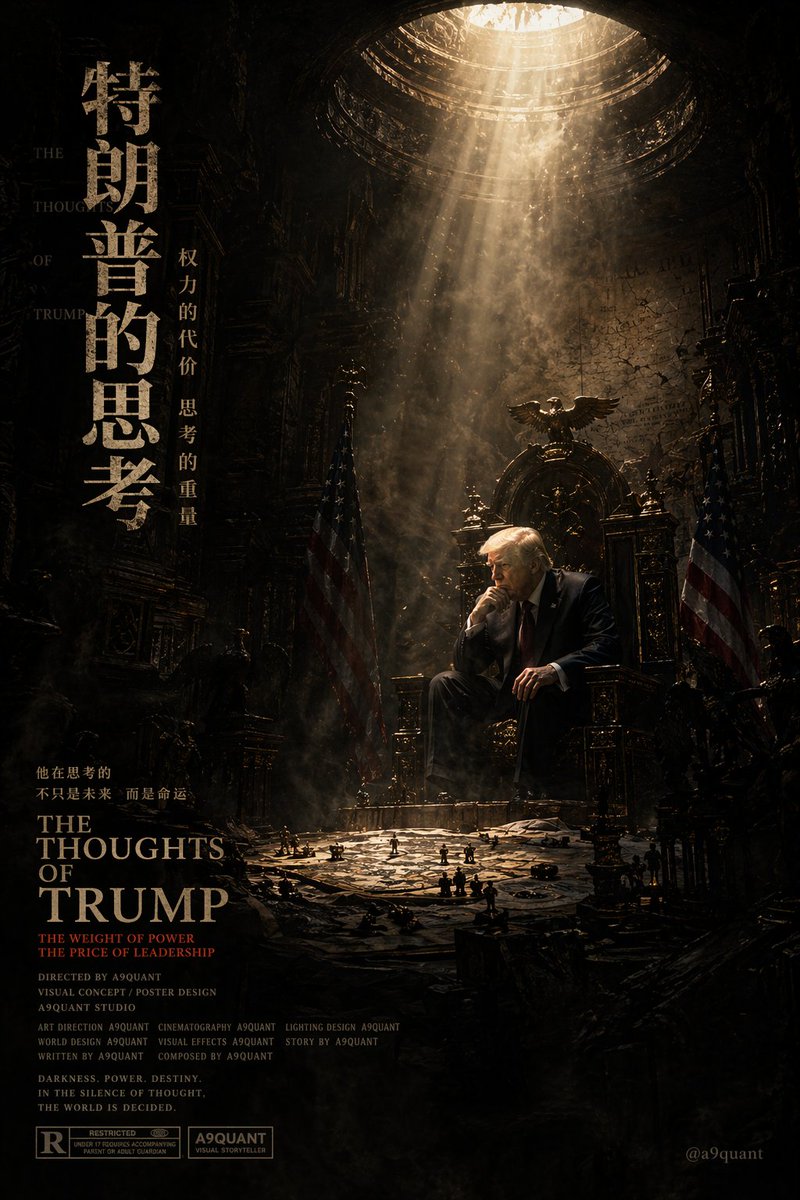
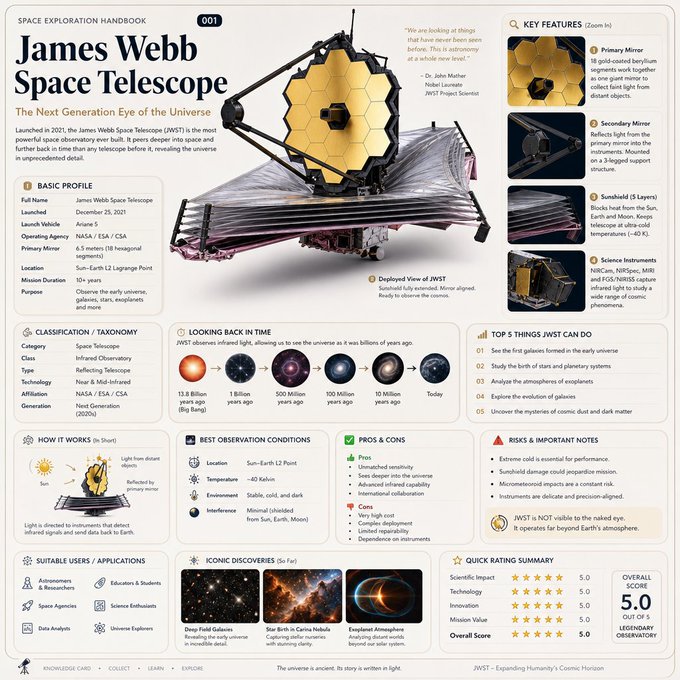
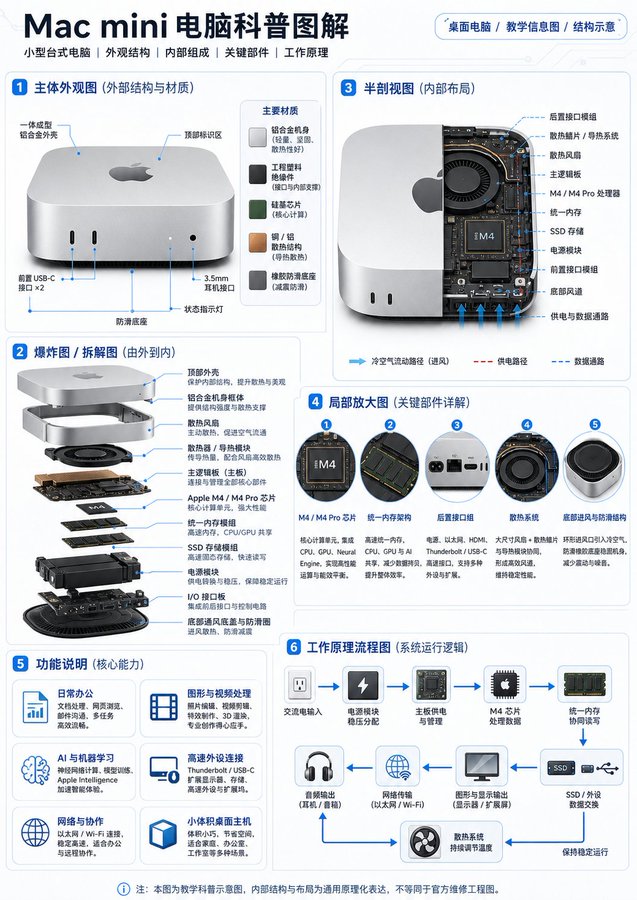
This page keeps the media, full prompt, and original source together so you can inspect the result first and decide whether the prompt is worth copying, saving, or comparing.
Case Insights
To make this page easier to search, cite, and reuse later, the case is also broken down into practical guidance about usage, visual cues, and prompt structure.
Best Fit Scenarios
- Use this as a model & community benchmark when you need a fast style baseline before rewriting your own prompt.
- It is especially helpful if your target overlaps with Poster, Illustration, Typography and you want to judge the image result before tuning wording.
- Keep it as a control sample when you compare nearby prompt variants one variable at a time.
Visual Signals To Notice
- The clearest style signals here are Poster, Illustration, Typography, so those should usually stay in your first rewrite.
- This kind of case is strongest when you watch deltas: what changed, what broke, and which prompt choice caused that shift.
- This case keeps one primary output, so the first image should be treated as the main visual reference.
How The Prompt Is Structured
- The prompt reads as a medium-detail prompt with clear visual constraints, which is useful when you want to judge how much specificity this direction needs.
- Its keyword cluster is centered on Poster, Illustration, Typography, so you can usually keep that cluster while swapping subject, camera, layout, or copy details.
- A practical rewrite path is: keep the outcome, keep the strongest style cues, then replace only the subject and environment blocks.
Good Follow-up Questions
- What changes first if you keep Poster, Illustration, Typography but switch the subject matter?
- Which part of the result comes from section-level structure (Model & Community) versus tag-level style cues?
- Which related cases in the same section give you a cleaner or more extreme variation of the same direction?
Full Prompt
请生成一张关于 「{……}」 的高质量教学科普插画 / 知识卡片。 画面需展示该物品的 整体外观、内部结构、关键部件、材质特征和工作原理,并使用 简体中文清晰标注。 整体风格要求:现代科技感、教学信息图风格、清晰干净、专业美观、易读易懂,适合用于 课堂讲解、科普文章、自媒体配图、知识卡片。背景简洁,采用 白色、浅灰或浅蓝灰色,版式有设计感,信息丰富但不杂乱。 中文字体要求: 所有文字必须使用清晰、工整、标准的简体中文字体,字体风格接近 思源黑体 / 苹方 / 微软雅黑 / 黑体,避免花体、手写体、艺术字和过细字体。 标题文字要醒目、加粗、易读;正文标注文字要清楚可见、字号适中、对比度高,避免过小、模糊、变形、重叠、乱码或难以辨认。 所有中文标签、说明文字、标题和流程图文字都必须准确、规范、清晰可读,适合印刷级知识卡片和高清科普海报展示。 画面内容建议包含: 主体外观图:展示物品完整外形,标注主要外部结构。 爆炸图 / 拆解图:分层展示核心部件及连接关系。 剖面图 / 半剖视图:展示内部布局和关键结构位置。 局部放大图:放大 3–5 个关键细节,配简短中文说明。 功能说明区:用小图标 + 简短文字说明主要部件作用。 工作原理流程图:用箭头展示基本运行逻辑,如“能量输入 → 控制系统 → 核心部件运行 → 输出结果”。 要求突出: 中文标注规范清晰 结构准确,层次分明 材质表现明确(如金属、塑料、玻璃、橡胶、复合材料等) 画面更美观、更高级、更有传播感 避免过度艺术化、避免花哨杂乱,优先保证 准确、清晰、易懂 最终效果像一张 高质量科技科普海报 / 产品结构说明图 / 知识卡片。