Case Media
Case Notes
This page keeps the media, full prompt, and original source together so you can inspect the result first and decide whether the prompt is worth copying, saving, or comparing.
Case Insights
To make this page easier to search, cite, and reuse later, the case is also broken down into practical guidance about usage, visual cues, and prompt structure.
Best Fit Scenarios
- Use this as a model & community benchmark when you need a fast style baseline before rewriting your own prompt.
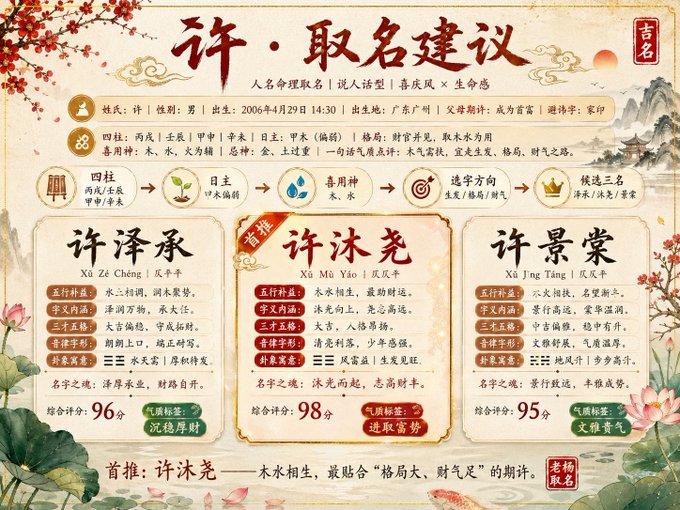
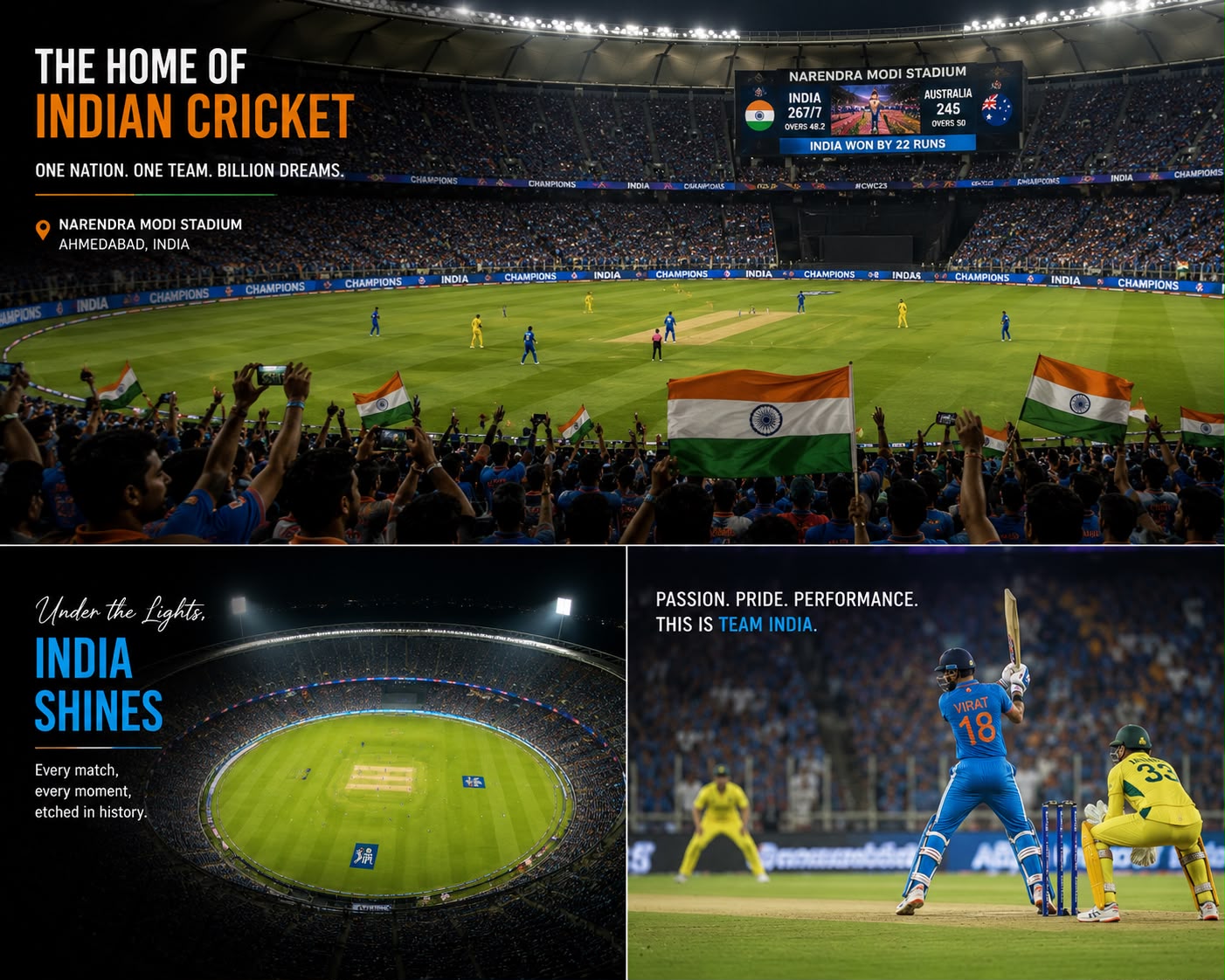
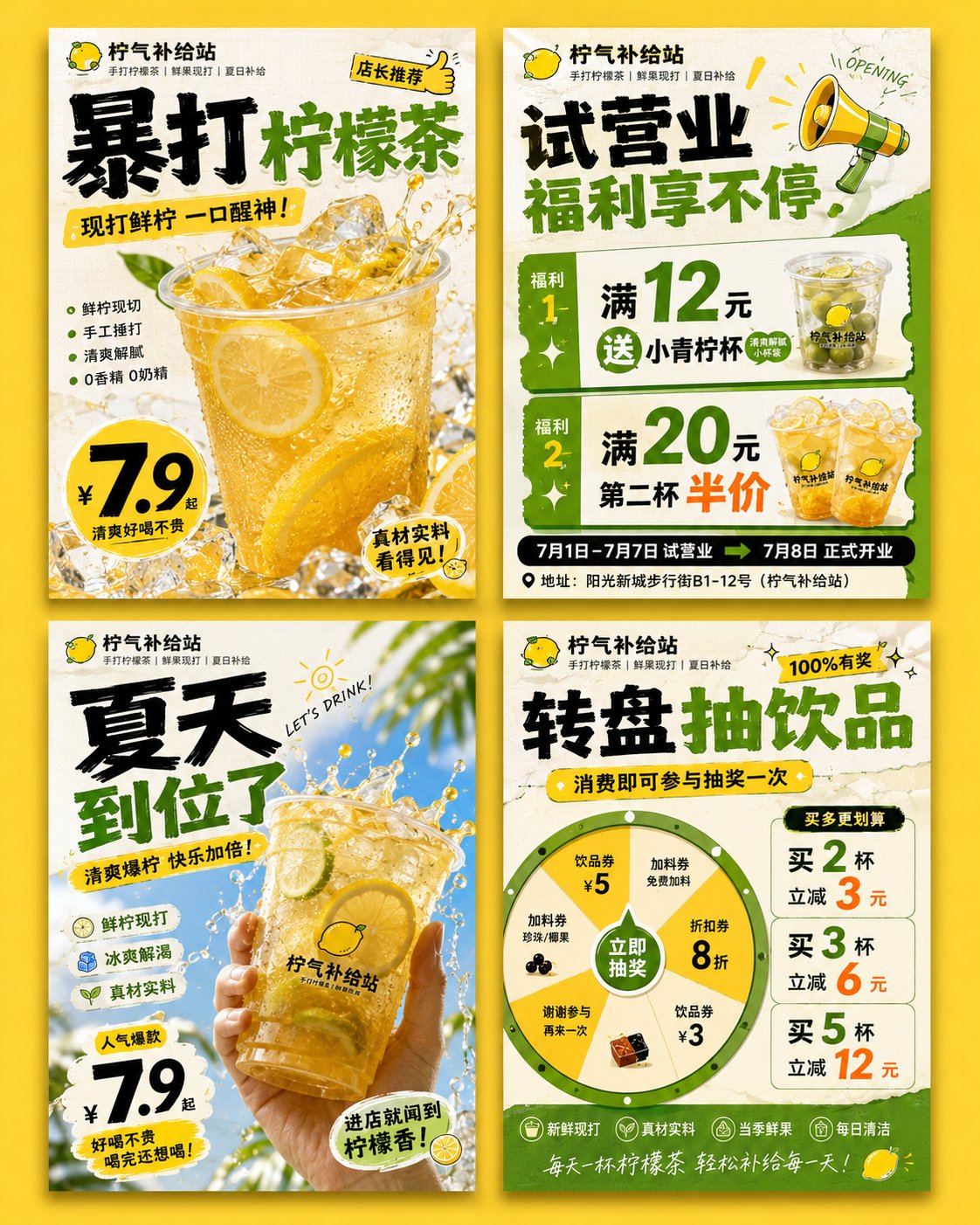
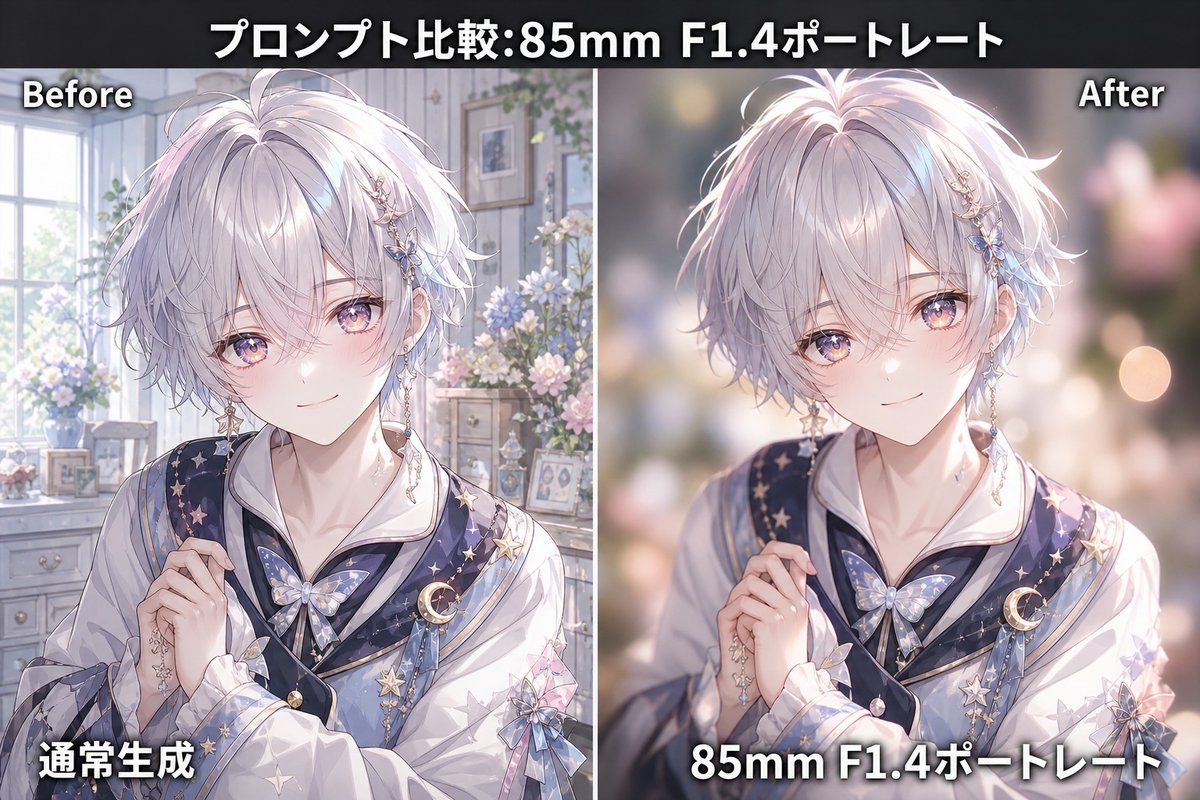
- It is especially helpful if your target overlaps with Poster, Character, Anime and you want to judge the image result before tuning wording.
- Keep it as a control sample when you compare nearby prompt variants one variable at a time.
Visual Signals To Notice
- The clearest style signals here are Poster, Character, Anime, so those should usually stay in your first rewrite.
- This kind of case is strongest when you watch deltas: what changed, what broke, and which prompt choice caused that shift.
- This case keeps one primary output, so the first image should be treated as the main visual reference.
How The Prompt Is Structured
- The prompt reads as a long, highly specified prompt, which is useful when you want to judge how much specificity this direction needs.
- Its keyword cluster is centered on Poster, Character, Anime, so you can usually keep that cluster while swapping subject, camera, layout, or copy details.
- A practical rewrite path is: keep the outcome, keep the strongest style cues, then replace only the subject and environment blocks.
Good Follow-up Questions
- What changes first if you keep Poster, Character, Anime but switch the subject matter?
- Which part of the result comes from section-level structure (Model & Community) versus tag-level style cues?
- Which related cases in the same section give you a cleaner or more extreme variation of the same direction?
Full Prompt
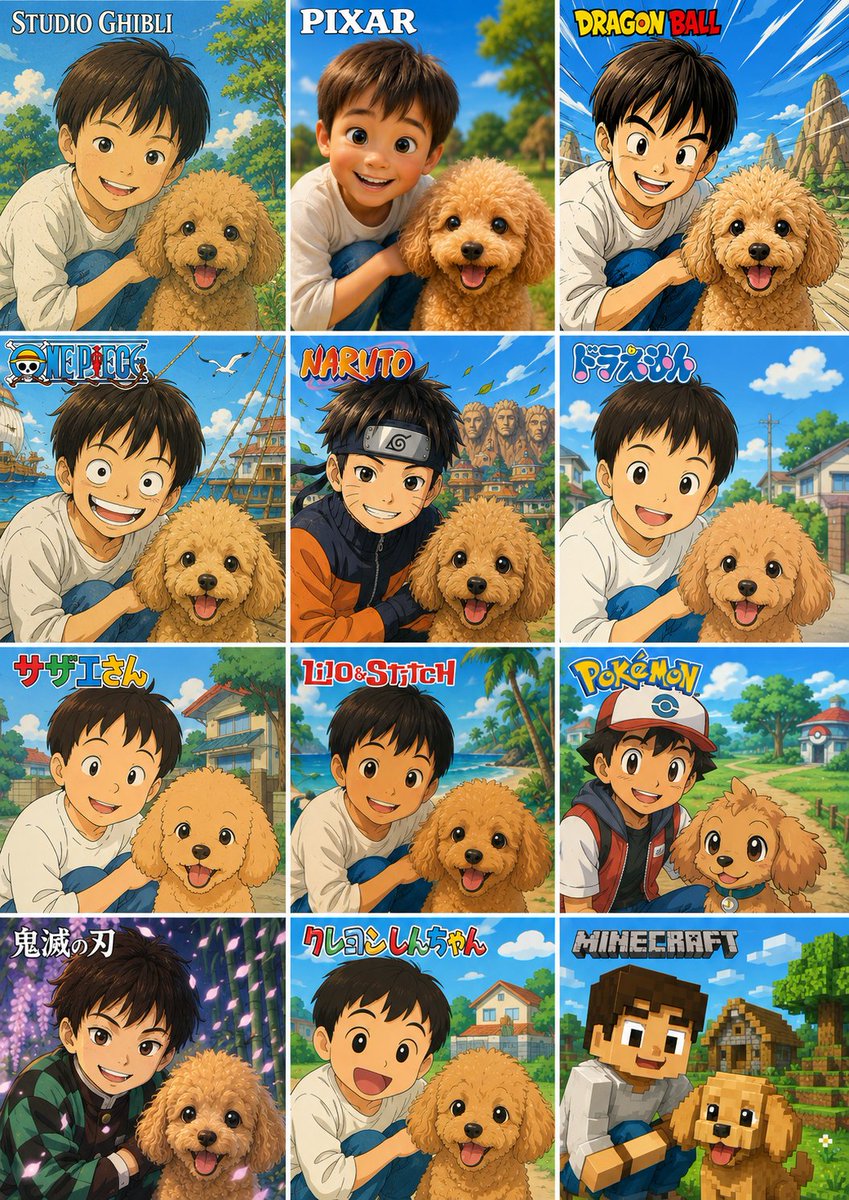
Using the provided reference photo, create a single vertical comparison sheet that transforms the boy-and-dog photo into a 3-column by 4-row grid of exactly 12 square panels, each panel showing the same composition reimagined in a different popular animation/game style. Keep the boy and dog as the recognizable subjects from the reference, preserving their relative pose and closeness, but render each panel in the requested style with matching backgrounds, linework, colors, and character proportions. Add a bold style title/logo at the top of each panel. Canvas and layout: Make a vertical collage with 12 equal panels, thin white gutters, arranged left-to-right and top-to-bottom. Panel styles and visible labels, exactly 12: 1. Studio Ghibli — label: “STUDIO GHIBLI”, soft hand-painted pastoral anime look. 2. Pixar — label: “PIXAR”, polished 3D family-animation look. 3. Dragon Ball — label: “DRAGON BALL”, dynamic shonen action look with speed lines and rocky landscape. 4. One Piece — label: “ONE PIECE”, nautical adventure anime look with ship elements. 5. Naruto — label: “NARUTO”, ninja anime look with village rooftops and headband styling. 6. Doraemon — label: “ドラえもん”, bright suburban children’s anime look. 7. Sazae-san — label: “サザエさん”, classic Japanese family anime look. 8. Lilo & Stitch — label: “Lilo & Stitch”, tropical island animation look. 9. Pokémon — label: “POKÉMON”, colorful trainer-and-companion adventure look. 10. Demon Slayer — label: “鬼滅の刃”, dramatic dark fantasy anime look with glowing particles. 11. Crayon Shin-chan — label: “クレヨンしんちゃん”, simple rounded children’s anime look. 12. Minecraft — label: “MINECRAFT”, blocky voxel game style. Customizable text: Use {argument name="first style label" default="STUDIO GHIBLI"}, {argument name="second style label" default="PIXAR"}, {argument name="third style label" default="DRAGON BALL"}, {argument name="ninth style label" default="POKÉMON"}, and {argument name="twelfth style label" default="MINECRAFT"} where those panel titles appear. Constraints: Do not add extra panels or extra labels. Preserve the reference subjects in every panel, including the boy with the dog, while changing only the art style, environment details, and franchise-inspired visual language. Keep the collage clean, colorful, and poster-like.