Case Media
Case Notes
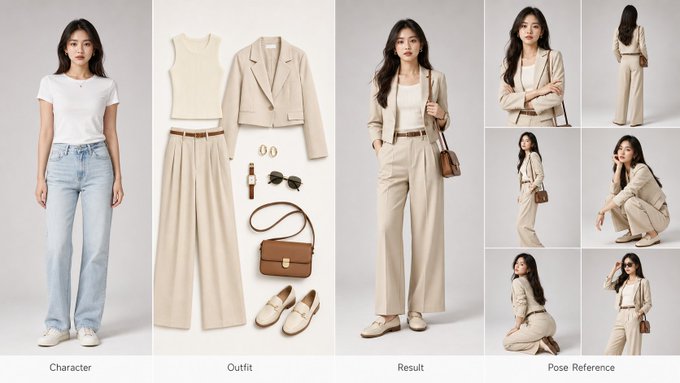
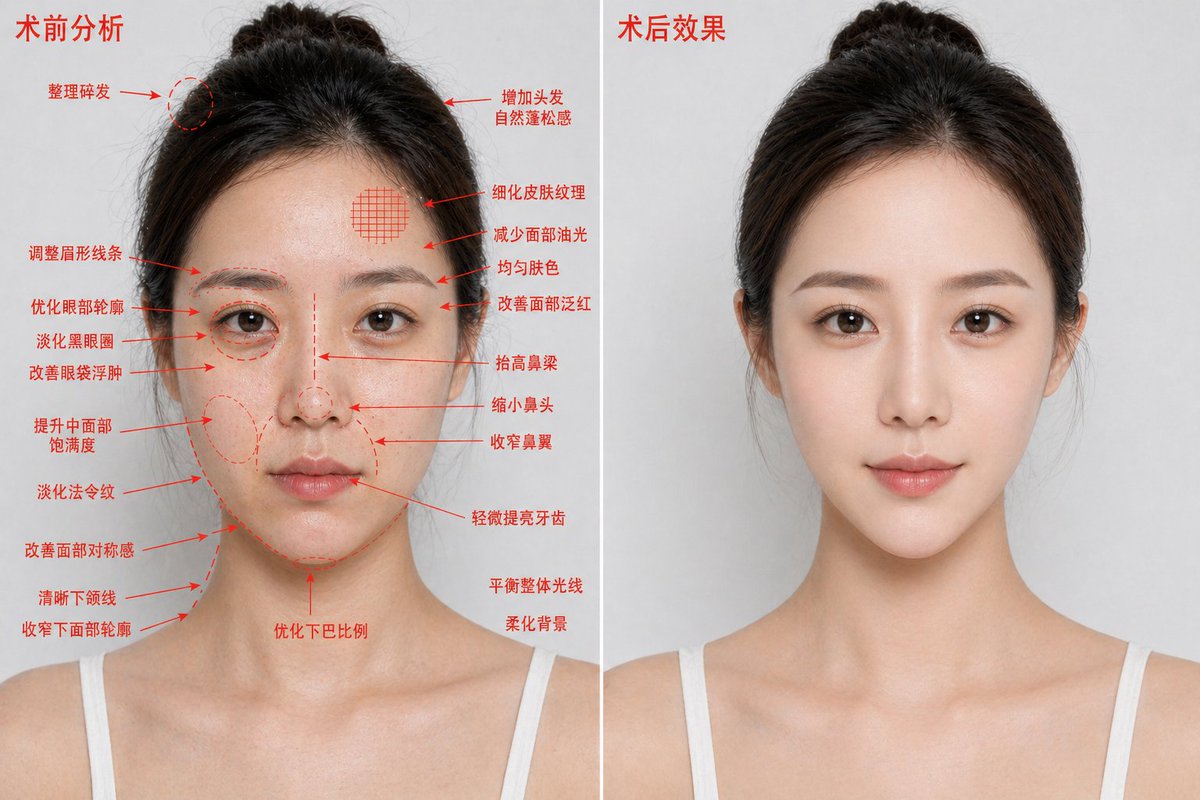
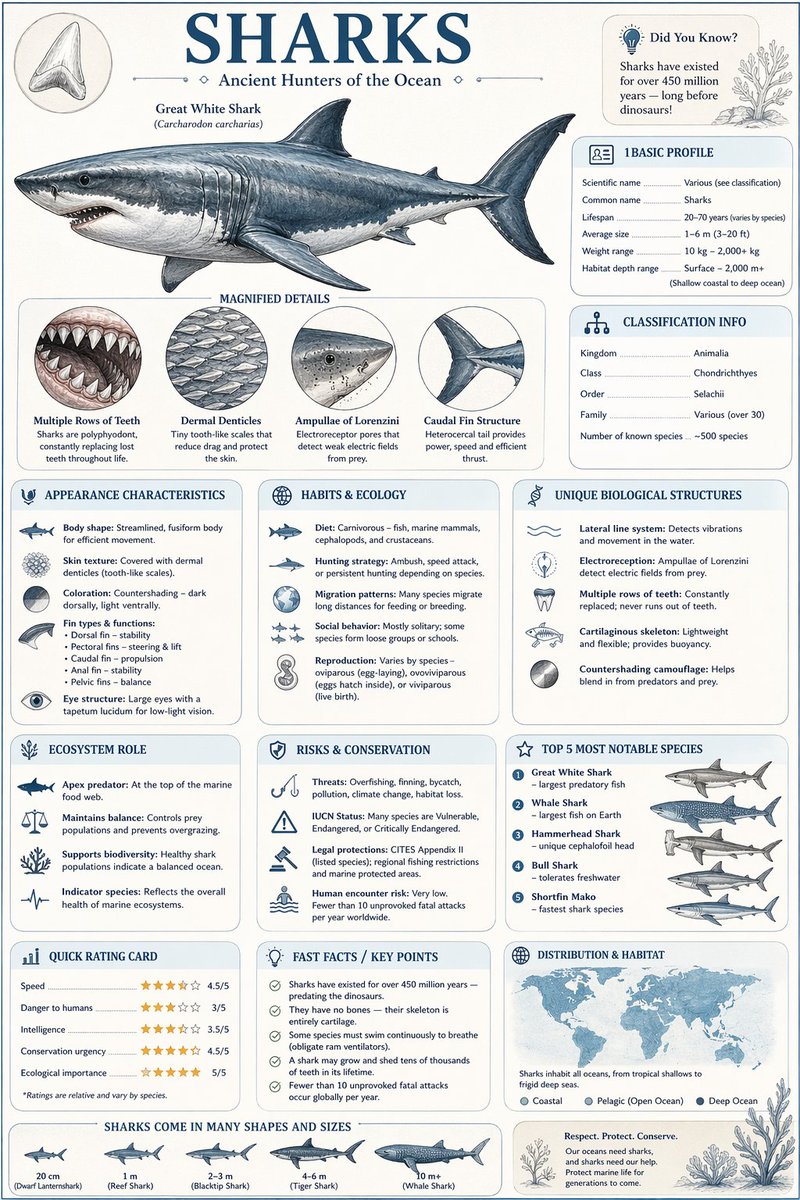
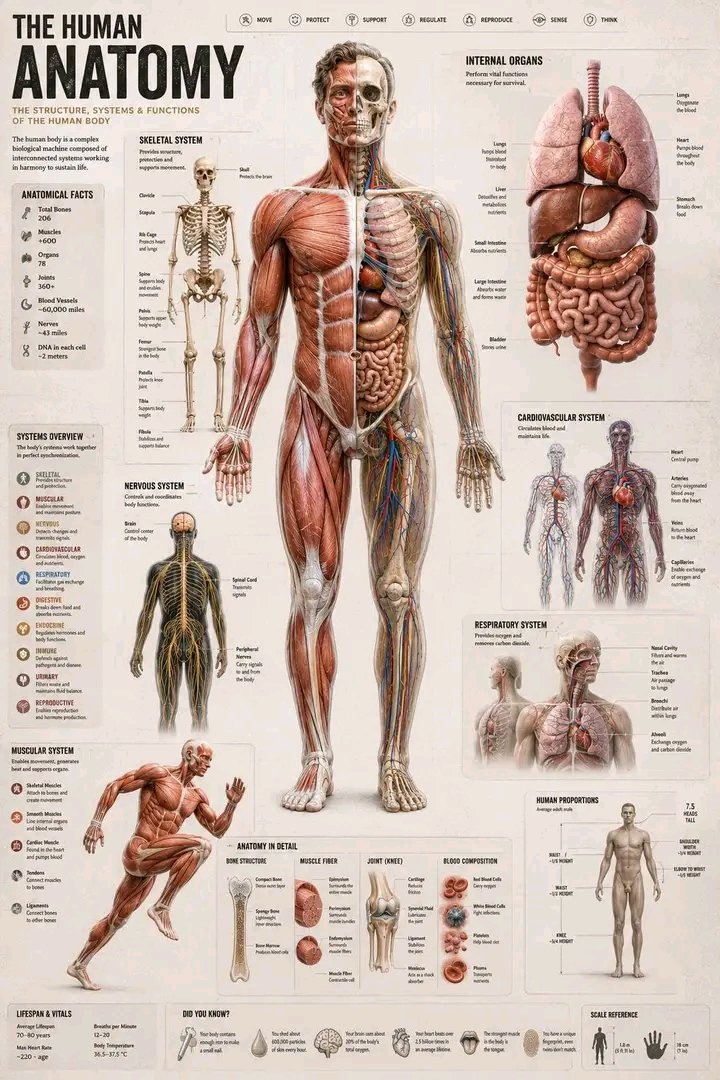
This page keeps the media, full prompt, and original source together so you can inspect the result first and decide whether the prompt is worth copying, saving, or comparing.
Case Insights
To make this page easier to search, cite, and reuse later, the case is also broken down into practical guidance about usage, visual cues, and prompt structure.
Best Fit Scenarios
- Use this as a model & community benchmark when you need a fast style baseline before rewriting your own prompt.
- It is especially helpful if your target overlaps with Portrait, Character, Typography and you want to judge the image result before tuning wording.
- Keep it as a control sample when you compare nearby prompt variants one variable at a time.
Visual Signals To Notice
- The clearest style signals here are Portrait, Character, Typography, so those should usually stay in your first rewrite.
- This kind of case is strongest when you watch deltas: what changed, what broke, and which prompt choice caused that shift.
- This case keeps one primary output, so the first image should be treated as the main visual reference.
How The Prompt Is Structured
- The prompt reads as a long, highly specified prompt, which is useful when you want to judge how much specificity this direction needs.
- Its keyword cluster is centered on Portrait, Character, Typography, so you can usually keep that cluster while swapping subject, camera, layout, or copy details.
- A practical rewrite path is: keep the outcome, keep the strongest style cues, then replace only the subject and environment blocks.
Good Follow-up Questions
- What changes first if you keep Portrait, Character, Typography but switch the subject matter?
- Which part of the result comes from section-level structure (Model & Community) versus tag-level style cues?
- Which related cases in the same section give you a cleaner or more extreme variation of the same direction?
Full Prompt
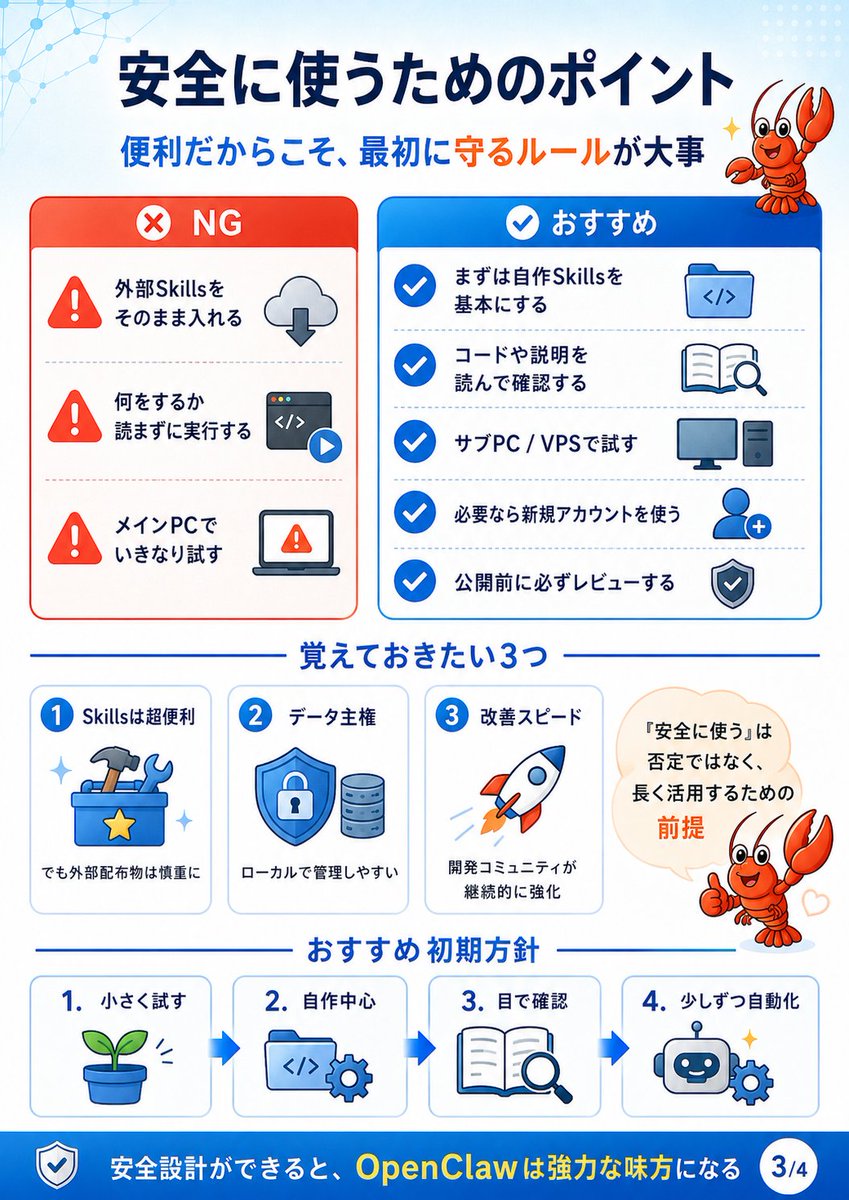
{"type":"Japanese educational infographic slide","topic":"safe use guidelines for OpenClaw / external Skills","style":"clean GPT-image-2 vector infographic, white background, blue and red accent colors, rounded cards, bold Japanese typography, simple flat icons, light tech network pattern in the top-left, dotted pattern in the top-right, friendly orange lobster mascot","canvas":{"aspect_ratio":"portrait 3:4","size":"768x1024","page_indicator":"3/4"},"headline":{"text":"{argument name=\"headline text\" default=\"安全に使うためのポイント\"}","position":"top center","color":"dark navy","subtitle":"{argument name=\"subtitle text\" default=\"便利だからこそ、最初に守るルールが大事\"}","subtitle_style":"blue sentence with the emphasized phrase 守るルール in orange"},"mascot":{"character":"{argument name=\"mascot character\" default=\"cute orange lobster mascot\"}","count":2,"placements":["top-right beside the title, smiling and raising claws with sparkle","mid-right inside a speech bubble area, giving thumbs-up with a small heart"],"style":"cartoon, glossy orange-red shell, expressive eyes, cheerful seminar guide"},"layout":{"main_comparison":{"position":"upper half","count":2,"cards":[{"title":"NG","position":"upper left","theme":"red warning card","header_icon":"white circle with red X","items_count":3,"items":[{"label":"外部Skillsをそのまま入れる","icon":"red warning triangle plus cloud download arrow"},{"label":"何をするか読まずに実行する","icon":"red warning triangle plus code window and play button"},{"label":"メインPCでいきなり試す","icon":"red warning triangle plus laptop warning screen"}]},{"title":"おすすめ","position":"upper right","theme":"blue recommendation card","header_icon":"white check mark in blue circle","items_count":5,"items":[{"label":"まずは自作Skillsを基本にする","icon":"folder with code brackets"},{"label":"コードや説明を読んで確認する","icon":"open book with magnifying glass"},{"label":"サブPC / VPSで試す","icon":"desktop monitor and tower"},{"label":"必要なら新規アカウントを使う","icon":"user silhouette with plus sign"},{"label":"公開前に必ずレビューする","icon":"shield with check mark"}]}]},"middle_section":{"title":"覚えておきたい3つ","position":"middle","count":3,"cards":[{"number":"1","title":"Skillsは超便利","icon":"blue toolbox with hammer, wrench, and gold star","caption":"でも外部配布物は慎重に"},{"number":"2","title":"データ主権","icon":"blue shield lock with database cylinders","caption":"ローカルで管理しやすい"},{"number":"3","title":"改善スピード","icon":"rocket launching upward","caption":"開発コミュニティが継続的に強化"}],"speech_bubble":{"position":"middle right","text":"『安全に使う』は否定ではなく、長く活用するための前提","emphasis":"前提 in orange"}},"bottom_flow":{"title":"おすすめ 初期方針","position":"lower third","count":4,"direction":"left to right with blue arrows between cards","steps":[{"number":"1.","label":"小さく試す","icon":"small green sprout in pot"},{"number":"2.","label":"自作中心","icon":"code folder with gear"},{"number":"3.","label":"目で確認","icon":"open book with magnifying glass"},{"number":"4.","label":"少しずつ自動化","icon":"smiling robot head with gear and sparkle"}]},"footer":{"position":"bottom blue bar","left_icon":"shield check icon","text":"{argument name=\"footer message\" default=\"安全設計ができると、OpenClawは強力な味方になる\"}","emphasis":"OpenClawは強力な味方 in yellow","page_badge":"3/4 in white circle"}},"visual_requirements":"Use crisp vector line art, consistent rounded rectangles, Japanese text clearly legible, strong hierarchy, balanced spacing, no photo realism, seminar slide / social media carousel style."}