Case Media
Case Notes
This page keeps the media, full prompt, and original source together so you can inspect the result first and decide whether the prompt is worth copying, saving, or comparing.
Case Insights
To make this page easier to search, cite, and reuse later, the case is also broken down into practical guidance about usage, visual cues, and prompt structure.
Best Fit Scenarios
- Use this as a model & community benchmark when you need a fast style baseline before rewriting your own prompt.
- It is especially helpful if your target overlaps with Portrait, Fashion, Poster and you want to judge the image result before tuning wording.
- Keep it as a control sample when you compare nearby prompt variants one variable at a time.
Visual Signals To Notice
- The clearest style signals here are Portrait, Fashion, Poster, so those should usually stay in your first rewrite.
- This kind of case is strongest when you watch deltas: what changed, what broke, and which prompt choice caused that shift.
- This case keeps one primary output, so the first image should be treated as the main visual reference.
How The Prompt Is Structured
- The prompt reads as a medium-detail prompt with clear visual constraints, which is useful when you want to judge how much specificity this direction needs.
- Its keyword cluster is centered on Portrait, Fashion, Poster, so you can usually keep that cluster while swapping subject, camera, layout, or copy details.
- A practical rewrite path is: keep the outcome, keep the strongest style cues, then replace only the subject and environment blocks.
Good Follow-up Questions
- What changes first if you keep Portrait, Fashion, Poster but switch the subject matter?
- Which part of the result comes from section-level structure (Model & Community) versus tag-level style cues?
- Which related cases in the same section give you a cleaner or more extreme variation of the same direction?
Full Prompt
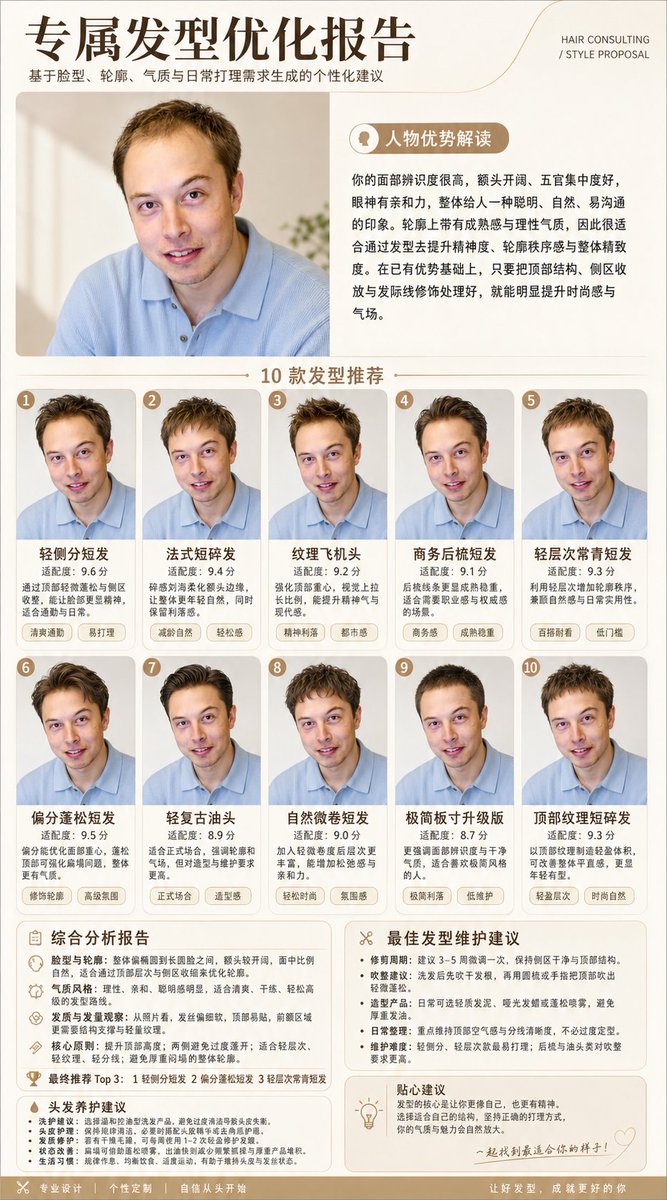
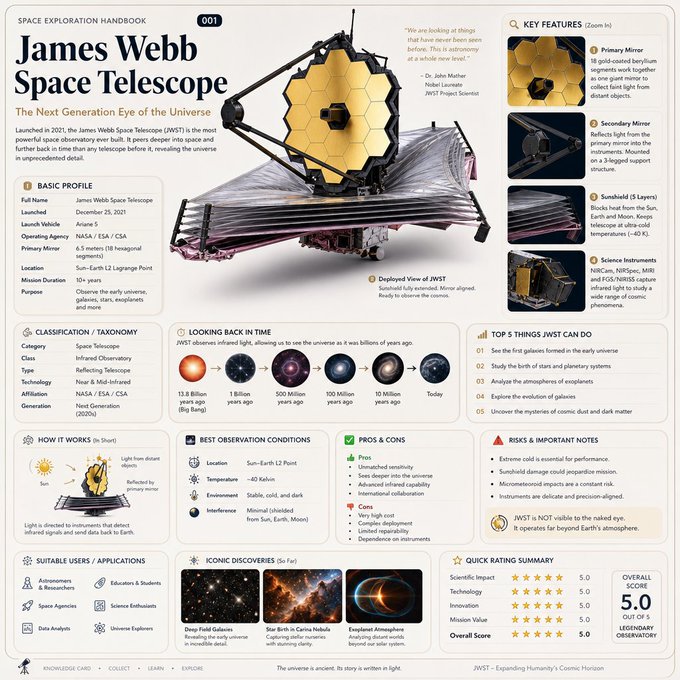
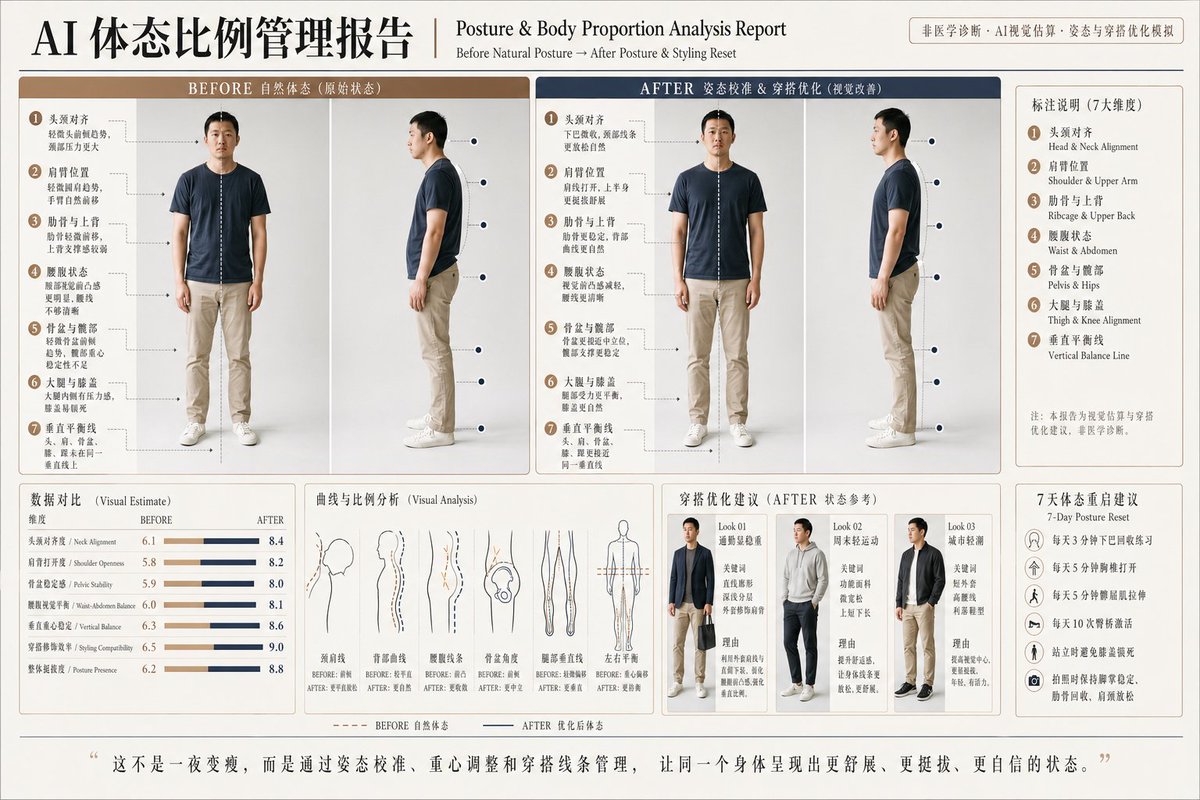
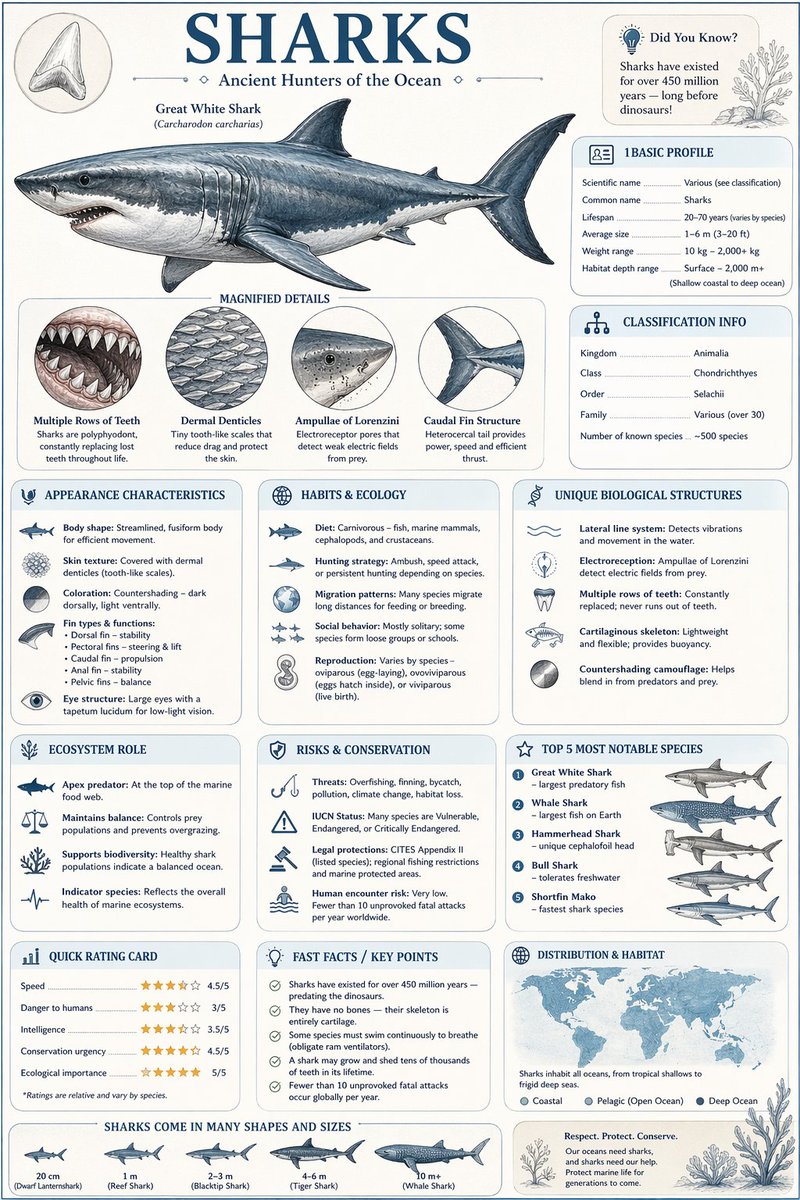
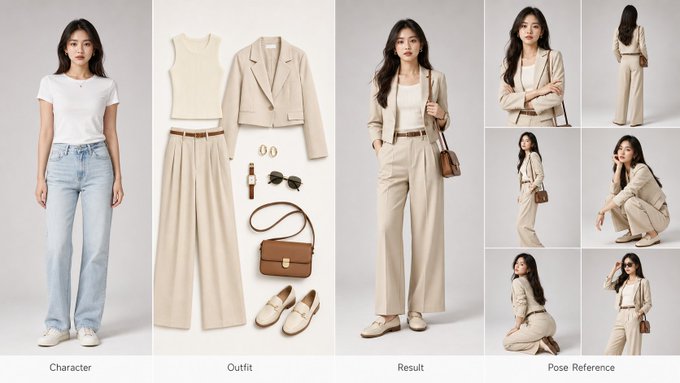
创建一张横版 16:9 四格式时尚换装完整参考海报,适用于 AI 换装训练与商业展示。 📐 版面布局(从左至右): ① 左格 —— Character(角色原型) 原始参考角色肖像,正面标准站姿,面部五官清晰可辨,发型与肤色真实自然,纯净浅灰色棚拍背景,专业人像摄影光效,半身至全身构图。 ② 中格 —— Outfit(穿搭平铺) 完整服装套组的精致平铺展示:上衣 / 外套 / 裤装或裙装 / 鞋履 / 包袋 / 配饰(腰带、帽子、首饰等),白色或浅米色无缝背景,商业产品级打光,每件单品边缘清晰,面料材质肌理清晰可见,按穿着逻辑从上至下有序排列。 ③ 右格 —— Result(换装效果) 同一角色穿着新服装的完整上身效果图,完美匹配原始角色的体型、肤色与面部特征,服装贴合身形自然,褶皱与垂感真实,光线与左格角色原图保持完全一致,姿态自然流畅,商业大片氛围。 ④ 右侧附加格 —— Pose Reference(姿势参考区) 六宫格小图排列,展示角色多角度姿态参考,具体包括: 正面半身特写(强调表情与面部细节) 背面全身站立姿势(发型与服装背部细节) 侧面 45° 斜角站姿(轮廓线与侧颜) 蹲坐姿势(双手抱膝或其他自然动作) 跪姿或低角度回头姿态(动态感与戏剧张力) 特征性标志动作(角色专属的自然习惯姿势) 🎨 整体视觉规格: 画面比例:16:9 横版超宽构图 画质标准:4K Ultra HD,锐度极高,无噪点 背景风格:各格独立简洁棚拍背景,整体色调统一协调 光线处理:三段式专业影棚布光,四格之间光线方向与色温高度统一 摄影风格:高级时尚大片美学,Vogue / Elle 商业广告级质感 材质表现:面料纹理、皮革光泽、金属配件反光均须真实还原 字体标注:各格底部居中标注英文标签,细线无衬线字体,低调优雅 🎯 核心生成要求: 角色面部一致性 ≥ 95%|服装上身贴合度真实自然|四格视觉风格高度统一|直出可用商业级图像