Case Media
Case Notes
This page keeps the media, full prompt, and original source together so you can inspect the result first and decide whether the prompt is worth copying, saving, or comparing.
Case Insights
To make this page easier to search, cite, and reuse later, the case is also broken down into practical guidance about usage, visual cues, and prompt structure.
Best Fit Scenarios
- Use this as a character design benchmark when you need a fast style baseline before rewriting your own prompt.
- It is especially helpful if your target overlaps with 35mm, Portrait, Character and you want to judge the image result before tuning wording.
- Keep it as a control sample when you compare nearby prompt variants one variable at a time.
Visual Signals To Notice
- The clearest style signals here are 35mm, Portrait, Character, so those should usually stay in your first rewrite.
- Look at silhouette, costume language, mood styling, and whether the character reads clearly at a glance.
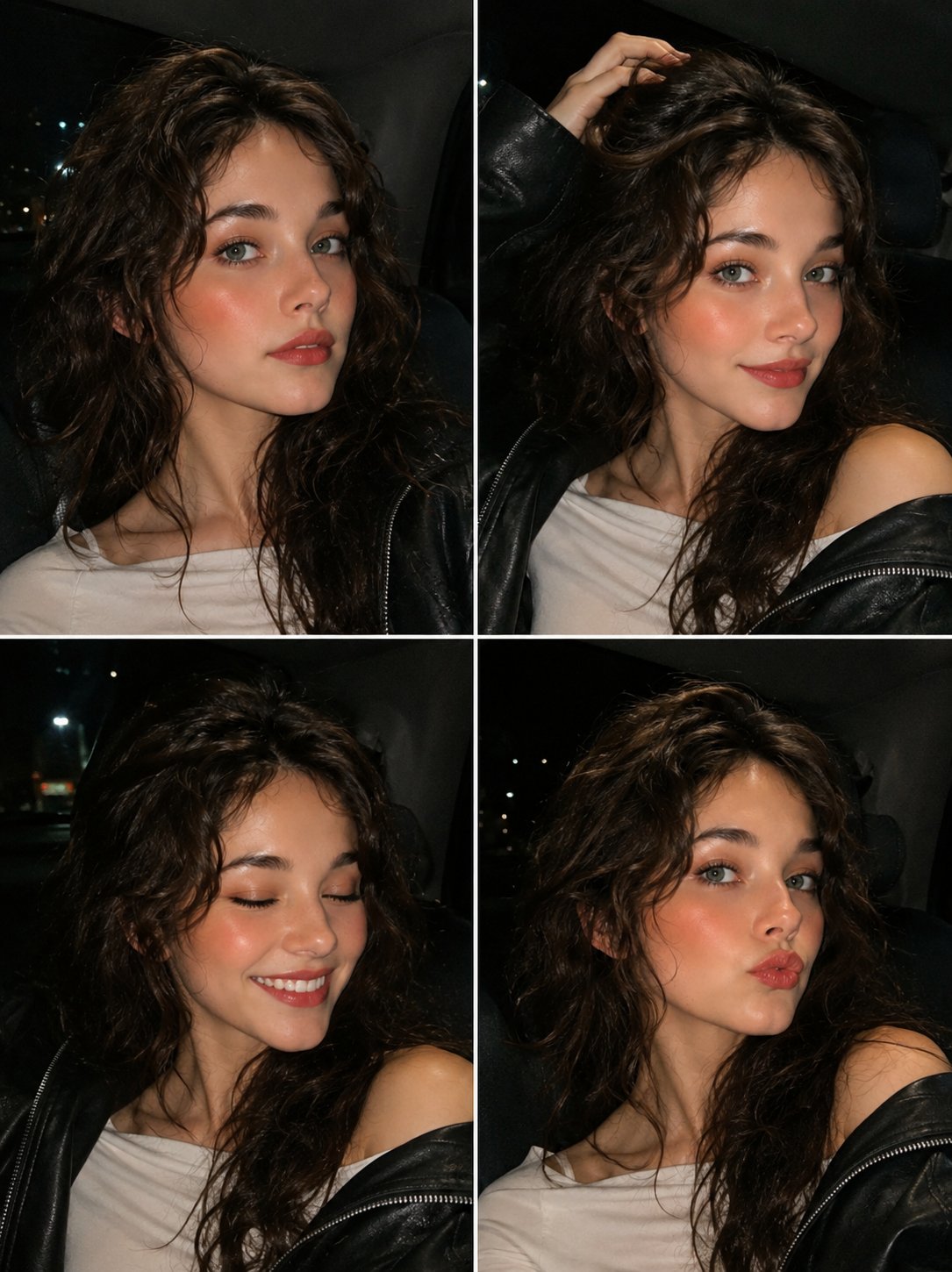
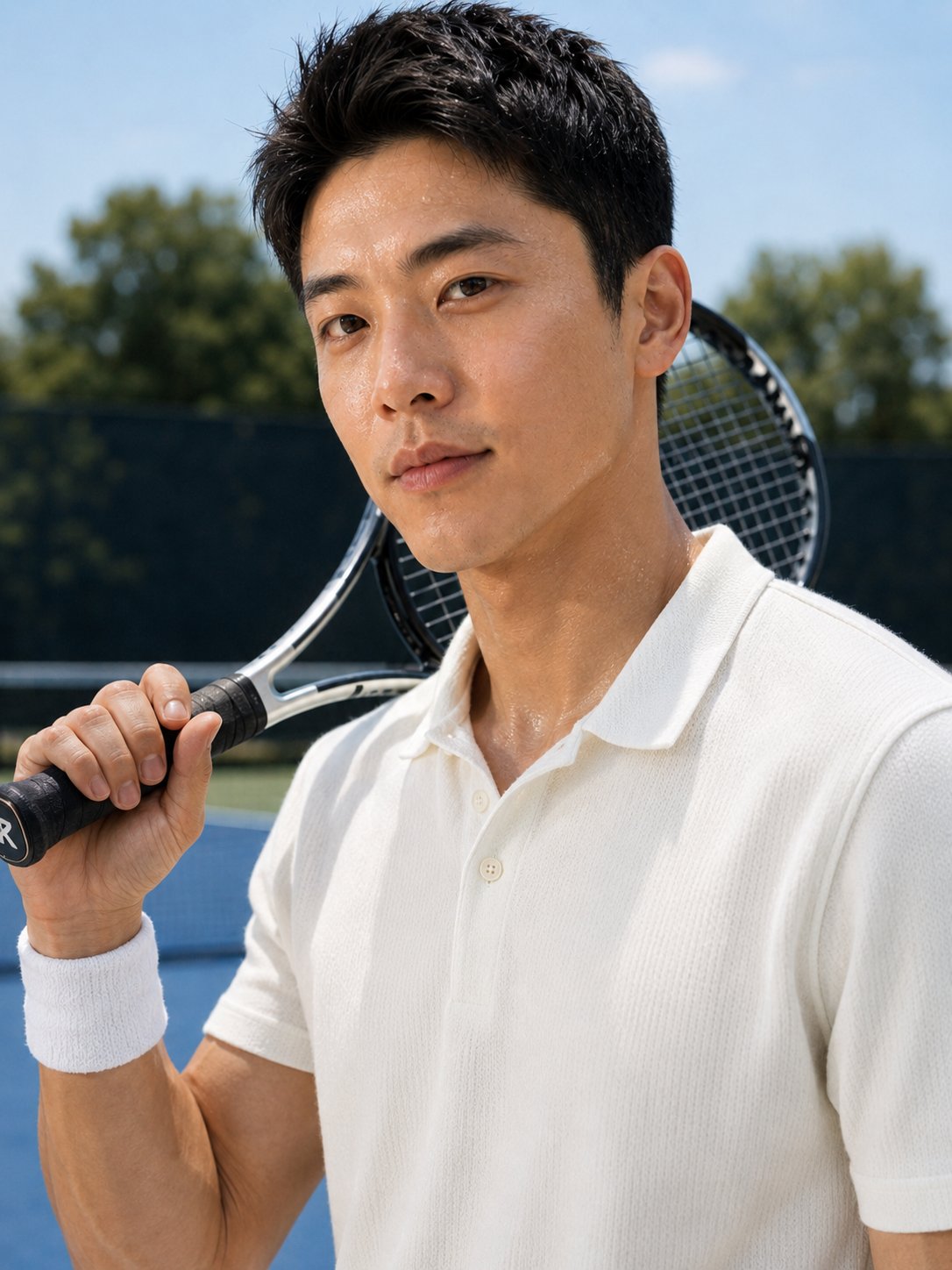
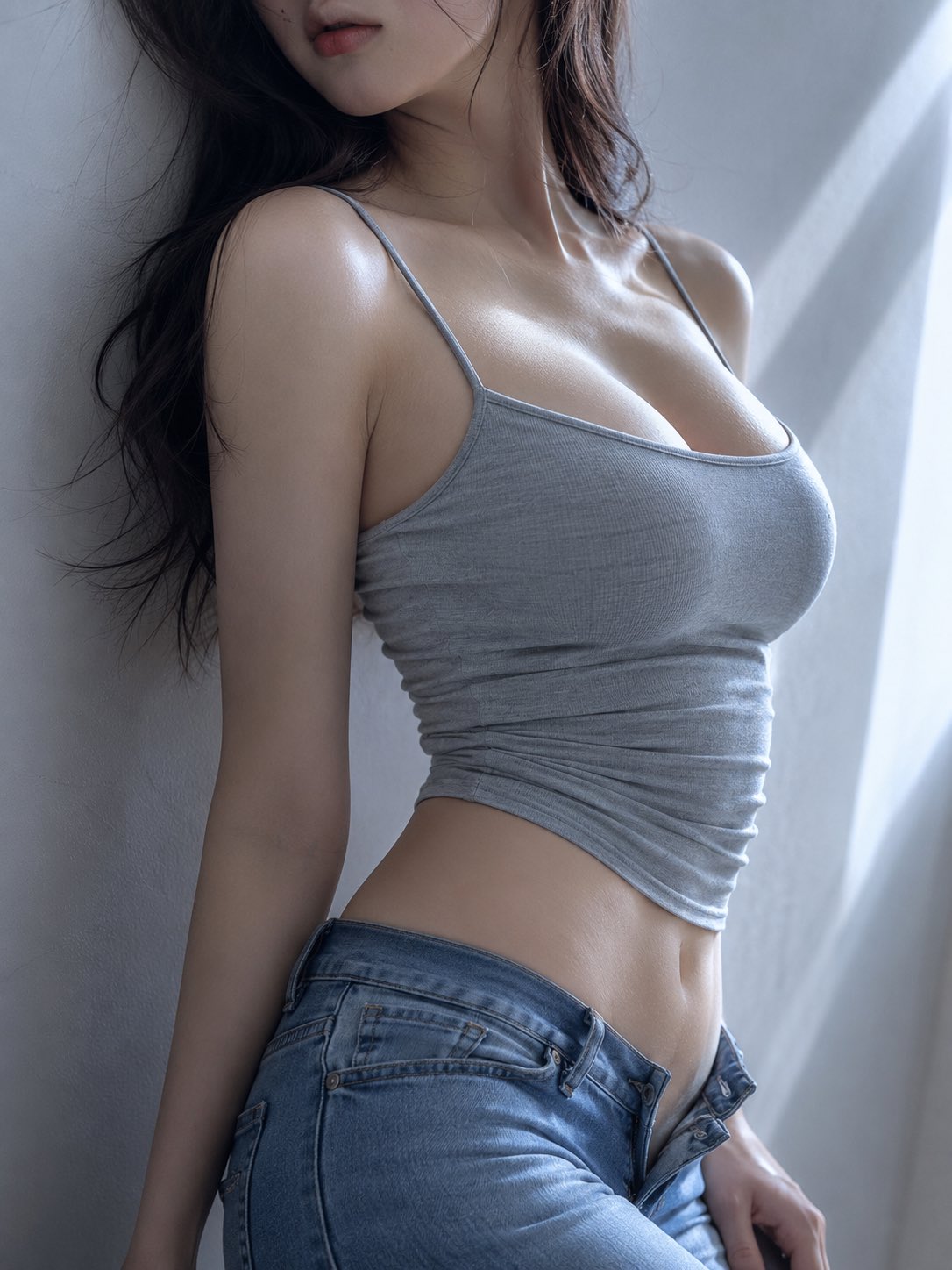
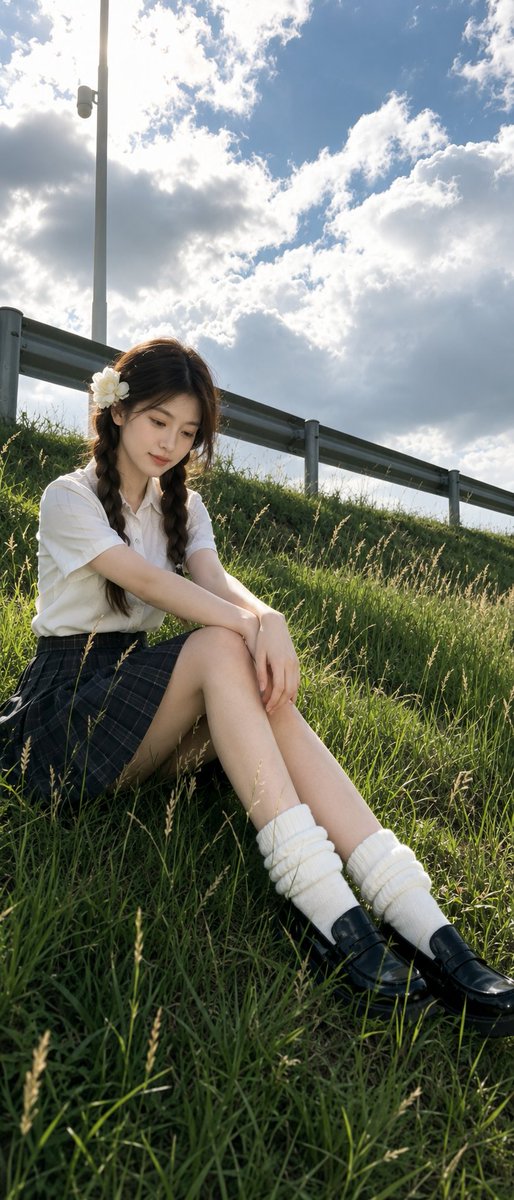
- This case keeps one primary output, so the first image should be treated as the main visual reference.
How The Prompt Is Structured
- The prompt reads as a long, highly specified prompt, which is useful when you want to judge how much specificity this direction needs.
- Its keyword cluster is centered on 35mm, Portrait, Character, so you can usually keep that cluster while swapping subject, camera, layout, or copy details.
- A practical rewrite path is: keep the outcome, keep the strongest style cues, then replace only the subject and environment blocks.
Good Follow-up Questions
- What changes first if you keep 35mm, Portrait, Character but switch the subject matter?
- Which part of the result comes from section-level structure (Character Design) versus tag-level style cues?
- Which related cases in the same section give you a cleaner or more extreme variation of the same direction?
Full Prompt
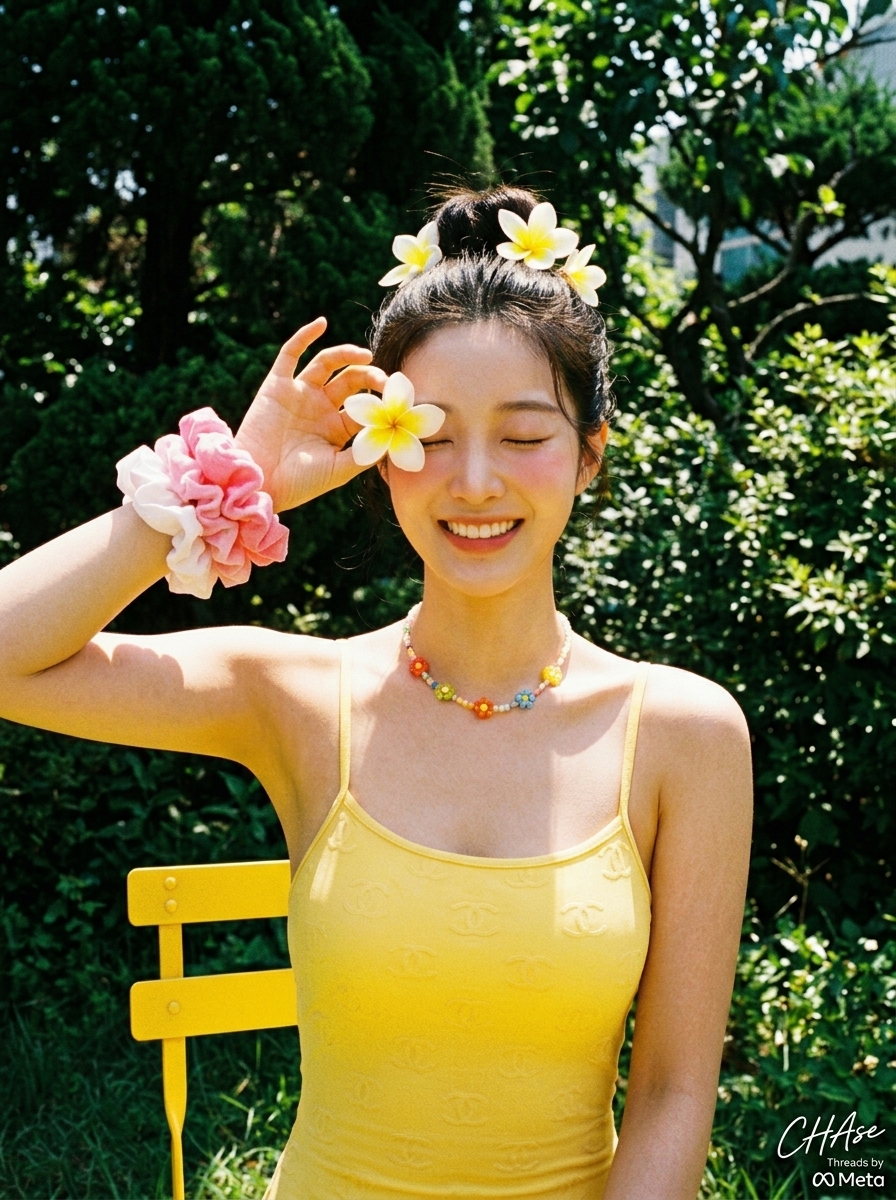
[Person] Refer to image {argument name="image number" default="1"}\n\n[Pose and Expression]\nA person laughing brightly with eyes closed in an outdoor garden. They have their right arm raised, holding a plumeria flower with a mix of white and {argument name="flower color" default="yellow"} near their right eye. The overall pose has a lovely, lively, and free-spirited tension.\n\n[Clothing]\nWearing a {argument name="swimsuit color" default="yellow"} one-piece swimsuit with thin straps, featuring a subtle embossed Chanel logo pattern on the surface. They are also wearing a colorful beaded floral necklace and several pink and white voluminous scrunchies layered on the right wrist as a cute accent.\n\n[Hairstyle and Makeup Details]\nA natural high bun styled at the crown of the head, decorated with plumeria flowers. The makeup is fresh, with transparent and clear skin expression showing fine peach fuzz, enhanced with pink blush on both cheeks for vitality.\n\n[Lighting and Direction]\nIntense, vivid direct natural sunlight from a clear day is illuminating the front of the subject. The strong sunlight makes the person's skin and the yellow of the swimsuit glow brightly, while deep, sharp shadows under the nose, chin, and inside the arms provide a strong sense of three-dimensionality and midsummer heat.\n\n[Texture and Color Mood]\nA retro and analog mood as if taken with a vintage film camera. The vivid yellow swimsuit and flower colors create a strong contrast with the dark green plants in the background, evoking a refreshing and happy midsummer vacation atmosphere.\n\n[Film and Camera Depth/Angle]\nShot from a front eye-level angle. It has the feel of direct sunlight as if a flash was used, with the subject in sharp focus overall. A rough grain texture characteristic of analog film photography covers the entire image, adding vintage nostalgia.\n\n[Background Elements (Optional)]\nBehind the person is a bright outdoor garden landscape with lush dark green shrubs and trees. In the lower-left corner, part of the backrest of a bright yellow outdoor metal chair is visible, and the strong light falling on the leaves completes the unique liveliness of a summer day.\n\n[Signature] A small Meta Threads logo is located in the lower right, with "CHAse" written in white cursive script like a small signature above it.