Case Media
Case Notes
This page keeps the media, full prompt, and original source together so you can inspect the result first and decide whether the prompt is worth copying, saving, or comparing.
Case Insights
To make this page easier to search, cite, and reuse later, the case is also broken down into practical guidance about usage, visual cues, and prompt structure.
Best Fit Scenarios
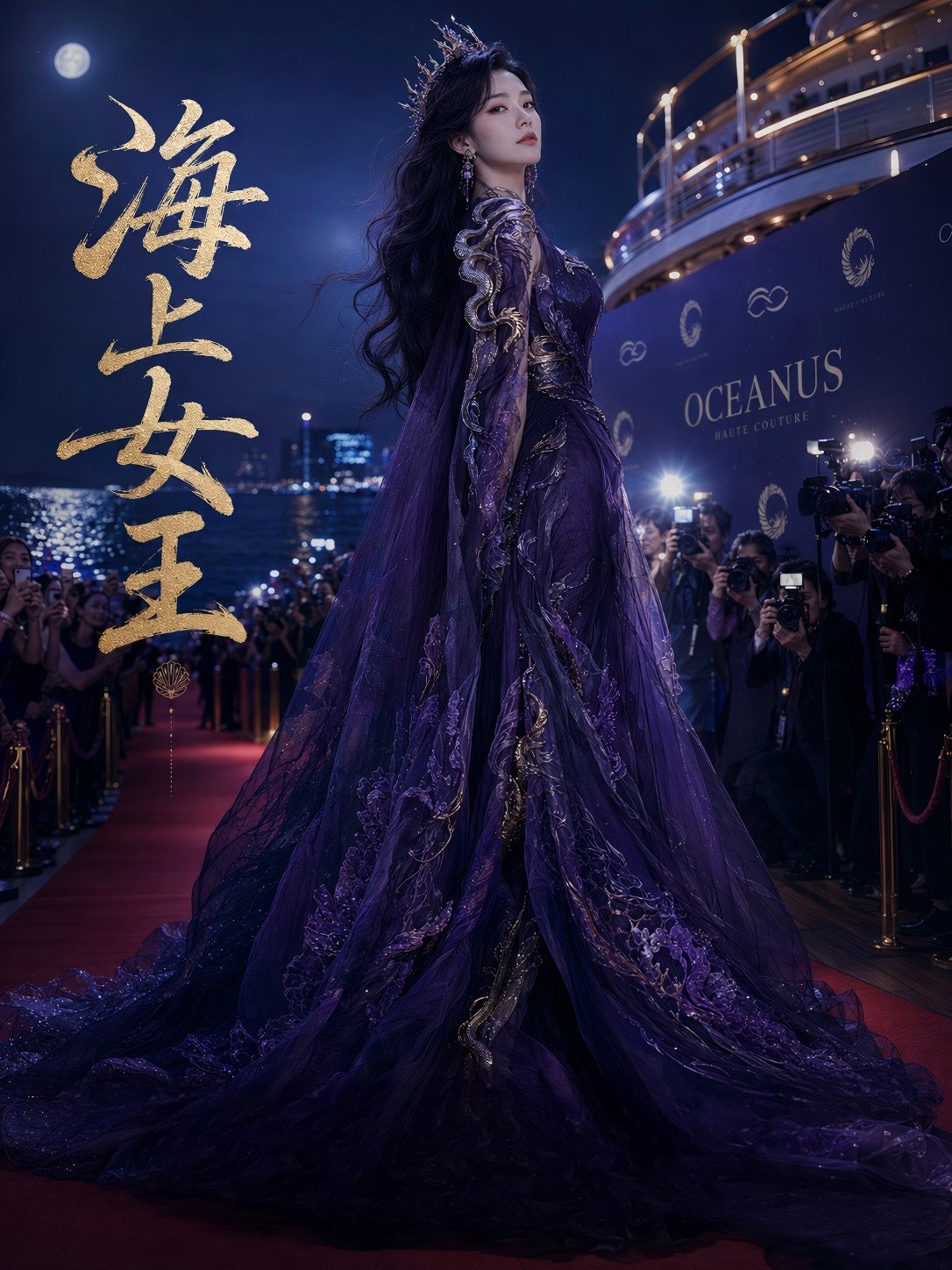
- Use this as a character design benchmark when you need a fast style baseline before rewriting your own prompt.
- It is especially helpful if your target overlaps with 35mm, Cinematic, Fashion and you want to judge the image result before tuning wording.
- Keep it as a control sample when you compare nearby prompt variants one variable at a time.
Visual Signals To Notice
- The clearest style signals here are 35mm, Cinematic, Fashion, so those should usually stay in your first rewrite.
- Look at silhouette, costume language, mood styling, and whether the character reads clearly at a glance.
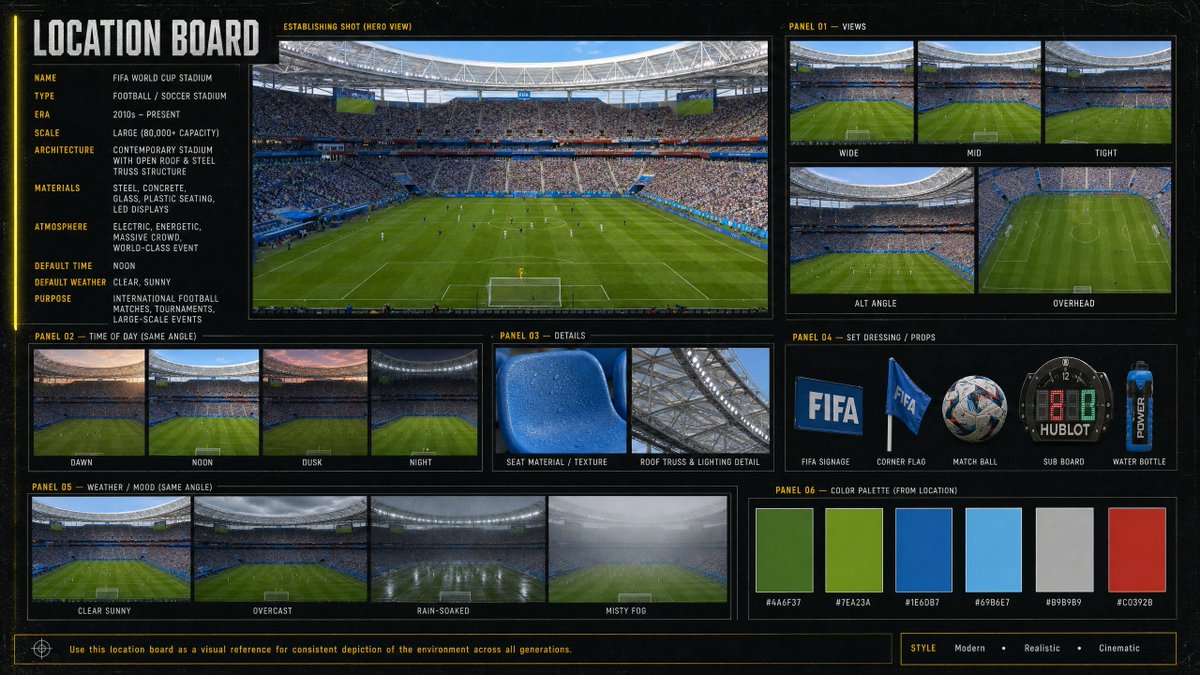
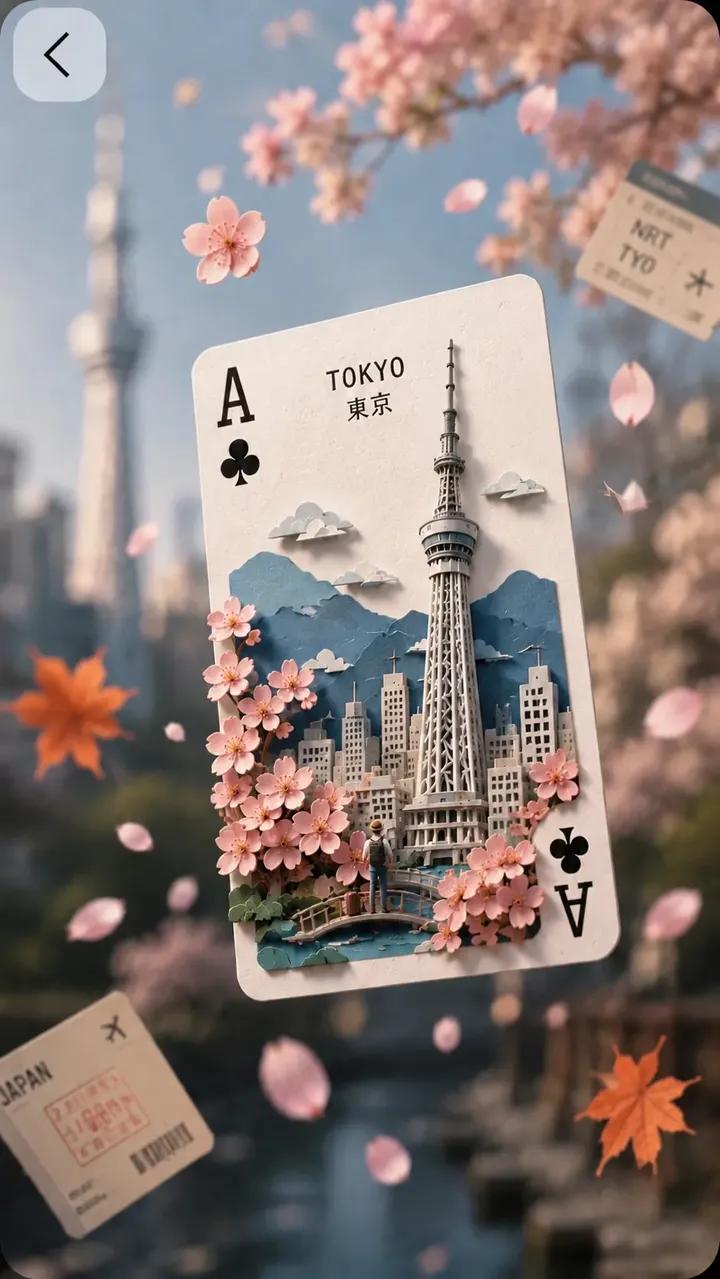
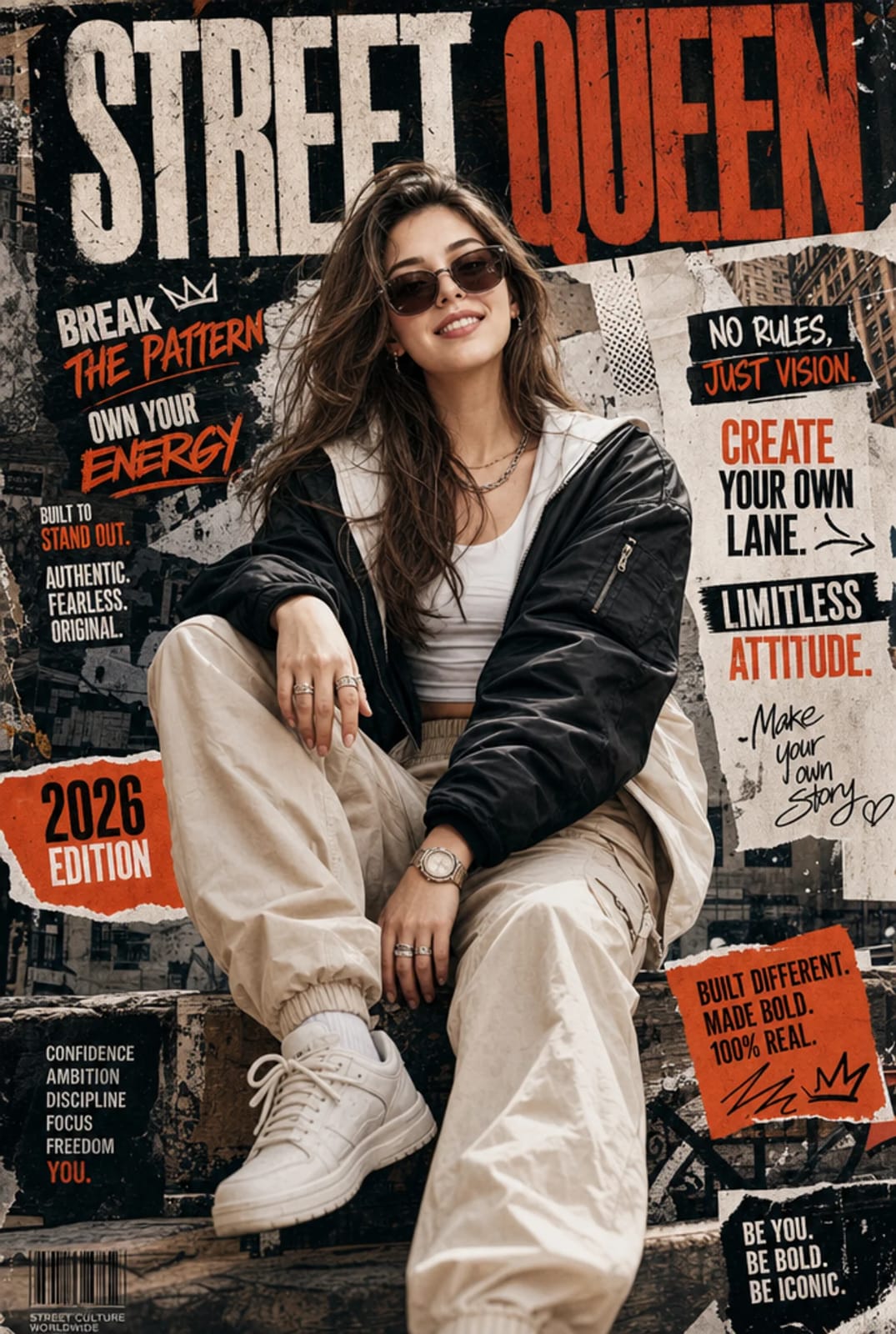
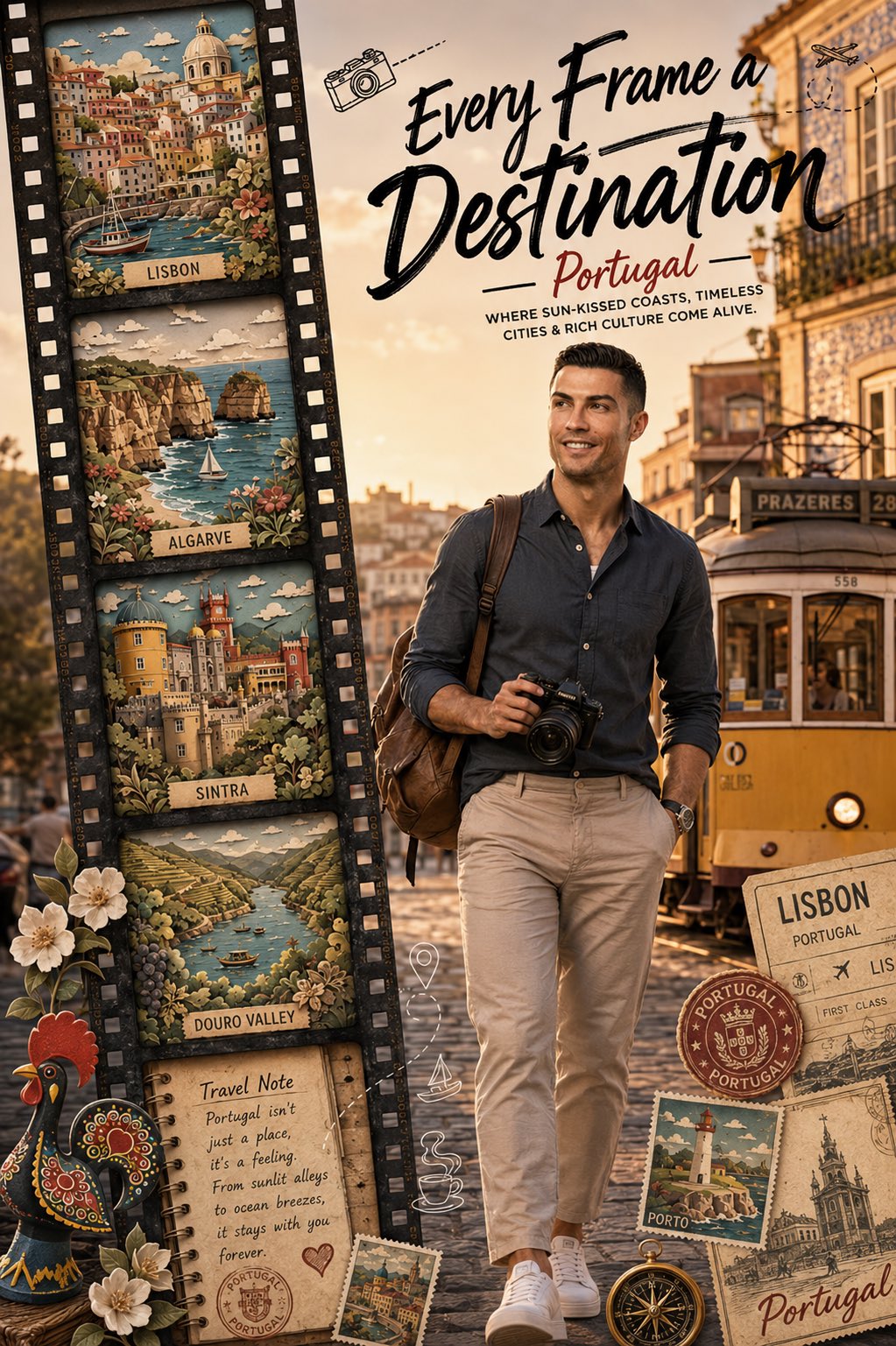
- This case keeps 2 media outputs, which makes it easier to check whether the style remains stable across multiple results.
How The Prompt Is Structured
- The prompt reads as a long, highly specified prompt, which is useful when you want to judge how much specificity this direction needs.
- Its keyword cluster is centered on 35mm, Cinematic, Fashion, so you can usually keep that cluster while swapping subject, camera, layout, or copy details.
- A practical rewrite path is: keep the outcome, keep the strongest style cues, then replace only the subject and environment blocks.
Good Follow-up Questions
- What changes first if you keep 35mm, Cinematic, Fashion but switch the subject matter?
- Which part of the result comes from section-level structure (Character Design) versus tag-level style cues?
- Which related cases in the same section give you a cleaner or more extreme variation of the same direction?
Full Prompt
[LOCATION] Generate all landmarks, scenery, cultural elements, architecture, wildlife, transportation, food, and local experiences automatically based on the destination. STYLE DIRECTION Combine three visual styles: 1. Photorealistic cinematic background 2. Premium stylized 3D traveler character 3. Handcrafted papercut diorama film-strip scenes The contrast between these styles should feel intentional, premium, and editorial. LAYOUT Vertical 4:5 poster format. LEFT SIDE: A large vintage black film strip running vertically from top to bottom. RIGHT SIDE: A highly detailed 3D traveler character walking confidently toward the viewer. CENTER/TOP: Large hand-lettered headline: "Every Frame a Destination" Generate a destination-inspired subtitle automatically. CHARACTER Create a premium stylized 3D travel creator. The character should automatically suit the destination: Examples: - Travel photographer - Travel vlogger - Adventure explorer - Wildlife photographer - Luxury traveler - Backpacker - Cultural storyteller Character requirements: - High-end 3D rendering - Photorealistic materials - Natural human proportions - Attractive and relatable - Walking confidently - Holding a professional camera - Wearing destination-appropriate clothing - Backpack or camera bag - Strong visual presence - Social-media-friendly appearance The traveler should be the main focal point of the poster. FILM STRIP Populate the film strip with 5 iconic destination highlights automatically selected from the location. IMPORTANT: Do NOT use photographs inside the film strip Each film frame should contain a handcrafted papercut diorama version of the destination. Papercut Diorama Style: - Layered paper artwork - Multiple depth layers - Paper-cut architecture - Paper-cut landscapes - Paper-cut vegetation - Miniature handcrafted appearance - Rich paper textures - Soft shadowing between layers - Premium paper sculpture craftsmanship - Editorial-quality design Each frame should feel like a miniature handcrafted world. One or two elements may slightly extend outside the film frame for depth. Examples: - Landmark extending beyond border - Wildlife partially escaping frame - Local transportation overlapping frame edge - Natural elements extending outside frame One frame should contain: - Travel journal page - Vintage stamp - Passport marks - Handwritten travel note - Destination-inspired quote BACKGROUND Create a photorealistic blurred background inspired by the destination. Examples: - Historic city streets - Coastal roads - Mountain scenery - Safari landscapes - Tropical settings - Cultural neighborhoods Requirements: - Cinematic golden-hour lighting - Soft depth of field - Photographic realism - Warm color grading - Background remains blurred enough to keep focus on character and film strip TRAVEL MEMORABILIA Add destination-specific: - Vintage stamps - Passport stamps - Travel tickets - Postcards - Travel badges - Local cultural symbols DOODLES Add minimal black-and-white travel doodles. Examples: - Airplane flight path - Camera icon - Location pin - Compass - Local transportation icon - Local food or drink icon - Small destination-themed symbols Keep doodles subtle and premium. VISUAL STYLE - Viral Instagram travel poster - Luxury tourism campaign - National Geographic meets modern Instagram - Editorial magazine cover - Premium travel branding - Award-winning design - Cinematic storytelling - Rich golden-hour lighting - Ultra-detailed textures - Professional typography - Strong visual hierarchy PRIORITY ORDER 1. 3D traveler character 2. Papercut diorama film strip 3. Typography 4. Travel memorabilia 5. Minimal doodles Avoid cartoon styling. Avoid low-poly aesthetics. Avoid stock-photo appearance The final result should feel like a premium travel campaign that is instantly understandable on Instagram while rewarding viewers with intricate papercut details when they zoom in.