Case Media
Case Notes
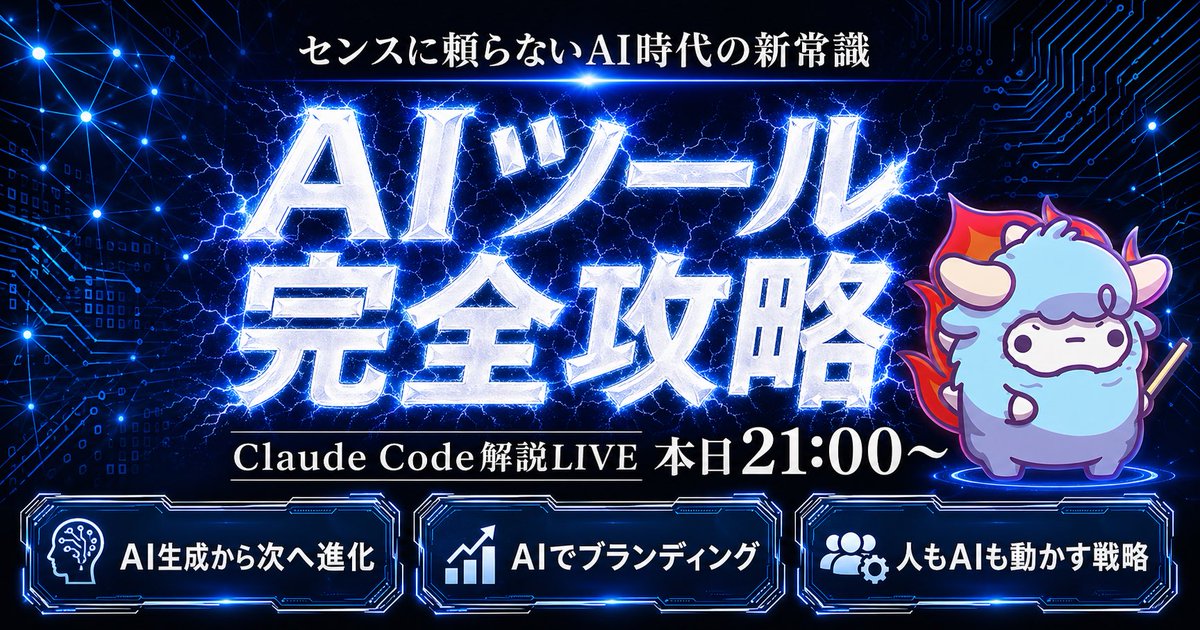
This page keeps the media, full prompt, and original source together so you can inspect the result first and decide whether the prompt is worth copying, saving, or comparing.
Case Insights
To make this page easier to search, cite, and reuse later, the case is also broken down into practical guidance about usage, visual cues, and prompt structure.
Best Fit Scenarios
- Use this as a character design benchmark when you need a fast style baseline before rewriting your own prompt.
- It is especially helpful if your target overlaps with Neon, Poster, Screenshot and you want to judge the image result before tuning wording.
- Keep it as a control sample when you compare nearby prompt variants one variable at a time.
Visual Signals To Notice
- The clearest style signals here are Neon, Poster, Screenshot, so those should usually stay in your first rewrite.
- Look at silhouette, costume language, mood styling, and whether the character reads clearly at a glance.
- This case keeps one primary output, so the first image should be treated as the main visual reference.
How The Prompt Is Structured
- The prompt reads as a long, highly specified prompt, which is useful when you want to judge how much specificity this direction needs.
- Its keyword cluster is centered on Neon, Poster, Screenshot, so you can usually keep that cluster while swapping subject, camera, layout, or copy details.
- A practical rewrite path is: keep the outcome, keep the strongest style cues, then replace only the subject and environment blocks.
Good Follow-up Questions
- What changes first if you keep Neon, Poster, Screenshot but switch the subject matter?
- Which part of the result comes from section-level structure (Character Design) versus tag-level style cues?
- Which related cases in the same section give you a cleaner or more extreme variation of the same direction?
Full Prompt
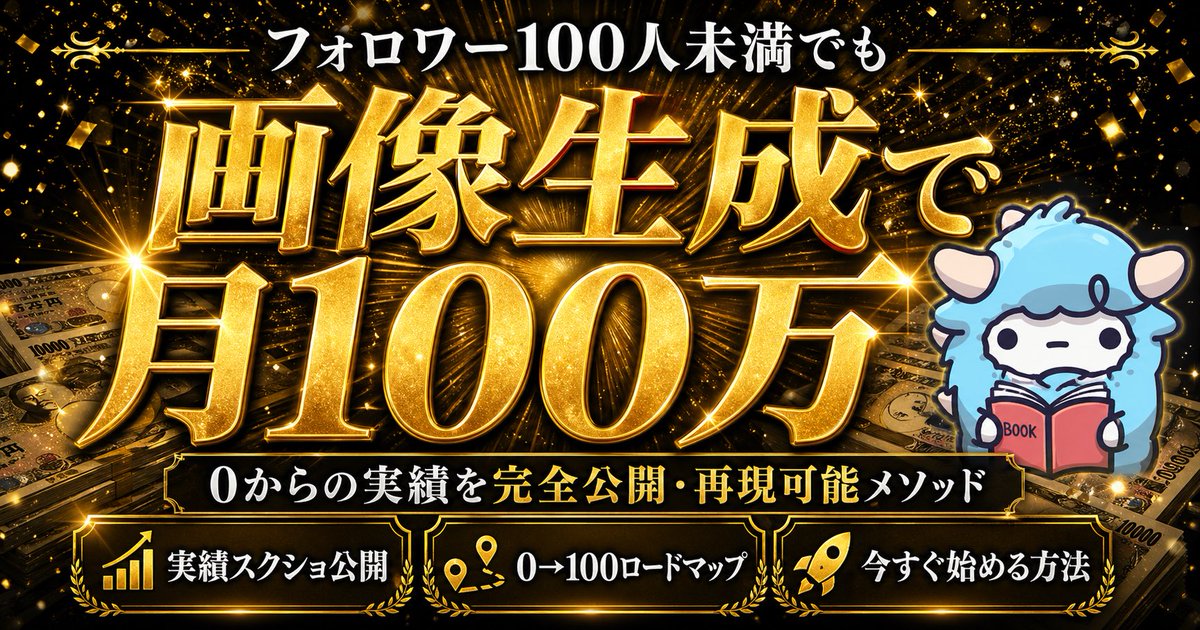
Create a flashy Japanese YouTube thumbnail in a dark futuristic cyber-tech style, 16:9 landscape composition, with a deep navy-to-black background filled with glowing blue circuit-board patterns, connected network nodes, tiny digital squares, and electric energy lines. At the top center, place a small white Japanese headline reading {argument name="headline text" default="センスに頼らないAI時代の新常識"}. In the center, add a massive 2-line Japanese title in metallic silver-white beveled lettering with intense neon-blue outer glow, electric lightning cracking behind and through the letters, reading {argument name="main title" default="AIツール 完全攻略"}. Beneath the main title, place one black horizontal banner with thin gold trim and white serif Japanese text reading {argument name="subheadline text" default="Claude Code 解説LIVE 本日21:00〜"}. On the right side, include 1 cute chibi sheep mascot standing on a glowing blue circular platform, with fluffy light blue and lavender fur, small horns, simple dot eyes, a neutral expression, outlined in purple-blue light, holding a short stick, and surrounded by a red-orange flame aura behind its body. Along the bottom, place 3 glowing futuristic rounded rectangular panels with blue neon borders and dark interiors, evenly spaced left to right. The left panel contains 1 white head-with-circuit icon and the Japanese text {argument name="bottom left label" default="AI生成から次へ進化"}. The center panel contains 1 white upward-trend chart icon and the text "AIでブランディング". The right panel contains 1 white group-and-gear icon and the text "人もAIも動かす戦略". Use extremely high contrast, glossy metallic text effects, layered blue rim lighting, energetic lightning, subtle lens glows, and a premium high-impact webinar thumbnail aesthetic.