Case Media
Case Notes
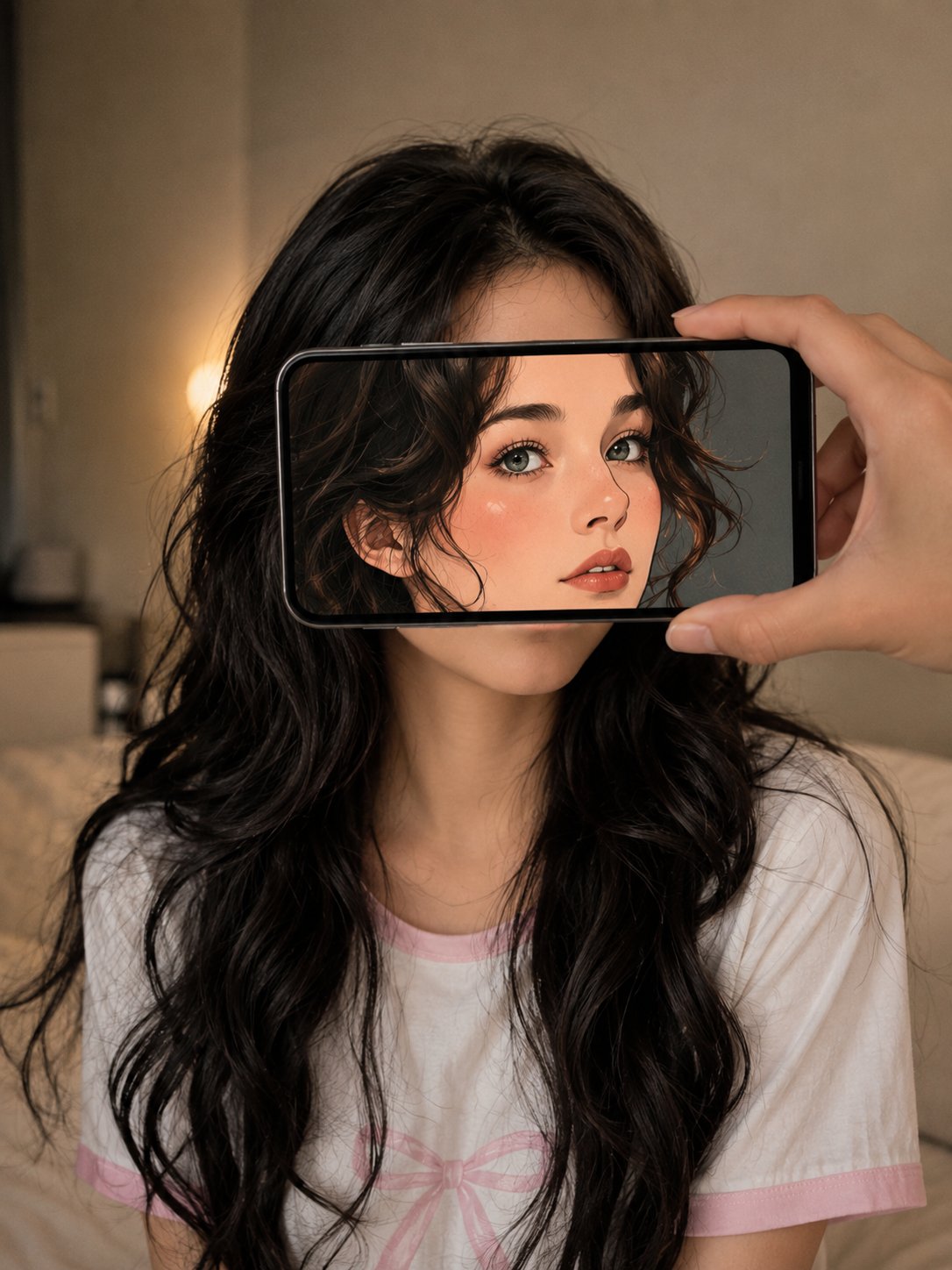
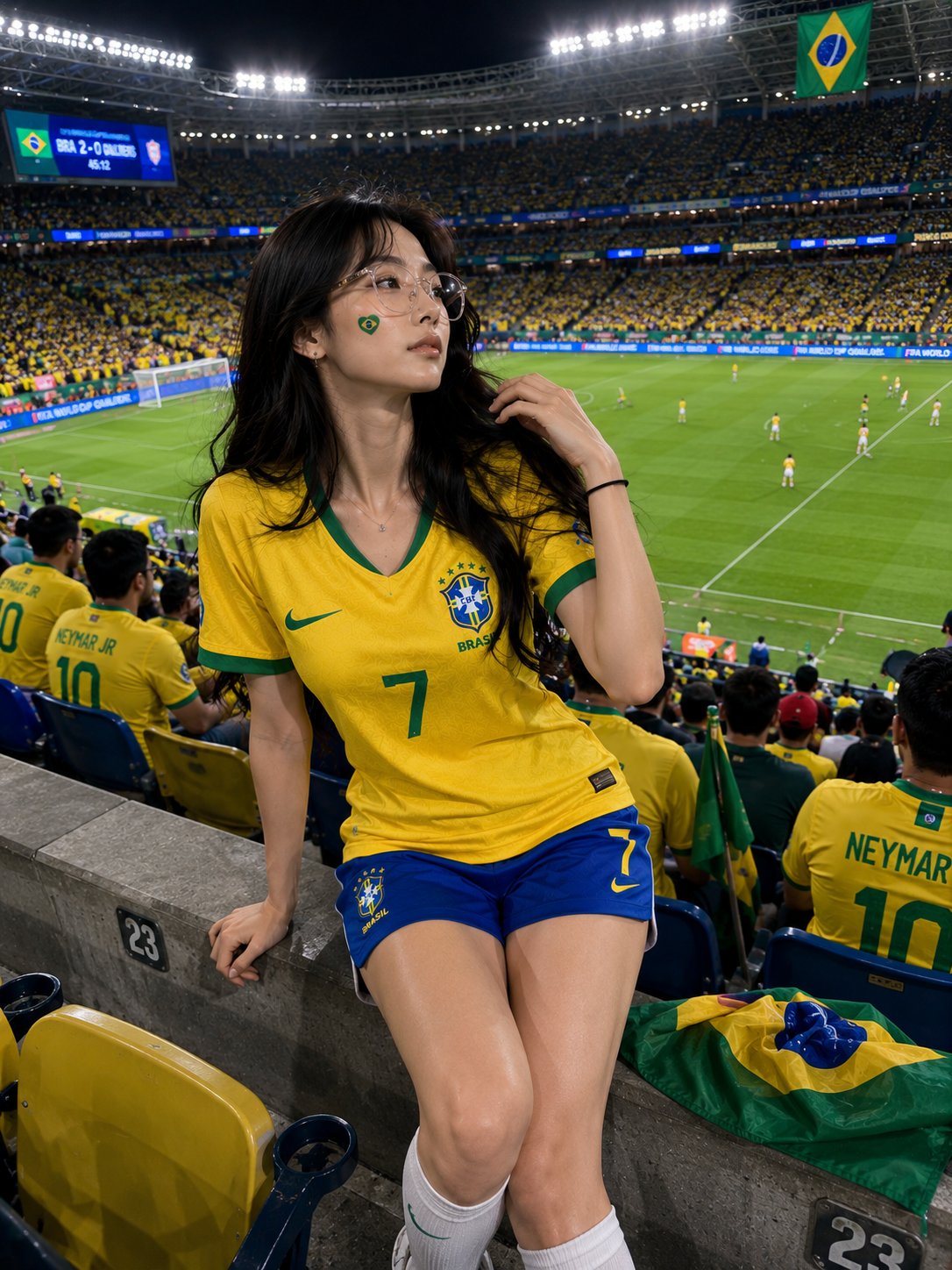
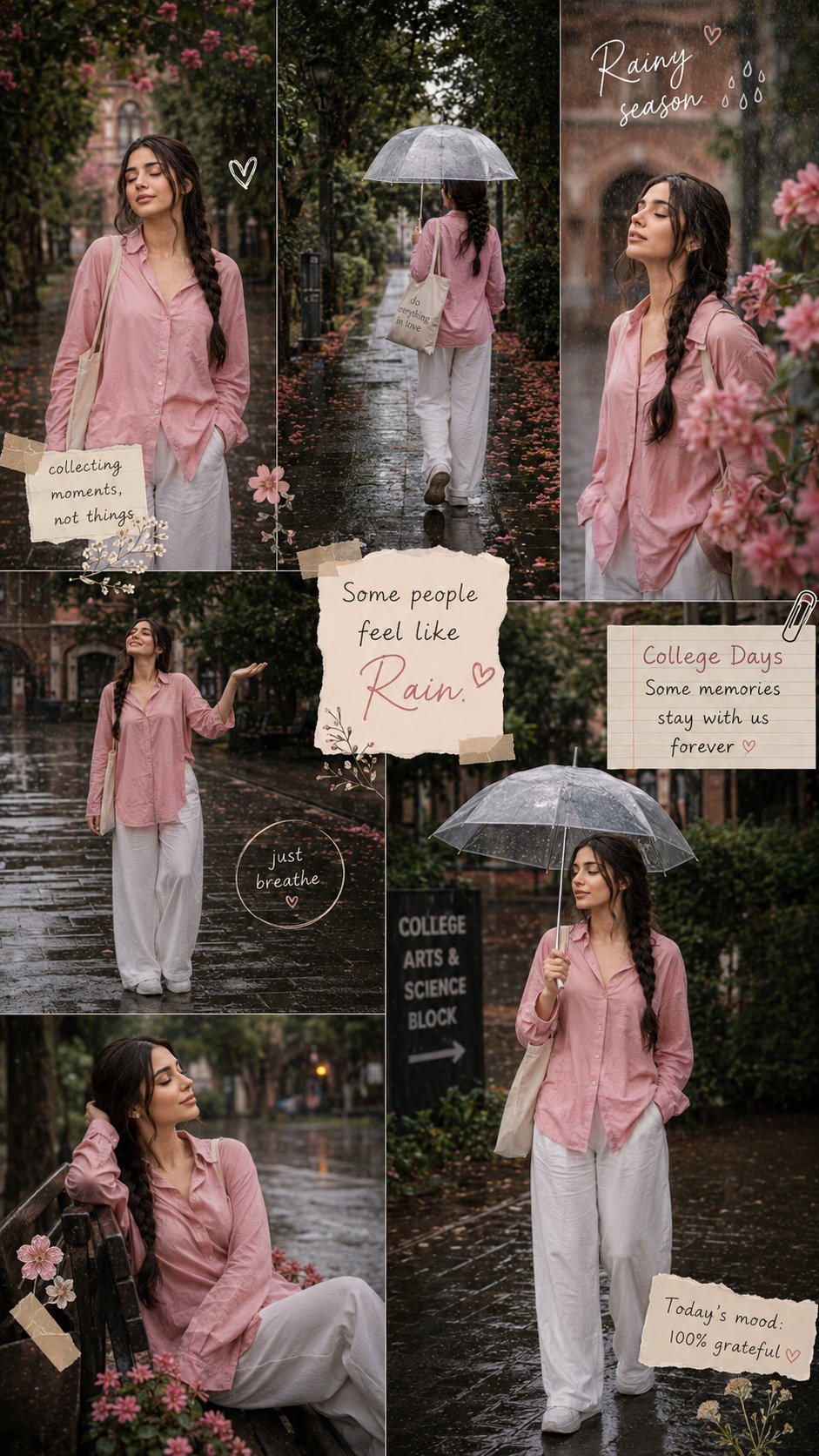
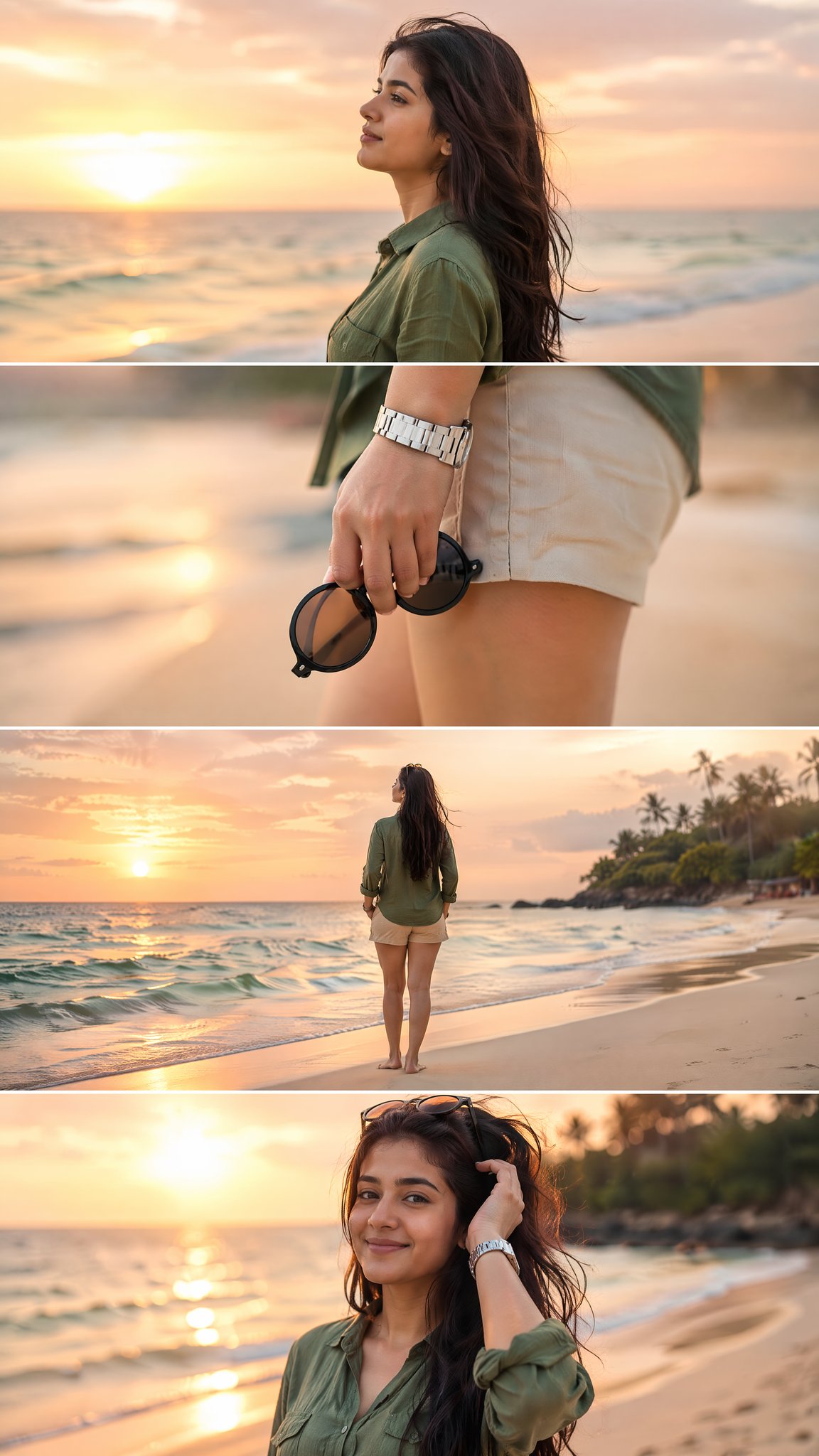
This page keeps the media, full prompt, and original source together so you can inspect the result first and decide whether the prompt is worth copying, saving, or comparing.
Case Insights
To make this page easier to search, cite, and reuse later, the case is also broken down into practical guidance about usage, visual cues, and prompt structure.
Best Fit Scenarios
- Use this as a character design benchmark when you need a fast style baseline before rewriting your own prompt.
- It is especially helpful if your target overlaps with Portrait, Cinematic, Fashion and you want to judge the image result before tuning wording.
- Keep it as a control sample when you compare nearby prompt variants one variable at a time.
Visual Signals To Notice
- The clearest style signals here are Portrait, Cinematic, Fashion, so those should usually stay in your first rewrite.
- Look at silhouette, costume language, mood styling, and whether the character reads clearly at a glance.
- This case keeps one primary output, so the first image should be treated as the main visual reference.
How The Prompt Is Structured
- The prompt reads as a long, highly specified prompt, which is useful when you want to judge how much specificity this direction needs.
- Its keyword cluster is centered on Portrait, Cinematic, Fashion, so you can usually keep that cluster while swapping subject, camera, layout, or copy details.
- A practical rewrite path is: keep the outcome, keep the strongest style cues, then replace only the subject and environment blocks.
Good Follow-up Questions
- What changes first if you keep Portrait, Cinematic, Fashion but switch the subject matter?
- Which part of the result comes from section-level structure (Character Design) versus tag-level style cues?
- Which related cases in the same section give you a cleaner or more extreme variation of the same direction?
Full Prompt
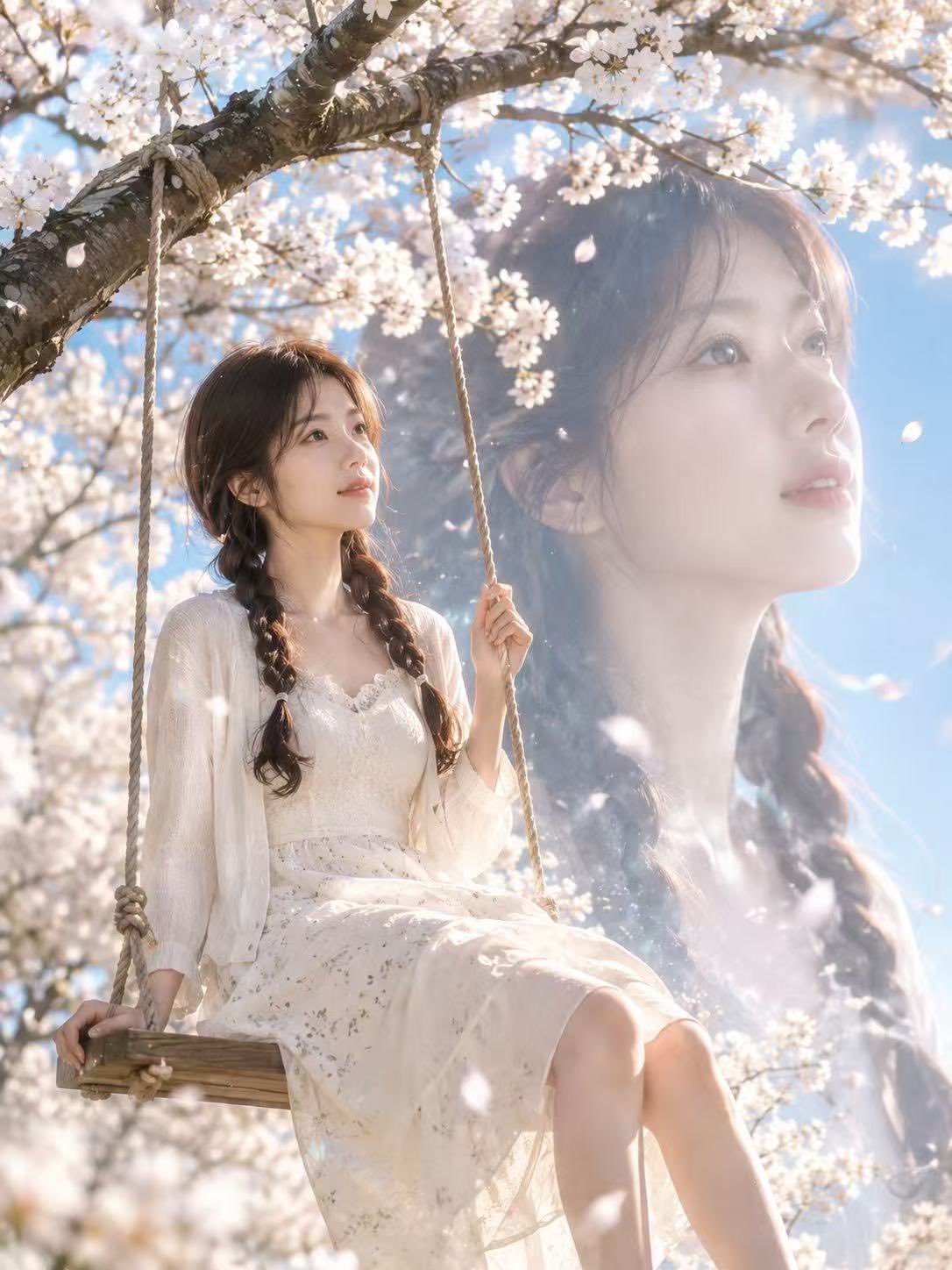
Use the uploaded portrait only as the identity reference: keep the person’s facial features, face shape, skin tone, hairstyle, hair length, and overall natural appearance consistent. Do not copy the original clothing, background, pose, lighting, or image style from the uploaded portrait. Create a realistic cinematic live-action portrait, not anime or illustration. A young woman is sitting gracefully on a wooden swing under blooming cherry blossom trees in spring. The scene is filled with soft white petals, warm sunlight, clear blue sky, gentle lens flare, and a dreamy romantic atmosphere. She looks slightly upward with a calm, quiet, elegant expression, not looking directly at the camera. Her posture is natural and relaxed, one hand gently holding the swing rope. The outfit should be chosen naturally based on the uploaded person’s appearance and vibe: refined, youthful, elegant, spring-inspired, stylish but not identical to any school-uniform or anime outfit. Use soft premium fabrics, light colors, tasteful details, and a clean modern aesthetic. Add a subtle cinematic double-exposure effect: a large translucent close-up side profile of the same person softly blended into the sky and cherry blossoms in the background, looking upward, ethereal and elegant. The double exposure must look like a real photographic art effect, not fantasy anime. Photorealistic skin texture, natural face proportions, realistic hair strands, realistic hands, realistic legs, soft natural makeup, delicate facial details, high-end editorial photography, shallow depth of field, 85mm portrait lens, soft backlight, spring breeze, floating petals, clean composition, premium cinematic color grading, dreamy but believable, ultra detailed, high resolution, vertical 4:5 composition.